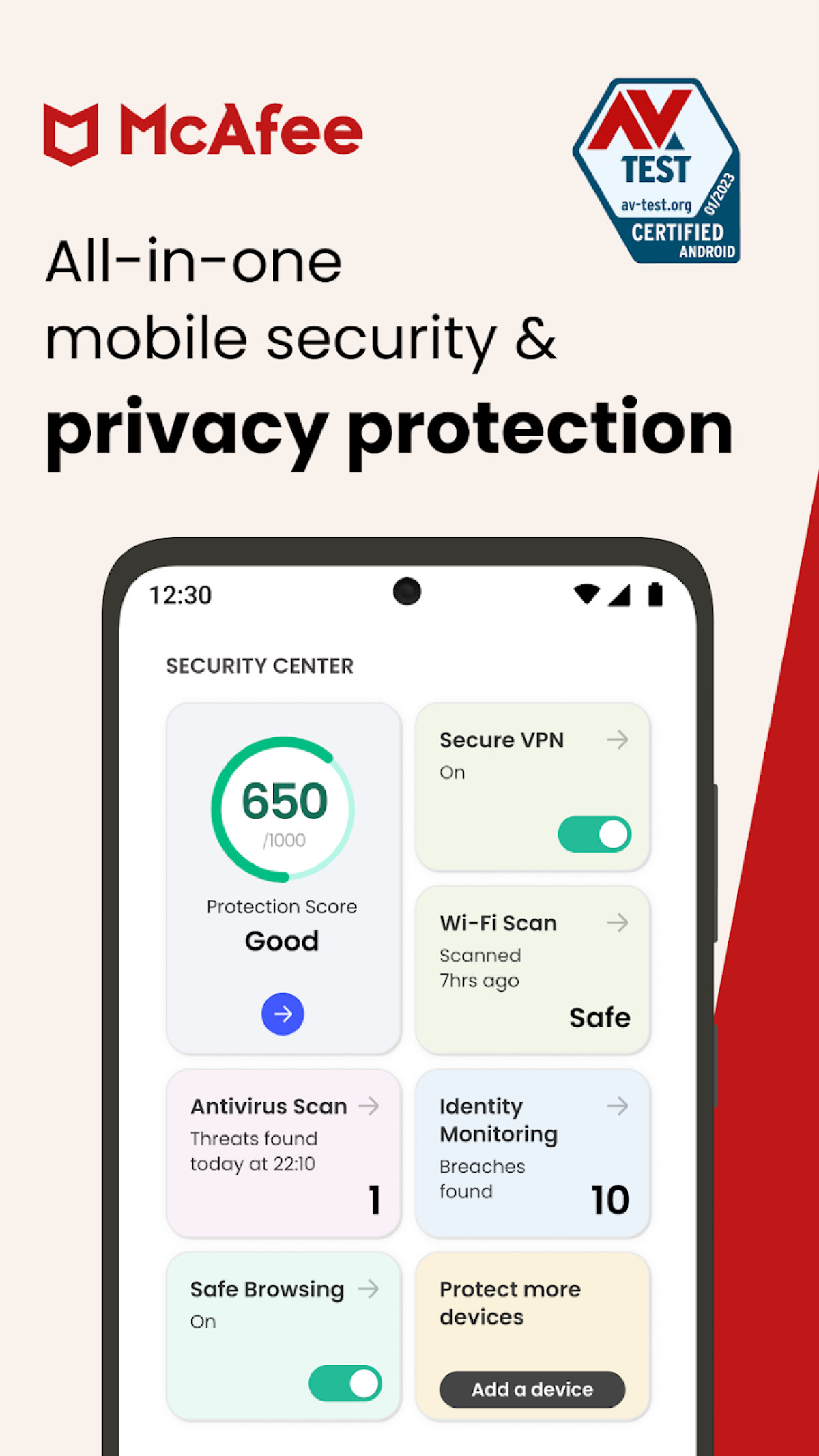
In 2026, the question of whether you need antivirus on Android depends on your digital habits and risk tolerance. While Google Play Protect provides a solid baseline of defense for most users, dedicated third-party antivirus software offers essential secondary layers—such as advanced anti-phishing, real-time web monitoring, and identity theft protection—that are critical for those who sideload applications or manage sensitive financial data on their mobile devices.
Understanding the Android Security Landscape in 2026
The Android ecosystem has matured significantly over the last decade. As of 2026, the operating system employs a multi-layered security architecture designed to contain threats before they can damage the system. To understand if a third-party antivirus is necessary, we must first examine what the Android OS does by default.
The Role of Google Play Protect
Google Play Protect remains the most widely deployed mobile threat protection service in the world. It utilizes machine learning models to scan over 100 billion apps daily. In 2026, this service is no longer just a simple scanner; it includes live threat detection that monitors app behavior in real-time, even when the device is offline. However, Play Protect is primarily focused on the Google Play Store environment. If a user ventures outside this "walled garden," the protection levels can fluctuate.
Application Sandboxing and Permissions
Android’s core security is built on "sandboxing." Every app runs in its own isolated environment. This means that, theoretically, one app cannot access the data of another app without explicit permission. Over the years, Google has refined the permissions model, moving toward "one-time permissions" and "approximate location" settings. While sandboxing is effective at preventing a total system takeover, it does not stop a malicious app from stealing the data you have specifically granted it access to, such as your contacts or SMS messages.
Why Built-in Security Might Not Be Enough
Despite the robustness of the Android OS, cybercriminals in 2026 have shifted their focus toward the human element and "zero-day" vulnerabilities. This is where traditional OS-level security often falls short, and where dedicated antivirus suites provide value.
The Rise of Sophisticated Phishing and Smishing
Phishing is no longer limited to poorly written emails. In 2026, "smishing" (SMS phishing) and social engineering attacks via messaging apps like WhatsApp or Telegram are rampant. These attacks do not necessarily involve "malware" in the traditional sense; instead, they lead users to fraudulent websites designed to harvest credentials. Most built-in Android protections do not scan the content of your incoming messages for malicious URLs as aggressively as a dedicated security suite like Bitdefender or Norton.
Sideloading and Third-Party App Stores
Sideloading—the process of installing apps from sources other than the official Play Store—remains the primary vector for Android malware. Whether it is a "modded" version of a popular game or a regional app not available in your country, these APK files bypass the rigorous screening process of Google Play. Third-party antivirus software acts as a gatekeeper here, performing deep heuristic analysis on APKs before they are allowed to execute.
Zero-Day Vulnerabilities and Patch Lag
While Google releases monthly security patches, the fragmentation of the Android ecosystem means that not all devices receive them simultaneously. Users with older hardware or devices from manufacturers with slow update cycles are often left vulnerable to known exploits for months. A third-party antivirus can provide "virtual patching" by monitoring for behaviors that exploit these unpatched vulnerabilities.
Key Features of Modern Android Antivirus Suites
If you decide to opt for an antivirus on Android in 2026, it is important to know what features actually matter. Modern mobile security has moved beyond simple file scanning.
- Real-Time Web Protection: This monitors your traffic at the network level, blocking malicious scripts and phishing sites before your browser even loads them.
- Scam Alert and Link Guard: Advanced suites now scan incoming SMS, emails, and messaging app notifications for suspicious links, providing a proactive warning.
- App Audit and Privacy Advisors: These tools analyze the apps already on your phone to tell you which ones are "leaking" data or have excessive permissions that could pose a privacy risk.
- Integrated VPN: To protect your data on public Wi-Fi, many antivirus providers now bundle a Virtual Private Network (VPN) to encrypt your connection.
- Anti-Theft Tools: While Google offers "Find My Device," third-party apps often include extra features like "Snap-the-Thief" (using the front camera to take a photo of anyone who fails the unlock code) and remote data wiping that is more granular.
Comparing Top Antivirus Solutions for Android (2026)
When choosing a provider, it is essential to look at independent testing scores from organizations like AV-Test and AV-Comparatives. The following table compares the leading options based on their 2026 feature sets and performance impact.
| Feature | Bitdefender Mobile Security | Norton 360 Antimalware | Avast Mobile Security | Google Play Protect (Built-in) |
|---|---|---|---|---|
| Malware Detection Rate | 99.9% | 99.8% | 99.7% | 90.0% - 95.0% |
| Phishing Protection | Excellent (AI-driven) | Excellent | Good | Basic |
| System Impact | Negligible | Low | Moderate | None |
| VPN Included | Yes (Daily Limit) | Yes (Unlimited) | Yes (Premium only) | No |
| Identity Monitoring | Yes | Yes | No | Basic (Dark Web Report) |
| Cost (Approx. 2026) | $14.99/year | $29.99/year | Free / $19.99/year | Included |
Impact on Performance: Battery and Speed Concerns
One of the most common arguments against installing an antivirus on Android is the fear of battery drain and system slowdown. In the early days of Android, this was a legitimate concern. However, in 2026, the architecture of mobile security apps has changed.
Modern antivirus apps use cloud-based scanning. Instead of the phone’s processor doing the heavy lifting of analyzing a complex file, the app sends a digital fingerprint (hash) of the file to the cloud. The server checks it against a massive database and returns a verdict in milliseconds. This process consumes very little battery.
Furthermore, these apps are now optimized to utilize Android’s "WorkSource" and "JobScheduler" APIs, ensuring that deep scans only occur when the device is charging or idle. Unless you are using an extremely budget-oriented device with less than 4GB of RAM, you are unlikely to notice any performance degradation.
Privacy vs. Security: The Data Collection Trade-off
While antivirus software protects you from external threats, it also requires significant access to your device to function. This creates a privacy paradox. To block malicious URLs, the antivirus must "see" the websites you visit. To block malicious SMS, it must "read" your messages.
When selecting an antivirus, it is crucial to read the privacy policy. Reputable vendors like ESET or Bitdefender have strict policies regarding data anonymization. Conversely, some "free" antivirus apps have been caught in the past selling user browsing data to third-party advertisers. In 2026, the rule of thumb is: if the security product is free, you are likely the product. Stick to established, paid brands that monetize through subscriptions rather than data harvesting.
Best Practices for Android Device Security
Installing an antivirus is only one part of a comprehensive mobile security strategy. To stay protected in 2026, you should follow these industry-standard guidelines:
- Enable Biometric Locking: Always use a fingerprint or facial recognition combined with a strong PIN. This prevents physical access if the device is lost or stolen.
- Audit Permissions Regularly: Go to
Settings > Privacy > Permission Manageronce a month. Revoke access for apps that no longer need your location, microphone, or contacts. - Keep the OS Updated: Security patches are your first line of defense. Even if your phone is a few years old, ensure you install every available "Google Play System Update."
- Use a Password Manager: Avoid reusing passwords across different sites. A mobile password manager can auto-fill credentials, which also protects against some types of screen-overlay phishing.
- Beware of "Cleaner" Apps: Many apps claiming to "speed up" or "clean" your Android device are actually adware in disguise. Android manages its own memory and cache effectively without these third-party utilities.
Troubleshooting Common Mobile Security Issues
If you suspect your Android device is already infected, look for these red flags:
- Rapid Battery Drain: If your battery life drops significantly overnight without increased usage, a malicious background process may be running.
- Unexplained Data Usage: Spyware often "phones home" to upload stolen data, leading to spikes in your data consumption.
- Pop-up Ads on Home Screen: If you see ads appearing when you are not even using a specific app, you likely have "adware" installed.
To resolve these issues, boot your phone into Safe Mode (usually by holding the power button and then long-pressing the "Power Off" icon). In Safe Mode, third-party apps are disabled. If the problem persists in Safe Mode, it is likely a system issue. If it stops, you can proceed to uninstall recently added apps or run a full scan with a reputable antivirus.
FAQs
1. Does Android have built-in antivirus?
Yes, every modern Android device comes with Google Play Protect. This service is built into the Google Play Store and automatically scans apps for malicious behavior. While it is effective for general threats, it may lack the advanced web protection and identity theft features found in third-party suites.
2. Can I get a virus on Android just by visiting a website?
While rare, "drive-by downloads" can occur if there is an unpatched vulnerability in your mobile browser. However, most mobile "viruses" require the user to manually click a link, grant a permission, or download an APK file. Modern browsers like Chrome and Firefox for Android have built-in sandboxing to minimize this risk.
3. Do free antivirus apps work on Android?
Free antivirus apps from reputable companies (like Sophos or Avast) provide decent malware scanning. However, they often include intrusive advertising or lack critical features like real-time web protection and VPNs. Avoid "no-name" free antivirus apps, as they are frequently used as fronts for data collection or adware.
4. Will an antivirus slow down my phone or drain the battery?
In 2026, the performance impact of a high-quality antivirus is minimal. Most scanning is done in the cloud or during idle times. You might see a battery impact of 1-2% over a full day, which is a small trade-off for the added security of real-time monitoring.
5. Should I use an antivirus if I only use the Google Play Store?
If you strictly use the Google Play Store and practice good digital hygiene, Google Play Protect is often sufficient. However, an antivirus adds a layer of protection against phishing, which can happen through browsers and messaging apps regardless of where you get your apps.
Final Recommendation
For the average user who only installs well-known apps from the Google Play Store, Google Play Protect provides adequate security. However, if you use your Android device for high-stakes activities—such as mobile banking, managing cryptocurrency, or accessing sensitive corporate data—or if you frequently sideload apps, investing in a premium antivirus like Bitdefender or Norton is a highly recommended safeguard in 2026. The peace of mind provided by real-time phishing protection and identity monitoring far outweighs the nominal annual subscription cost.