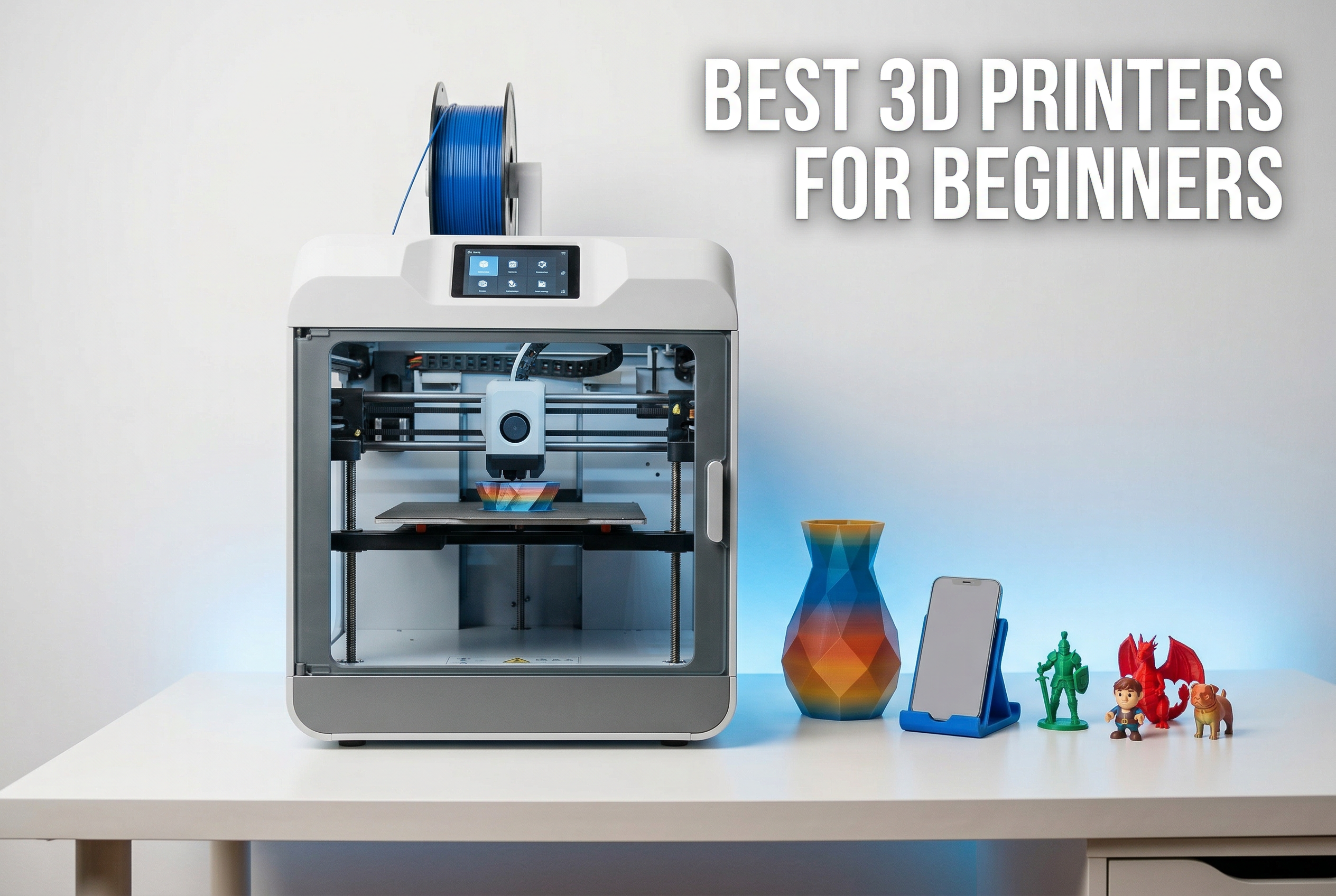
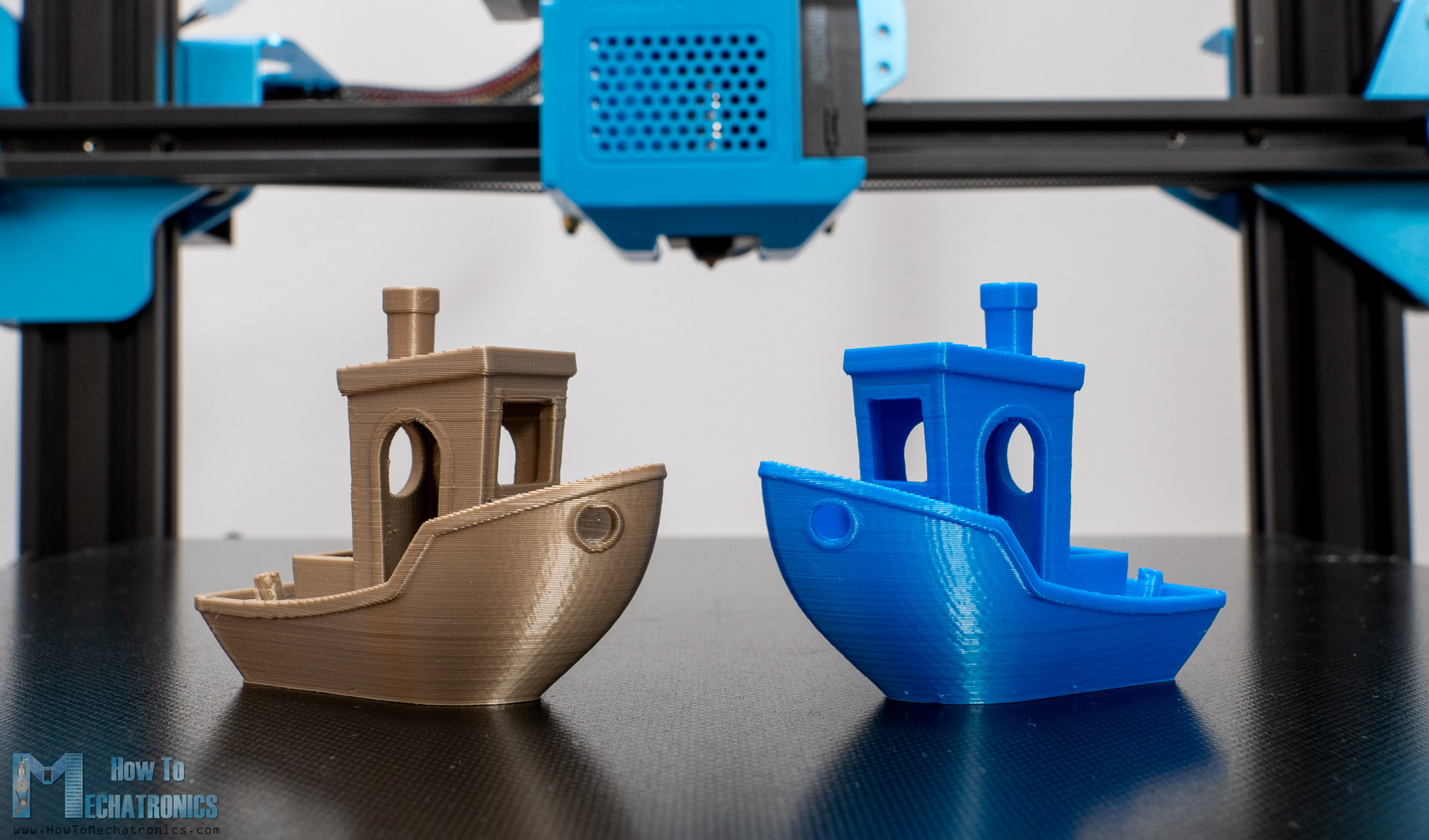
3D printing is the process of creating three-dimensional physical objects from digital files by depositing material layer by layer. For beginners, the journey involves selecting between FDM and Resin technologies, mastering slicing software to convert 3D models into machine-readable G-code, and calibrating hardware to ensure successful adhesion and structural integrity for every print.
The Evolution and Accessibility of 3D Printing in 2026
By 2026, 3D printing—technically known as additive manufacturing—has transitioned from a niche industrial process to a household and educational staple. Unlike subtractive manufacturing, where a block of material is carved away (like CNC machining), 3D printers build objects from the ground up. This efficiency minimizes waste and allows for the creation of complex geometries that would be impossible to manufacture through traditional molding or machining.
The landscape for beginners has shifted significantly. While early adopters had to spend dozens of hours assembling kits and manual tuning, the standard for 2026 is "out-of-the-box" functionality. High-speed printing, auto-leveling sensors, and integrated AI-assisted cameras that detect print failures are now common features in entry-level machines. However, the fundamental principles of thermodynamics, material science, and digital design remain the pillars of a successful printing experience.
FDM vs. Resin: Choosing Your First Technology
Before purchasing a printer, you must decide which technology aligns with your goals. The two most popular methods for consumers are Fused Deposition Modeling (FDM) and Resin-based printing (often MSLA or DLP).
Fused Deposition Modeling (FDM)
FDM printers are the most common entry point for hobbyists. They work by melting a plastic string, called filament, through a heated nozzle and extruding it onto a build plate. The nozzle moves in X and Y coordinates while the bed or the gantry moves in the Z direction to create layers.
FDM is preferred for:
- Functional parts: Brackets, tools, and mechanical prototypes.
- Large-scale objects: Helmets, cosplay armor, and storage bins.
- Ease of use: Filaments are non-toxic to touch and easy to store.
Resin (SLA/MSLA)
Resin printers use a liquid photopolymer housed in a vat. A light source (usually an LCD screen or laser) shines from beneath the vat, curing the resin into a solid layer against a build plate that slowly lifts out of the liquid.
Resin is preferred for:
- Extreme detail: Tabletop miniatures, jewelry molds, and dental models.
- Surface finish: Layers are almost invisible to the naked eye.
- Small, intricate designs: Anything requiring microscopic precision.
Anatomy of a 3D Printer: Key Components Explained
Understanding the hardware is essential for troubleshooting and maintenance. While FDM and Resin machines differ, they share a focus on precision movement and thermal/light control.
FDM Printer Components
- The Extruder: This is the heart of the machine. The "cold end" pulls the filament from the spool, while the "hot end" melts it. By 2026, most printers use "direct drive" extruders, where the motor sits directly above the nozzle, allowing for better control over flexible materials.
- The Nozzle: Typically made of brass or hardened steel, the nozzle diameter (standard is 0.4mm) determines the balance between print speed and detail.
- The Build Plate: This is the surface where the print begins. Modern printers favor PEI (Polyetherimide) coated spring steel sheets, which allow prints to stick when hot and pop off easily when cooled.
- Motion System: This includes stepper motors, timing belts, and lead screws. These components must be kept clean and tensioned to prevent "ghosting" or layer shifts.
Resin Printer Components
- The VAT/Tank: A reservoir for the liquid resin with a transparent bottom film, usually made of FEP or nFEP.
- The Build Plate: A flat metal surface that descends into the resin.
- The LCD Mask: In MSLA printers, this screen acts as a stencil, blocking UV light to create the shape of each layer.
- Z-Axis Rail: Resin printers rely on a very sturdy vertical rail to ensure consistent layer height, as even a 10-micron deviation can ruin a print.
Essential Materials: Filaments and Resins
The "ink" for your 3D printer determines the strength, flexibility, and heat resistance of your final object.
Common FDM Filaments
- PLA (Polylactic Acid): The gold standard for beginners. It is derived from cornstarch, emits a sweet smell, and does not require a heated enclosure. However, it becomes soft at temperatures above 60°C (140°F).
- PETG (Polyethylene Terephthalate Glycol): A more durable alternative to PLA. It is UV resistant and stronger, making it ideal for outdoor use or mechanical parts, though it is prone to "stringing."
- TPU (Thermoplastic Polyurethane): A rubber-like, flexible material used for phone cases or gaskets.
- ASA/ABS: High-strength plastics used in automotive parts. These require high temperatures and a ventilated enclosure due to the release of styrene fumes.
Resin Types
- Standard Resin: Great for visual models but can be brittle.
- Tough/ABS-like Resin: Formulated to withstand impact and bending.
- Water-Washable Resin: Allows for cleaning without high-concentration Isopropyl Alcohol (IPA), though the waste water must still be treated as hazardous.
- Castable Resin: Used by jewelers to create molds for precious metals.
The 3D Printing Workflow: Concept to Reality
Success in 3D printing is not just about the machine; it is about the software pipeline.
Step 1: 3D Modeling (CAD)
Every print starts with a digital 3D model. Beginners often start by downloading files from repositories like Printables, Thingiverse, or Thangs. If you want to design your own, Tinkercad is an excellent entry-level browser-based tool, while Fusion 360 or Onshape provide professional-grade parametric modeling.
Step 2: Slicing
You cannot send a 3D model (usually an .STL or .3MF file) directly to the printer. You must use a "Slicer" software (e.g., Cura, PrusaSlicer, or Bambu Studio). The slicer cuts the model into horizontal layers and generates G-code, a list of coordinates and instructions telling the printer where to move and how much material to extrude.
Key slicing parameters include:
- Layer Height: Thinner layers (0.1mm) look better but take longer; thicker layers (0.28mm) are faster but look coarser.
- Infill: The internal structure of the print. 10-15% infill is usually enough for decorative items, while 40% or more is used for structural parts.
- Supports: Temporary structures printed to hold up "overhangs" (parts of the model that hang in mid-air).
Step 3: Printing and Monitoring
Once the G-code is loaded via Wi-Fi, SD card, or USB, the printer begins the heating phase. The "first layer" is the most critical part of the process. If the first layer does not adhere perfectly to the bed, the entire print will eventually fail. By 2026, most machines include sensors to calibrate the Z-offset (the distance between the nozzle and the bed) automatically.
Comparing Technology: FDM vs. Resin for Beginners
| Feature | FDM Printing | Resin (SLA/MSLA) Printing |
|---|---|---|
| Primary Material | Plastic Filament (Spools) | Liquid Photopolymer (Bottles) |
| Detail Level | Moderate (Visible Layers) | Extremely High (Near-Seamless) |
| Setup Mess | Very Low | High (Requires Gloves/Masks) |
| Post-Processing | Minimal (Removing Supports) | High (Washing and UV Curing) |
| Durability | High (Great for Functional Parts) | Moderate (Can be Brittle) |
| Odor/Fumes | Low (with PLA/PETG) | High (Requires Ventilation) |
| Build Volume | Generally Larger | Generally Smaller |
Safety and Environmental Considerations
While 3D printing is generally safe for home use, it involves high temperatures and chemicals that require respect.
Ventilation and Air Quality
FDM printing with materials like ABS or ASA releases Volatile Organic Compounds (VOCs) and ultrafine particles. Even PLA can emit minor fumes. It is best practice to operate printers in a well-ventilated room or use an enclosure with a HEPA/Carbon filter. Resin printing is more demanding; the liquid resin and the IPA used for cleaning emit strong odors and VOCs that can cause respiratory irritation or skin sensitization. Always wear nitrile gloves and work in a dedicated space.
Waste Management
3D printing creates waste in the form of support structures and failed prints. PLA is industrially compostable but will not break down in a backyard bin. Liquid resin is toxic to aquatic life and must never be poured down the drain. Always cure your waste resin (including the paper towels used for cleanup) under UV light or sunlight until solid before disposal.
Troubleshooting Common Beginner Issues
- Bed Adhesion Issues: If the print peels off mid-way, the bed is likely dirty or the nozzle is too far from the plate. Clean the surface with 90% Isopropyl Alcohol.
- Nozzle Clogs: If the printer is moving but no plastic is coming out, you may have a clog. This is often caused by dust on the filament or heat creep. The "cold pull" method or a thin acupuncture needle can usually clear these.
- Stringing: Fine hairs of plastic between parts of the print. This is usually caused by "retraction" settings being too low or the filament being "wet" (absorbing moisture from the air).
- Layer Shifting: If the print suddenly shifts to one side, check the tension of your X and Y belts. A loose belt will skip teeth on the motor gear.
Frequently Asked Questions
Is 3D printing an expensive hobby to start in 2026?
The entry cost has dropped significantly. You can find a high-quality, reliable FDM printer for between $200 and $400. Ongoing costs include filament (roughly $15-$25 per kg) and electricity. While it requires an initial investment, the ability to repair household items often leads to long-term savings.
How long does it take to print a standard object?
Time depends on size and detail. A small chess piece might take 30 minutes on a modern high-speed printer, while a full-sized cosplay helmet could take 24 to 48 hours. By 2026, print speeds have tripled compared to early models, but physics still limits how fast plastic can be melted and cooled.
Do I need to know how to use 3D design software?
No, you do not need to be a designer to enjoy 3D printing. Millions of pre-made designs are available for free online. However, learning basic CAD (Computer-Aided Design) allows you to create custom solutions for specific problems, which is where the technology truly shines.
Can I leave my 3D printer running overnight?
While modern printers include safety features like thermal runaway protection and auto-shutdown, it is generally advised not to leave a printer completely unattended. Use a remote monitoring system (like a camera with AI failure detection) or a smart plug that you can kill remotely if you are not in the room.
What is the most common reason for print failure?
Poor bed leveling or an incorrect "Z-offset" is responsible for the vast majority of beginner failures. If the first layer does not "squish" into the build plate correctly, the lack of foundation will cause the part to move as the printer adds weight and height.
Practical Recommendation for Getting Started
For most beginners in 2026, the best starting point is a CoreXY FDM printer with full auto-calibration. These machines offer the best balance of speed, reliability, and ease of use. Start by printing with PLA filament, as it is the most forgiving material. Once you are comfortable with the "slicing" workflow and basic maintenance, you can branch out into more difficult materials like PETG or specialized technologies like Resin for high-detail artistic projects.