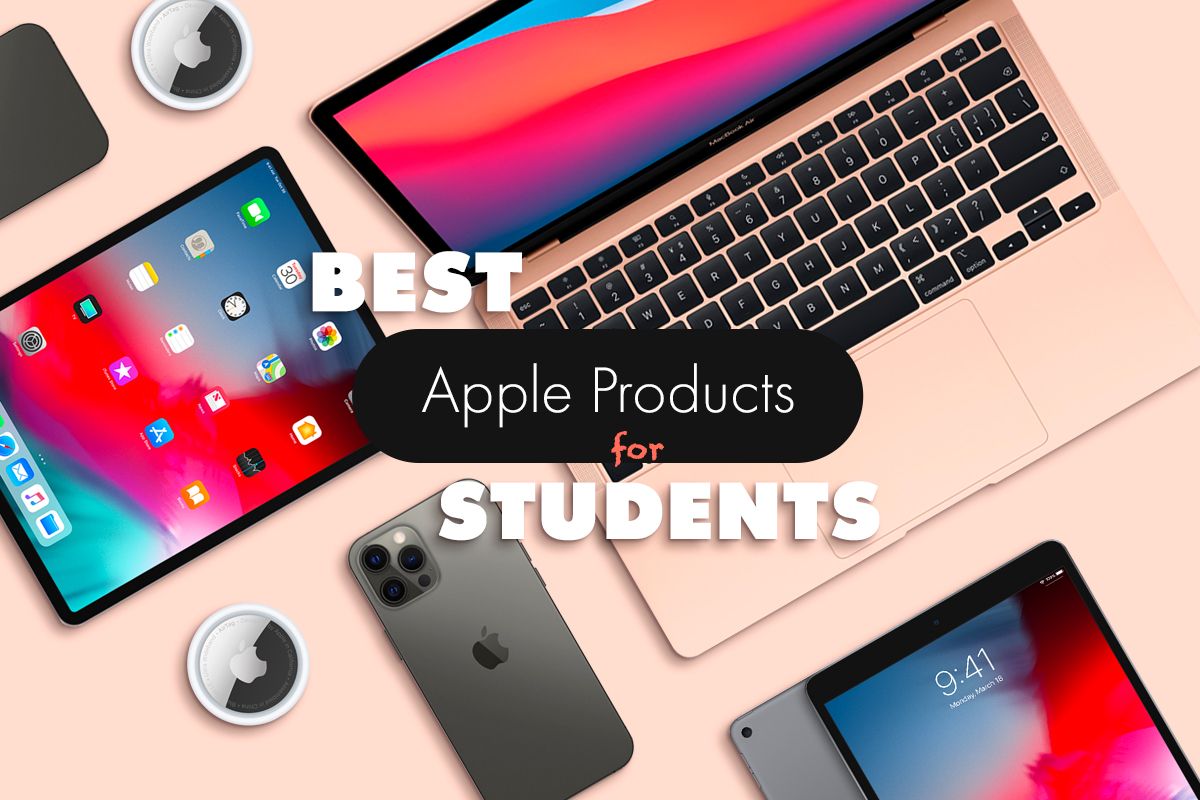
Choosing the right Apple products for a classroom environment requires balancing technical capability, hardware longevity, and educational utility. Whether for K-12 integration or higher education, the selection process centers on matching specific operating systems, portability, and processing power to the requirements of the curriculum while leveraging Apple’s managed device ecosystem for institutional deployment.
Understanding the Apple Ecosystem in Educational Settings
The integration of Apple technology into the classroom is defined not just by individual hardware devices but by the Apple School Manager (ASM) platform. This web-based portal allows IT administrators to deploy iPads and Macs, manage Apple IDs, and oversee software distribution across an entire institution. When selecting hardware, the first decision is determining whether the pedagogical approach favors the touch-first interface of the iPad or the traditional desktop environment of the Mac.
The iPad as a Mobile Learning Tool
The iPad is widely favored in primary and secondary education due to its portability, battery life, and the vast array of creative applications available through the App Store. The core functionality—using a tablet for note-taking, augmented reality (AR) lessons, and multimedia creation—makes it a versatile tool for students. In 2026, the iPad Air and base-model iPad remain the primary recommendations, as they provide high-performance chips capable of handling intensive education-focused tasks without the premium cost associated with the iPad Pro series.
The Mac for Advanced Academic Work
Macs, specifically the MacBook Air, are the standard for students moving into high school or university settings where typing speed, file management, and software compatibility (such as complex coding environments or creative suites) become essential. The transition from the Intel-based architecture to Apple Silicon has significantly increased the value proposition of these laptops by extending battery life to levels that comfortably survive a full school day without needing a charger.
Key Hardware Considerations for Students
When evaluating specific models, students and administrators must account for three primary factors: input methods, performance ceiling, and hardware durability.
Input Methods and Accessories
For students, the input method is often as important as the processing power. The Apple Pencil is essential for iPad users, as it allows for natural handwriting and annotation, which has been shown to improve retention in STEM subjects. For the Mac, the decision between a MacBook Air and a MacBook Pro usually boils down to whether the student requires an active cooling fan for sustained, heavy workloads, such as 3D rendering or high-resolution video production.
Battery Life and Portability
Classroom environments rarely offer a power outlet for every student. The current MacBook Air models, powered by the M-series chips, offer enough efficiency that they do not require external power during standard school hours. Similarly, the iPad lineup provides consistent, all-day battery life, which is critical for mobile learning scenarios where students move between classrooms or engage in field-based research.
Managed Apple IDs and Privacy
Security and privacy are non-negotiable in an educational context. Apple’s privacy-by-design approach ensures that student data is not used for advertising purposes. By using Managed Apple IDs, schools retain ownership and administrative control over the devices, ensuring that students remain focused on academic content while providing an environment that is shielded from third-party data collection.
Comparison Table: Choosing the Right Device
The following table summarizes the typical application of various Apple hardware categories for different levels of education.
| Product Category | Primary Use Case | Key Strength | Ideal For |
|---|---|---|---|
| iPad (Base) | Digital textbooks, notes | Price point and portability | Elementary to Middle School |
| iPad Air | Multimedia, AR, light design | Performance-to-weight ratio | High School & Art students |
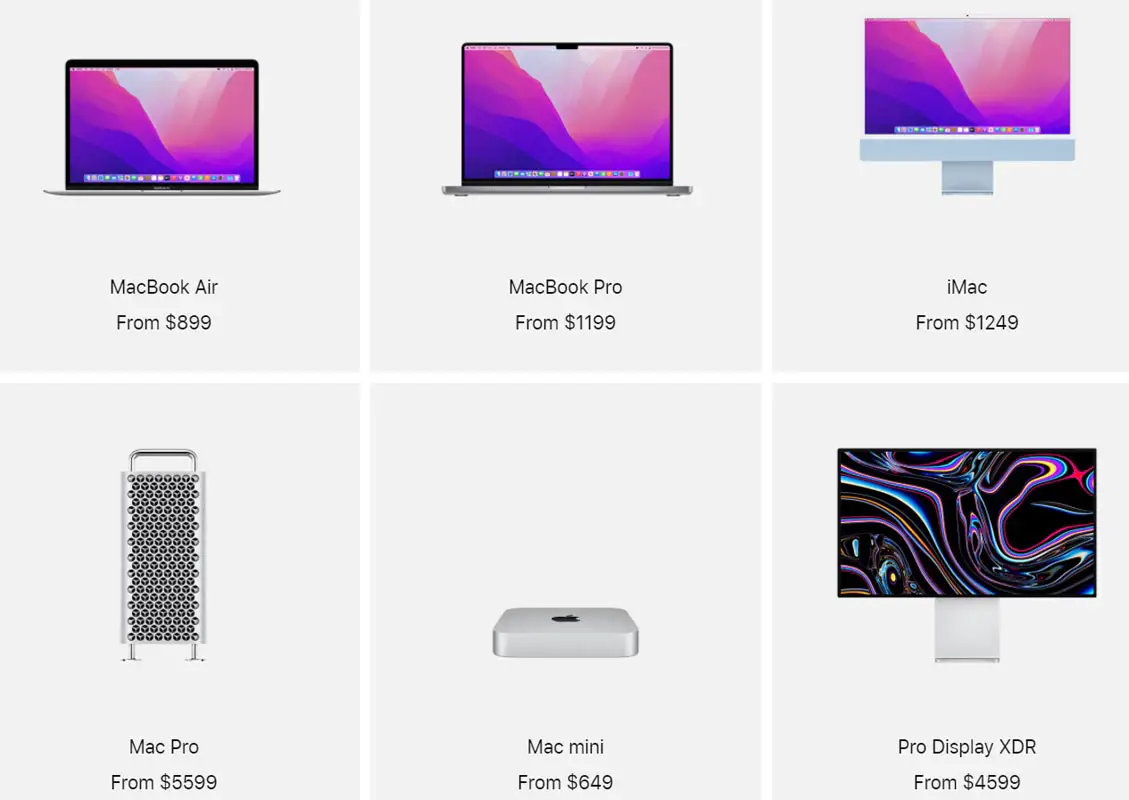
| MacBook Air | Research, coding, writing | Battery life and keyboard | High School & Undergraduates |
| MacBook Pro | Engineering, heavy media | Sustained processing power | Graduate & Specialized STEM |
Implementation and Maintenance
Successfully deploying Apple hardware requires more than just procurement. It involves a strategy for asset management and routine maintenance to ensure that the lifecycle of the product aligns with the institution’s replacement cycle.
Software Management
Schools should utilize Mobile Device Management (MDM) solutions to push updates, install educational software, and restrict access to non-educational content. By automating these processes, IT staff can reduce the time spent on individual troubleshooting, allowing them to focus on broader infrastructure issues.
Protecting the Investment
Classrooms are high-traffic areas. The use of ruggedized cases for iPads and protective sleeves for MacBooks is a necessary expenditure. Beyond physical protection, students should be taught basic file hygiene, including using iCloud for education, which ensures that work is synced and backed up should a hardware failure occur.
Common Challenges and Troubleshooting
Despite the reliability of Apple products, classroom environments present unique challenges. Connectivity issues, depleted batteries, and software conflicts are the most common points of friction.
- Network Congestion: When thirty students attempt to download an OS update simultaneously, the school network may bottleneck. Best practice dictates scheduling updates through an MDM server to cache the update locally.
- Authentication Errors: Students often forget passwords for their Managed Apple IDs. Administrators should implement a self-service password reset policy where possible, or integrate with existing Single Sign-On (SSO) systems like Google Workspace or Microsoft Entra ID.
- Storage Management: Younger students may accidentally fill storage with photos or videos. Regular storage audits and the use of cloud-based file management help keep devices lean and functional throughout the academic year.
Integrating Apple Products into the Curriculum
The goal of introducing Apple products is to enhance the pedagogical experience. Using tools like Swift Playgrounds for learning to code or Freeform for collaborative brainstorming transforms the device from a passive consumption tool into an active production instrument. Teachers should focus on the "Apple Teacher" resources, which provide structured learning paths for integrating hardware into various subjects, from literature to mathematics.
Collaborative Learning
Apple products enable seamless collaboration. AirDrop allows students to share files with peers and teachers in seconds, while SharePlay and Handoff facilitate movement between devices. Encouraging these workflows prepares students for modern professional environments where agility and digital collaboration are expected.
Frequently Asked Questions
What is the minimum storage requirement for a student iPad? For most K-12 students, 64GB is sufficient, provided the school utilizes cloud storage effectively. However, for students focusing on media arts or video production, 128GB or 256GB is strongly recommended to accommodate larger project files without needing to constantly offload data.
How do I manage software updates in a school environment? Updates should never be managed on a device-by-device basis. Use an MDM solution to defer updates until they have been tested against your school’s current curriculum software. This prevents "breaking" apps that may not yet be compatible with the latest version of iPadOS or macOS.
Can students use personal Apple IDs on school-issued devices? Generally, this is discouraged. Using personal Apple IDs can mix student personal data with school-managed content, leading to privacy and management conflicts. Managed Apple IDs are the preferred solution for institutional oversight and security.
Is an Apple Pencil necessary for high school students? It depends on the discipline. For students in science, mathematics, or art, the Apple Pencil is highly recommended for diagramming, graphing, and sketching. For students focused primarily on research and writing, a keyboard-based accessory is a higher priority.
What is the best way to handle device repairs for a school? Enroll the institution in AppleCare for Schools or a similar enterprise warranty program. This provides access to expedited replacement services and reduces the cost of accidental damage repairs, which are frequent in a classroom setting.
Final Recommendation for Implementation
To maximize the value of Apple products in the classroom, start by defining the specific pedagogical objective for each grade level. Do not aim for a "one size fits all" strategy. Focus on providing the lowest barrier to entry for younger students (iPad) and the highest degree of productivity for older students (MacBook Air). By investing in a centralized MDM system and focusing on teacher training through official Apple educational resources, schools can ensure that hardware acts as a bridge to learning rather than a technical distraction.