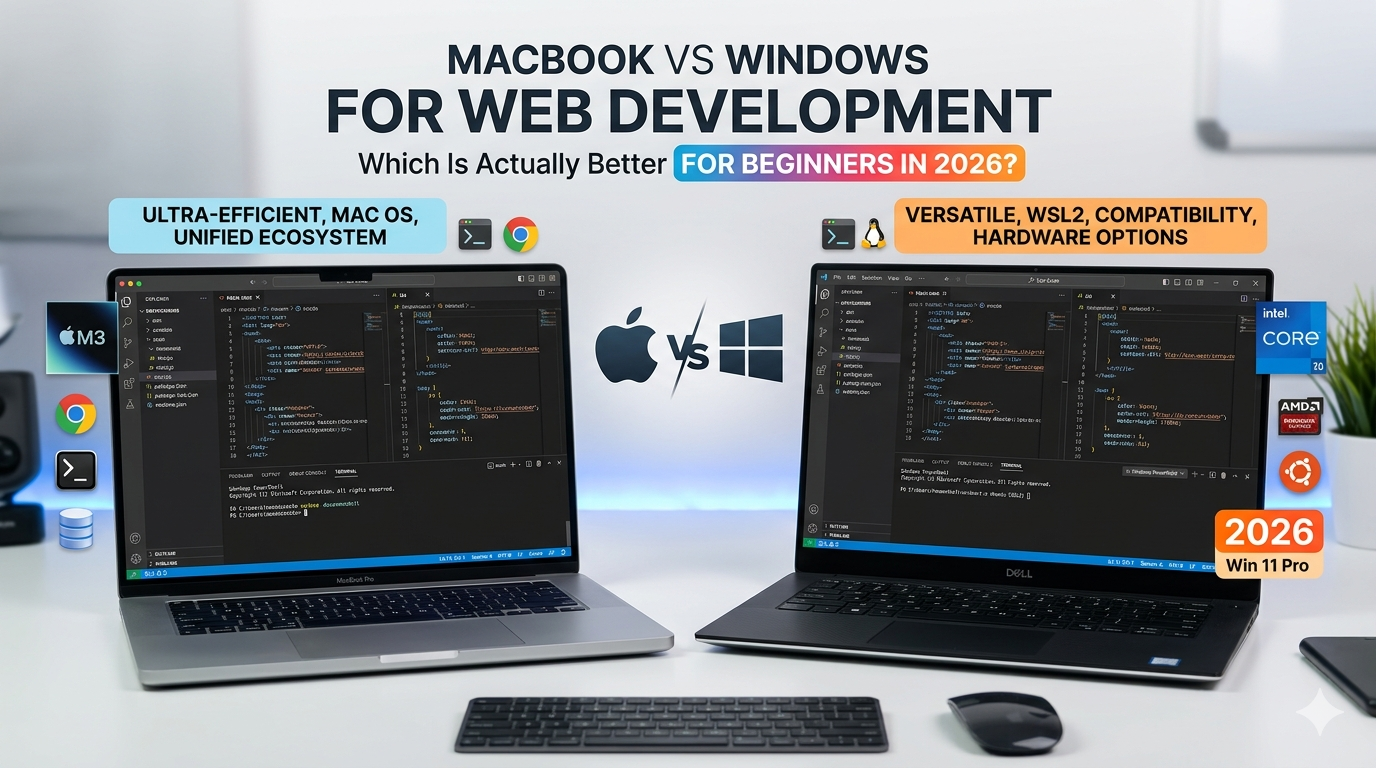
Whether a MacBook is better than a Windows laptop depends on your specific needs regarding software compatibility, gaming, and ecosystem integration. While MacBooks lead in power efficiency and resale value, Windows laptops offer superior variety, gaming performance, and price flexibility, making neither objectively superior for every user in 2026.
Choosing between macOS and Windows has evolved significantly over the last few years. The landscape in 2026 is no longer defined merely by "cool design" versus "office utility." Instead, the debate centers on hardware architecture, integrated artificial intelligence (AI), and how well your computer communicates with your other devices. This guide breaks down the technical and practical differences to help you determine which platform deserves your investment.
The Hardware Philosophy: Consistency vs. Choice
The most immediate difference between MacBooks and Windows laptops lies in who builds them. Apple maintains a vertical integration strategy, meaning they design the hardware, the silicon (chips), and the operating system. This results in a level of optimization that is difficult for Windows manufacturers to match perfectly across all models. When you buy a MacBook, you are guaranteed a high-quality chassis, a best-in-class haptic trackpad, and a display with industry-leading color accuracy.
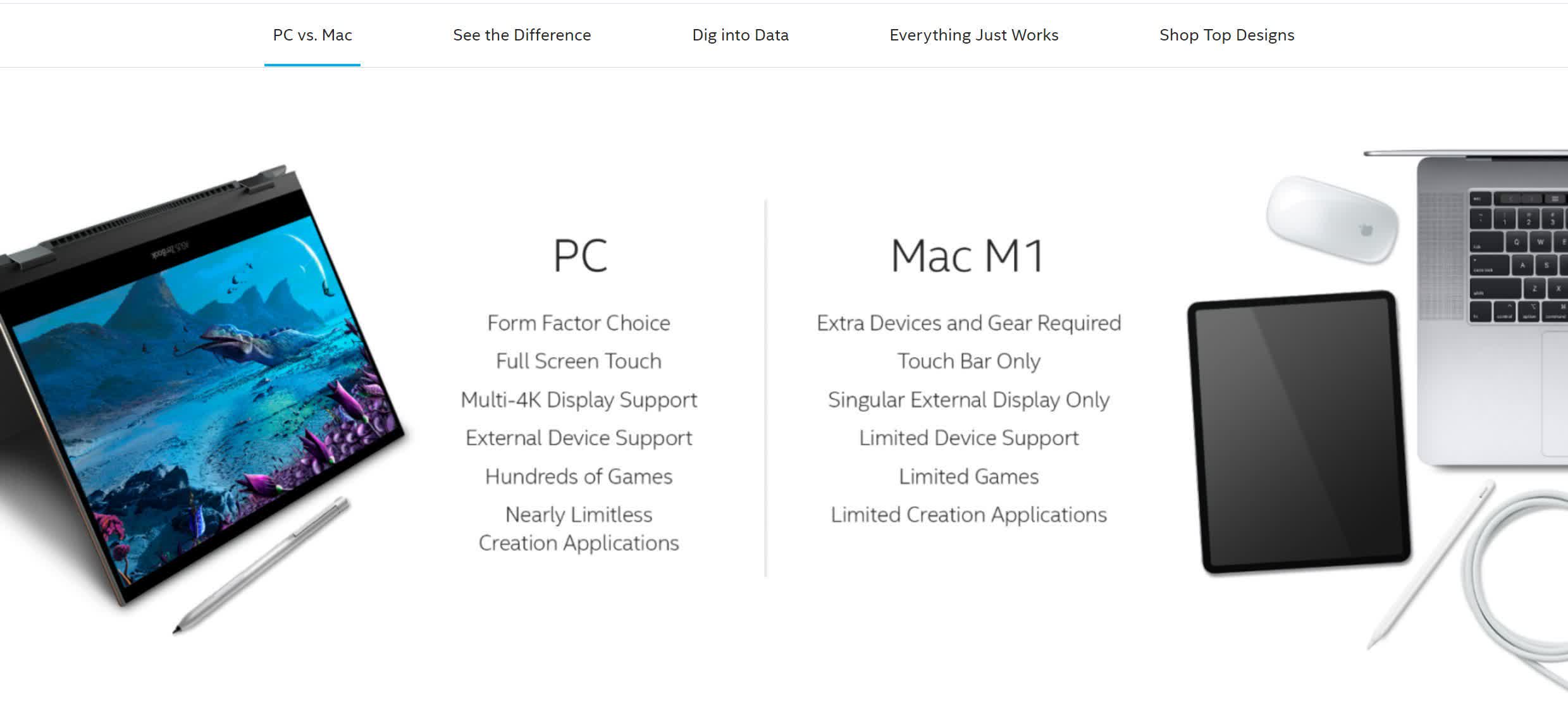
In contrast, the Windows market thrives on diversity. You can choose from traditional clamshells, 2-in-1 convertibles like the Microsoft Surface Pro, or ruggedized machines designed for construction sites. This variety extends to the internal components. While Apple offers a curated selection of M-series chips, Windows users can choose between Intel, AMD, and increasingly, Qualcomm’s ARM-based processors. This choice allows users to prioritize specific features, such as a touchscreen or a 4K OLED panel, which Apple has traditionally been slower to implement across its entire laptop lineup.
However, this variety in the Windows ecosystem is a double-edged sword. While a high-end Dell XPS or Razer Blade can rival or exceed MacBook build quality, the lower-end Windows market is flooded with plastic-heavy machines with dim screens and mediocre battery life. When comparing the two, it is essential to compare a MacBook to a Windows laptop of a similar price bracket to ensure a fair assessment of hardware quality.
Performance and Efficiency: The Silicon Wars
By 2026, the transition to ARM-based architecture has become the standard for ultra-portable computing. Apple’s M-series chips (now in their fourth and fifth generations) continue to set the bar for "performance per watt." The primary advantage here is efficiency. A MacBook Air can handle complex video editing or large-scale data processing while remaining completely silent and cool to the touch because it does not require a mechanical fan.
Windows laptops have responded with two distinct paths. High-performance "AI PCs" utilizing the latest Intel and AMD x86 architecture provide immense raw power, particularly for multi-threaded applications and high-end graphics. Conversely, Windows on ARM (powered by chips like the Snapdragon X series) has finally matured, offering battery life that rivals the MacBook for the first time.
The real-world implication for users is sustained performance. MacBooks are famous for maintaining the same speed whether they are plugged into a wall or running on battery. Many Windows laptops, particularly those with dedicated NVIDIA or AMD graphics cards, often throttle their performance significantly when unplugged to preserve battery life. If your work requires you to be mobile—editing on a plane or coding in a cafe—the MacBook’s consistency remains a significant advantage.
Operating Systems: macOS vs. Windows in 2026
The choice between macOS and Windows 11 (or its successor) often comes down to personal workflow and the "feel" of the interface. macOS is generally regarded as more streamlined and "user-friendly" for those who want a system that works out of the box with minimal tweaking. Its Unix-based foundation also makes it a favorite for software developers and creative professionals who value stability and a clean terminal environment.
Windows remains the king of flexibility and window management. Features like "Snap Layouts" make it much easier to organize multiple applications on a single screen compared to macOS’s more rigid Stage Manager or Mission Control. Furthermore, Windows is the more "open" system. If you like to dig into file registries, customize your UI extensively, or run legacy software from a decade ago, Windows provides the tools to do so.
In 2026, both operating systems are deeply integrated with AI. Microsoft has embedded Copilot throughout the Windows experience, offering system-wide assistance for everything from writing emails to changing system settings. Apple has countered with "Apple Intelligence," focusing heavily on privacy-focused, on-device processing that enhances Siri and automates repetitive tasks within the Apple app ecosystem.
Software Compatibility and Gaming
This is perhaps the area where the "better" argument is most lopsided. For most general productivity tasks—web browsing, office suites, and video conferencing—both platforms are equal. However, for specialized niches, the gap is wide.
- Creative Professionals: MacBooks are the industry standard for video editing (Final Cut Pro), music production (Logic Pro), and graphic design. While the Adobe Creative Cloud runs excellently on both, the optimization of macOS for creative assets often leads to a smoother experience.
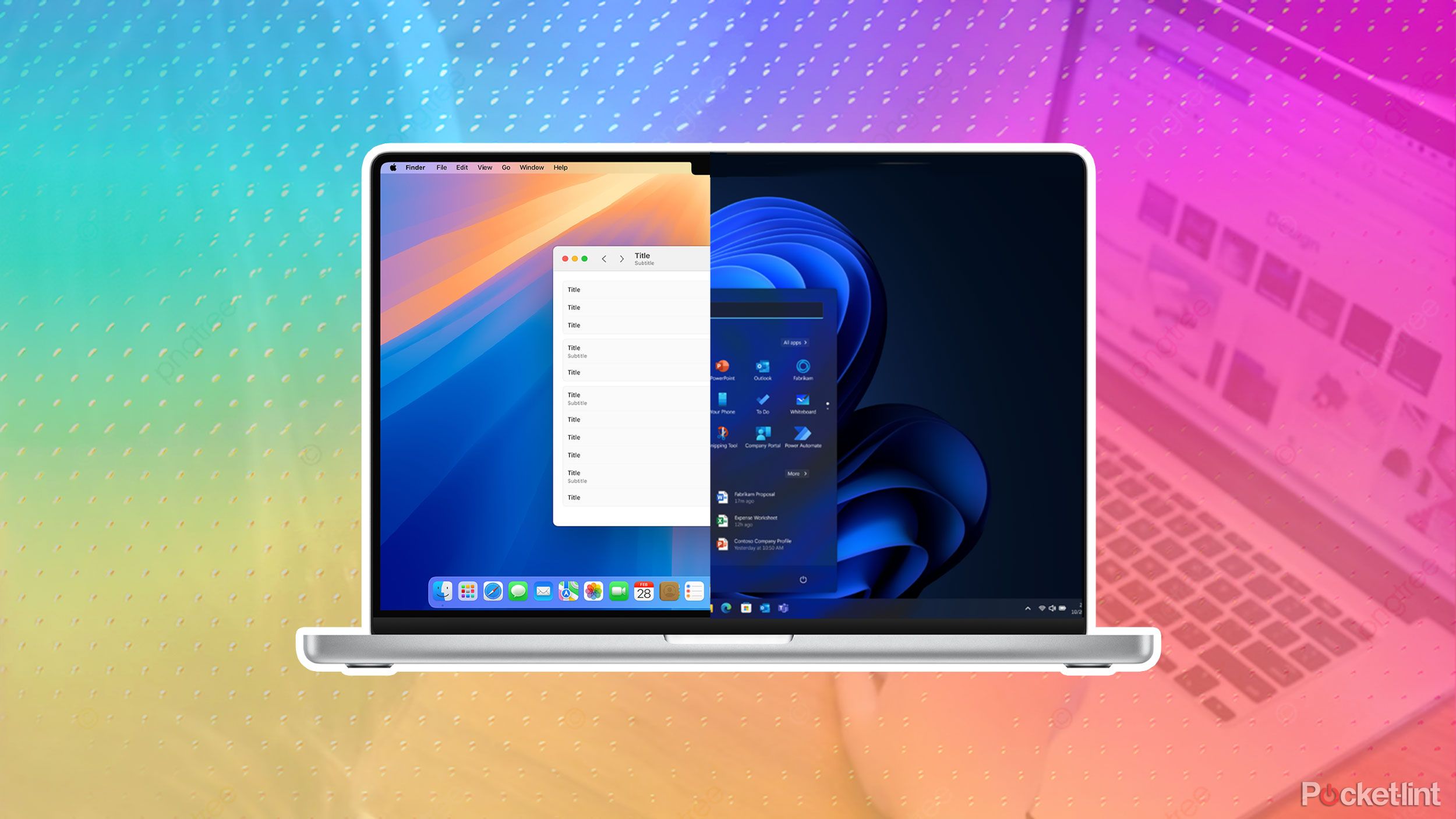
- Engineering and Finance: Many specialized CAD (Computer-Aided Design) programs, high-end accounting software, and proprietary corporate tools are built exclusively for Windows. While virtualization tools like Parallels allow you to run Windows on a Mac, it is rarely as stable as running it natively.
- Gaming: Windows remains the undisputed champion. Despite Apple’s efforts with the Game Porting Toolkit and native versions of AAA titles, the library of games available on Windows is orders of magnitude larger. If you want to play the latest releases at high frame rates or use a VR headset, a Windows laptop with a dedicated GPU is your only viable choice.
The Ecosystem Factor
Your choice of laptop is often dictated by the phone in your pocket. This is the "Walled Garden" effect. If you use an iPhone, iPad, and Apple Watch, the MacBook becomes "better" through sheer convenience. Features like Universal Control (using one mouse and keyboard across a Mac and iPad), Handoff (starting an email on your phone and finishing it on your Mac), and AirDrop create a seamless workflow that Windows struggles to replicate.
Microsoft has made significant strides with its "Phone Link" app, which allows Android (and to a lesser extent, iPhone) users to see notifications, send texts, and run mobile apps on their Windows PC. While functional, it lacks the deep, system-level integration that Apple provides. For those who are not tied to the Apple ecosystem, Windows offers a more platform-agnostic experience that works well with a variety of hardware brands.
Cost, Longevity, and Value Retention
When looking at the initial purchase price, Windows laptops almost always offer a lower barrier to entry. You can find a functional Windows laptop for under $500, whereas the entry-level MacBook Air typically starts significantly higher. However, the Total Cost of Ownership (TCO) tells a different story.
| Feature | MacBook (2026 Models) | Windows Premium Laptops (2026) |
|---|---|---|
| Entry Price | High (~$999+) | Moderate to High (~$700+) |
| Resale Value | Excellent (50-60% after 3 years) | Average (20-30% after 3 years) |
| Battery Life | 15–22 hours (Consistent) | 8–20 hours (Varies by CPU) |
| Gaming Performance | Limited / Specialized | Best-in-Class (x86 models) |
| Repairability | Low (Soldered components) | Moderate to High (Modular parts) |
| Build Material | Recycled Aluminum Unibody | Aluminum, Carbon Fiber, or Plastic |
MacBooks historically hold their value far better than Windows machines. A three-year-old MacBook can often be sold for more than half its original price, whereas a Windows laptop of the same age might struggle to fetch 30% of its value. This makes the "expensive" Mac more affordable in the long run if you tend to upgrade your hardware every few years.
On the other hand, Windows laptops are generally more repairable and upgradeable. Companies like Framework have pioneered modular laptops where you can swap out the motherboard, ports, and screen yourself. Even traditional brands like Dell and Lenovo often allow you to upgrade the RAM or SSD after purchase—something Apple has made impossible by soldering these components directly to the logic board.
Final Decision Matrix: Which Should You Buy?
To simplify the choice, consider which of these categories you fall into:
- Choose a MacBook if: You prioritize battery life, build quality, and a quiet user experience. You are already in the Apple ecosystem (iPhone/iCloud), and your work involves creative media, software development, or general administrative tasks. You want a machine that will stay relevant and retain high resale value for 5+ years.
- Choose a Windows Laptop if: You are a gamer, an engineer, or a student on a budget. You need specific software that only runs on Windows or you prefer the flexibility of 2-in-1 designs and touchscreens. You value the ability to repair or upgrade your own hardware and prefer an open ecosystem that doesn't dictate which phone or tablet you must use.
Frequently Asked Questions
Are MacBooks more secure than Windows laptops?
Historically, macOS was considered "safer" because its smaller market share made it a less attractive target for hackers. In 2026, both systems are highly secure. Windows uses hardware-level security like TPM 2.0 and Windows Hello, while Apple uses the Secure Enclave. Security now depends more on user behavior (using MFA and avoiding suspicious links) than on the operating system itself.
Can I run Windows apps on a MacBook?
Yes, but with caveats. Software like Parallels Desktop or VMware Fusion allows you to run Windows in a virtual machine on macOS. Additionally, Apple's "Prism" translation layer (part of the Game Porting Toolkit) helps run x86 games. However, performance may be lower than on a native Windows machine, and some hardware-dependent software may not work at all.
Why are MacBooks so much more expensive for the same specs?
On paper, a MacBook might have less RAM than a similarly priced Windows laptop. However, because Apple controls the hardware and software, macOS manages memory more efficiently. Additionally, the price of a MacBook includes "premium" features that are often optional on Windows machines, such as high-quality microphones, studio-grade speakers, and extremely high-precision trackpads.
Is a MacBook better for students?
For many students, the MacBook Air is the "default" choice due to its portability and the fact that it can last a full day of classes without a charger. However, students in STEM fields (Science, Technology, Engineering, Math) should check their department's software requirements, as many essential programs for engineering or specialized data analysis remain Windows-only.
Do MacBooks last longer than Windows laptops?
In terms of physical durability and software support, MacBooks are very resilient. Apple typically supports its hardware with the latest macOS updates for 6 to 8 years. Many high-end Windows laptops (like the ThinkPad line) are equally durable, but cheaper Windows models often suffer from hinge failure or battery degradation much sooner.