Choosing the best quality computer speakers for your setup requires balancing acoustic fidelity, physical desk space, connection options, and financial investment. Whether you are upgrading tinny built-in monitor displays, mixing audio tracks, or immersing yourself in modern video games, investing in dedicated desktop audio transforms your daily computing experience.
When shopping for computer speakers, consumers often find themselves overwhelmed by conflicting technical jargon, a vast range of physical footprints, and massive price disparities. Finding the right model means aligning your primary use case—such as casual music streaming, critical audio editing, or intense gaming sessions—with your financial limits. Desktop audio systems range from ultra-compact USB-powered satellite units meant for tight workspaces to robust, multi-driver bookshelf studio monitors equipped with balanced inputs and dedicated subwoofers.
Evaluating these options requires looking beyond marketing claims to understand technical specifications like frequency response, driver size, amplifier wattage, and connectivity protocols. By understanding these core elements, you can select an audio system that delivers clear, balanced sound without paying for unnecessary features.
Understanding Computer Speaker Categories and Specifications
Before evaluating specific budgets, it is helpful to understand the structural categories and technical parameters that define computer audio performance. Desktop speakers generally fall into a few distinct configuration formats, denoted by numbering systems such as 2.0 and 2.1.
A 2.0 system consists of two separate stereo speakers (left and right channels). These units handle the full frequency spectrum themselves, making them ideal for minimalist desk setups where floor or desk space is at a premium. A 2.1 system adds a third component: a dedicated subwoofer designed to reproduce low-frequency bass notes. This setup frees the main desktop satellite speakers from heavy low-end duties, resulting in cleaner midrange clarity and deeper, more impactful bass response.
Key specifications to evaluate include:
- Frequency Response: Measured in Hertz (Hz) to kiloHertz (kHz), this range indicates which frequencies the speaker can reproduce. A standard human-audible range is 20 Hz to 20,000 Hz. Speakers with a wider response deliver deeper bass and crisper highs.
- Amplification: Computer speakers are typically active (powered), meaning they feature an internal amplifier. Passive speakers require an external amplifier or stereo receiver.
- Connectivity: Options range from traditional 3.5mm analog auxiliary cables and RCA inputs to digital USB connections and wireless Bluetooth streaming. USB connections often route digital audio data past a computer’s noisy internal sound card, utilizing an integrated digital-to-analog converter (DAC) inside the speaker for cleaner sound.
Entry-Level Budget: Best Speakers Under $50
For users looking to step up from basic laptop speakers or cheap monitor built-ins without breaking the bank, the sub-$50 category offers surprising value. At this price point, expectations must be managed: you will not find earth-shattering bass or studio-grade absolute transparency, but you can secure clear, reliable stereo sound for voice calls, casual YouTube viewing, and background music.
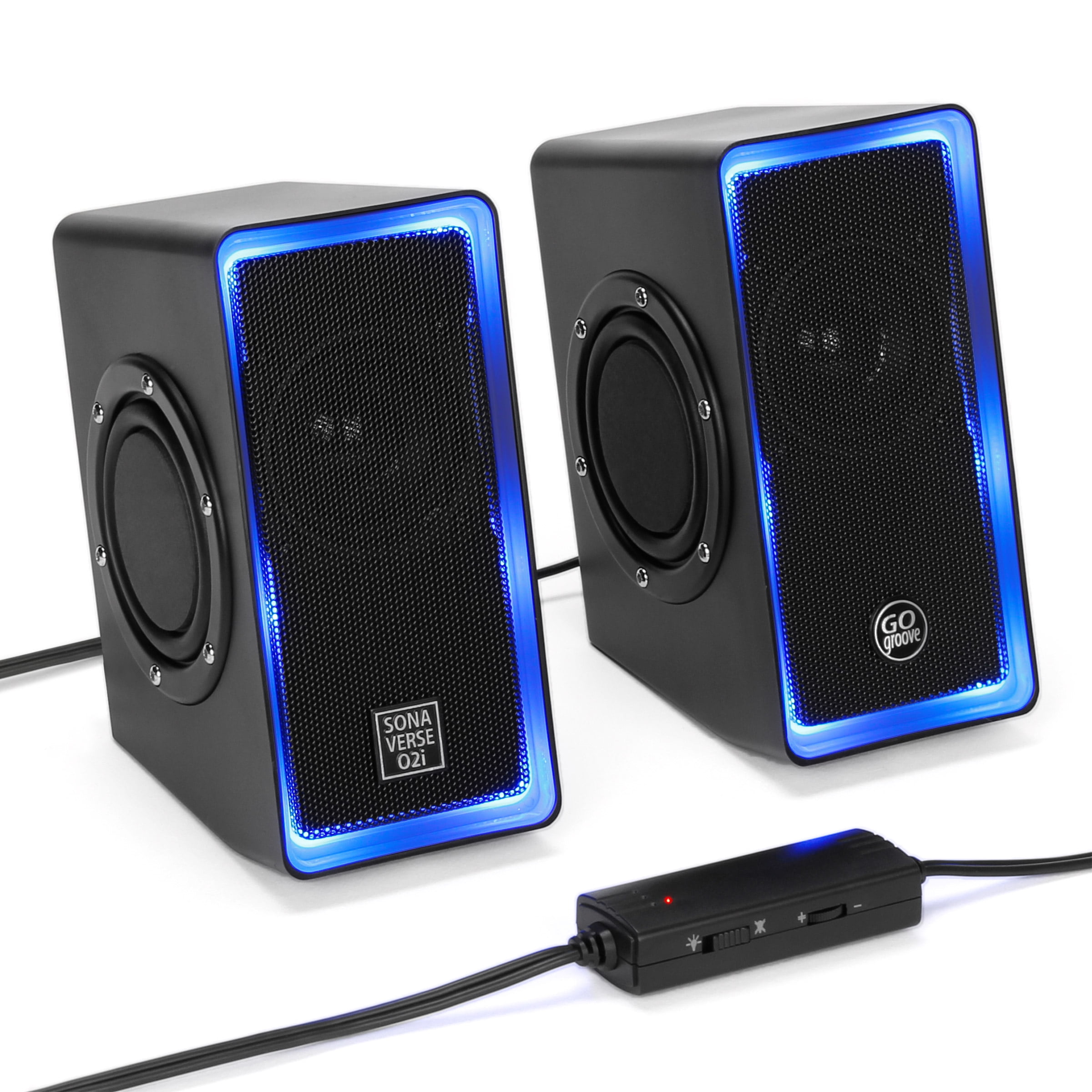
Most options in this bracket rely on simple USB power or a standard wall wart, keeping cable clutter to a minimum. Physical construction is typically lightweight plastic, and drivers are usually small, full-range units.
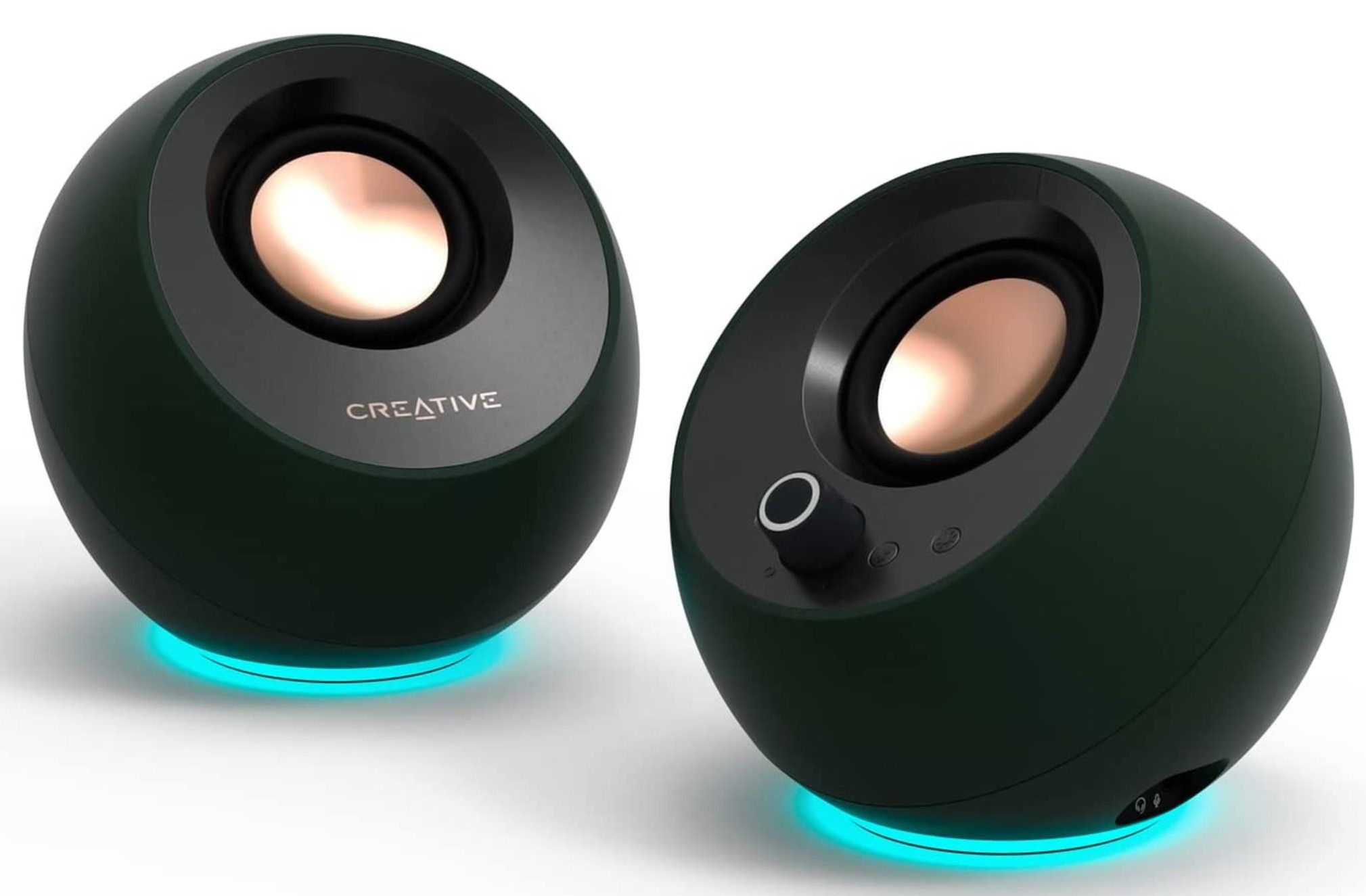
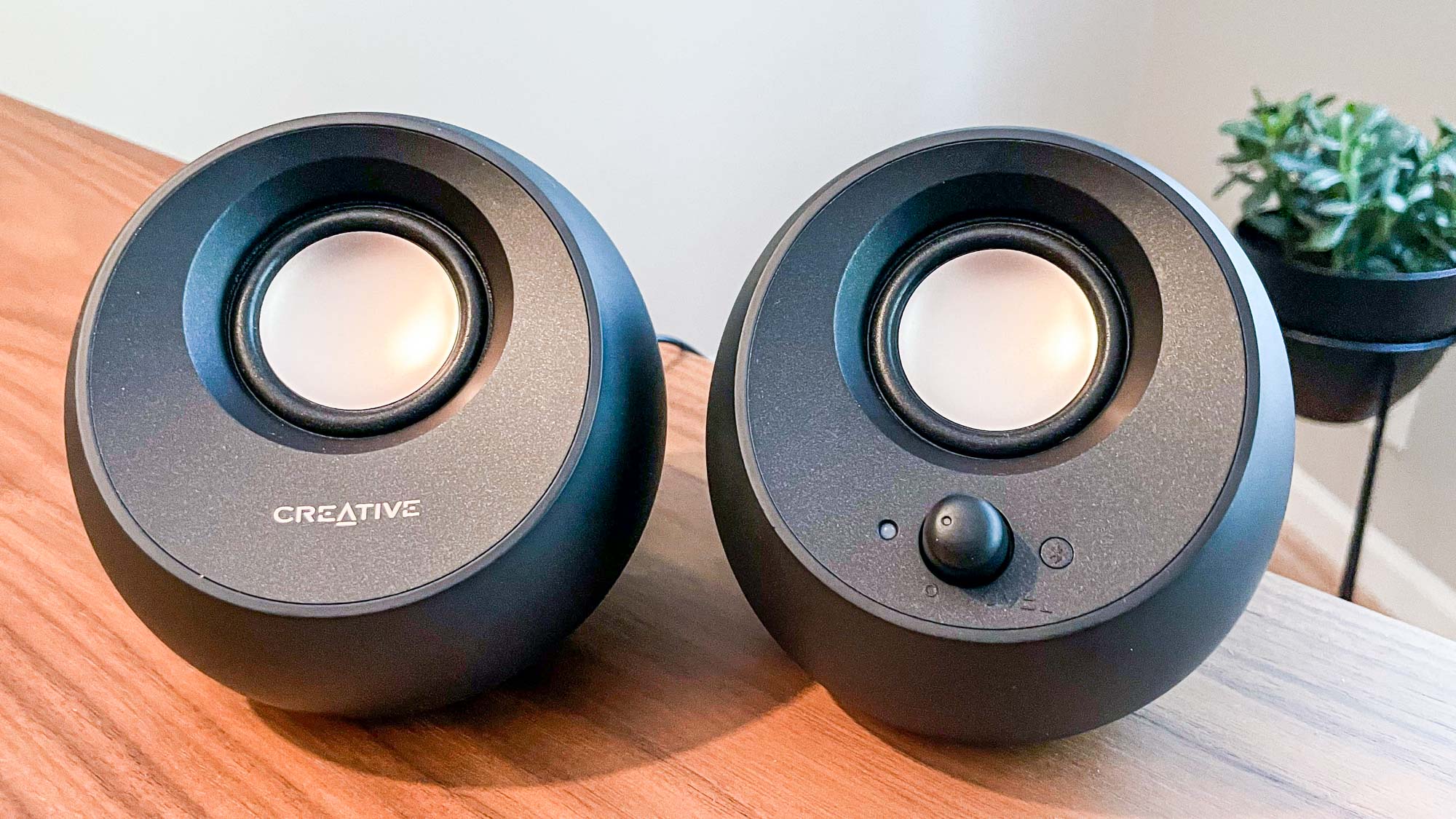
When shopping in this tier, prioritize models that feature front-facing volume controls and a headphone jack for private listening convenience. Brands like Creative and Logitech dominate this space, offering plug-and-play simplicity that requires zero driver installations or complex configuration software. While these speakers will struggle with complex orchestral arrangements or heavy electronic bass drops, they represent a massive upgrade over stock display audio.
Mid-Range Value: Best Speakers Between $50 and $150
Moving into the $50 to $150 price bracket opens the door to superior acoustic engineering, wooden or medium-density fiberboard (MDF) cabinets, and dedicated tweeter-and-woofer driver arrays. This tier represents the sweet spot for the vast majority of consumers, balancing cost and performance effectively.
MDF cabinets provide a rigid, acoustically inert enclosure that drastically reduces unwanted cabinet vibrations and resonance compared to cheap plastic shells. Furthermore, this price range introduces dedicated tweeters (high-frequency drivers) paired with larger mid-bass drivers, creating a much wider soundstage and more accurate instrument separation.
Connectivity in the mid-range frequently expands to include multiple input sources. You can often connect your PC via a 3.5mm cable or USB while simultaneously pairing your smartphone via Bluetooth. Brands like Edifier, Mackie, and PreSonus offer exceptional value here, frequently bridging the gap between consumer multimedia speakers and entry-level studio monitors. These systems excel at everything from gaming immersion to casual music production and media consumption.
High-End and Audiophile Tier: Best Speakers Over $150
For audio professionals, dedicated enthusiasts, and users with generous desk space, stepping past the $150 threshold unlocks premium acoustic fidelity, robust internal amplification, and professional-grade input options. Speakers in this category often lean heavily toward studio monitor designs, prioritizing a flat, uncolored frequency response that reproduces audio exactly as the creator intended.
High-end desktop speakers feature sophisticated crossover networks that precisely split audio frequencies before sending them to the appropriate driver. Cabinet construction is heavier, often utilizing acoustic damping materials and rear bass-reflex ports to optimize low-end extension.
Connectivity options at this level frequently include balanced XLR and 1/4-inch TRS inputs, allowing users to connect professional audio interfaces, digital-to-analog converters, and high-end sound cards without signal degradation. Premium bookshelf designs from brands like Audioengine, Kanto, and Kali Audio dominate this tier. While these speakers require a larger financial commitment and often demand more physical desk space, they deliver rich, dynamic, and distortion-free audio even at high listening volumes.
Comparison of Computer Speaker Tiers
| Tier | Price Range | Cabinet Material | Typical Connectivity | Best Use Case |
|---|---|---|---|---|
| Entry-Level | Under $50 | Plastic / Lightweight Polymer | 3.5mm Aux, USB Power | Casual browsing, office alerts, basic video calls |
| Mid-Range | $50 – $150 | MDF Wood / Polymer Hybrid | Bluetooth, RCA, 3.5mm, USB | General gaming, music streaming, multi-device setups |
| Audiophile / Studio | $150+ | Heavy MDF, Wood Veneer | RCA, Optical, Balanced TRS/XLR, Bluetooth | Music production, critical listening, high-end gaming |
Setup and Positioning Tips for Optimal Sound
Even the most expensive computer speakers will sound muddy and poorly defined if they are positioned incorrectly on a desk. Room acoustics and speaker placement play a massive role in perceived sound quality.
To maximize your audio setup, follow these fundamental placement guidelines:
- The Equilateral Triangle: Position the left and right speakers so they form an equilateral triangle with your listening position. The distance between the two speakers should match the distance from each speaker to your ears.
- Tweeter Height: Aim to have the high-frequency tweeters aligned roughly at ear level when seated. If your speakers sit low on a desk, use specialized desktop tilt stands or foam isolation pads to angle the drivers upward toward your head.
- Wall Proximity: Avoid shoving speakers directly against a back wall or stuffing them into tight bookshelf cubbies. Boundary loading can artificially boost bass frequencies, resulting in a boomy, muddy sound profile. Leave at least a few inches of clearance, especially if your speakers feature rear-firing bass ports.
- Surface Isolation: Hard wooden or glass desks can vibrate sympathetically with your speakers, muddying the lower-mid frequencies. Foam isolation pads decouple the speakers from the desk surface, tightening up the bass response.
Frequently Asked Questions
Do I need a dedicated subwoofer for my computer speakers?
A dedicated subwoofer is not strictly necessary for general office work, web browsing, or casual video viewing. However, if you enjoy modern action-packed video games, bass-heavy electronic music, or cinematic movie viewing on your PC, a 2.1 system with a subwoofer adds substantial physical impact and depth that small desktop satellite speakers cannot physically replicate on their own.
What is the difference between studio monitors and multimedia computer speakers?
Studio monitors are designed to provide a flat, neutral frequency response, meaning they do not artificially boost bass or treble. They present audio as accurately as possible, which is crucial for music production and editing. Consumer multimedia speakers often feature "v-shaped" sound signatures with enhanced bass and sparkling highs to make music and movies sound immediately exciting and engaging out of the box.
Should I connect my computer speakers via USB or 3.5mm audio cable?
Connecting via USB is generally superior if your speakers feature an integrated digital-to-analog converter (DAC). This bypasses your computer's internal motherboard audio circuit, which is often susceptible to electrical interference and background static hiss from other computer components. A 3.5mm analog cable relies entirely on your computer's internal sound card quality.
How much power (wattage) do I actually need for desk speakers?
For near-field listening—where you sit only two to three feet away from the speakers—you do not need massive wattage. A total system output of 10 to 30 watts is more than enough to fill a standard office or bedroom with clean, loud sound without pushing the amplifier into distortion. Higher wattage ratings in larger speakers are primarily designed to provide better dynamic headroom rather than simply making the system louder.
Can I use Bluetooth computer speakers for gaming?
While modern Bluetooth technology is reliable for casual music streaming, it introduces a slight audio latency (delay). For fast-paced competitive gaming where split-second audio cues like footsteps matter, a wired connection—such as USB, optical, or analog auxiliary—is strongly recommended to ensure zero perceptible audio lag.
Conclusion
Selecting the ideal computer speakers involves balancing your financial investment against your acoustic expectations and available desk space. Whether you opt for a simple, cost-effective sub-$50 USB pair for basic office tasks, a versatile mid-range set with Bluetooth connectivity for everyday entertainment, or a high-end studio monitor setup for critical listening, proper placement and connection choices remain paramount. Assess your primary daily computing habits, choose the tier that matches your goals, and configure your desktop workspace correctly to enjoy clear, immersive audio for years to come.