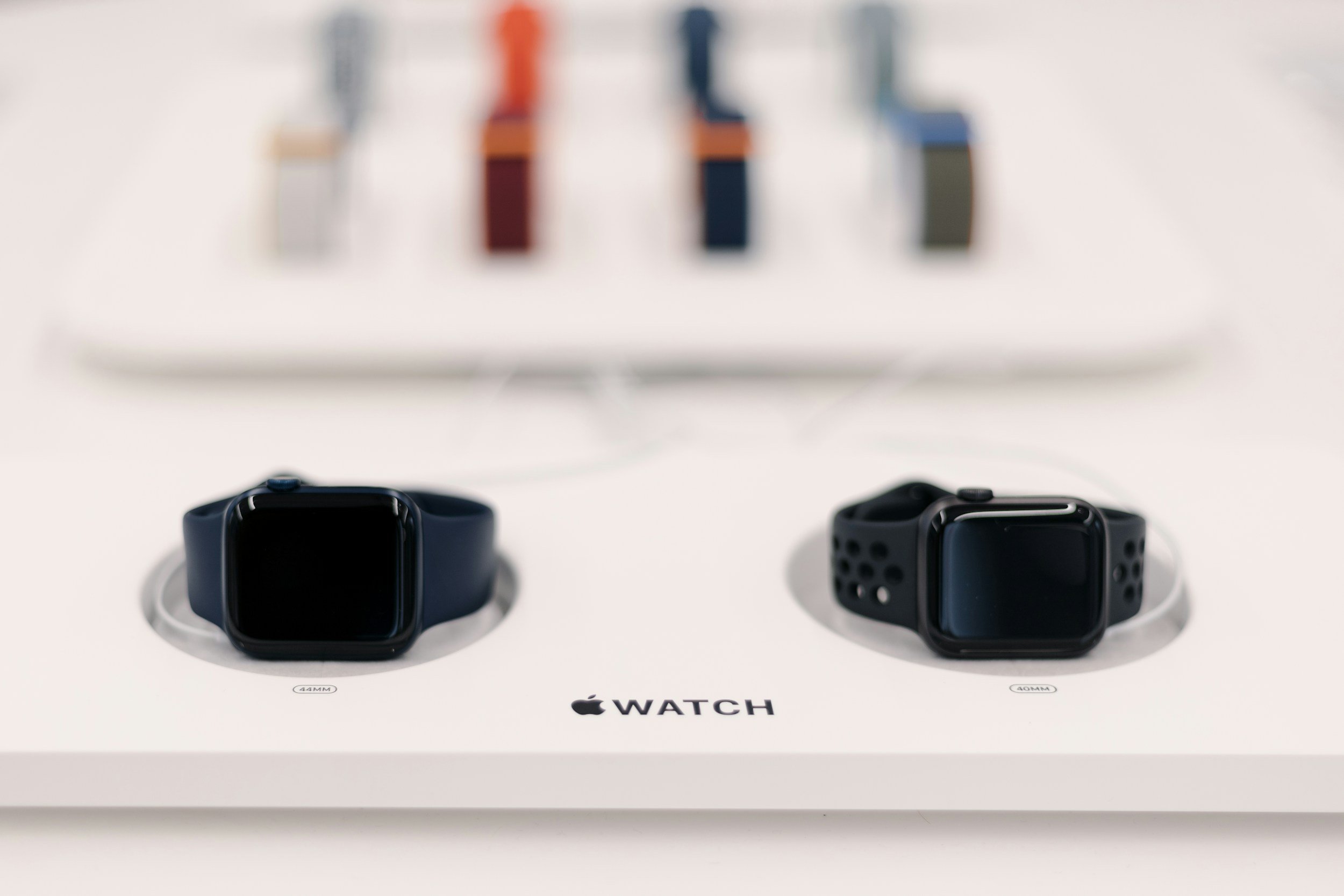
The Apple Watch Series 3 offers essential tools for tracking daily movement, monitoring heart rate, receiving instant smartphone notifications, managing local music storage, and navigating via built-in GPS. Understanding these core features helps you maximize the utility of your wearable device for health, productivity, and fitness.
Released by Apple Inc. in September 2017, the Apple Watch Series 3 remains a popular entry-level wearable for users seeking foundational smart features without investing in newer, more expensive hardware generations. While newer models feature advanced sensors like blood oxygen monitoring and electrical heart sensors, the Series 3 established the baseline software ecosystem and hardware reliability that defines modern smartwatches. Operating on watchOS, this device bridges the gap between traditional timekeeping and biometric fitness tracking. This guide explores five key functions of the Apple Watch Series 3 that every user should understand to get the most out of their device, detailing how they work, why they matter, and how to optimize them for daily use.
Prerequisites and Setup for Apple Watch Series 3
Before diving into the core functions of the Apple Watch Series 3, you must ensure your device is properly paired and updated. The Apple Watch Series 3 requires an iPhone 6s or later running iOS 15 or later. Because Apple discontinued major software updates for the Series 3 after watchOS 8, your device will remain on a stable, finalized software version.
To set up your device:
- Turn on your Apple Watch by pressing and holding the side button until the Apple logo appears.
- Bring your iPhone close to your watch and wait for the pairing animation to appear on the iPhone screen, or open the Apple Watch app on your iPhone and tap "Pair New Watch."
- Position your iPhone so that the animation appears in the viewfinder on your Apple Watch to sync the devices.
- Follow the on-screen prompts to restore from a backup or set up as a new watch, choose your wrist preference, and create a secure passcode.
Ensuring a stable Bluetooth connection and keeping your paired iPhone updated to the latest compatible iOS version ensures seamless data synchronization, notification routing, and GPS calibration.
Function 1: Comprehensive Activity and Fitness Tracking
The primary draw for most smartwatch owners is fitness tracking, and the Apple Watch Series 3 handles this through the iconic Activity app. The system revolves around three rings: Move, Exercise, and Stand.
Understanding the Three Rings
- Move Ring (Red): Measures active calories burned throughout the day. Active calories are distinct from resting calories (your basal metabolic rate) and increase through deliberate movement and exercise.
- Exercise Ring (Green): Tracks minutes of brisk activity equivalent to or exceeding a brisk walk, regardless of whether you manually start a workout.
- Stand Ring (Blue): Encourages movement by tracking hours in which you stand and move for at least one minute during a 12-hour span (typically from 10:00 AM to 10:00 PM).
How to Leverage Activity Tracking
To view your progress in real-time, swipe up from the watch face to access Control Center glances or tap the dedicated Activity complication on your active watch face. You can customize your daily Move goal in the companion iPhone app by firmly pressing the screen inside the Activity app on your watch or navigating through the iPhone dashboard.
The Series 3 includes an accelerometer and gyroscope to estimate step count, distance, and cadence. While it lacks the barometric altimeter found in Series 4 and later models (meaning it cannot accurately measure elevation gains like stairs climbed), it remains highly effective for standard running, walking, cycling, and swimming workouts.
Function 2: Continuous Heart Rate Monitoring and Health Insights
Heart health monitoring is a cornerstone of wearable technology. The Apple Watch Series 3 features an optical heart rate sensor that measures your pulse throughout the day, during workouts, and at rest.
Background Monitoring and Spot Checks
The sensor uses photoplethysmography—a technology that uses green LED lights paired with light-sensitive photodiodes to detect the amount of blood flowing through your wrist at any given moment.
- Resting Heart Rate: Measured when you are stationary, providing a baseline metric for cardiovascular fitness.
- Walking Average: Calculated while you move, giving insight into your heart rate during light daily activities.
- High/Low Heart Rate Notifications: You can configure the watch to alert you if your heart rate remains above or below a specific threshold while you appear to have been inactive for 10 minutes.
Setting Up Heart Rate Alerts
- Open the Watch app on your paired iPhone.
- Tap Heart.
- Select High Heart Rate or Low Heart Rate and choose your preferred beats-per-minute (BPM) threshold.
Medical Disclaimer: The heart rate monitoring features of the Apple Watch Series 3 are designed for general fitness and wellness purposes only. They are not medical devices, are not cleared or approved by the FDA for medical diagnosis, and should not be used to diagnose, treat, cure, or prevent any medical condition or cardiovascular disease.
Function 3: Seamless Notification Management and Quick Replies
Staying connected without constantly pulling out your smartphone is a major benefit of wearing a smartwatch. The Apple Watch Series 3 mirrors notifications from your iPhone, delivering texts, emails, calendar alerts, and third-party app reminders directly to your wrist.
Managing Notifications Effectively
When a notification arrives, the watch taps your wrist (using the Taptic Engine) and displays a short preview. Raising your wrist reveals the full message.
- Actionability: You can scroll down to read long messages, archive emails, or dismiss alerts.
- Quick Replies: For messaging apps like Apple Messages or WhatsApp, you can respond using pre-written default replies, dictate text via Siri, or use the Scribble feature (where available) to draw letters individually on the screen.
To customize which apps can send notifications to your wrist:
- Open the Watch app on your iPhone.
- Tap Notifications.
- Scroll through the list of installed applications and toggle individual switches to mirror your iPhone or customize settings per app.
Limiting notifications to essential communications prevents sensory overload and preserves battery life throughout the day.
Function 4: Local Music Storage and Playback
The Apple Watch Series 3 includes local storage capacity (8GB for the GPS-only model and 16GB for the Cellular model), allowing you to sync music directly to the device for offline playback during workouts when you leave your phone behind.
Syncing Music to Your Watch
You do not need an active cellular connection to listen to music stored directly on the hardware.
- Open the Watch app on your iPhone.
- Tap Music.
- Tap Add Music and select the playlists, albums, or artists you wish to sync.
- Place your Apple Watch on its magnetic charging cable while connected to Wi-Fi to complete the synchronization process.
Once synced, pair a set of Bluetooth headphones—such as Apple AirPods or any standard wireless earbuds—directly to your watch via the Settings > Bluetooth menu on watchOS. Open the built-in Music or Podcasts app on your wrist to control playback independently of your iPhone.
Function 5: Built-In GPS and Workout Mapping
Unlike earlier iterations that relied entirely on a connected iPhone to track outdoor routes, the Apple Watch Series 3 features an independent built-in GPS and GLONASS receiver.
Benefits of Standalone GPS
When you embark on an outdoor run, walk, or bike ride without your iPhone, the onboard GPS chip communicates directly with positioning satellites to record your exact route, speed, and distance traveled.
Once you complete your workout and return within range of your iPhone (or connect to Wi-Fi), the workout data syncs to the Fitness app on your phone. You can then view a detailed map of your route, color-coded by your pace variations (green for fast segments, red for slower intervals). This makes the Series 3 a capable standalone training companion for runners and cyclists seeking metric accountability without carrying a bulky smartphone.
Feature Comparison of Apple Watch Models
To understand how the Series 3 fits into the broader wearable landscape, review the structural and functional differences between models below.
| Feature / Specification | Apple Watch Series 3 | Apple Watch Series 6 | Apple Watch Series 9 |
|---|---|---|---|
| Processor | S3 Dual-Core | S6 SiP (Dual-Core) | S9 SiP (64-bit dual-core) |
| Display Type | OLED Retina Display | Always-On Retina Display | Always-On Retina Display (Brighter) |
| Built-in GPS | Yes | Yes (L1 GPS, GLONASS) | Yes (Precision Dual-Frequency GPS) |
| Health Sensors | Optical Heart Rate | Optical/Electrical Heart, SpO2 | Optical/Electrical Heart, SpO2, Temperature |
| Max watchOS Support | watchOS 8 | watchOS 10+ | watchOS 10+ |
Common Troubleshooting and Optimization Tips
Even with reliable hardware, users occasionally encounter synchronization issues, battery drain, or pairing hiccups.
Battery Drain Management
The Apple Watch Series 3 is rated for up to 18 hours of normal daily use. If your battery depletes rapidly:
- Check Background App Refresh: Go to the Watch app on your iPhone, tap General > Background App Refresh, and disable updates for non-essential applications.
- Disable Wake on Wrist Raise: If you move your arms frequently, the screen may activate constantly. You can adjust this in Settings > General > Wake Screen.
Unresponsive Apps or Force Restart
If an app freezes or your watch becomes unresponsive, you can perform a forced restart without losing data:
- Press and hold both the Side Button and the Digital Crown simultaneously for at least 10 seconds.
- Release both buttons when the Apple logo appears on the screen.
Frequently Asked Questions
Can I still use the Apple Watch Series 3 in 2026?
Yes, the Apple Watch Series 3 remains fully functional as a basic fitness tracker, notification mirror, and timepiece. However, because software support ended at watchOS 8, it does not receive modern security updates, new watch faces, or compatibility with certain newer third-party apps that require recent watchOS frameworks.
Does the Apple Watch Series 3 require an iPhone to work?
Yes. An iPhone (iPhone 6s or later running iOS 15 or later) is required for initial setup, software management, and syncing data. While the cellular model could theoretically operate with a standalone carrier plan, initial pairing and activation still require an iPhone.
How do I update software on an Apple Watch Series 3?
Open the Watch app on your paired iPhone, tap General > Software Update. If an update is available within the supported watchOS 8 lifecycle, ensure your watch has at least 50% battery, is placed on its charger, and is connected to Wi-Fi to complete the installation.
Is the Apple Watch Series 3 waterproof for swimming?
The Apple Watch Series 3 has a water resistance rating of 50 meters under ISO standard 22810:2010. This means it can be used for shallow-water activities like swimming in a pool or ocean. However, it should not be used for scuba diving, waterskiing, or other activities involving high-velocity water or submersion below shallow depths.
How can I maximize battery life on an older Apple Watch?
You can extend daily battery life by turning off continuous heart rate monitoring during non-workout times, reducing screen brightness, disabling unnecessary push notifications, and using Power Reserve mode during extended periods away from a charger.
Next Actions for Users
If you currently own or are evaluating an Apple Watch Series 3, verify that your paired iPhone is running a compatible iOS version and ensure your device is updated to the final supported software release. Customize your Activity rings and notification preferences in the companion iPhone app to tailor the device to your daily routine. For users requiring advanced biometrics, such as blood oxygen tracking, electrocardiograms (ECG), or modern watchOS feature sets, consider exploring newer generations of the Apple Watch lineup.