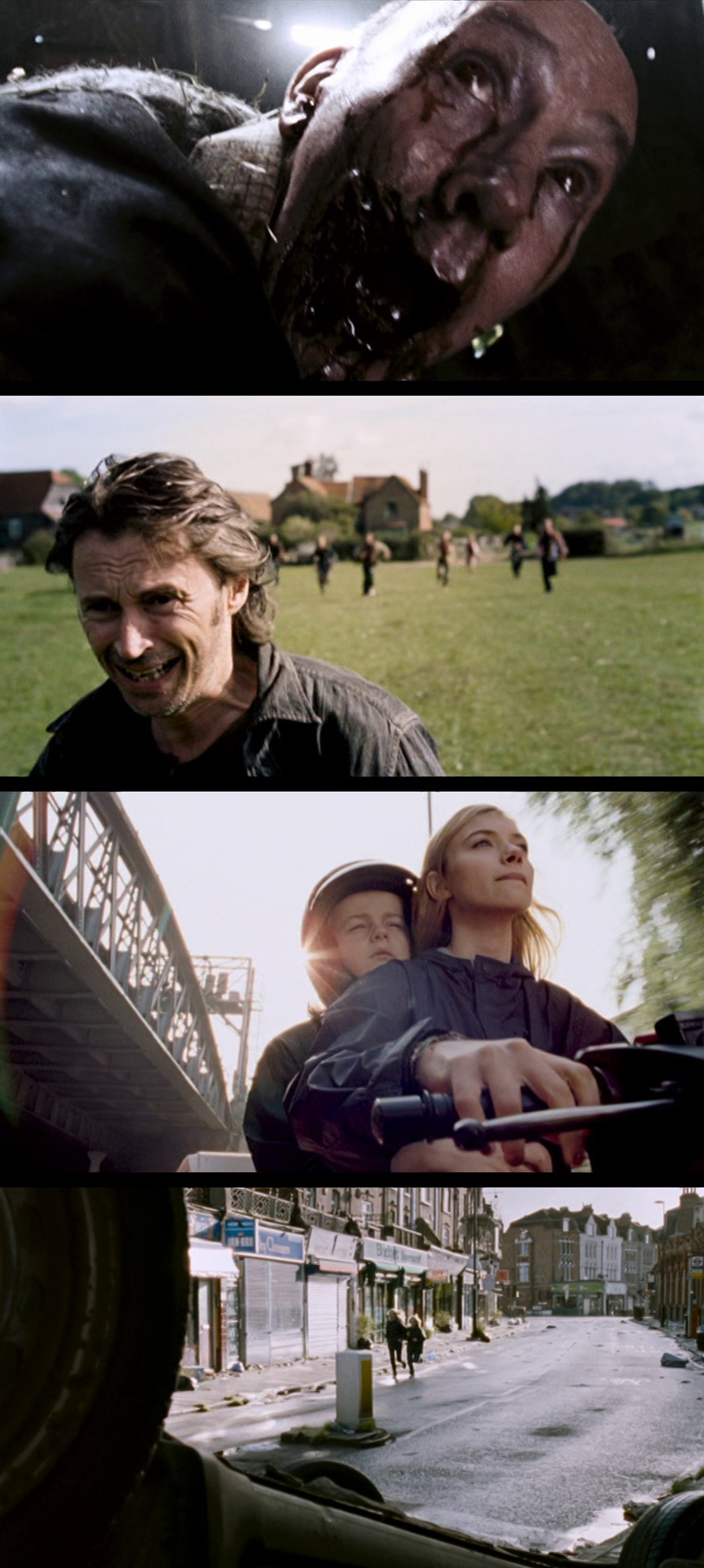
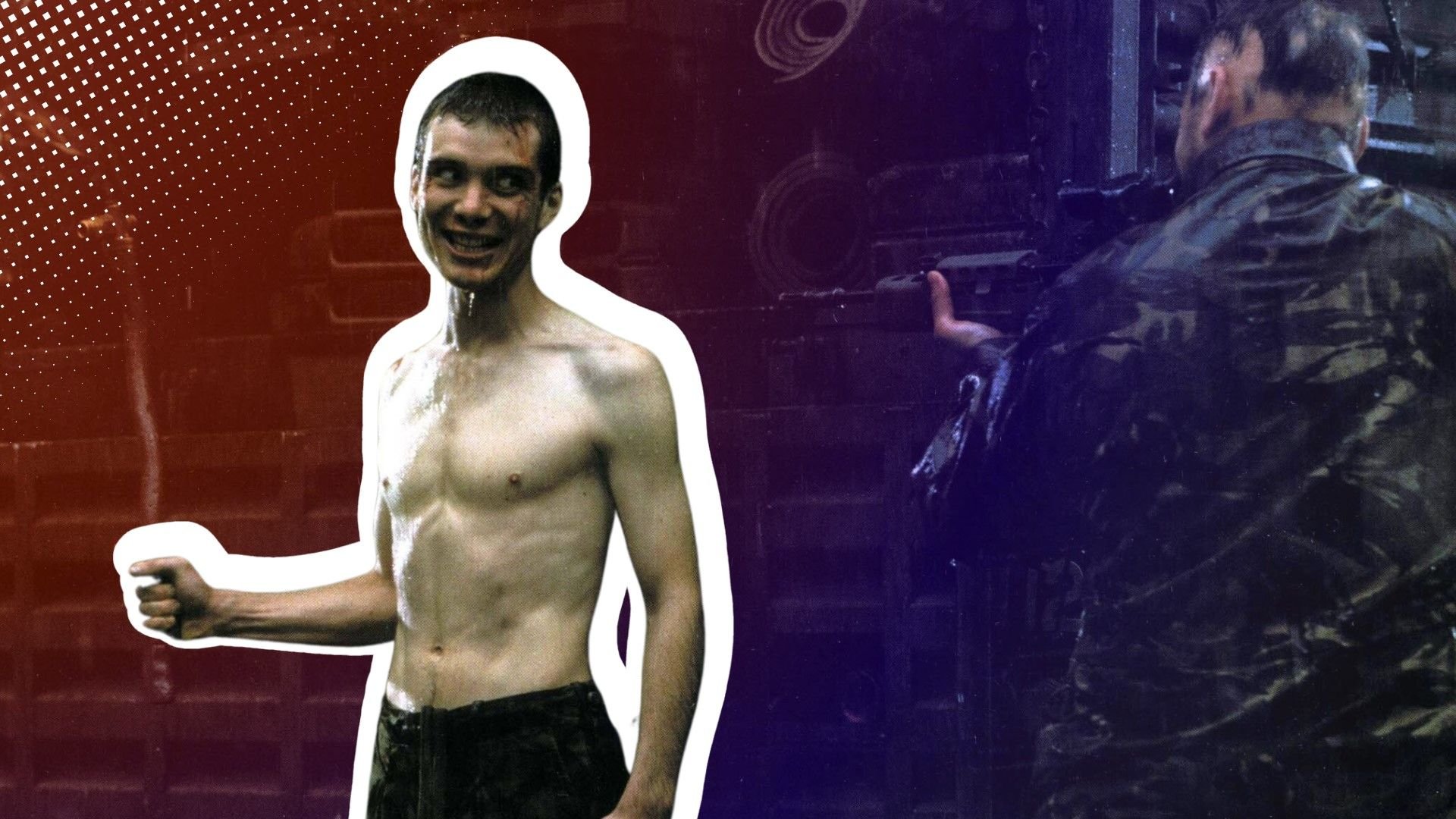
The primary filming of 28 Years Later—the high-stakes sequel to the cult classics 28 Days Later and 28 Weeks Later—was completed using a fleet of iPhone 15 Pro Max smartphones. Directed by Danny Boyle and shot by Academy Award-winning cinematographer Anthony Dod Mantle, this $75 million production is the largest film in history to use a smartphone as its primary camera system.
While the 2007 film 28 Weeks Later was shot using traditional 16mm and 35mm film, the choice to use iPhones for the 2025/2026 production of 28 Years Later represents a full-circle moment for the franchise. The original 2002 film, 28 Days Later, was famously shot on the Canon XL-1, a standard-definition digital camcorder, to achieve a gritty, immediate aesthetic. By opting for the iPhone 15 Pro Max, Boyle and Mantle have updated that "digital grime" for the modern era, leveraging professional-grade sensors housed in consumer hardware.
The Evolution from Digital Video to Smartphone Cinema
To understand why a major Hollywood studio would greenlight a $75 million budget for a film shot on a phone, one must look at the history of the 28 franchise. In 2002, 28 Days Later pioneered the use of digital video in mainstream cinema. At the time, the Canon XL-1 provided a low-resolution, "shaky" look that perfectly mirrored the chaos of a post-apocalyptic London.
In contrast, the 2007 sequel 28 Weeks Later, directed by Juan Carlos Fresnadillo, moved toward a more traditional cinematic look using Arriflex film cameras. However, for the third installment, Danny Boyle returned to the director's chair and reunited with Anthony Dod Mantle. Their goal was to recapture the experimental spirit of the first film while utilizing the technical leaps made in mobile technology.
As of 2026, the iPhone 15 Pro Max remains a benchmark for this transition because it was the first Apple device to support ProRes Log recording and external storage via USB-C. These features allowed the production team to bypass the "smartphone look"—characterized by over-sharpening and artificial highlights—and instead treat the phone as a raw digital sensor capable of being graded in professional post-production suites.
The Technical Rig: Turning an iPhone into a Cinema Camera
It is a common misconception that the production simply held the phones by hand and pressed record. In reality, the iPhone 15 Pro Max served as the "brain" of a highly complex optical rig. To make the footage indistinguishable from traditional cinema, the crew utilized specialized housing and high-end glass.
The Role of Beastgrip and Lens Adapters
The phones were encased in Beastgrip cages, which provided the necessary mounting points for professional cinematography accessories. The most critical component was the DOF (Depth of Field) adapter. This device allowed the filmmakers to mount full-frame cinema lenses—specifically Cooke Optics—to the iPhone.
By projecting the image from a high-end cinema lens onto a translucent screen inside the adapter, and then having the iPhone film that screen, the production achieved the shallow depth of field and organic "bokeh" typically associated with 35mm film. This setup effectively neutralized the small sensor size of the smartphone, giving the movie the scale and texture of a blockbuster while maintaining the maneuverability of a mobile device.
External Monitoring and Storage
Professional film sets require multiple people (the director, the script supervisor, the focus puller) to see what the camera sees. The production used the iPhone’s USB-C port to output a clean video signal to external monitors. Furthermore, because internal smartphone storage is too slow and limited for high-bitrate video, the footage was recorded directly to external SSDs using the ProRes 422 HQ format.
Why Use an iPhone? Artistic and Practical Motivations
The decision to use the iPhone 15 Pro Max was not a gimmick or a cost-saving measure. Given the $75 million budget, the production could have easily afforded dozens of Arri Alexa or Panavision cameras. Instead, the choice was driven by two factors: aesthetic continuity and physical flexibility.
Artistic Continuity
Danny Boyle has long been a proponent of using technology that reflects the "now." Just as the Canon XL-1 reflected the early 2000s digital revolution, the iPhone represents the ubiquity of modern image-making. The "iPhone look," when manipulated by a master like Anthony Dod Mantle, provides a sense of immersion and "found footage" realism that a polished 8K cinema camera might lack.
Physical Maneuverability
Filming a zombie (or "infected") epic involves high-speed chases, tight corridors, and unconventional angles. The small form factor of the iPhone rig—even when kitted out with lenses—allowed the camera operators to place the "eyes" of the audience in locations where a 30-pound cinema camera simply could not fit. This agility contributed to the frantic, visceral energy that defines the 28 franchise.
Comparison: Traditional Cinema vs. The 28 Years Later Rig
The following table illustrates the technical differences between a standard Hollywood setup and the specific configuration used for the iPhone-based production of 28 Years Later.
| Feature | Standard Hollywood Setup (e.g., Arri Alexa 35) | 28 Years Later Rig (iPhone 15 Pro Max) |
|---|---|---|
| Primary Sensor | Super 35mm or Full Frame CMOS | 1/1.28" Mobile Sensor (via Apple Log) |
| Lenses | Direct PL/L-Mount Cinema Glass | Cooke Lenses via Beastgrip DOF Adapter |
| Recording Format | ARRIRAW / ProRes 4444 XQ | Apple ProRes 422 HQ (Log) |
| Storage Medium | Proprietary Codex Drives | External USB-C SSDs (Samsung/SanDisk) |
| Rig Weight | 15 - 40 lbs (depending on build) | 5 - 12 lbs (with cage and glass) |
| Primary Advantage | Maximum Dynamic Range & Color Depth | Extreme Mobility & Unique Digital Texture |
The Challenges of Professional Smartphone Filmmaking
Despite the successes of the production, filming a feature of this scale on a smartphone introduced significant technical hurdles that the crew had to troubleshoot in real-time.
- Heat Management: Recording high-bitrate ProRes for hours at a time generates immense heat. On the set of 28 Years Later, the team had to use specialized cooling solutions and frequently rotate "camera bodies" (the iPhones themselves) to prevent thermal throttling, which can cause dropped frames.
- Dynamic Range: While Apple Log significantly improves the highlights and shadows, a smartphone sensor still lacks the 17+ stops of dynamic range found in an Arri Alexa. To compensate, the lighting department had to be incredibly precise, using "negative fill" and controlled lighting environments to ensure the sensor didn't blow out the highlights or lose detail in the shadows.
- Rolling Shutter: All smartphones use a rolling shutter, which can lead to the "jello effect" during fast pans or high-speed movement. This was particularly challenging for an action-heavy film. The production used specific shutter speed settings and post-production stabilization to mitigate these artifacts.
The Impact on the Film Industry in 2026
The release of 28 Years Later has sparked a massive debate within the industry regarding the "democratization" of filmmaking. While critics argue that a $75 million film using an iPhone is an irony, proponents suggest it proves that the story and the eye of the cinematographer matter more than the price of the camera body.
By 2026, we are seeing more mid-budget productions experiment with "hybrid" workflows, where smartphones are used for B-roll, tight action shots, or specific stylistic sequences. However, 28 Years Later remains the gold standard for showing that the gap between "consumer" and "professional" hardware has narrowed to the point of invisibility for most viewers.
Frequently Asked Questions
Was 28 Weeks Later (2007) filmed on an iPhone?
No. 28 Weeks Later was filmed using traditional 16mm and 35mm motion picture film. The confusion often stems from the news surrounding the third film in the series, 28 Years Later (2025/2026), which was the first to use the iPhone 15 Pro Max as its primary camera.
Why did they use the iPhone 15 Pro Max specifically?
The production chose the iPhone 15 Pro Max because it was the first model to offer a USB-C port with high-speed data transfer (10Gbps), enabling direct recording to external SSDs. It also introduced Apple Log, a flat color profile that allows professional colorists to have maximum control over the final look of the film.
Did they use the iPhone's built-in lenses for the whole movie?
No. While some shots may have used the native lenses for specific "guerilla" moments, the majority of the film used high-end professional cinema lenses mounted to the iPhone via a Beastgrip DOF adapter. This allowed the filmmakers to achieve a professional "film look" while still using the iPhone's sensor.
How much did the camera setup cost compared to a normal movie?
While an iPhone costs around $1,200, the full rig (including Cooke cinema lenses, Beastgrip cages, external monitors, and wireless follow-focus systems) likely cost upwards of $30,000 to $50,000 per unit. However, this is still significantly cheaper than a standard $150,000 Arri or Red setup.
Is the quality of an iPhone good enough for IMAX?
Yes, when shot in ProRes Log and handled by a world-class post-production team, the 4K output of the iPhone 15 Pro Max can be upscaled and color-graded for large-format screens. The gritty aesthetic of the 28 franchise specifically benefits from the unique digital texture the phone provides.
Practical Recommendation for Aspiring Filmmakers
If you are looking to replicate the look of 28 Years Later without a multi-million dollar budget, the most important takeaway is the workflow, not just the device. To achieve professional results on a smartphone in 2026:
- Use a Log Profile: Always shoot in Apple Log (or a similar flat profile) to preserve dynamic range.
- Invest in Glass: Use a lens adapter or high-quality anamorphic mobile lenses. The "smartphone look" is largely a byproduct of the tiny native lenses; adding quality glass changes the light's characteristics before it even hits the sensor.
- Control Your Shutter: Use apps like Filmic Pro or the Blackmagic Camera App to lock your shutter speed to double your frame rate (e.g., 1/48th of a second for 24fps) to ensure natural-looking motion blur.
- External Audio: Never rely on the internal microphone. Use external recorders to match the visual quality with professional-grade sound.