For most small businesses in 2026, cloud-based network security solutions are the most effective choice. They provide enterprise-grade protection against sophisticated AI-driven threats, support remote and hybrid work models, and eliminate the high capital expenditure of physical hardware. These solutions leverage centralized updates and automated threat intelligence to keep small firms protected without requiring a massive in-house IT team.
Defining Cloud-Based Network Security in 2026
The landscape of network security has shifted dramatically over the last several years. Previously, network security meant a physical firewall—a "black box" in a server closet—that guarded the perimeter of an office. Today, the "perimeter" has largely disappeared. Small business employees work from home, coffee shops, and satellite offices, accessing company data stored in various SaaS applications and cloud storage environments.
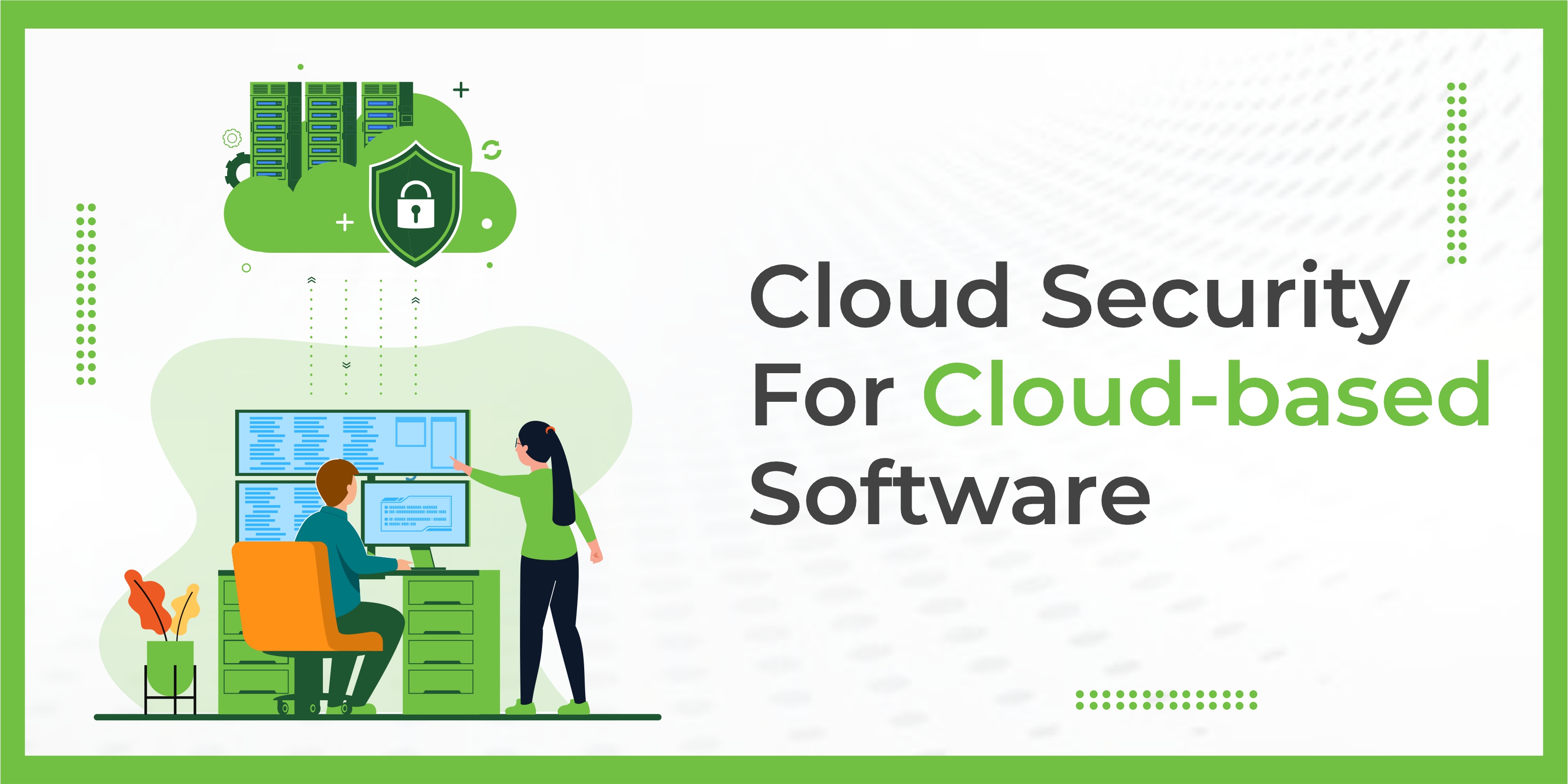
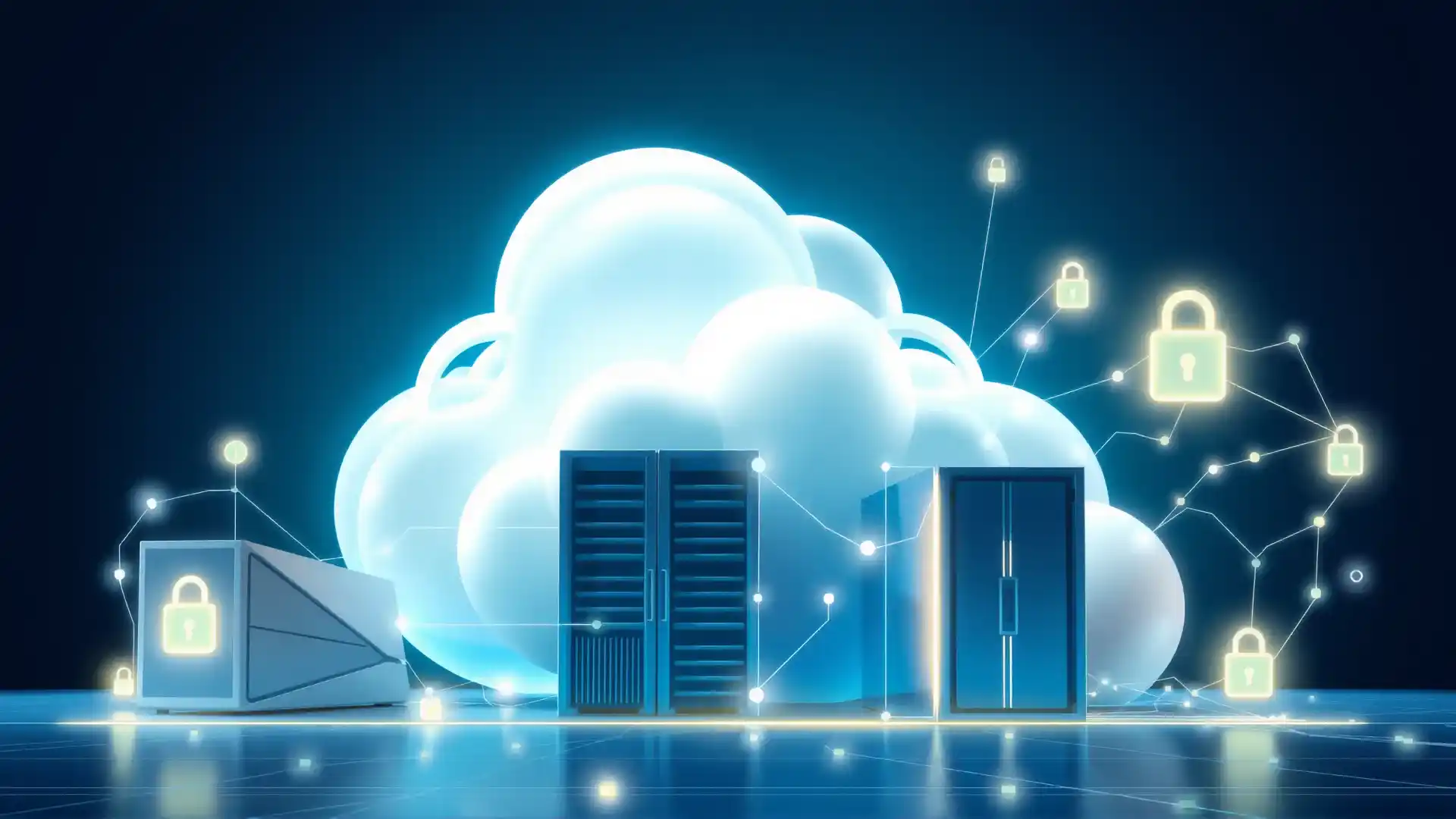
Cloud-based network security, often delivered through frameworks like Secure Access Service Edge (SASE) or Security Service Edge (SSE), moves the security stack from a local appliance to the cloud. Instead of routing all traffic through a single physical office to be inspected, traffic is routed to a nearby cloud gateway. This gateway performs deep packet inspection, malware filtering, and access control before sending the traffic to its destination.
In 2026, these solutions have matured to incorporate advanced Machine Learning (ML) and Artificial Intelligence (AI) modules that identify zero-day threats in real-time. For a small business, this means having the same level of security as a Fortune 500 company, delivered via a scalable, monthly subscription model.
Why Small Businesses Are Moving to the Cloud
Small to medium-sized businesses (SMBs) are currently the primary targets for cyberattacks. According to recent data from the Cybersecurity & Infrastructure Security Agency (CISA), small businesses often lack the dedicated security personnel of larger corporations, making them "soft targets" for ransomware and data exfiltration.
Shift from CAPEX to OPEX
Traditional network security requires a significant Capital Expenditure (CAPEX). You must purchase the hardware, pay for licensing, and eventually pay for a hardware refresh when the unit becomes obsolete. Cloud solutions operate on an Operational Expenditure (OPEX) model. You pay for what you use, usually on a per-user or per-site basis. This predictability is vital for small business cash flow management.
The Support for Hybrid Work
The hybrid work model is no longer a temporary trend; it is the standard for 2026. A physical firewall in an office is ineffective when 60% of the workforce is remote. Cloud-based security provides a consistent security posture regardless of where the employee is located. Whether they are on a home Wi-Fi network or a cellular connection, their traffic passes through the cloud security layer, ensuring company policies are enforced.
Automatic Threat Intelligence
In an era where AI-generated malware can morph faster than traditional signature-based antivirus can track, automated updates are essential. Cloud providers manage the "threat feed" centrally. When a new threat is detected in one part of the world, the provider updates the global cloud firewall immediately. Small businesses no longer need to worry about manual firmware updates or patching their security appliances.
The Components of a Modern Cloud Security Suite
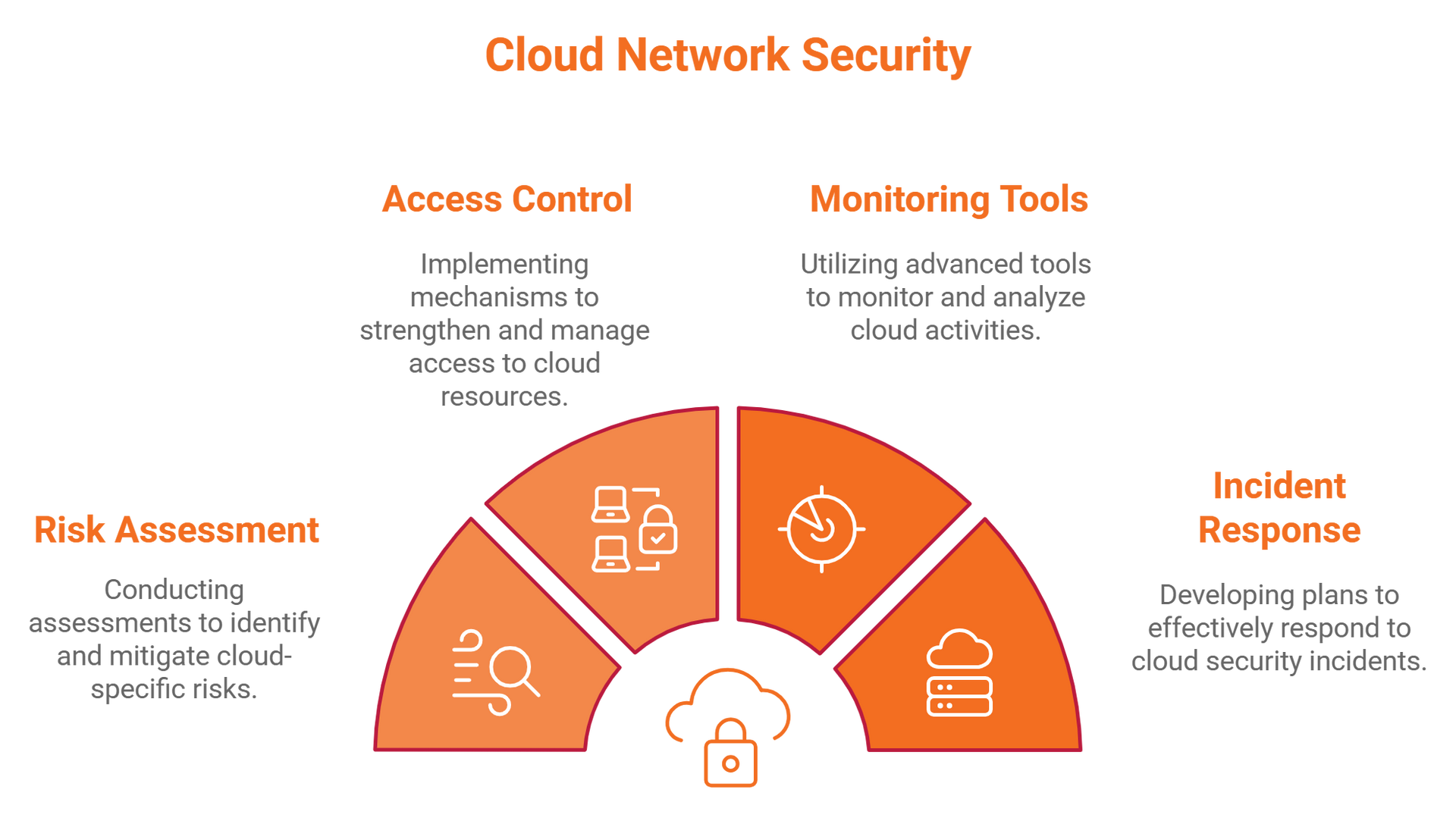
To determine if these solutions are right for your business, it is essential to understand the specific technologies involved. Most 2026 cloud security bundles include several key components:
- Firewall as a Service (FWaaS): A cloud-based version of the traditional firewall that inspects traffic across all ports and protocols.
- Secure Web Gateway (SWG): Specifically filters web traffic to prevent users from accessing malicious websites and to block unauthorized data uploads.
- Cloud Access Security Broker (CASB): Acts as a gatekeeper between your users and your cloud applications (like Microsoft 365, Slack, or Salesforce), ensuring that data is encrypted and access is authorized.
- Zero Trust Network Access (ZTNA): Replaces traditional VPNs. It operates on the principle of "never trust, always verify," granting access only to specific applications rather than the entire network.
Potential Drawbacks and Considerations
While the benefits are significant, cloud-based security is not a universal "magic bullet." Small businesses must weigh certain operational realities before making the switch.
Internet Dependency
Because the security layer resides in the cloud, your protection is tied to your internet connectivity. If your office's primary internet connection fails, and you do not have a redundant link, your users may lose access to both the internet and internal cloud resources. However, in 2026, the rise of high-speed 5G failover has mitigated much of this risk for SMBs.
Latency Concerns
Routing traffic to a cloud gateway before it reaches its final destination can introduce "latency" (delay). While modern providers have data centers (Points of Presence) in almost every major geographic region, businesses in extremely remote areas might experience a slight lag in application performance.
Data Residency and Compliance
Certain industries, such as healthcare or legal services, are subject to strict data residency laws. You must ensure that your cloud security provider stores and processes your data in compliance with local regulations, such as the GDPR or CCPA. It is critical to verify that your provider can guarantee data stays within specific jurisdictional boundaries if required.
Comparison: Cloud-Based vs. On-Premises Security
The following table compares the two primary approaches to network security for small businesses in 2026.
| Feature | On-Premises Hardware | Cloud-Based Security (SASE/SSE) |
|---|---|---|
| Initial Cost | High (Hardware + Setup) | Low (Subscription-based) |
| Maintenance | Manual patches/firmware updates | Fully managed by the provider |
| Scalability | Limited by hardware capacity | Near-infinite and instant |
| Remote Support | Requires VPN (often slow/insecure) | Native support for all locations |
| Threat Intelligence | Periodic updates | Real-time, AI-driven updates |
| Control | Full physical control | Shared responsibility model |
| Reliability | Dependent on local hardware health | Dependent on internet connectivity |
Determining if Your Business is Ready
Not every small business is at the same stage of digital maturity. To decide if a cloud-based solution is right for you, evaluate the following prerequisites:
- Cloud Utilization: If 80% or more of your workflows are already in the cloud (email, file storage, CRM), a cloud-based security solution is a natural and highly efficient fit.
- Workforce Distribution: If you have even one remote employee or a "bring your own device" (BYOD) policy, cloud security offers better protection than a localized firewall.
- Internal IT Capacity: If you do not have a full-time cybersecurity expert on staff, the managed nature of cloud security provides a significant safety net.
- Internet Infrastructure: Ensure your office has a stable, high-speed connection. We recommend a primary fiber connection with a secondary 5G/LTE failover to ensure the "security cloud" is always reachable.
Implementation Steps for Small Businesses
Moving to a cloud-based network security model should be a phased process to avoid disrupting daily operations.
1. Audit Your Current Assets
Identify where your data lives. Is it on a local server, in OneDrive, or in a niche industry application? Understanding your traffic patterns is the first step in configuring your cloud firewall policies.
2. Choose the Right Vendor
In 2026, the market is crowded. Look for vendors that specifically offer "SMB Tiers." These versions often provide the same core security as enterprise versions but with simplified management interfaces. Notable frameworks to research include those aligned with NIST Cybersecurity Framework standards.
3. Implement a Pilot Program
Do not switch the entire company at once. Start with a small group of users—perhaps your most mobile employees. Test for latency issues, application compatibility, and ease of use.
4. Enforce Zero Trust Policies
Once the cloud gateway is active, start moving away from "open" network access. Use your ZTNA tools to ensure that if a marketing employee’s credentials are stolen, the attacker can only see marketing tools, not the accounting system.
5. Employee Training
Security technology is only as good as the people using it. Train your staff on how the new system works, especially regarding multi-factor authentication (MFA) prompts and what to do if they are blocked from a site.
Cost Considerations and ROI
While cloud-based security is a recurring cost, the Return on Investment (ROI) is often higher than on-premises solutions when factoring in "total cost of ownership."
Direct Savings:
- No more expensive hardware refresh cycles every 3-5 years.
- Reduced electricity and cooling costs for on-site server rooms.
- Lower insurance premiums; many cyber-insurance providers in 2026 offer discounts for businesses using verified SASE or ZTNA architectures.
Indirect Savings:
- Reduced Downtime: Cloud providers guarantee high uptime (often 99.999%), reducing the risk of a network outage stopping your business.
- Breach Mitigation: The average cost of a data breach for a small business can be devastating. Cloud security significantly lowers the probability of a successful attack.
Common Mistakes to Avoid
Even with the best technology, implementation errors can leave gaps in your defense.
- Over-complicating Policies: Many small businesses try to create hundreds of micro-rules. Start with broad, secure defaults and refine them as needed.
- Ignoring Mobile Devices: Ensure your cloud security solution extends to mobile phones and tablets, which are often the weakest links in the security chain.
- Neglecting the "Human Element": Technology cannot stop a user from giving away their password over the phone. Cloud security must be paired with ongoing security awareness training.
- Lack of Redundancy: Relying on a single internet service provider (ISP) for a cloud-dependent security model is a recipe for disaster. Always have a backup connection.
Frequently Asked Questions
Does cloud-based security replace antivirus software?
In many cases, yes, or it integrates deeply with it. Modern cloud security often includes "Endpoint Detection and Response" (EDR) as part of the package. While traditional antivirus is still useful, the cloud-based network layer stops threats before they even reach the computer, providing a multi-layered defense.
Is my data safe if the security provider is hacked?
Cloud security providers invest billions into their own defense. While no system is unhackable, these providers typically follow the ISO/IEC 27001 standards and undergo rigorous third-party audits. Your data is generally much safer in a professional cloud environment than on a local server in a small office.
How long does it take to deploy a cloud security solution?
For a small business with 20-50 employees, a basic cloud security rollout can often be completed in a few days. This is significantly faster than the weeks it can take to ship, install, and configure physical hardware.
Will it slow down my employees' internet speed?
If configured correctly and using a provider with local Points of Presence (PoPs), the impact on speed is usually imperceptible. In some cases, it can actually improve speed by filtering out malicious background traffic and optimizing the path to cloud applications like Microsoft 365.
What happens if we lose internet access?
If your internet goes down, your users will lose access to the cloud security gateway. However, if they are in the office, they also lose access to their cloud tools (email, etc.) anyway. For remote workers, if their home internet fails, they simply cannot work. This is why having a mobile hotspot or 5G backup is a critical part of a modern business strategy.
Final Recommendation
For the vast majority of small businesses in 2026, cloud-based network security is the correct choice. The flexibility to support a remote workforce, the shift to a predictable subscription model, and the access to elite threat intelligence far outweigh the risks of internet dependency.
If your business is still relying on a five-year-old physical firewall sitting in a dusty corner, your first step should be to consult with a managed service provider (MSP) to audit your traffic. Transitioning to a SASE or SSE framework will not only harden your defenses but will also provide the technological agility needed to compete in an increasingly digital economy.