Finding the ideal case for a 13-inch Apple iPad requires balancing form, function, and specific model compatibility. Because Apple has introduced multiple iterations of large-format tablets, ensuring your chosen case aligns with your specific device generation, camera layout, and port placement is essential for maintaining hardware longevity and maximizing usability.
Understanding Compatibility and Model Specifics
The "13-inch" classification for Apple iPads is not a single, monolithic category. In the current 2026 landscape, the 13-inch display size is primarily associated with the iPad Pro series. However, minor variations in chassis thickness, internal magnet placement for accessories, and camera bumps—often referred to as the camera array—mean that a case designed for a 2024 model may not perfectly fit a 2026 iteration.
Before purchasing any protective gear, you must verify your specific model number. This is found in the iPad's settings under General > About > Model Number. Tapping the model number will reveal an "A" followed by four digits (e.g., A2926). Cross-referencing this number with the manufacturer’s compatibility list is the only way to guarantee a secure fit. Never rely solely on the "13-inch" label on product packaging, as retail listings often use broad search terms that may include incompatible legacy or future-released devices.
Assessing Your Primary Use Case
Protection is subjective and depends heavily on how you interact with your device daily. To choose the right case, you must categorize your primary usage into one of three distinct profiles:
1. The Mobile Professional
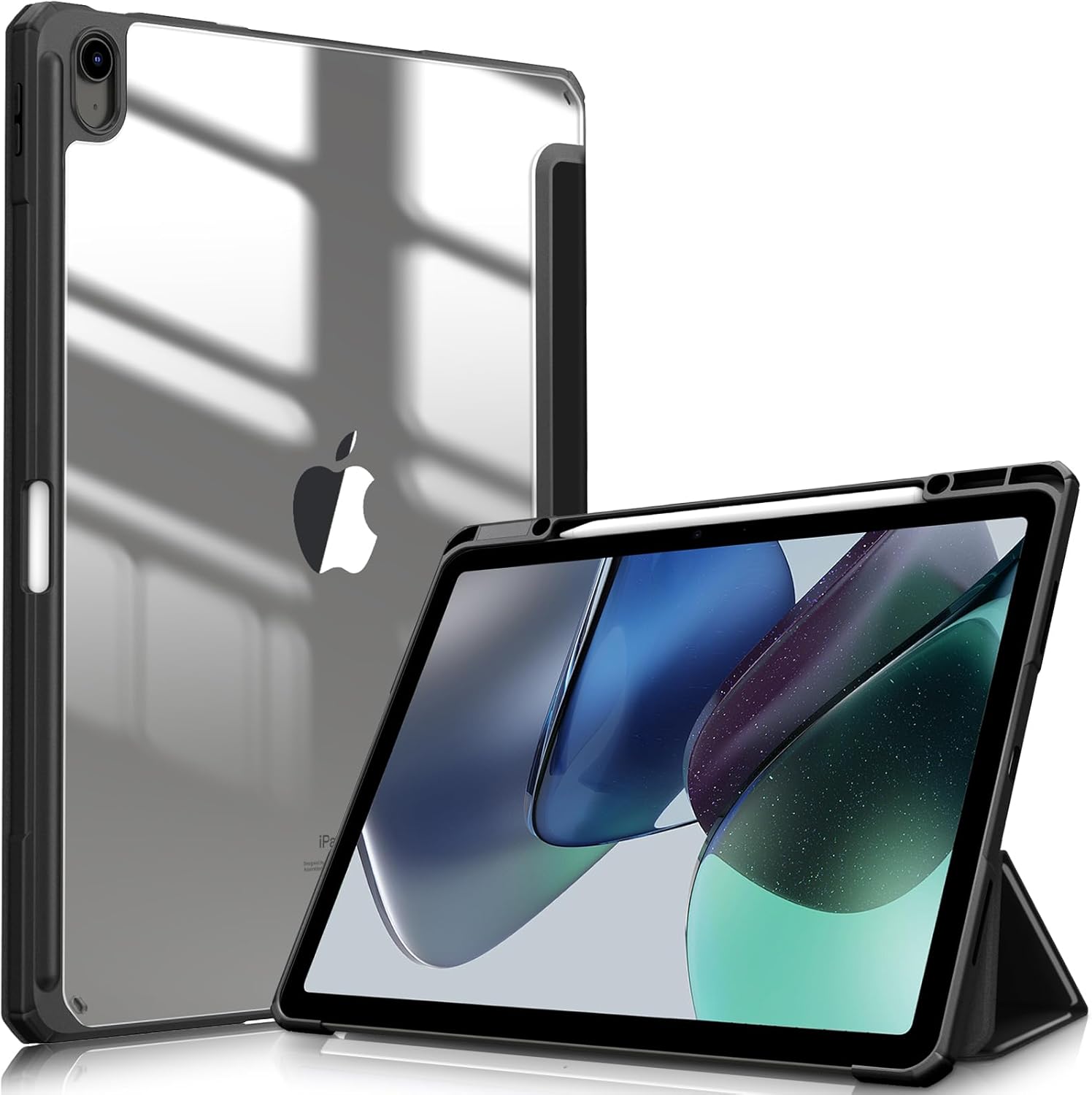
If your 13-inch iPad is a primary work tool carried between meetings, commutes, and travel, your priority should be portability and slim-profile protection. Look for folio-style cases that cover the screen when not in use. These should feature an "auto-wake/sleep" function, which uses magnets to turn the display on or off when the cover is opened or closed, saving battery life and reducing the need to press physical power buttons.
2. The Creative and Power User
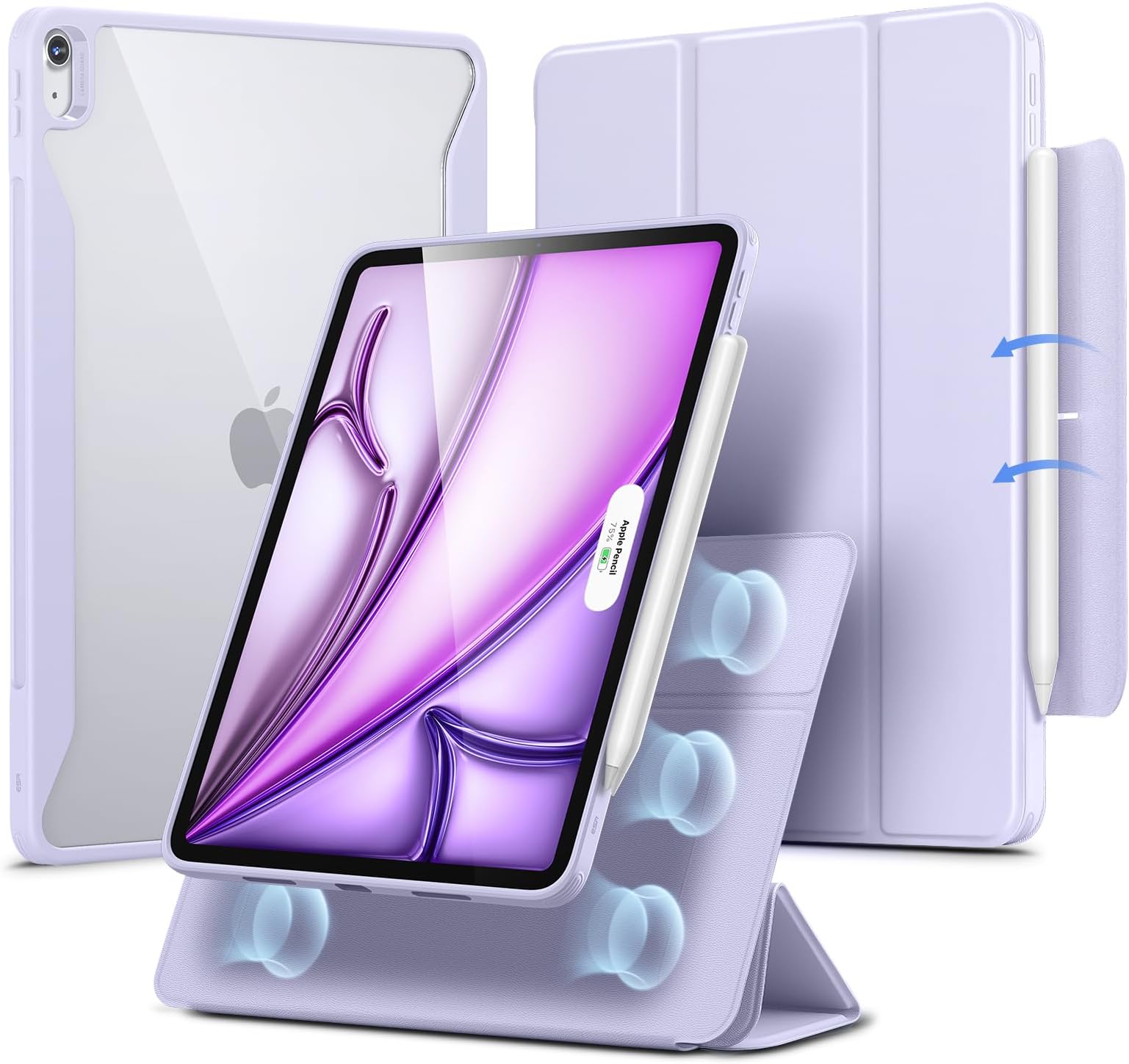
For those using the iPad Pro for digital illustration, video editing, or multitasking, a case that supports multiple viewing angles is vital. "Origami" style covers or cases with multi-position stands allow you to switch between a steep angle for media consumption and a low-profile incline that is ergonomic for stylus input. Ensure the case is compatible with the Apple Pencil; specifically, check if the case allows for the magnetic attachment and wireless charging of the pencil on the side of the iPad.
3. The Rugged Field Worker
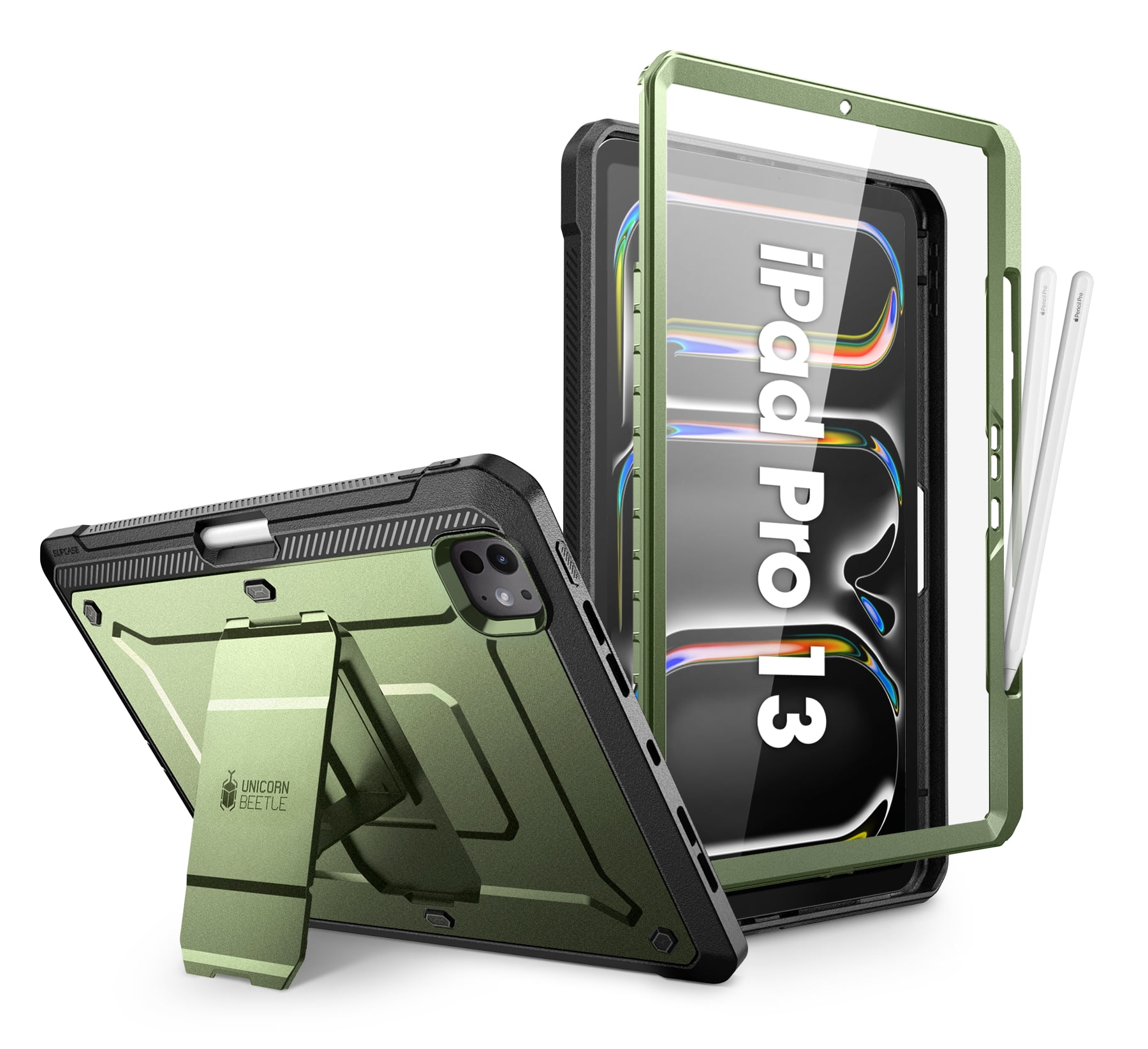
If your iPad is subjected to harsh environments, construction sites, or is used by children, a slim folio will be insufficient. Look for hybrid designs that combine a hard polycarbonate shell with a shock-absorbent silicone or TPU (thermoplastic polyurethane) outer layer. These cases are thicker and heavier but provide drop protection that meets military-grade standards. Ensure these cases include port covers to protect the USB-C connector from dust and debris ingress.
Essential Material and Design Factors
The materials used in your case dictate both the tactile experience and the durability of the product.
- Polyurethane (PU) Leather: A synthetic material that offers a professional aesthetic. It is easy to clean but can show signs of wear, such as cracking or peeling, over extended heavy-duty use.
- Thermoplastic Polyurethane (TPU): This is the industry standard for impact protection. It is flexible, durable, and offers excellent shock absorption. It is frequently used for the internal cradle that holds the iPad.
- Microfiber Lining: Always look for a case where the interior lid is lined with soft microfiber. This protects the screen from scratches and buffs away smudges, preventing debris from getting trapped between the case and the glass.
- Polycarbonate: Used for rigid shells. It provides excellent structural integrity and scratch resistance but can be brittle if dropped onto hard surfaces, sometimes cracking to absorb the impact energy.
Comparison Table: Choosing Your Protection Style
| Feature | Folio Case | Rugged Shell | Keyboard Case |
|---|---|---|---|
| Weight | Lightweight | Heavy | Moderate to Heavy |
| Primary Benefit | Portability/Wake | Drop Protection | Productivity/Typing |
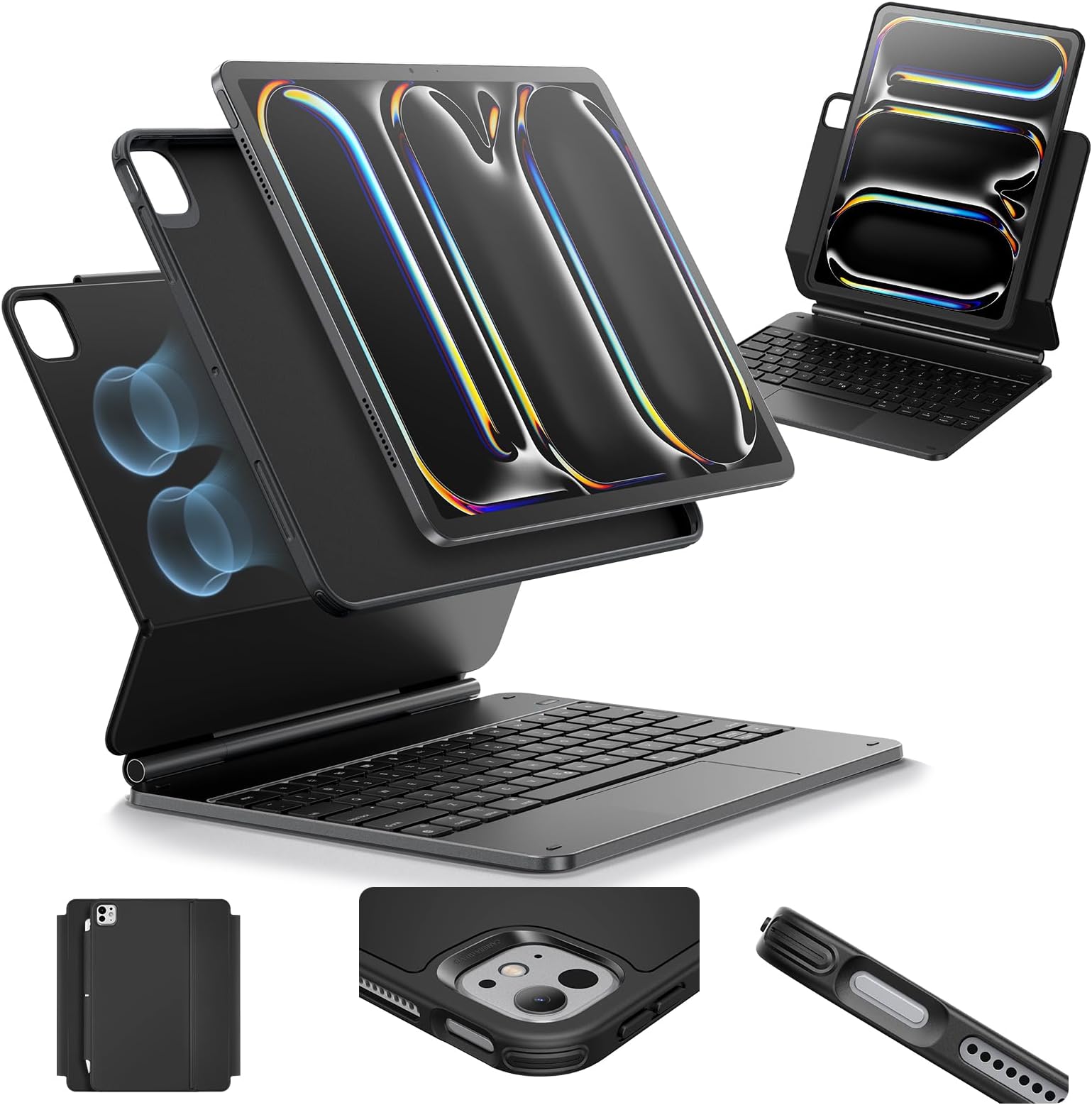
| Viewing Angles | Usually 2 | Fixed or Multiple | Multi-position |
| Screen Cover | Included | Optional/Separate | Included |
| Best For | Casual/Office Use | Field/Outdoor Use | Work/Studying |
Installation and Maintenance Best Practices
Installing a case on a 13-inch device requires precision. When inserting the iPad into a hardshell or rugged case, always start by aligning the side with the physical buttons (volume rocker and power) first. Once these are seated correctly, gently press the corners into the shell. Forcing the corners first can put undue pressure on the frame, potentially causing the screen to flex.
Maintenance is just as critical as selection. Every few weeks, remove the iPad from the case to wipe down both the device and the interior of the case. Dust and grit that accumulate between the hard plastic shell and the aluminum back of the iPad can act as sandpaper, causing permanent cosmetic micro-scratches over time. Use a damp, lint-free cloth and mild soap if necessary, ensuring the device is completely dry before re-casing.
Troubleshooting Common Case Issues
Users often encounter specific frustrations with 13-inch iPad cases. If you find your device is "ghost touching" (registering touches on its own), it may be that the case edge is slightly encroaching on the active screen area. Check for debris in the bezel.
If your case features a magnet-based stand that feels weak, ensure the hinge has not accumulated dust. Magnets are powerful, but they lose effectiveness if even a thin layer of particulate matter prevents a flush connection. If your Apple Pencil is not charging, remove the case entirely to test if the interference is caused by the thickness of the case wall or a metal plate within the case design that is blocking the inductive charging coil.
Frequently Asked Questions
Does a 13-inch iPad Pro case fit all 13-inch models? No. Apple periodically shifts the thickness and camera module size. Always verify your specific model number against the manufacturer's specifications to avoid fitment issues.
Will a case interfere with Apple Pencil wireless charging? High-quality, slim cases are designed to allow for magnetic pairing and charging. However, extra-thick rugged cases or those with internal metal supports may obstruct the induction process.
Do I need a separate screen protector with a folio case? A folio case provides excellent protection during transport, but the screen remains exposed during use. A tempered glass screen protector is recommended for additional insurance against drops and localized impacts.
How do I clean my silicone-based case? Use a mixture of mild dish soap and warm water with a microfiber cloth. Avoid harsh chemical cleaners or alcohol wipes, as these can degrade the soft-touch coating of silicone cases, leading to a sticky texture.
Why does my iPad get hot while in its case? If you are running intensive applications like video rendering, the case may trap heat. If the device becomes uncomfortably hot, remove it from the case to allow for better passive airflow and heat dissipation.
Final Recommendation
For most users, a high-quality folio case from a reputable third-party manufacturer offers the best balance of style, screen protection, and utility. When making your final decision, prioritize cases with a reinforced corner design, as these are the most common points of impact. Ensure the case allows for full access to the USB-C port, as some rigid protective designs have narrow openings that prevent the use of bulkier third-party charging cables or adapters. Always register your product if the manufacturer offers a warranty, as hinge mechanisms and magnetic closures are often the first elements to show failure after long-term use.