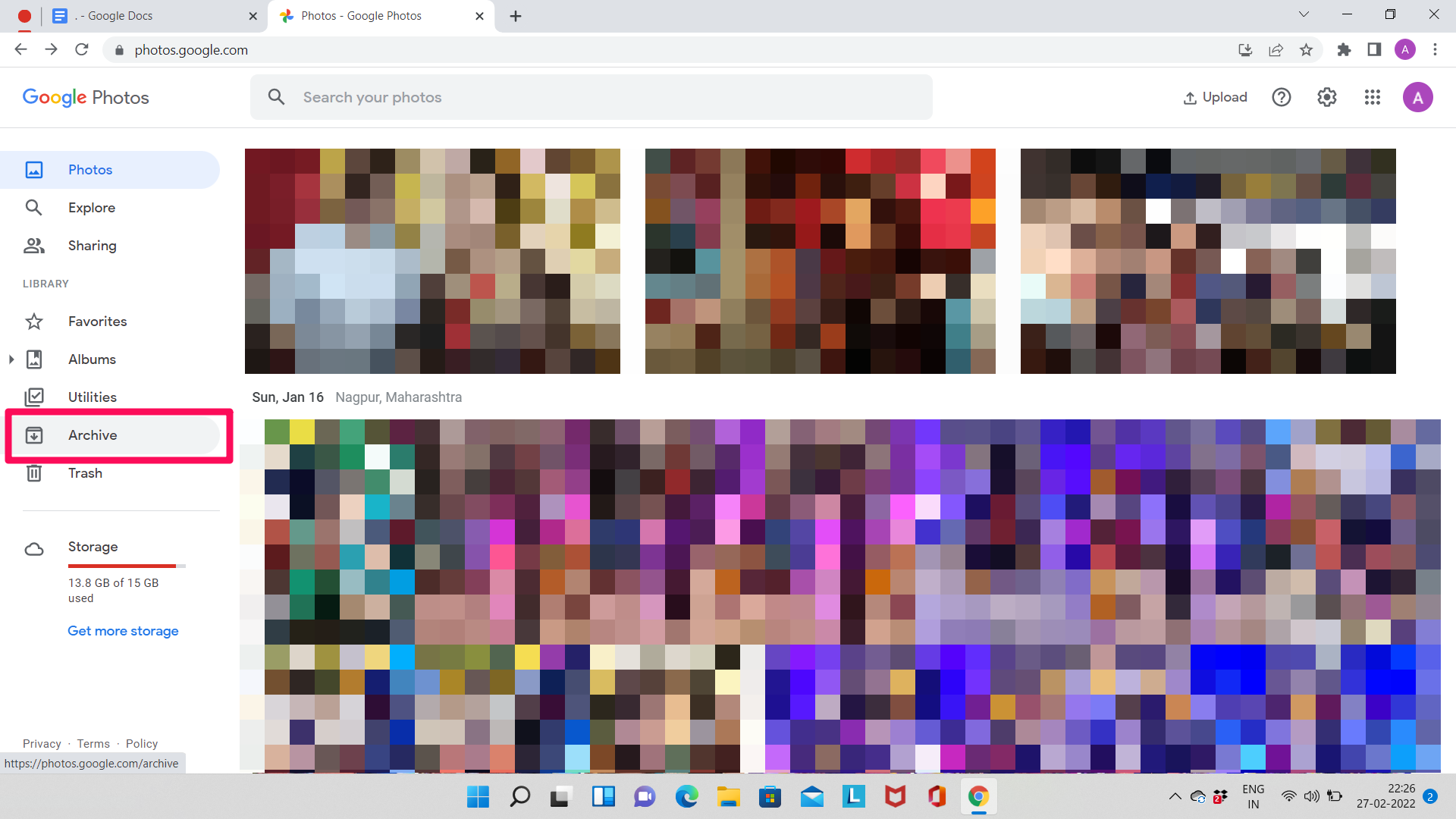
To perform an archive search on Google in 2026, you can utilize the "About this result" panel to access integrated Internet Archive links for specific web pages. Alternatively, use search operators like before:YYYY-MM-DD and after:YYYY-MM-DD to filter results by date, or visit the Google News Archive for digitized historical newspapers.
The landscape of digital preservation has shifted significantly over the last several years. For decades, users relied on the "Cached" link directly in the search results to view previous versions of websites. However, following Google’s official retirement of its own hosted cache system in 2024, the process of searching archives now requires a more nuanced understanding of search operators and third-party integrations. Whether you are a researcher looking for deleted information, a legal professional verifying past digital claims, or a nostalgic user, mastering these tools is essential for navigating the web’s history.
The Evolution of Archive Search on Google
The concept of "archive search" on Google has evolved from a simple built-in feature to a sophisticated ecosystem of search parameters and external partnerships. Historically, Google maintained a snapshot of almost every page it indexed. This was primarily a backup for the search engine itself to understand content when the live site was down. By 2024, Google determined that the internet’s reliability had improved to a point where hosting its own cache was no longer necessary, leading to a partnership with the Internet Archive (Wayback Machine).
Today, in 2026, archive search is less about clicking a single button and more about knowing where the data is stored. Google serves as the primary portal, but the data itself often resides in specialized repositories or is accessed through strict chronological filters. Understanding this distinction is the first step in successful historical retrieval.
How to Access Archived Web Pages via Google Search
Since the removal of the direct "Cached" link, Google has integrated a pathway to the Internet Archive’s Wayback Machine within its interface. This is the most direct way to see what a specific page looked like in the past.
Using the "About This Result" Panel
- Perform a standard search: Type your query into Google as usual.
- Locate the three dots: Next to any search result URL, you will see three vertical dots (or a similar "Options" icon).
- Open "About this result": Clicking this opens a side panel or overlay that provides context about the website’s security, its history, and its source.
- Find the Archive Link: In 2026, this panel includes a dedicated link labeled "More about this page" or "View previous versions," which redirects you directly to the Internet Archive’s calendar for that specific URL.
This integration is a vital tool for verifying content that has been edited or removed. It bridges the gap between Google’s real-time index and the permanent record of the web.
Utilizing Date-Based Search Operators
If you aren't looking for a specific snapshot of one page but rather want to see what the entire search landscape looked like during a specific timeframe, you must use search operators. This is often referred to as "Time-Travel Searching."
- The
before:operator: Limits results to pages Google found before a specific date. For example,iPhone 15 reviews before:2024-01-01will show you only content published before 2024. - The
after:operator: Limits results to content published after a certain point. - Combined Range: Searching
artificial intelligence after:2021-01-01 before:2022-12-31provides a curated look at the AI discourse during that specific two-year window.
These operators are particularly useful for academic researchers who need to exclude modern "noise" or SEO-optimized content that might drown out primary sources from the past.
Searching the Google News Archive
For those seeking historical primary sources from the 18th, 19th, and 20th centuries, the Google News Archive remains an unparalleled resource. Although Google stopped adding new digitized newspaper content to this specific project years ago, the existing database of millions of pages from thousands of newspapers is still accessible.
How to Navigate the News Archive
The News Archive is distinct from regular Google News. It contains scanned images of physical newspapers, including advertisements, obituaries, and local news that often isn't indexed by standard web crawlers.
- Access the Portal: Navigate to
news.google.com/newspapers. - Browse by Title: You can scroll through an alphabetical list of newspapers from around the world.
- Search Within the Archive: Use the search bar at the top, but be sure to use the
site:news.google.com/newspapersmodifier if searching from the main Google homepage to ensure you are targeting the digitized prints. - Use the Timeline: Once a search is performed, Google provides a timeline graphic that allows you to click on specific decades or years to narrow your results.
This archive is essential for genealogical research and historical fact-checking, as it captures the "as-it-happened" reporting of historical events.
Searching Your Personal Google Archives
Sometimes, "archive search" refers to finding your own past data. Google stores a vast amount of historical interaction data that users often need to retrieve for personal or legal reasons.
Gmail Archive Search
In Gmail, "Archive" is an action that removes an email from the Inbox but keeps it in the "All Mail" folder. To search specifically for archived emails:
- Use the operator
-in:inboxin the search bar. This tells Gmail to show results that are not currently in your inbox. - Combine this with other terms, such as
-in:inbox from:Amazon, to find archived receipts.
Google My Activity
The Google My Activity portal is the ultimate archive of your digital life. It records search history, YouTube views, and location history (if enabled). In 2026, the interface allows for granular filtering by date and product, making it possible to find exactly what you were searching for on a specific afternoon three years ago. This is a private archive, accessible only to the account owner.
Comparison of Google Archive Search Methods
| Method | Primary Use Case | Accessibility | Content Type |
|---|---|---|---|
| Wayback Integration | Viewing a specific page's past appearance | Via "About this result" | HTML snapshots, images |
| Search Operators | Filtering search results by year/date | Standard search bar | Live web pages (dated) |
| News Archive | Historical research (1700s–2000s) | news.google.com/newspapers |
Scanned newspapers |
| Gmail Archive | Personal record retrieval | Gmail search bar (-in:inbox) |
Emails |
| Google Takeout | Bulk data export/Long-term backup | takeout.google.com |
All personal Google data |
Technical Challenges and Limitations
While Google provides powerful tools for archive search, there are several technical limitations that users should understand to manage expectations.
Robots.txt and Opt-outs
Not every page is archived. Website owners can use a robots.txt file to tell crawlers like the Internet Archive or Google not to save snapshots of their site. If a site owner has explicitly opted out of archiving, Google’s "About this result" panel will not show a historical link.
The "Link Rot" Factor
Digital decay, or "link rot," remains a significant hurdle. Even when an archive exists, the links within that archived page may be broken, or the media (videos and interactive elements) may no longer function. Google’s search operators only point to pages that currently exist and have a metadata timestamp. If a page was deleted and not caught by an archive crawler, it is effectively lost to the public search index.
JavaScript and Dynamic Content
Modern websites (from the 2020s onwards) often rely heavily on JavaScript to load content. Older archiving methods sometimes struggle to render these pages correctly. When searching for archives of highly interactive sites, the result may appear as a blank or broken layout.
Advanced Strategies for Researchers
For power users, archive search on Google is often just the beginning. To get the best results, consider these professional strategies:
- Cross-Reference with Archive.today: If Google’s integrated Wayback link fails, manually search for the URL on
archive.today. This service often captures pages that the Wayback Machine misses, especially those with paywalls or heavy JavaScript. - Verify Timestamps: Do not rely solely on the date shown in the search snippet. Use the "View Page Source" command (Ctrl+U) on a live page and search for "datePublished" or "dateModified" in the schema markup to verify when the content was actually created.
- Search by Filetype: When looking for old reports or white papers, combine date operators with filetypes. For example:
climate report filetype:pdf before:2015-01-01.
Common Mistakes in Archive Searching
- Confusing "Archived" with "Deleted": Many users search for archived pages expecting to find content that was never indexed. If Google never crawled the page while it was live, it likely won't be in any archive accessible through Google.
- Ignoring Time Zones: When using
before:andafter:operators, remember that Google uses UTC. For events happening on the cusp of a date change, your results might be off by one day depending on your local time zone. - Over-reliance on the Snippet: The text snippet Google shows in the search results is often the current description, even if you used a
before:operator. You must click through to the archived version to see the historical text.
Frequently Asked Questions
Can I see a version of a website from exactly 10 years ago?
Yes, but you usually cannot do this directly from the main Google search bar. You should find the website on Google, click the "About this result" dots, and then select the Internet Archive link. Once on the Wayback Machine site, you can select the specific year and day from the calendar grid.
Why did Google remove the "Cached" button?
Google officially stated that the cache was originally designed to help people access pages when internet connections were unreliable. With the advancement of web infrastructure, they felt the tool was no longer necessary for the average user. Furthermore, the partnership with the Internet Archive provides a more comprehensive and dedicated preservation service than Google’s temporary cache ever did.
Is the Google News Archive still being updated?
No, Google stopped its newspaper digitization program in 2011. While you can search all the newspapers that were scanned before that date (some dating back to the 1700s), you will not find "scanned" versions of newspapers from 2026 or the recent past. For recent news, you must use standard Google Search or the "Tools" menu to filter by date.
How do I search for a page that was deleted yesterday?
If a page was deleted very recently, Google’s index may still show it, but the link will lead to a 404 error. Your best bet is to use the cache:URL operator in the search bar (though this is being phased out, it sometimes works for very recent crawls) or check the "About this result" panel for a Wayback Machine snapshot that might have been taken recently.
Can I search Google's archive of my deleted search history?
If you have deleted your search history from "My Activity," it is generally purged from Google’s active servers and cannot be searched or recovered. Google provides a short window where you might be able to undo a deletion, but once that passes, the archive is gone for privacy and data-minimization reasons.
Practical Recommendation
For the most effective archive search on Google in 2026, start by using the before:YYYY-MM-DD operator to narrow the scope of the live web. Once you find a relevant URL that may have changed, use the "About this result" menu to jump to the Wayback Machine integration. This "hybrid" approach—using Google for discovery and the Internet Archive for retrieval—remains the most reliable method for navigating the digital past. For those conducting professional or legal research, always document the Memento-Datetime header of an archived page to prove exactly when the snapshot was captured.