Apple Pay is a contactless payment service that digitizes your existing credit and debit cards for use with Apple devices, while the Apple Card is a physical and digital credit card issued by Goldman Sachs specifically integrated into the Apple ecosystem. While they often work together to facilitate transactions, they represent two fundamentally different financial tools: one is a payment gateway, and the other is a line of credit.
Defining the Core Concepts
To understand the distinction between Apple Pay and Apple Card, it is helpful to look at how each functions within the context of your financial life.
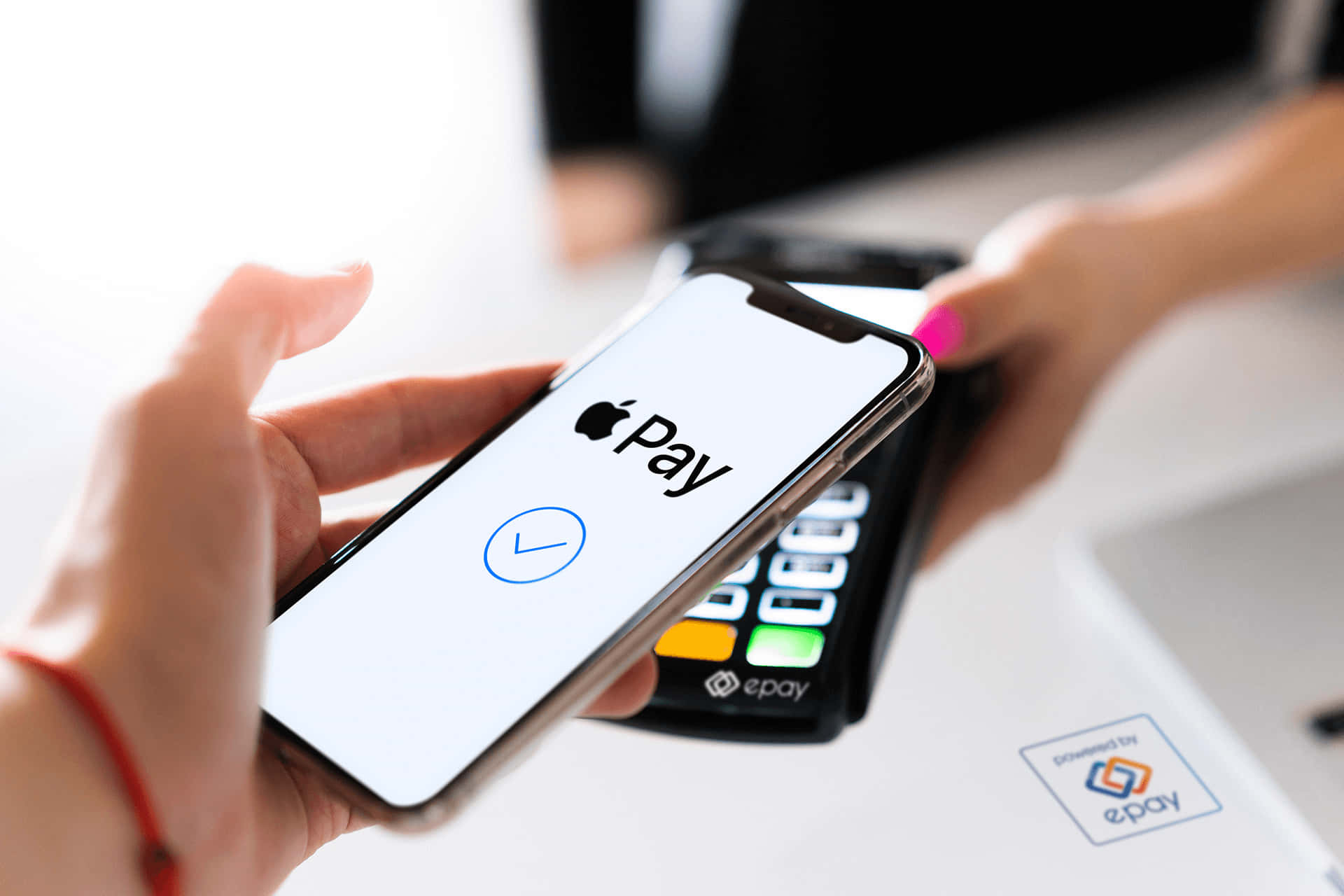
Apple Pay is a digital wallet service. It does not replace your bank account or your credit cards; rather, it acts as a secure, tokenized bridge between your existing financial institutions and the merchants where you shop. When you use Apple Pay, you are essentially using your own bank’s funds or an existing credit line from a third-party card issuer. The security of Apple Pay relies on device-specific account numbers and biometric authentication (Face ID or Touch ID), which ensures that your actual card numbers are never shared with merchants or stored on Apple servers.
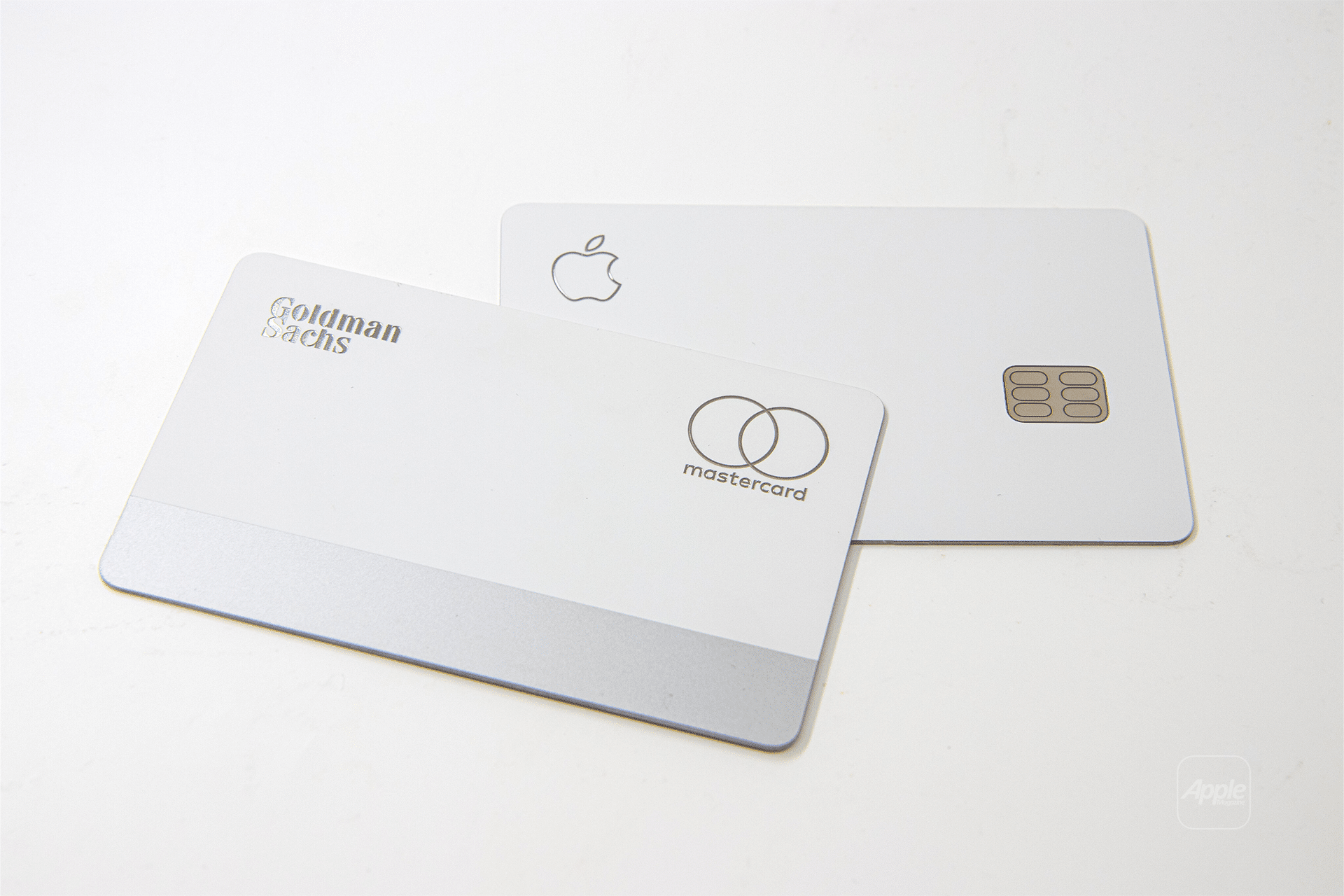
In contrast, the Apple Card is a financial product—a credit card issued by Goldman Sachs. It is designed to be managed entirely through the Wallet app on an iPhone or iPad. While it is built to be used seamlessly with Apple Pay, it carries its own terms of service, interest rates, credit limits, and rewards programs. You can use an Apple Card via Apple Pay at a terminal, but you can also use it online or via the physical titanium card provided to cardholders.
Apple Pay: The Digital Conduit
Apple Pay serves as the infrastructure for contactless payments. Its primary utility is convenience and enhanced security. By utilizing Near Field Communication (NFC) technology, Apple Pay allows users to move beyond the physical constraints of a plastic card.
How Apple Pay Enhances Security
When you add a card to Apple Pay, the system does not store the primary account number of your credit or debit card. Instead, it creates a Device Account Number. This number is encrypted and stored in the Secure Element—a dedicated chip in your iPhone or Apple Watch. When you authenticate a payment, the system provides this unique, temporary token to the payment terminal. This process ensures that if a merchant’s database is compromised, your actual card information remains safe and unusable by unauthorized actors.
Merchant Compatibility
Apple Pay is widely accepted in retail environments, apps, and websites that display the contactless symbol or the Apple Pay logo. Because it is essentially a carrier of your existing cards, the success of a transaction depends on whether the merchant’s point-of-sale system supports NFC payments, not on whether they "accept" Apple Pay specifically. If they accept standard contactless credit cards, they accept Apple Pay.
The Apple Card: A Dedicated Financial Instrument
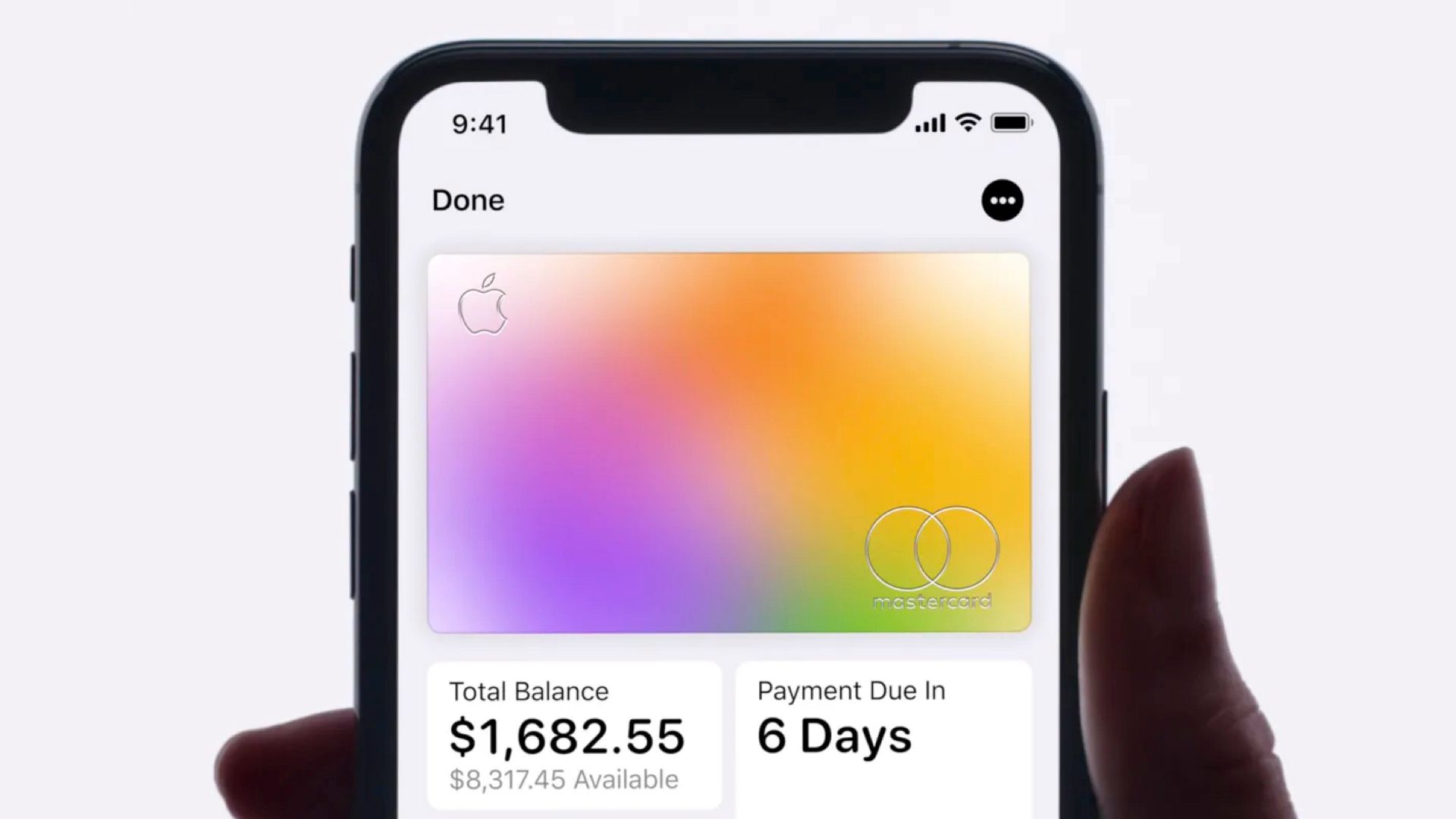
The Apple Card is a credit card that offers a unique interface for debt management and rewards. Unlike traditional credit cards that may require a web portal or a separate third-party app to track spending, the Apple Card is integrated directly into the iOS Wallet interface.
Daily Cash and Rewards
One of the defining features of the Apple Card is its "Daily Cash" program. Unlike many rewards programs that payout monthly, Daily Cash is deposited into your Apple Cash balance—a digital debit account within the Wallet—shortly after a transaction clears. The rewards structure is tiered, typically offering:
- 3% Daily Cash on purchases made directly with Apple and select merchants.
- 2% Daily Cash on all purchases made using Apple Pay.
- 1% Daily Cash on purchases made with the physical titanium card or the virtual card number.
Financial Management Features
The Apple Card offers real-time spending insights. The Wallet app categorizes your spending, providing visualizations of where your money goes. Furthermore, it provides an interactive payment wheel that calculates the interest you will pay based on the amount you choose to pay off, helping users visualize the cost of carrying a balance. This is a significant deviation from traditional banking, where such calculations are often hidden in dense, monthly paper statements.
Key Differences for the Consumer
When deciding how these two services fit into your financial routine, consider the following comparison of their primary characteristics.
| Feature | Apple Pay | Apple Card |
|---|---|---|
| Product Type | Digital payment service | Credit card |
| Issuer | Not an issuer | Goldman Sachs |
| Financial Liability | Linked to your existing bank cards | Linked to your Apple Card account |
| Credit Check | None required (uses existing cards) | Required during application |
| Rewards | Dependent on the cards added | Built-in Daily Cash rewards |
| Management | Wallet app stores tokens | Wallet app manages the account |
Synergies and Practical Usage
The most powerful way to use these tools is in combination. By setting the Apple Card as your default payment card within Apple Pay, you maximize your rewards (the 2% Daily Cash rate) while benefiting from the speed and security of contactless transactions.
However, many users rely on Apple Pay to hold various other cards—such as airline-affiliated cards or store-specific credit cards—that may offer better category-specific rewards than the Apple Card. In this scenario, Apple Pay acts as the master interface for your entire wallet, while the Apple Card remains one specific, albeit highly integrated, option among many.
The Role of the Physical Apple Card
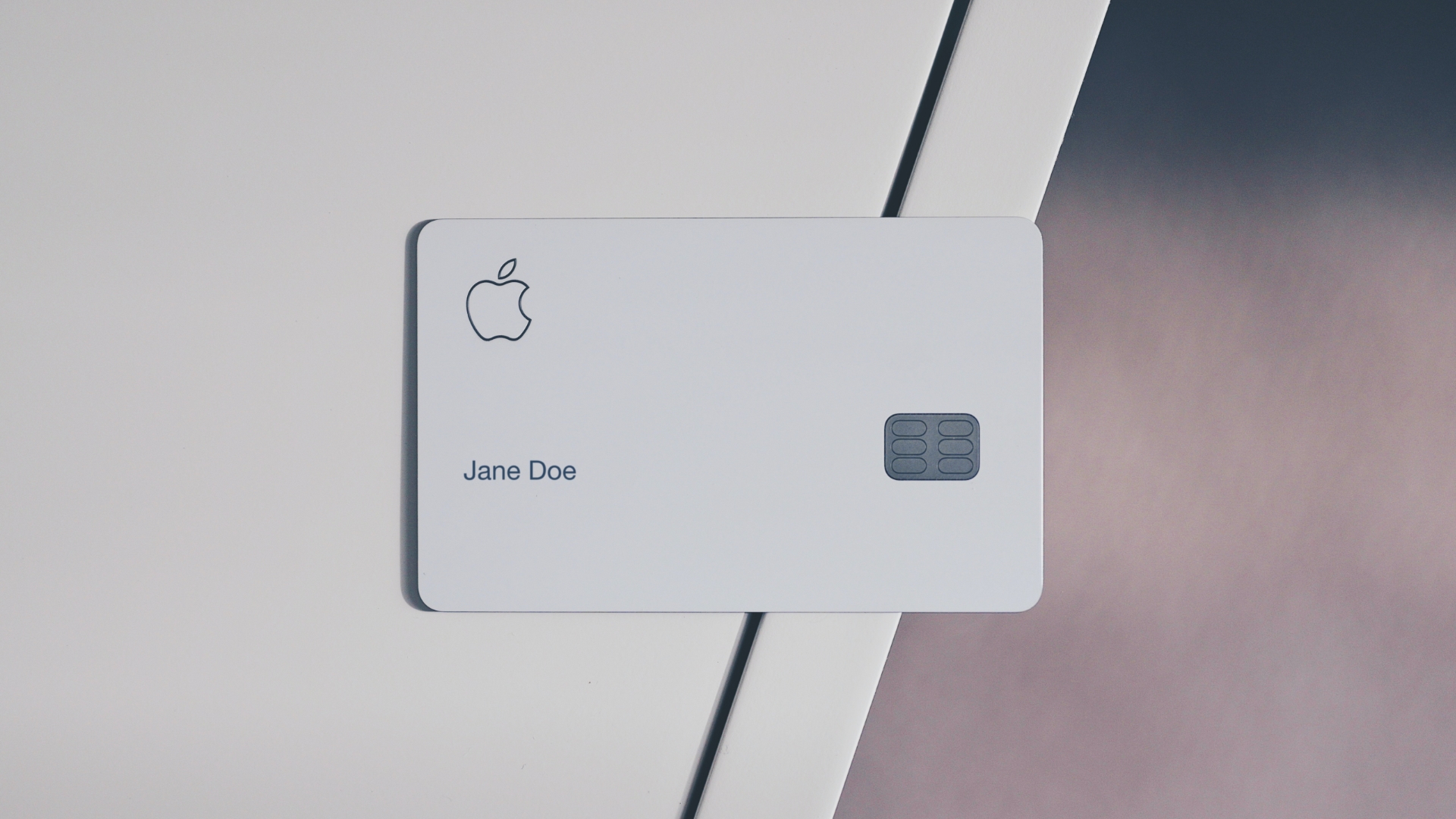
The physical Apple Card is unique in that it lacks a printed card number, CVV, or expiration date on the card itself, which minimizes the risk of someone stealing your details if the card is lost. If you need to make a purchase at a merchant that does not support NFC, you can use the physical card. The trade-off is the lower reward rate (1%) compared to using Apple Pay.
Common Requirements and Troubleshooting
Before attempting to use these services, ensure your environment meets the necessary criteria.
Prerequisites for Apple Pay
- Hardware: An iPhone, iPad, Apple Watch, or Mac with a supported NFC chip.
- Account: An Apple ID signed into iCloud.
- Financial Source: A valid, active debit or credit card from a participating bank or issuer.
Prerequisites for Apple Card
- Eligibility: You must be a resident of the United States, at least 18 years of age (or older depending on state law), and meet creditworthiness requirements as determined by Goldman Sachs.
- Verification: You must have a compatible iPhone with the latest version of iOS.
Troubleshooting Frequent Issues
- Card Not Supported: If your bank does not support Apple Pay, you cannot add the card. Check the official Apple support page for a list of participating banks.
- Authentication Failures: If Face ID or Touch ID fails at a terminal, ensure your device is not in a restricted mode and that your biometrics are registered correctly.
- Application Denials: If your application for an Apple Card is declined, Goldman Sachs will typically send a letter explaining the reasons, such as credit score, debt-to-income ratio, or existing credit history.
Frequently Asked Questions
Can I use Apple Pay without an Apple Card?
Yes. Apple Pay is designed to support cards from almost any major bank or credit union. You can add your existing Visa, Mastercard, or Discover cards to the Wallet app and use them with Apple Pay just as you would with the Apple Card.
Is the Apple Card mandatory for using Apple Pay?
No. The Apple Card is a distinct financial product. You can use Apple Pay for years without ever applying for or owning an Apple Card. They are independent systems that happen to share the same user interface.
Is there a fee for using Apple Card?
As of 2026, there are no annual, foreign transaction, or late fees associated with the Apple Card. However, this does not mean the card is "free"; you will still accrue interest if you carry a balance from month to month, and the Annual Percentage Rate (APR) is determined by your creditworthiness.
Does Apple Card offer better security than my other cards in Apple Pay?
While all cards in Apple Pay use the same tokenization security, the Apple Card offers additional privacy features, such as the lack of numbers on the physical card and the ability to regenerate your virtual card number instantly if you suspect it has been compromised.
Can I use Apple Card on a non-Apple device?
No. You must manage your Apple Card through the Wallet app on an Apple device. While you can view your statements and make payments via the card’s website, the primary management, application, and digital usage features are exclusive to the Apple ecosystem.
Recommendation for Next Steps
If you are looking to streamline your payments, start by adding your existing credit and debit cards to the Wallet app to enable Apple Pay. This provides immediate access to secure, contactless payments. If you find yourself frequently shopping at Apple or using contactless payments heavily, consider evaluating your current credit card rewards and comparing them against the Apple Card’s Daily Cash program.
Before applying for any new credit product, review your current credit health and verify that your financial institution or the Apple Card’s current terms align with your spending habits and long-term financial goals. Financial decisions should be made based on your individual budget and the specific interest rates offered to you upon approval.