Apple Music operates primarily as a subscription-based digital streaming service, but users frequently search for ways to access the "Apple Music app free." While the application itself is free to download across iOS, iPadOS, macOS, Android, and Windows devices, the streaming content requires a recurring financial commitment. There is no permanent, ad-supported free tier for Apple Music, meaning access is strictly gated by paid plans, promotional trial periods, or specific hardware-bundled offers.
The Reality of Apple Music Costs
The primary barrier for many users seeking a free experience is the fundamental business model Apple has chosen for its music platform. Unlike competitors that utilize "freemium" models—which offer access to the full library with interspersed advertisements—Apple Music functions exclusively on a premium model. This means that once any trial period concludes, the service will discontinue unless an active subscription is linked to the user’s Apple ID.
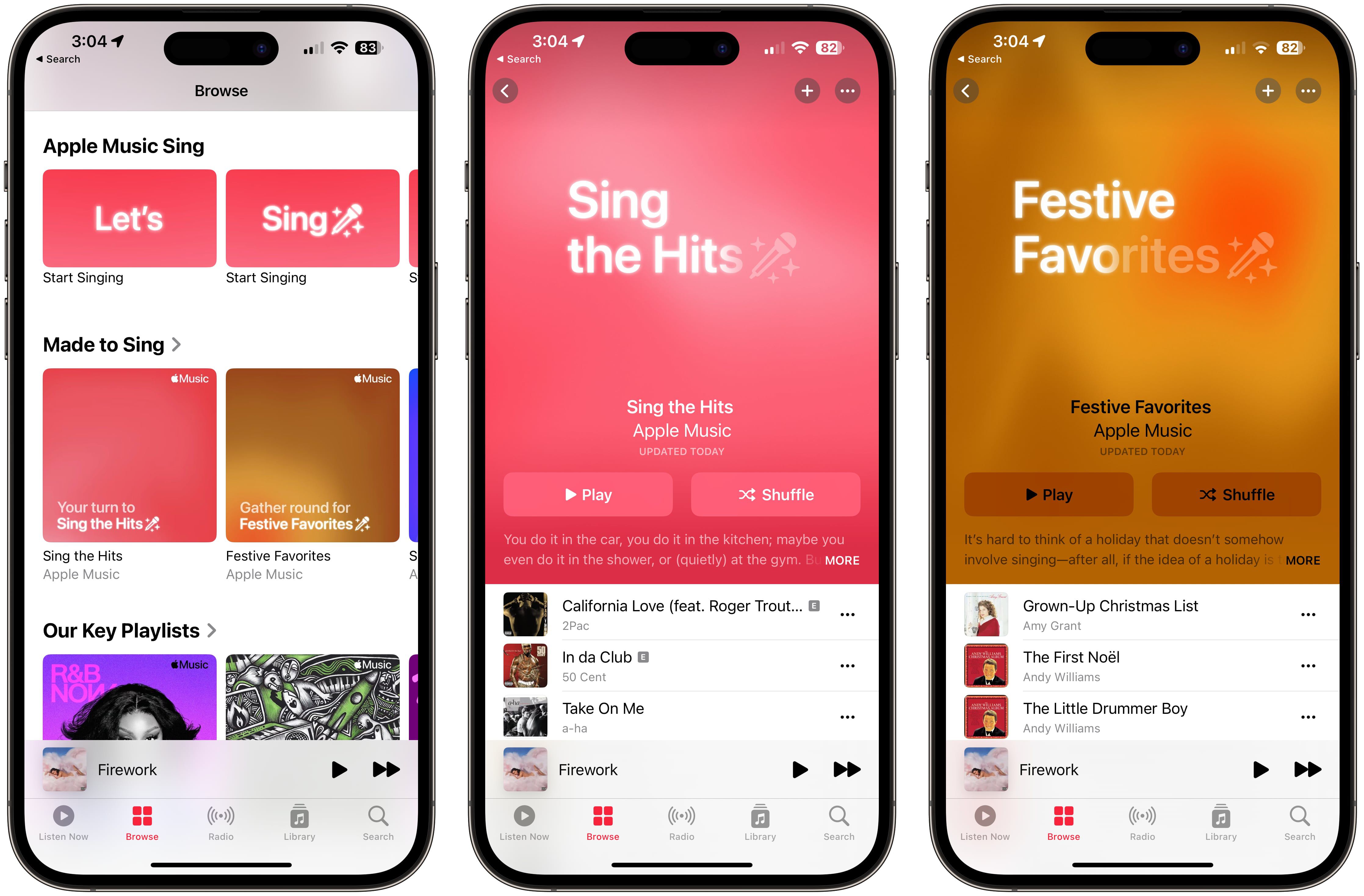
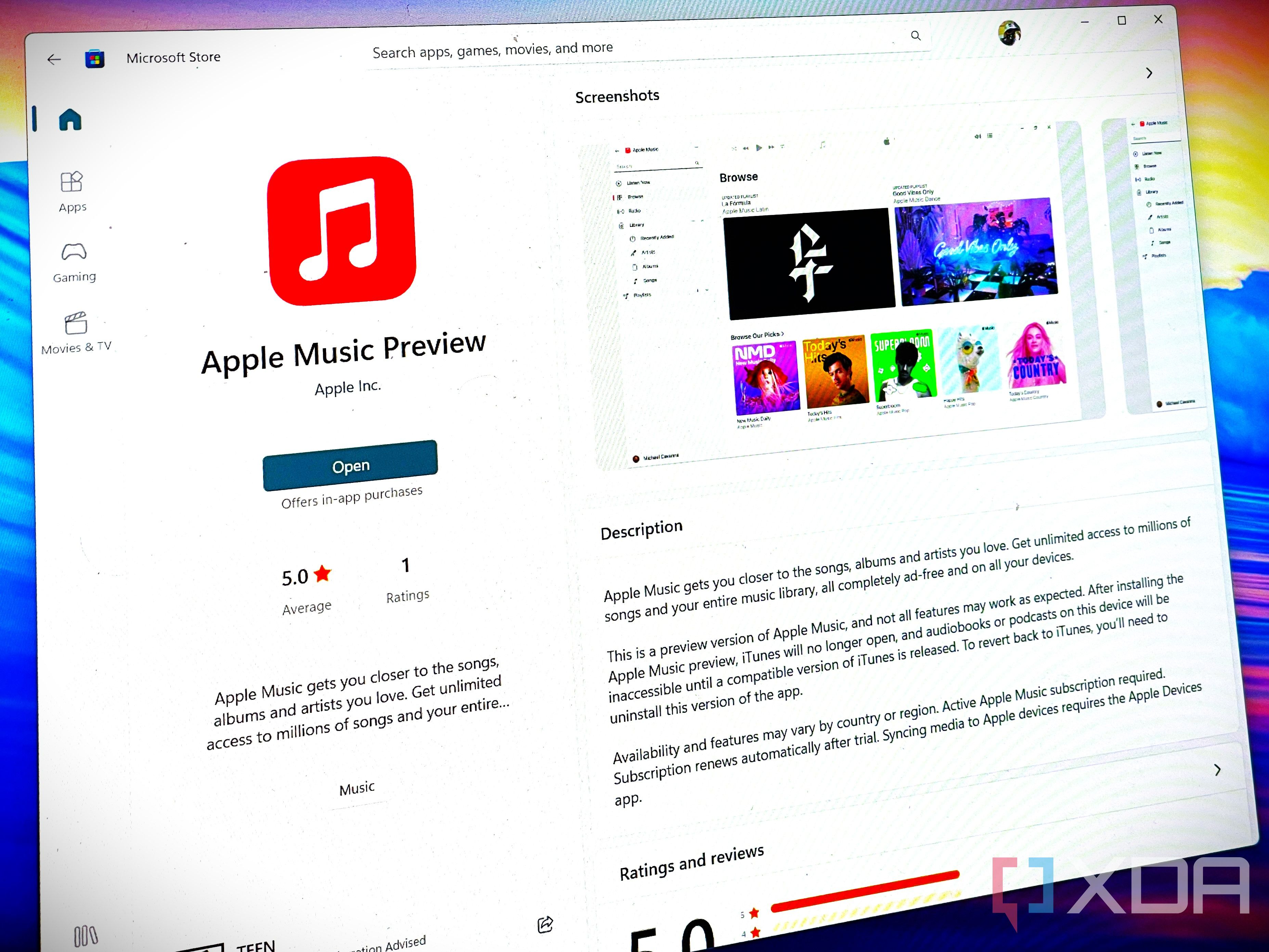
It is important to distinguish between the Apple Music application and the Apple Music service. You can download the app from the App Store or Google Play Store without paying, but the utility of that app is significantly limited without an active subscription. Without a plan, the app acts primarily as a local media player for files you have already purchased or ripped from physical media, rather than a gateway to a catalog of over 100 million songs.
Navigating Free Trials and Promotional Offers
The most common way to experience the full library without immediate cost is through official trial programs. Apple regularly provides introductory offers for new subscribers to incentivize the transition from non-users to paying members.
Standard Introductory Trials
Apple typically offers a one-month trial for new users. To access this, you must have an Apple ID that has not previously subscribed to Apple Music. Upon signing up, the system will prompt you to provide a payment method. It is a standard procedure to require this information upfront, even during a free trial, to ensure a seamless transition to a paid plan once the trial period expires.
Hardware-Bundled Access
Apple occasionally partners with third-party retailers or promotes its own hardware by offering extended trials. If you purchase specific audio equipment—such as AirPods, Beats headphones, or a HomePod—you may be eligible for a multi-month trial period. These offers are often region-specific and tied to the activation of the new hardware within the Apple ecosystem.
Carrier and Service Bundles
In certain markets, mobile network operators and internet service providers offer Apple Music as a value-added service included in high-tier data plans. These "free" additions are effectively subsidized by the carrier. If you are exploring this route, verify with your service provider whether the Apple Music access is a permanent inclusion or a time-limited promotional add-on.
Comparison of Access Methods
| Access Method | Duration | Prerequisites | Recurring Cost |
|---|---|---|---|
| Standard Trial | 1 Month | New Apple ID/Subscriber | Starts after trial ends |
| Hardware Bundle | 3–6 Months | New purchase/Eligible device | Starts after trial ends |
| Carrier Bundle | Indefinite | Specific data plan | Included in plan cost |
| Personal Subscription | N/A | Apple ID | Monthly/Annual fee |
Managing Your Subscription Status
To avoid unexpected charges after a free trial period concludes, proactive management is necessary. Apple’s billing system is designed to auto-renew unless the user manually opts out. If you activate a trial, you can disable the auto-renewal immediately. The subscription will remain active until the end of the trial period, ensuring you do not lose the remaining free days, but you will not be billed when the trial expires.
To cancel or modify your status:
- Open the Settings app on your iPhone or iPad.
- Tap your Name at the top of the menu.
- Select Subscriptions.
- Locate Apple Music in your list of active services.
- Choose Cancel Subscription or adjust your plan tier.
Understanding the "Free" Limitations
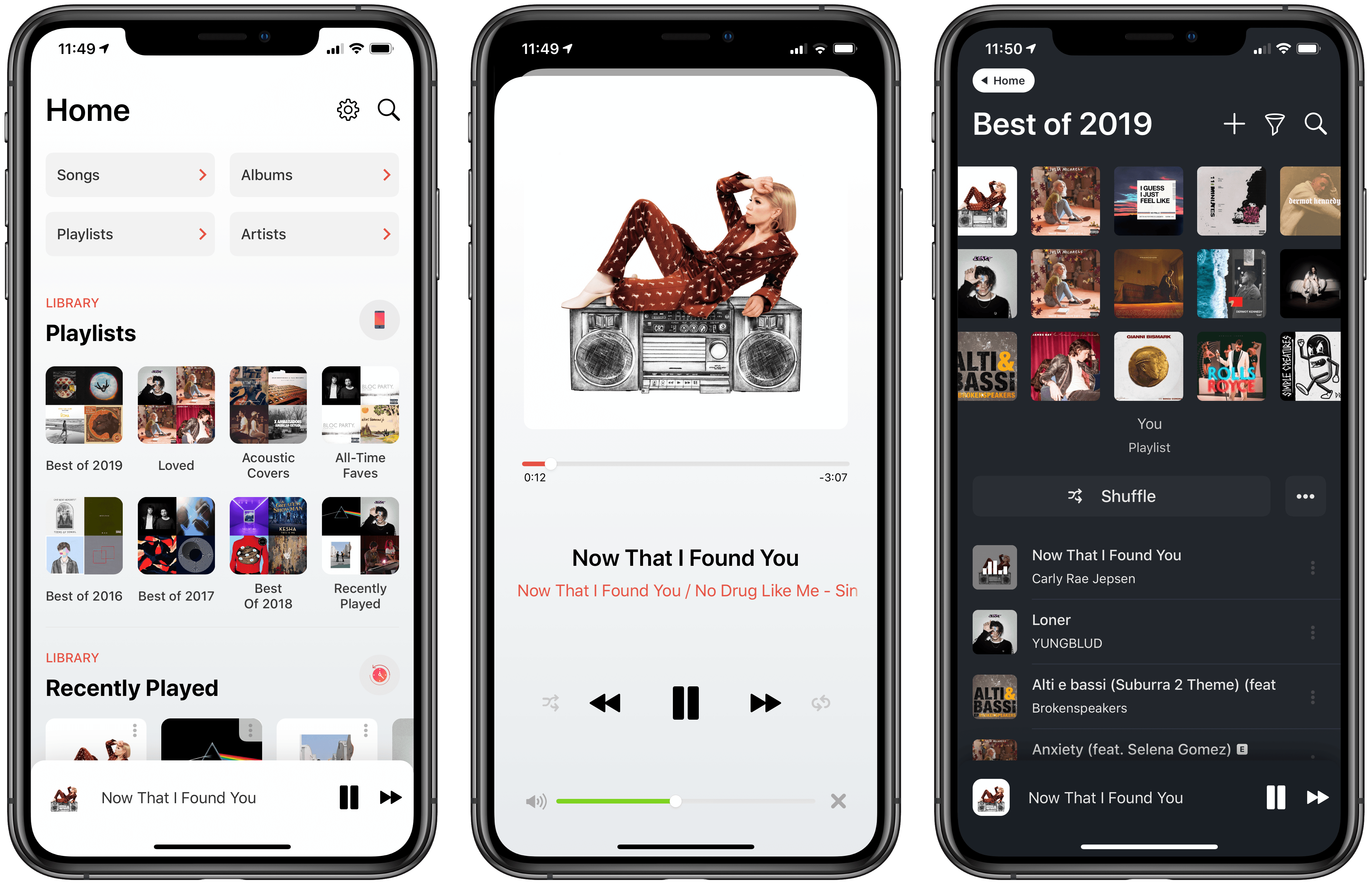
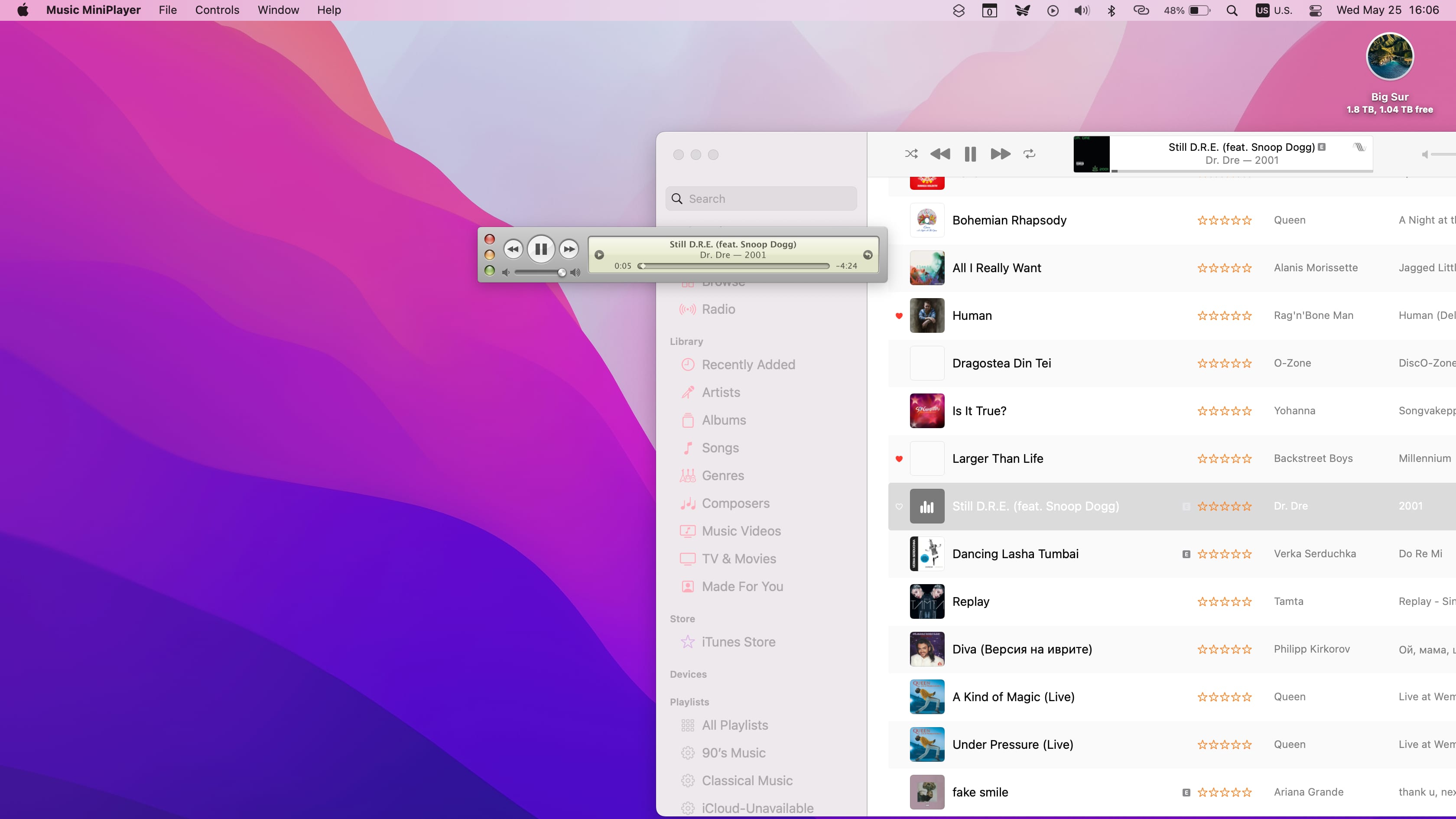
If you do not subscribe, the Apple Music app does not become entirely useless, though its functionality is restricted. You can still use the app to listen to music files you have synced from a computer, files purchased from the iTunes Store, or tracks you own in formats like MP3 or AAC.
However, you lose access to the core features that define the service:
- Unlimited Cloud Streaming: You cannot stream the full library on demand.
- Offline Downloads: You cannot save tracks for offline playback unless you have previously purchased them individually.
- Lossless and Spatial Audio: These high-fidelity features are exclusive to the subscription service.
- Curated Content: You will not have access to editorially curated playlists, radio shows, or the "Listen Now" personalized recommendations.
Troubleshooting Common Access Issues
When attempting to access a trial or a bundled offer, users may occasionally encounter errors. The most common cause is eligibility; Apple’s systems perform internal checks to see if an Apple ID has ever held an Apple Music subscription. If you have been a subscriber in the past, even if only for a short time, you are generally ineligible for further introductory trials on that same account.
If you believe you are eligible for an offer but the app is not reflecting it, ensure your Apple ID region is correctly configured. Offers are frequently geo-locked, and discrepancies between your physical location and the store region can prevent the promotion from activating. Furthermore, ensure your software is updated to the latest available version, as legacy versions of the app may not support the modern subscription verification protocols required for newer promotional campaigns.
Related Questions
Can I share an Apple Music subscription for free?
You can share an Apple Music subscription through "Family Sharing." While the subscription itself is not free, one individual can pay for a Family Plan, which allows up to six people to have their own individual accounts under one subscription cost. This effectively reduces the per-person cost significantly.
Does Apple Music offer a student discount?
Yes, Apple offers a discounted monthly rate for students enrolled in degree-granting universities or colleges. This is verified through a third-party service called UNiDAYS. While not free, it is substantially cheaper than the standard individual plan and often includes access to Apple TV+.
Will I lose my library if I stop the subscription?
If you cancel your subscription, your music library, playlists, and preferences are typically held on Apple's servers for a short period—usually 90 days. If you resubscribe within that window, your data should reappear. However, there is no guarantee of permanent retention once the subscription has lapsed.
Is Apple Music free on Android?
The Apple Music app is available for download on the Google Play Store for Android users. The rules remain identical to the iOS version: the app is free to install, but the service requires a paid subscription to function. There is no distinction in pricing or accessibility between the Android and iOS versions.
How do I identify if my trial has expired?
You can check your status at any time by navigating to your account settings within the App Store or the Apple Music app. If your subscription is inactive, the app will periodically prompt you to resubscribe when you attempt to access streaming-only features.
Next Steps for Users
If you have decided to move forward with the service, the most effective next step is to log into your Apple ID on your preferred device and visit the "Listen Now" tab. If you are eligible for a trial, the app will explicitly surface the offer. If you are not eligible for a trial, consider the standard individual or family plans to ensure uninterrupted access. Should you choose not to subscribe, utilize the app strictly as a local media player for your existing music files to maintain compliance with Apple's terms of service and software licensing.