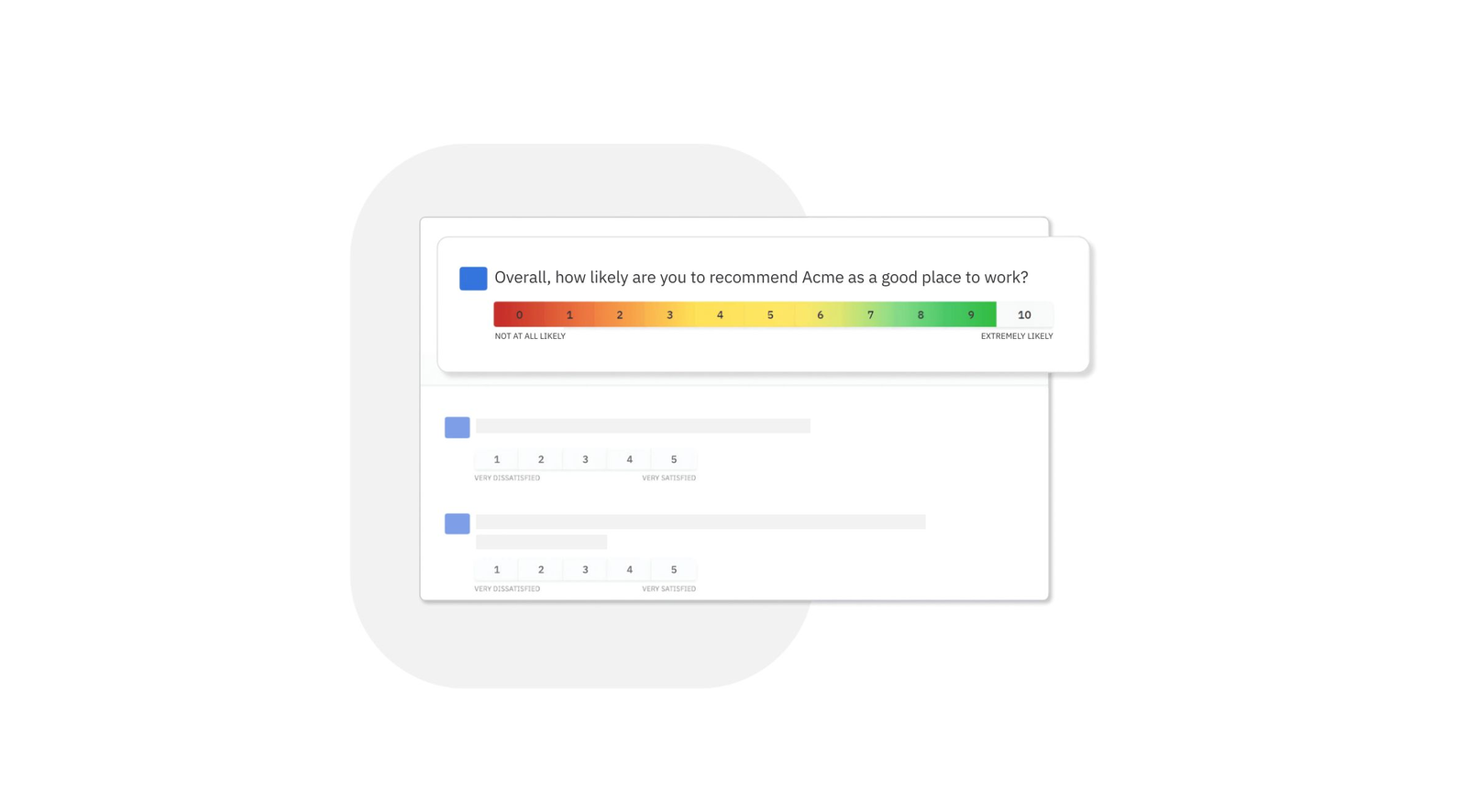
Glint surveys (now part of the Microsoft Viva Glint suite) are confidential, not strictly anonymous. While your individual name is not typically attached to your feedback when viewed by your manager, the system tracks your identity to link demographic data. Your identity is protected by "confidentiality thresholds," usually requiring at least five respondents before data is visible to leadership.
Understanding the distinction between anonymity and confidentiality is crucial for any employee participating in a workplace pulse survey. In the corporate environment of 2026, data-driven culture is the norm, and tools like Microsoft Viva Glint are the primary bridge between employee sentiment and executive decision-making. However, the fear of retaliation often prevents honest feedback. To provide genuine responses, you must understand the technical architecture, the role of the administrator, and the specific safeguards Microsoft has built into the platform to protect your privacy.
Confidentiality vs. Anonymity: The Critical Difference
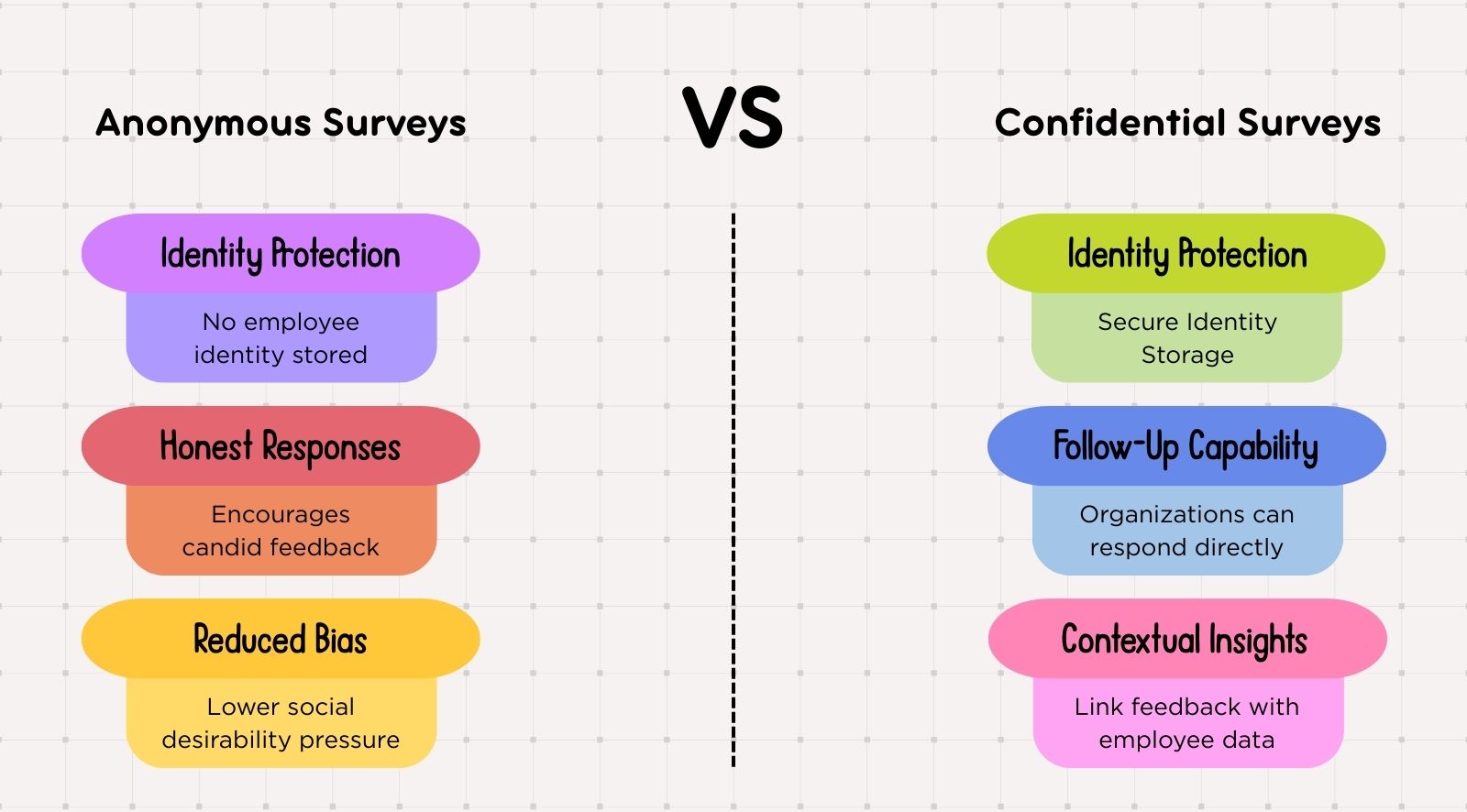
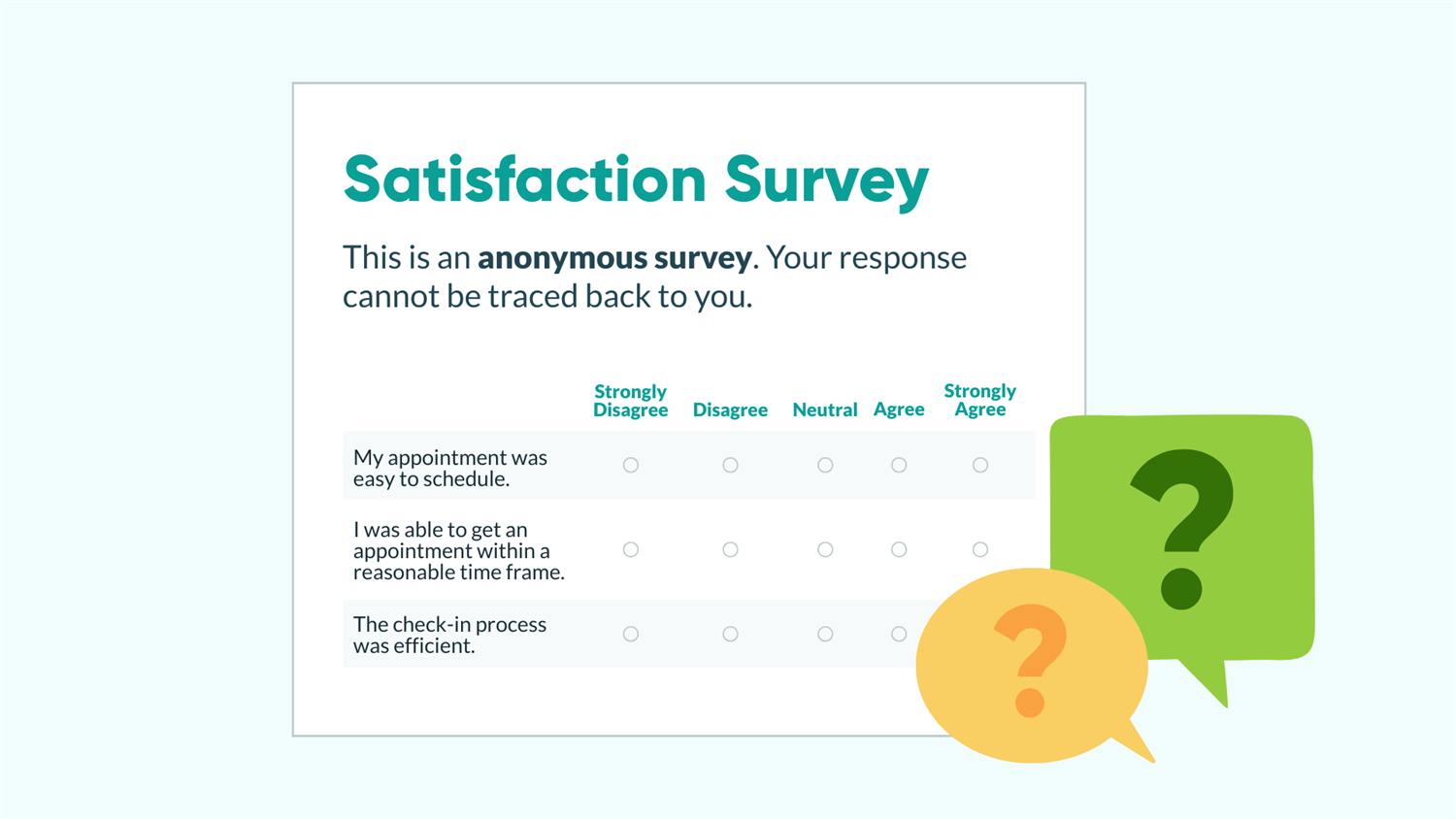
In the context of employee engagement platforms, "anonymous" and "confidential" are often used interchangeably, but they represent two different levels of data security. A truly anonymous survey is one where no identifying information is collected at any stage. There is no link between the respondent and the data; even the software provider cannot trace a response back to a specific individual.
In contrast, confidential surveys—which is what Glint provides—track who has responded. This is necessary for several operational reasons:
- Response Tracking: To send reminders only to those who haven't completed the survey.
- Demographic Mapping: To automatically attribute your tenure, department, location, and role to your response without asking you to type them in.
- Data Integrity: To ensure each employee only votes once.
As of 2026, Microsoft Viva Glint functions as a "third-party vault." The raw data, including your name and email address, resides on Microsoft’s servers. Your employer provides Glint with an employee data file (the "attribute file"), and Glint maps your responses to those attributes. When your manager or HR team logs in to view results, the platform acts as a filter, stripping away your name and replacing it with aggregated data, provided the group size meets the safety requirements.
How Microsoft Viva Glint Protects Your Identity
The primary mechanism Glint uses to protect individual identities is the Confidentiality Threshold. This is a programmable limit that prevents managers from seeing results for groups that are too small.
The Power of Five (The Reporting Threshold)
By default, Glint usually sets a threshold of five respondents. If a manager has only three direct reports, they will not see a breakdown of scores for their specific team. Instead, those three responses are "rolled up" into the higher-level department's results. This prevents a manager from using the process of elimination to guess who said what.
In 2026, some organizations may increase this threshold to 10 or 15 for even greater protection, especially in sensitive departments. However, it is rare for an organization to set it lower than five, as this would violate the platform's core privacy philosophy.
Attribute Suppression
Even if the threshold is met, Glint uses attribute suppression to prevent "cross-tabulation" identification. For example, if a team has 20 people but only one person is in the "Senior Engineer" category with "10+ years of tenure," a manager could potentially filter the data to see exactly how that one person responded. Glint’s software is designed to detect these small sub-segments and hide the data if the specific cross-section of attributes falls below the confidentiality limit.
Can My Manager See My Comments?
This is the most common area of concern for employees. While numerical scores are aggregated into averages and heatmaps, written comments are qualitative and inherently more personal.
In Microsoft Viva Glint, comments are typically presented in a separate section of the dashboard. Whether a manager can see them depends on the organization's configuration. Most companies allow managers to see the comments for their teams, but they are not labeled with a name.
However, there are three major risks to your privacy when leaving comments:
- Unique Voice and Syntax: If you use specific phrases, unique vocabulary, or mention specific incidents, your manager may recognize your "writing voice."
- Specific Examples: Mentioning a project that only you worked on or a conversation that only occurred between you and your supervisor effectively ends your anonymity.
- AI Sentiment and Themes: In 2026, Glint’s advanced AI features categorize comments by theme and sentiment. While this helps HR identify broad issues like "burnout" or "lack of resources," it also means your comment is being analyzed at a granular level.
To maintain your privacy, it is best to write comments in a neutral, professional tone and avoid referencing specific, non-public events.
The Role of the Global Administrator
While your direct manager is restricted by thresholds, every organization has one or more Global Administrators (usually in HR or People Analytics). These individuals have higher-level access to the Glint platform.
It is important to know that even Global Administrators generally do not see a simple list of "Name: Response." The platform is designed to discourage this. However, admins can export raw data for deep analysis. While Microsoft’s terms of service and privacy agreements with companies forbid the use of this data for retaliatory purposes, the technical possibility of de-anonymization exists at the administrative level.
In most jurisdictions, including the EU under GDPR and various U.S. state laws like the CCPA, employees have the right to know how their data is being used. Organizations are legally obligated to protect this data and use it only for the stated purpose of improving the workplace.
Technical Safeguards and Data Security
Microsoft Viva Glint is built on the Microsoft 365 enterprise-grade infrastructure. As of 2026, the platform adheres to several international security standards to ensure that data is not leaked or accessed by unauthorized parties.
| Security Feature | Purpose | Employee Benefit |
|---|---|---|
| Encryption at Rest/Transit | Protects data from hackers. | Your feedback cannot be intercepted by third parties. |
| SOC 2 Type II Compliance | Verifies internal controls for privacy. | Ensures the company follows strict data handling protocols. |
| GDPR Compliance | Legal framework for data protection. | Gives you the "right to be forgotten" and data portability. |
| Multi-Factor Auth (MFA) | Secures admin accounts. | Prevents unauthorized staff from accessing the feedback dashboard. |
| Audit Logs | Tracks who viewed what data. | Provides a "paper trail" if an admin tries to look at sensitive info. |
These technical layers ensure that the risk of a "data breach" revealing your identity is extremely low. The primary risk remains the social and organizational level—specifically how your company chooses to act on the data.
Why Organizations Use Identified (Confidential) Surveys
You might wonder why companies don't just use a completely anonymous Google Form or SurveyMonkey link. The reason lies in the "Actionable Insight" that Glint provides.
If a company receives a 20% engagement score, they know they have a problem. But if they use Glint's confidential system, they can see that the 20% score is concentrated in the "Sales Department" in the "Midwest Region" among employees who have been there for "1-2 years."
This allows the company to:
- Identify "hot spots" where management training is needed.
- Track the "Employee Lifecycle" to see when people typically start feeling disengaged.
- Correlate engagement with business outcomes like turnover and productivity.
By sacrificing absolute anonymity for confidentiality, the organization gains the ability to fix specific problems rather than guessing at general ones.
Scenarios Where Identity May Be Disclosed
While Glint is designed to be confidential, there are rare and specific legal and safety exceptions where anonymity may be lifted. These are generally standard across all enterprise software platforms in 2026.
- Threats of Violence: If an employee uses the comment section to make a credible threat of physical harm against themselves or others, the organization has a "duty to care." In such cases, HR can work with Microsoft to identify the respondent to ensure workplace safety.
- Illegal Activity: Reports of criminal behavior (such as embezzlement or systemic fraud) may trigger a legal investigation where confidentiality is legally waived.
- Whistleblower Situations: While Glint is not an official whistleblower hotline, comments that trigger specific legal reporting requirements may lead to an internal investigation.
Outside of these extreme edge cases, Microsoft's contractual obligations to the employer typically prevent the "unmasking" of individual respondents for any reason, including performance management or disciplinary action.
Practical Recommendations for Employees
If you are concerned about your privacy while taking a Glint survey in 2026, follow these steps to ensure your feedback remains confidential and safe.
Review the Disclosure Statement
Before you start the survey, there is usually a "Privacy Statement" or "About this Survey" link on the landing page. Read it. It will explicitly state the Reporting Threshold for your specific company. If the threshold is 10, you can feel much safer in a small team than if the threshold is 3.
Generalize Your Comments
Instead of saying, "My manager, Bob, ignored my request for a promotion during our 1:1 last Tuesday," try: "There is a lack of transparency regarding the promotion process within this department." This communicates the same issue without identifying the specific actors or dates.
Be Aware of Small Groups
If you belong to a very small, niche demographic (e.g., the only person over 60 in a startup of 20 people), your attribute-based data might be more "guessable" if the company has not enabled strict attribute suppression. In these cases, focus on providing honest numerical scores and keep comments very high-level.
Trust the Process, but Verify the Culture
The Glint platform is technically secure, but its effectiveness depends on your company's culture. If your organization has a history of retaliating against feedback, no amount of software encryption will make you feel safe. However, if your company uses the data to implement changes (like new benefits or management training), it is a sign that they value the confidentiality of the process.
Frequently Asked Questions
Can HR see my individual responses if I am the only one who takes the survey in my team?
No. If you are the only respondent in your immediate team, your results will not be visible at the team level. They will be aggregated into the next level of the hierarchy (e.g., your department or the entire company) to ensure that your single response cannot be isolated.
Does Glint share my data with LinkedIn or Microsoft for advertising?
No. As of 2026, Microsoft Viva Glint data is considered "Customer Data" under Microsoft’s enterprise agreements. This means the data belongs to your employer and is not used for advertising, marketing, or to train public AI models like ChatGPT or Bing.
How do I know if my company changed the default anonymity settings?
The platform is required to disclose the confidentiality threshold. If you cannot find it on the survey invitation or landing page, you have the right to ask your HR department or the Survey Administrator what the "minimum reporting group size" is for the current survey cycle.
Can I change my answers after I hit submit?
Generally, no. Once a survey is submitted, it is processed into the aggregate data. This is another layer of security; if responses could be edited or "retrieved," it would imply a persistent link between your identity and the data that could be exploited. If you make a major error, you usually have to contact the survey administrator to reset your entire survey link so you can start over.
Summary of Actionable Advice
To maximize your privacy while providing impactful feedback:
- Verify the Threshold: Ensure your company uses a minimum of 5-10 respondents for group reporting.
- Focus on the "What," not the "Who": Use your comments to describe systemic issues rather than personal grievances.
- Check for the "Confidential" Label: Ensure the survey is hosted on the
glintpay.comorviva.microsoft.comdomains, which confirms it is the official, secure platform. - Understand Aggregate Data: Remember that your scores are meant to be part of a trend, not a personal performance review.
By treating Glint as a tool for collective improvement rather than a private letter to your boss, you can utilize the platform effectively while maintaining the level of privacy you require in the modern workplace.