Directly combining an over-the-air television antenna with a DIRECTV system to display both signals on the same channel number is not natively supported by the standard DIRECTV hardware architecture. Because DIRECTV receives satellite signals through a proprietary frequency range and protocol, and terrestrial antennas receive broadcast signals via local RF (radio frequency) spectrum, the receiver hardware cannot bridge these two distinct sources into a single, unified channel map. While you can physically connect an antenna to many television sets, the DIRECTV receiver will not recognize, display, or aggregate these channels within its electronic program guide.
The Architectural Disconnect Between Satellite and Antenna
To understand why you cannot see antenna TV on a DIRECTV channel, it is essential to distinguish how each system delivers content. DIRECTV utilizes a satellite dish directed toward specific orbital slots to receive high-frequency signals. These signals are decrypted and processed by your DIRECTV receiver (or Genie DVR), which maps them to specific channel numbers assigned by the provider. This system is a closed ecosystem.
Conversely, over-the-air (OTA) television signals are broadcast from local transmission towers. These signals travel through the air as electromagnetic waves, which must be captured by a physical antenna and processed by an ATSC (Advanced Television Systems Committee) tuner. Most modern televisions contain an ATSC tuner internally. When you switch your TV to "Antenna" mode, the television's internal processor interprets the incoming radio frequency data and translates it into video and audio.
The DIRECTV receiver is essentially a specialized computer that does not contain an ATSC tuner. Because it lacks this physical component and the software to interpret OTA signals, it cannot "see" your antenna. Even if you were to use a signal combiner—a device designed to mix two signals onto one coaxial cable—the DIRECTV receiver would ignore the antenna's frequencies, as they fall outside the operating parameters of the satellite hardware.
Limitations of Signal Combiners and Diplexers
A common point of confusion for users is the existence of diplexers. Historically, diplexers were used to combine satellite and off-air antenna signals onto a single wire, which were then separated at the receiver end. However, current DIRECTV SWM (Single Wire Multiswitch) technology is highly sophisticated and sensitive. Using a diplexer on modern DIRECTV lines typically causes signal interference.
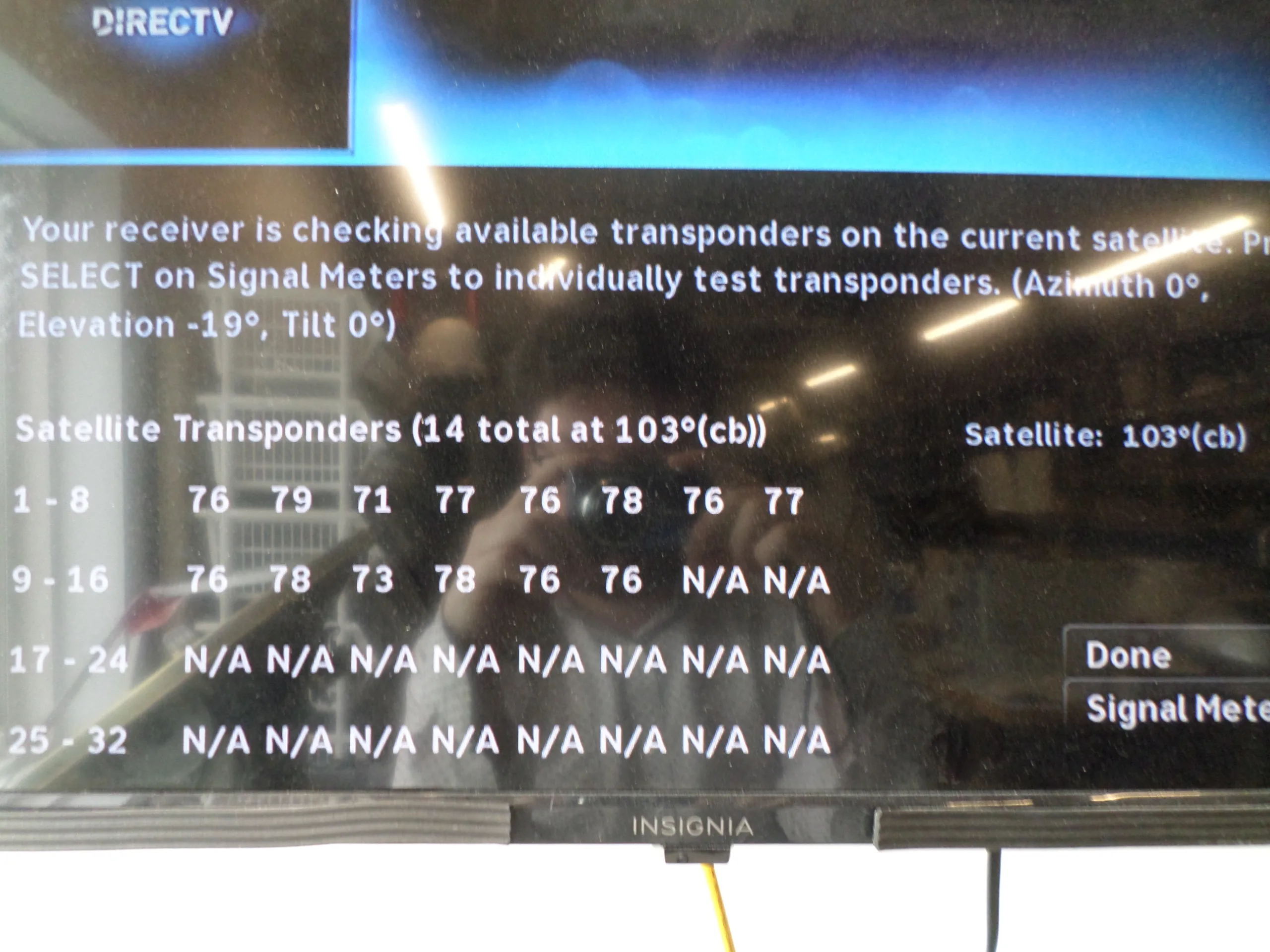
The satellite signal operates at a high frequency (typically 950 MHz to 2150 MHz) to carry the vast amount of data required for high-definition and 4K programming. OTA signals operate in the UHF/VHF bands (roughly 50 MHz to 700 MHz). While a diplexer is technically designed to keep these ranges separate, the DC power that the DIRECTV receiver sends up the wire to power the LNB (Low Noise Block) at the satellite dish can conflict with the antenna hardware. Introducing a diplexer into a modern SWM setup often results in the satellite receiver failing to lock onto the satellite signal entirely, leading to a "771 Searching for Signal" error.
The Reality of Channel Mapping
Users often hope to see an antenna channel, such as "5.1," appear in their DIRECTV channel guide alongside "202" or "206." This is impossible due to the proprietary nature of the DIRECTV Guide. The guide is a cloud-based service that synchronizes exclusively with the DIRECTV satellite network.
There is no way to perform a "channel scan" on a DIRECTV receiver. Channel scans are a function of an ATSC tuner, which searches the local airwaves for available broadcast stations. Because the DIRECTV unit lacks this tuner and the software architecture to write new entries into its programmed database, the receiver cannot map or display OTA stations. Any attempt to modify the wiring to "force" the two signals together will result in signal loss for the satellite service and no display for the antenna service.
Comparison of Signal Delivery Methods
The following table details the technical differences between how DIRECTV and antenna systems function in a residential home setup.
| Feature | DIRECTV Satellite | Over-the-Air (OTA) Antenna |
|---|---|---|
| Signal Source | Orbital Satellite | Local Broadcast Tower |
| Required Tuner | Built-in Satellite Processor | ATSC Internal TV Tuner |
| Connection Method | Proprietary Coax to Receiver | Coax to Television RF Port |
| Guide Data | Provided by DIRECTV | Provided by Broadcast Station (PSIP) |
| Hardware Dependency | Exclusive to DIRECTV Receivers | Universal to All ATSC TVs |
| Cost | Subscription Based | Free (Initial Hardware Only) |
Practical Solutions for Integrated Viewing
Since you cannot integrate these signals into the same channel list, the most effective way to manage both is through your television's "Input" or "Source" button.
1. The Input Toggle Method
The standard approach involves using your television as the central hub. Connect your DIRECTV receiver to one HDMI port (e.g., HDMI 1) and your antenna to the TV’s "RF" or "Antenna/Cable In" port. When you wish to watch satellite, set your TV to HDMI 1. When you wish to watch local broadcast news or sports via antenna, switch the input to "TV" or "Antenna." This keeps the signals electrically isolated, ensuring neither interferes with the other.
2. External Tuner Solutions
If you prefer a unified experience, some third-party devices exist that can act as a bridge. Certain network-connected OTA tuners allow you to stream antenna television over your home Wi-Fi to a smart TV or media device. While this does not put the antenna on the DIRECTV channel list, it allows you to access both your satellite service and your antenna channels through a single smart interface on your television, provided your TV supports switching between the DIRECTV app and the antenna streaming app.
3. Smart TV Integration
Many modern televisions (2026 models) feature a "Home" screen that aggregates content from various sources. If you use a smart TV or a streaming stick, you may be able to configure your antenna within the TV's system settings. This often allows you to browse the electronic program guide of your antenna channels and your streaming services in one menu, even if the DIRECTV satellite content remains on a separate input.
Common Mistakes and Troubleshooting
When attempting to optimize both systems, users often fall into traps that degrade overall reception.
- Avoid Signal Mixing: Never attempt to use a standard "splitter" or "combiner" to merge the satellite coax and the antenna coax. Doing so can cause electrical back-feeding, which may damage the DIRECTV receiver or the antenna's pre-amplifier.
- Addressing Signal Interference: If you notice that your antenna reception suffers when the DIRECTV receiver is on, ensure that the antenna cable is properly shielded and that it does not run parallel to the satellite coax. Crosstalk can occur if cables are bundled too tightly together.
- The "771" Error: If you have experimented with wiring and suddenly see an error message on your satellite screen, disconnect the antenna entirely and perform a hard reboot of your DIRECTV receiver by unplugging it from the power source for 60 seconds. This is the only way to restore the satellite handshake.
Frequently Asked Questions
Can I use a powered antenna with my DIRECTV receiver?
No. While you can use a powered antenna with your television, the DIRECTV receiver cannot process the signal. Plugging a powered antenna directly into a DIRECTV receiver will result in no signal, and it poses a risk of damaging the antenna’s power injector if the receiver sends voltage back through the line.
Will future DIRECTV receivers support OTA tuners?
As of 2026, there have been no industry announcements regarding the integration of ATSC 3.0 or standard OTA tuners into the DIRECTV hardware roadmap. DIRECTV’s business model relies on the delivery of content via their own proprietary satellite network and, increasingly, through internet-based streaming, rather than terrestrial broadcast integration.
Is it legal to combine these signals myself?
There are no regulations against modifying your own home cabling, but the technical reality makes it unfeasible. You are not "stealing" signals by using an antenna, as broadcast television is public, but you are effectively creating a hardware malfunction by attempting to force two incompatible signal types into the same port.
Why do some online guides suggest using a diplexer?
These guides are often outdated or refer to legacy satellite systems from decades ago. Before the widespread adoption of SWM technology, some older satellite systems used lower frequencies that allowed for diplexing. Modern DIRECTV equipment, including all current Genie systems, is incompatible with diplexers for the purpose of mixing OTA signals.
Recommendation for Next Actions
If you are looking to access antenna television alongside your DIRECTV subscription, stop attempting to merge the cables into the same coaxial input. Instead, prioritize a high-quality, amplified indoor or outdoor antenna connected directly to your television’s antenna port. Use your television's remote control to scan for channels on the "Antenna" input, and rely on your television’s "Source" or "Input" button to toggle back and forth between the DIRECTV HDMI source and the Antenna source. This ensures the highest picture quality, preserves your warranty on the DIRECTV equipment, and prevents potential interference with your satellite signal.