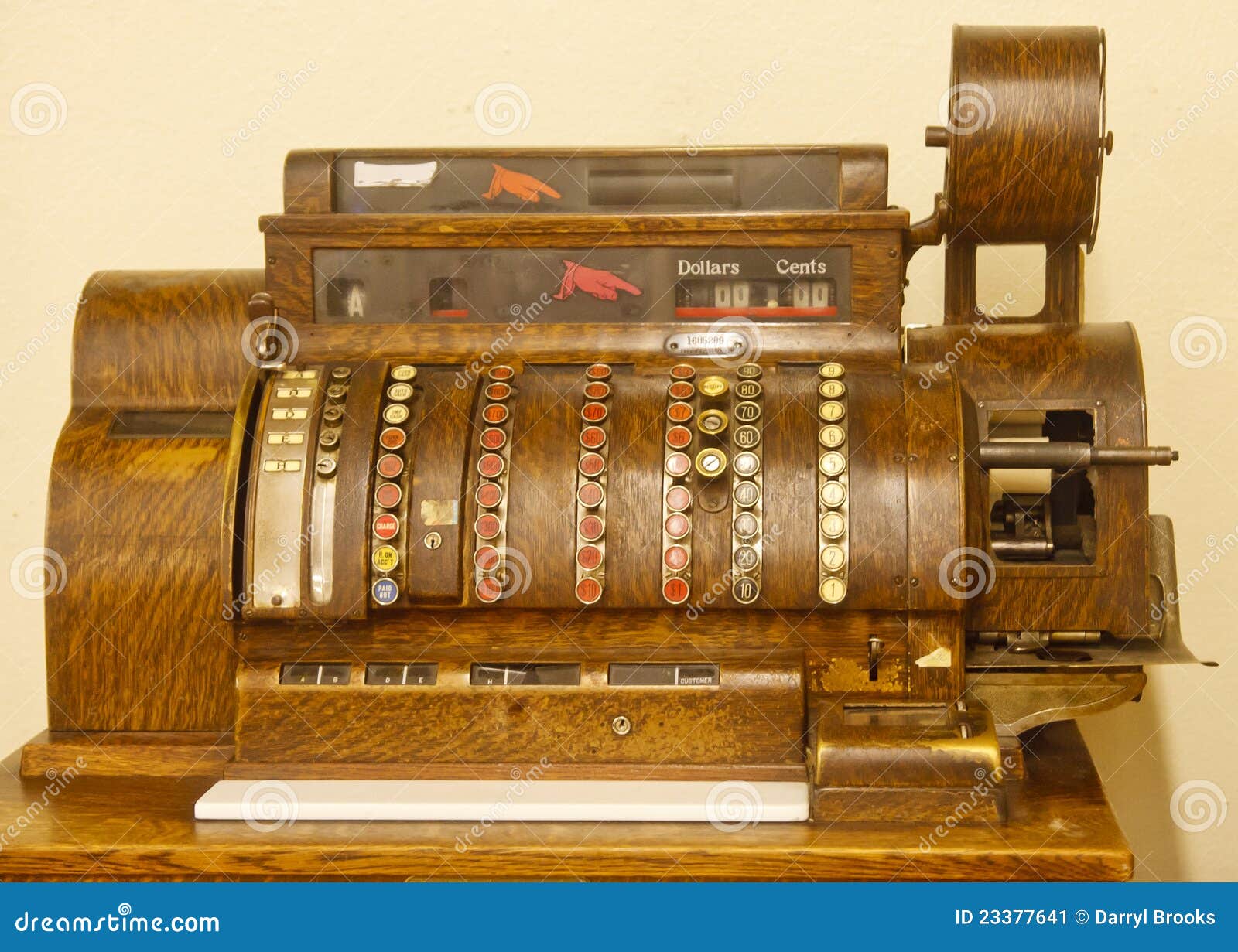
Migrating from a classic on-premise Aloha POS to the cloud requires transitioning from local server-based management to NCR Voyix’s cloud-hosted infrastructure. This process involves upgrading legacy hardware, moving to a subscription-based SaaS model (Aloha Essentials), and integrating real-time data sync via the Aloha Configuration Center to ensure operational resilience and remote accessibility.
Understanding the Foundation: The Classic Aloha Architecture
For decades, the "classic" Aloha POS, originally developed by Radiant Systems before its acquisition by NCR, was defined by its robust, localized architecture. In this traditional setup, a restaurant's entire point-of-sale ecosystem lived within the four walls of the building. A physical Back-of-House (BOH) server acted as the central nervous system, housing the SQL database, transaction logs, and the Aloha Manager software.
The classic model utilized a file-server/terminal relationship where the Front-of-House (FOH) terminals—such as the legacy P1532 or P1535 series—pulled their executable files and configuration data from the local server during the "refresh" process. While this provided immense stability and the ability to operate without an internet connection, it created significant overhead. Managers had to be physically present at the BOH terminal to make menu changes, view labor reports, or process end-of-day (EOD) functions. Furthermore, data security was a local responsibility, requiring manual backups to external drives or tapes to prevent total data loss in the event of a hard drive failure.
In 2026, many high-volume table service environments still maintain components of this classic reliability, but the industry has moved toward a hybrid model that keeps the "brains" of the system on-site while offloading the management and reporting to the cloud.
The Shift to NCR Aloha Cloud and Essentials
As the hospitality industry evolved, the limitations of on-premise hardware became clear. The transition to the cloud, often referred to under the umbrella of "Aloha Essentials" or "NCR Aloha Cloud," represents a fundamental shift in how POS data is handled. This transition is not merely a software update; it is a change in the business model from capital expenditure (CapEx) to operating expenditure (OpEx).
By 2026, NCR Voyix has streamlined this transition into two distinct paths:
- Aloha Essentials (Hybrid Cloud): This path keeps the traditional Windows-based Aloha FOH software but replaces the local BOH management with the Aloha Configuration Center (CFC). Data is synced in near real-time to the cloud, allowing owners to change prices or view labor costs from any web browser.
- NCR Aloha Cloud (Native Cloud): A newer, lighter alternative designed primarily for quick-service and small-to-medium businesses. It typically runs on Android-based hardware or sleek, purpose-built terminals and is entirely cloud-native, meaning it does not require a local server at all.
For most established restaurants using "classic" systems, the migration to Aloha Essentials is the standard route, as it preserves the complex table management and kitchen flow features that have made Aloha the industry standard for full-service dining.
Technical Prerequisites for Migration
Moving from a classic setup to the cloud is not a "plug and play" event. It requires a rigorous audit of existing infrastructure to ensure the local network can support the continuous data stream required by cloud synchronization.
Hardware Compatibility
Legacy terminals running on Windows XP or early versions of Windows 7 are generally incompatible with modern cloud agents. In 2026, the minimum hardware standard for a cloud-integrated Aloha system usually involves the NCR CX series (such as the CX5 or CX7) or the later-model P-series terminals running Windows 10 IoT or Windows 11. If your terminals are more than seven years old, a hardware refresh is often the first step in the migration roadmap.
Network and Connectivity
Classic Aloha could survive for weeks without internet. Cloud-based Aloha, however, requires a stable, high-speed connection to sync transactions to the NCR Pulse reporting app and to receive configuration updates from CFC. A "Best Practice" setup in 2026 includes a dual-WAN router with an LTE or 5G failover. This ensures that even if the primary fiber connection fails, the cloud-based reporting and credit card processing remain online.
Software Licensing
Migration involves moving away from "perpetual licenses"—where you owned the software version and paid for annual maintenance—to a subscription model. This subscription typically covers the software, cloud hosting, 24/7 technical support, and sometimes hardware replacement (HaaS).
Key Differences: Classic vs. Cloud Comparison
To understand the value of the migration, it is helpful to compare the operational differences between the two environments.
| Feature | Classic On-Premise Aloha | Modern Aloha Cloud (Essentials) |
|---|---|---|
| Data Storage | Local BOH Server (Hard Drive) | NCR Voyix Secure Cloud Servers |
| Management | Physical access to BOH terminal required | Remote access via web browser (CFC/Cloud) |
| Reporting | Static reports, usually viewed EOD | Real-time mobile reporting (NCR Pulse) |
| Updates | Manual installation by technician | Automated background updates/patches |
| Redundancy | Master Terminal redundancy (Local) | Hybrid local/cloud redundancy |
| Integrations | Complex, often requires local APIs | Streamlined API-based cloud integrations |
| Pricing | Large upfront cost + Maintenance | Monthly subscription (SaaS) |
The Migration Process: Step-by-Step
Transitioning an active restaurant from a classic cash register system to the cloud must be handled with precision to avoid downtime during service hours.
1. Site Audit and Database Scrubbing
Before any software is moved, a technician must audit the "Classic" database. Over years of use, legacy databases can accumulate "ghost" items, redundant modifiers, and corrupt tax tables. This data must be cleaned because the Aloha Configuration Center (CFC) enforces stricter data validation rules than the older, local Aloha Manager.
2. Implementation of Aloha Configuration Center (CFC)
The first technical step is the installation of the CFC agent on the BOH server. This agent acts as a bridge, "uploading" the local database to the NCR cloud environment. Once the database is in the cloud, the local BOH server essentially becomes a "pass-through" device. All future menu changes are made in the cloud portal and "pushed" down to the site.
3. Hardware Refresh and OS Upgrading
If the site audit reveals outdated hardware, new terminals are installed. In 2026, this often includes deploying handheld "Pro" devices for tableside ordering, which communicate directly with the cloud-integrated FOH. These devices require a robust Wi-Fi 6 or 6E network to maintain a constant connection to the local master terminal and the cloud.
4. Staff Training on Cloud Dashboards
The biggest change for the staff is not the FOH interface—which remains familiar—but the management interface. Managers must be trained on the NCR Voyix cloud portal. This includes learning how to manage "Employee Break" compliance and real-time labor tracking, which are significantly more granular in the cloud version compared to the legacy "Labor Pro" reports.
Advantages of the Cloud-Connected Model
The move to the cloud solves the three primary "pain points" of the classic Aloha system: data silos, manual updates, and limited accessibility.
Real-Time Analytics: With the classic system, if an owner wanted to see how sales were performing at 2:00 PM while they were off-site, they would often have to wait for a manager to email a report or use a clunky remote desktop tool. In 2026, the cloud-integrated system pushes every keystroke to the NCR Pulse app, providing instant visibility into "Live Sales," "Comps and Voids," and "Labor vs. Sales" percentages.
Simplified Third-Party Integrations: In the classic era, integrating with delivery platforms like UberEats or DoorDash required a middleman "injection" software that often broke during updates. The cloud-native Aloha utilizes a unified API (Aloha Cloud Connect). This allows third-party orders to flow directly into the kitchen without a tablet "wall" at the host stand.
Enhanced Security and Compliance: PCI compliance is significantly easier to maintain in a cloud environment. In the classic setup, the business was responsible for the security of the local server where transaction logs were stored. With the cloud model, sensitive data is encrypted at the point of entry (the card reader) and sent directly to the processor, with the cloud handling the heavy lifting of secure storage, reducing the "scope" of a restaurant's PCI audit.
Potential Challenges and Troubleshooting
While the cloud offers numerous benefits, the transition can introduce new variables that require careful management.
- Synchronization Latency: Occasionally, a "push" from the cloud to the terminals may hang due to local network congestion. Understanding how to manually trigger a "Refresh" on the FOH terminals remains a vital skill for managers.
- The "Offline" Myth: A common fear is that if the internet goes down, the restaurant closes. This is false for Aloha Essentials. Because it is a hybrid system, the FOH terminals can continue to take orders and print to the kitchen using the "Local Redundancy" mode. The data will simply sync to the cloud once the internet connection is restored.
- Subscription Fatigue: Moving from a one-time purchase to a monthly fee can be a hurdle for some owners. However, when the cost of local server maintenance, manual backups, and onsite technician visits is factored in, the SaaS model usually proves more cost-effective over a five-year cycle.
Future-Proofing with Aloha in 2026
By 2026, the restaurant industry has reached a tipping point where purely on-premise systems are becoming a liability. The "Classic" Aloha cash register served the industry well for decades, providing a level of reliability that cloud-only startups struggled to match. However, the modern "Cloud" version of Aloha offers the best of both worlds: the unbreakable local FOH architecture combined with the infinite scalability of the cloud.
For businesses still operating on legacy versions (v12.3 or v15.1), the time for migration is now. The ability to integrate AI-driven labor forecasting, automated inventory management, and seamless guest loyalty programs is only possible when the POS is connected to a modern cloud backbone.
Frequently Asked Questions
Can I keep my old Aloha terminals when I move to the cloud?
It depends on the processor and the Operating System. If your terminals are running Windows 10 IoT and have at least 8GB of RAM, they can often be repurposed for Aloha Essentials. However, very old terminals (P1235/P1532) lack the processing power required for the modern cloud sync agents and should be replaced to avoid performance bottlenecks.
Does Aloha Cloud work if my internet goes down?
Yes. Unlike many other cloud-native POS systems, Aloha Essentials (the hybrid cloud version) maintains a local database on the site's master terminal. This allows the restaurant to continue ringing in orders, sending items to the kitchen, and printing guest checks without an active internet connection. Credit cards can be processed in "Offline Mode" (depending on your processor settings) and will batch once the connection is restored.
What is the difference between Aloha Essentials and NCR Aloha Cloud?
Aloha Essentials is the cloud-enhanced version of the classic Windows-based software, designed for complex, full-service environments. NCR Aloha Cloud (formerly known as Silver Pro) is a native-cloud, Android-based platform designed for simpler operations like coffee shops or fast-casual diners that don't require the deep feature set of the legacy system.
How long does the migration from classic to cloud usually take?
A standard migration for a single-site restaurant typically takes 2 to 4 weeks from the initial audit to the "Go-Live" date. This includes time for database cleaning, hardware shipping, and manager training. The actual "cutover"—the moment the system switches from local management to cloud management—usually takes less than four hours and is performed during non-business hours.
Is my data safer in the cloud than on my local server?
Yes. Local servers are vulnerable to physical theft, fire, and hardware failure. NCR Voyix utilizes enterprise-grade data centers with redundant backups and advanced encryption. By moving to the cloud, you eliminate the risk of losing your entire historical sales and labor database due to a single hard drive crash in your back office.
Recommendation for Restaurant Owners
If you are currently running a classic Aloha system, your first step should be a hardware and network readiness audit. Evaluate the age of your terminals and the stability of your internet connection. We recommend migrating to the Aloha Essentials package to gain the benefits of real-time remote management while retaining the legendary "offline" reliability of the Aloha Front-of-House. Contact your local NCR Voyix office or authorized reseller to begin the database scrubbing process, as this is the most critical step in ensuring a seamless transition to the cloud.