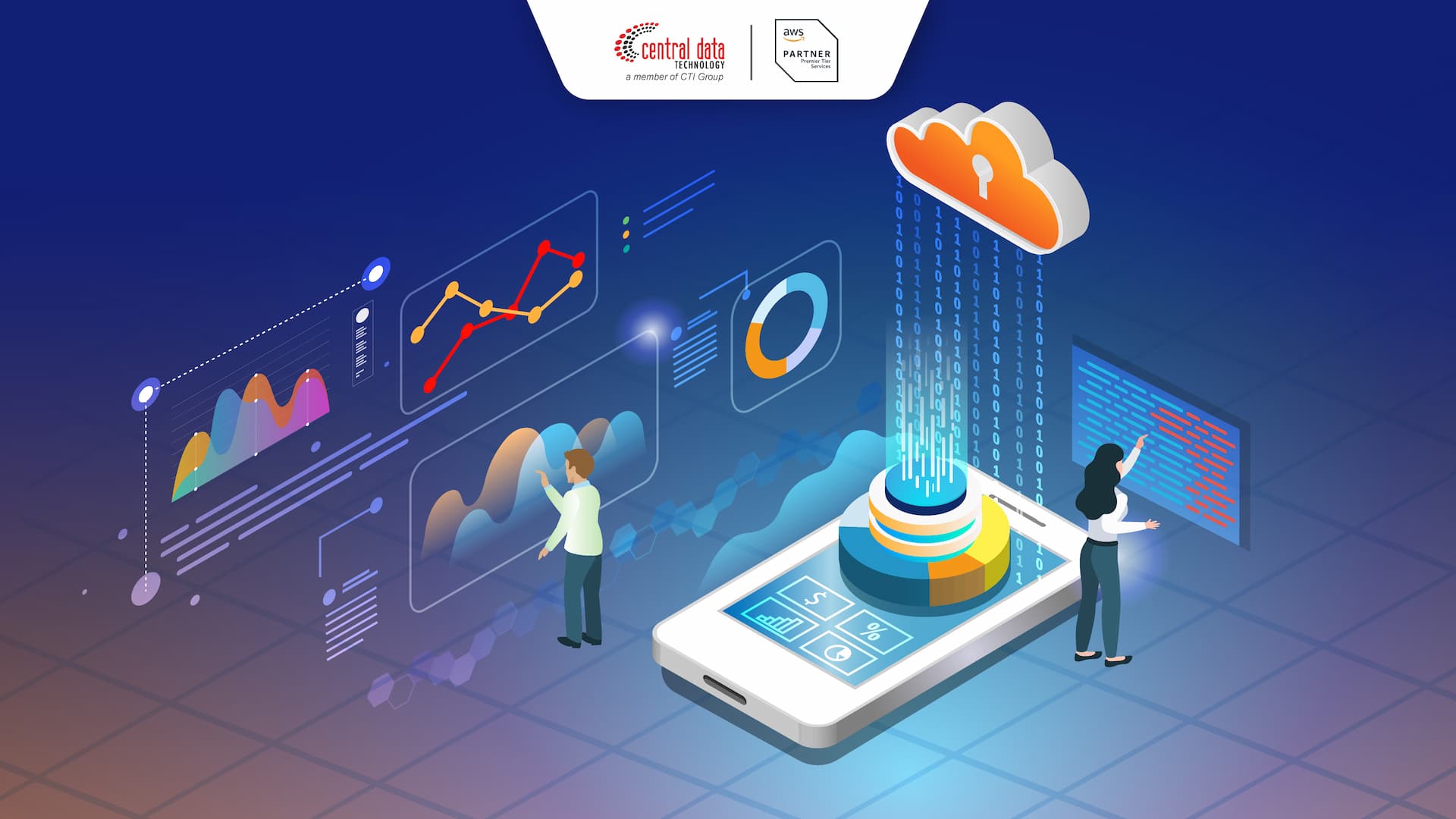
Analytics in the cloud refers to the practice of utilizing remote, scalable computing resources to store, process, and derive insights from data, shifting the burden from on-premises hardware to managed cloud-based services. This approach enables organizations to achieve high-performance data modeling, real-time visualization, and advanced machine learning without the capital expenditure associated with maintaining private data centers, providing a flexible architecture that grows alongside data volume and complexity.
The Shift from Legacy Analytics to Cloud-Native Models
For decades, organizations relied on on-premises data warehouses. These systems were characterized by fixed capacity, heavy hardware maintenance, and rigid scaling processes. If an organization needed more compute power for a quarterly report or a new predictive model, it required purchasing and installing new physical servers, a process that could take months.
Cloud-based analytics transforms this model by treating infrastructure as a service. In this architecture, storage and compute are often decoupled. This means you can store petabytes of data in a cost-effective cloud object store while using separate, highly elastic compute clusters to run queries only when needed. This evolution is driven by the necessity for agility. Modern businesses require the ability to ingest streaming data from IoT devices, web applications, and CRM systems, which would overwhelm traditional monolithic databases.
Core Prerequisites for Cloud Migration
Before moving your analytics stack to the cloud, you must address several fundamental requirements to ensure success and security:
- Data Governance Framework: Cloud environments make it easy to share data, which increases the risk of unauthorized access. A clear policy regarding data classification, residency, and ownership must be established.
- Connectivity and Latency Planning: Moving data to the cloud requires significant network bandwidth. Evaluating your current ingress and egress costs is critical, as data transfer fees can often become the largest operational expense.
- Skillset Alignment: Managing cloud analytics requires a shift toward DevOps and DataOps methodologies. Your team needs to move away from managing hardware toward managing Infrastructure as Code (IaC) and container orchestration tools like Kubernetes.
- Data Quality and Integration: Cloud platforms are often used to consolidate "data silos." Ensuring that data is clean, formatted, and normalized before it enters the cloud warehouse—or via Extract, Load, Transform (ELT) processes—is essential to prevent a "garbage in, garbage out" scenario.
Key Technical Components of a Cloud Analytics Stack
A functional analytics ecosystem in the cloud typically consists of four distinct layers: ingestion, storage, processing, and consumption. Understanding how these layers interact is vital for designing an architecture that is both performant and cost-efficient.
Ingestion and ETL/ELT
Modern cloud analytics favors ELT (Extract, Load, Transform) over traditional ETL. In the cloud, it is more efficient to load raw data into a data lake or staging area and perform transformations using the cloud’s powerful compute resources. This preserves the raw data for future use and allows for more flexible modeling.
Storage Layers (Data Lakes and Warehouses)
- Cloud Object Storage: Services designed for massive, low-cost, unstructured data storage. This serves as the foundation for a "Data Lake."
- Cloud Data Warehouses: Highly structured, column-oriented databases optimized for analytical queries (OLAP). These provide the speed required for business intelligence dashboards.
Processing and Modeling
This layer involves the transformation of raw data into actionable insights. This often involves SQL-based transformation tools or distributed computing frameworks that allow for parallel processing across many virtual machine instances.
Consumption and Visualization
The final layer connects end-users to the data. Cloud-native BI tools integrate directly with the storage layer to provide real-time reporting, automated alerts, and interactive dashboards that function regardless of the user's geographical location.
Comparing Cloud Analytics Strategies
When building an analytics strategy, organizations must choose between different deployment models based on their performance requirements, regulatory needs, and budget.
| Feature | Cloud-Native Managed Services | Private Cloud / Virtual Private Cloud | Hybrid Analytics |
|---|---|---|---|
| Scalability | Near infinite and automated | Limited by provisioned hardware | Balanced |
| Maintenance | Minimal (Vendor-managed) | High (Internal management) | Moderate |
| Data Control | High (Policy-based) | Maximum (Physical control) | Variable |
| Cost Model | Pay-per-query/consumption | CapEx and OpEx hybrid | Predictable base costs |
Managing Costs and Operational Efficiency
One of the most common pitfalls when moving to cloud-based analytics is "bill shock." Because cloud resources are so easy to spin up, it is equally easy for non-optimized queries to consume massive amounts of compute budget in a short time.
To maintain efficiency, implement these strategies:
- Query Optimization: Audit expensive queries regularly. Often, a small change in table partitioning or join logic can reduce compute consumption by orders of magnitude.
- Lifecycle Policies: Not all data needs to remain in "hot" storage. Move older, infrequently accessed data to "cold" or "archive" tiers, which are significantly cheaper.
- Automated Suspension: Configure compute clusters to automatically shut down or scale to zero during periods of inactivity, such as nights or weekends.
- Monitoring and Alerts: Set hard budget caps and granular alerts to notify administrators when spending deviates from forecasted baselines.
Troubleshooting Common Implementation Challenges
Even with a well-planned architecture, you will encounter technical hurdles. Below are common issues and how to resolve them:
- Slow Query Performance: If dashboards are loading slowly, check for "full table scans." Ensure your data is properly indexed or partitioned by high-cardinality columns like timestamps or geographic IDs.
- Data Discrepancies: When migrating, it is common to find that source data and cloud data do not match. Always perform a checksum validation during the ingestion phase to verify that row counts and aggregate totals match the source of truth.
- Access Denied/Security Bloat: Granular access control can become unmanageable. Utilize Role-Based Access Control (RBAC) rather than individual user permissions to simplify your security posture.
- Latency in Real-time Feeds: If streaming data is lagging, investigate the ingestion pipeline's throughput and check if the transformation logic is becoming a bottleneck. You may need to parallelize the ingestion workers.
Frequently Asked Questions
How does cloud analytics differ from traditional business intelligence? Traditional BI typically involves static, scheduled reports based on local data. Cloud analytics leverages elastic compute to enable real-time, ad-hoc, and exploratory analysis of massive, multi-source datasets that would be impossible to process on local hardware.
Is my data secure in the cloud? Yes, if managed correctly. Major cloud providers offer advanced encryption at rest and in transit, private networking, and sophisticated identity management. The primary risk is usually misconfiguration, which can be mitigated by strict adherence to security best practices and compliance audits.
How do I decide between a Data Lake and a Data Warehouse? Use a Data Lake for raw, unstructured data that you may need for future machine learning or data science experimentation. Use a Data Warehouse for structured, clean data that is needed for standard business reporting and high-speed dashboarding. Many organizations use a "Lakehouse" architecture to combine both.
What is the "DataOps" approach to cloud analytics? DataOps is the application of DevOps principles to data management. It focuses on automation, continuous integration, and continuous testing to ensure that data flows from source to dashboard are reliable, consistent, and error-free, reducing the time from data ingestion to insight.
Are there legal or compliance constraints regarding cloud data? Yes. Certain industries (such as healthcare and finance) have strict regulations regarding data residency and privacy. Ensure your cloud provider is certified for your specific industry and regulatory requirements (e.g., HIPAA, GDPR) before storing sensitive data.
Next Steps for Organizations
To successfully implement analytics in the cloud, start by conducting a comprehensive audit of your current data landscape. Identify one high-value, low-risk use case—such as migrating a single reporting dashboard—to serve as a pilot program. This allows your team to test the connectivity, security, and cost-management workflows without impacting critical business operations. Once the pilot is successful, establish a roadmap for migrating deeper, more complex analytical workloads, ensuring you maintain a focus on cost monitoring and data governance throughout the scaling process.