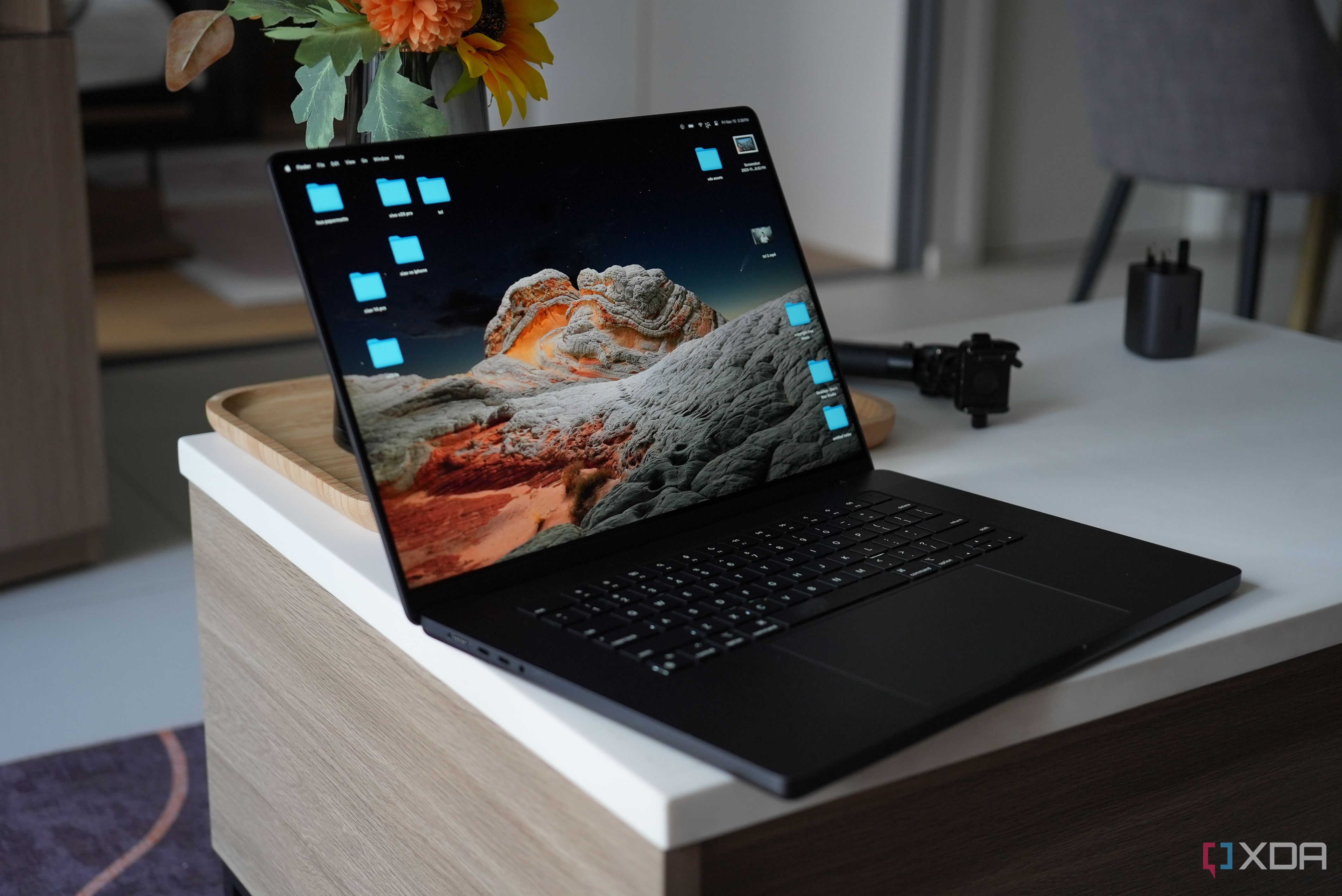
In 2026, while macOS includes robust native defenses like XProtect and Gatekeeper, third-party antivirus remains a practical necessity for MacBook Pro users facing sophisticated phishing, info-stealers, and cross-platform threats. Effective implementation focuses on selecting Apple Silicon-native solutions that augment Apple’s security framework without compromising the high performance or battery life of professional hardware.
The Evolution of macOS Vulnerabilities and the Need for Protection
The long-standing myth that "Macs don't get viruses" has been thoroughly debunked by the reality of the mid-2020s threat landscape. As MacBook Pro models powered by M-series chips have dominated the creative and professional markets, the incentive for threat actors to target macOS has reached an all-time high. In practice, the primary concern is no longer just traditional "viruses" that replicate and destroy files, but rather a complex array of malware designed for data exfiltration, credential theft, and corporate espionage.
Modern macOS threats often take the form of "Living off the Land" (LotL) attacks. These involve malicious scripts that use legitimate system tools—like Terminal, Python, or AppleScript—to execute commands without triggering traditional file-based detection. Furthermore, MacBook Pro users frequently operate in mixed-OS environments. A file that is harmless to a Mac can act as a carrier for a Windows-based ransomware strain, potentially infecting a client's network or a company server. Practicing good "cyber-hygiene" involves ensuring your machine is not a silent vector for these threats.
Built-in macOS Security Features: The Foundation of Defense
Before layering third-party software, it is vital to understand what Apple already provides. Every MacBook Pro running current versions of macOS (such as Sequoia or its 2026 successors) utilizes a multi-tiered security architecture.
- Gatekeeper: This service ensures that only trusted software runs on your Mac. It verifies that the developer is registered with Apple and that the application has been "notarized"—scanned by Apple for known malicious content—before it is allowed to open.
- XProtect: This is Apple’s built-in signature-based malware detection. It runs quietly in the background, scanning files for known threats. In 2026, XProtect has evolved into a more proactive service known as XProtect.yara, which uses sophisticated rule-sets to identify malware patterns.
- Malware Removal Tool (MRT): When a threat is identified as having already infected a system, MRT is the component responsible for removing it automatically during system updates or restarts.
- System Integrity Protection (SIP): This restricts the
rootuser account and prevents unauthorized changes to critical system folders and processes.
While these tools are excellent at stopping known, widespread threats, they often lag behind "zero-day" exploits—vulnerabilities that are exploited before the software vendor has a chance to patch them. This is where third-party antivirus software fills the gap in practice.
Practical Risk Scenarios for MacBook Pro Users
Professional users often face unique risks that justify the addition of a dedicated security suite. Consider the following scenarios encountered in daily practice:
- Phishing and Social Engineering: Antivirus software often includes web protection modules that block malicious URLs in real-time. Even the most tech-savvy user can fall for a highly targeted "spear-phishing" email that mimics a legitimate project proposal or an invoice from a known vendor.
- Adware and Potentially Unwanted Programs (PUPs): Professional software environments often require downloading plugins, codecs, or utility tools. These can sometimes be bundled with "grayware"—software that isn't technically a virus but tracks your behavior, hijacks your browser, and consumes system resources.
- Encrypted Payloads: Many modern threats are delivered as encrypted archives or through legitimate cloud services (like Google Drive or Dropbox) to bypass Apple’s initial Gatekeeper check. Dedicated antivirus software provides deep-packet inspection and behavioral analysis to catch these once they are unpacked.
Key Features to Look for in Mac Antivirus in 2026
When selecting software for a MacBook Pro, the criteria must be more stringent than for a general-purpose consumer laptop. The software must be optimized for the unified memory architecture of Apple Silicon to avoid "performance tax."
Behavioral Analysis and Heuristics
Static signature matching (looking for a specific file hash) is no longer sufficient. Practical antivirus solutions must use behavioral analysis. This means the software monitors what an application does rather than just what it is. If a calculator app suddenly tries to access your KeyChain or modify system binaries, the antivirus should intervene, even if the app hasn't been flagged as malware before.
Low Resource Impact
MacBook Pro users rely on sustained performance for tasks like 8K video editing, 3D rendering, and software compilation. A poorly optimized antivirus that causes "kernel panics" or high CPU spikes is unacceptable. Look for software that utilizes Apple’s Endpoint Security Framework. This API allows security tools to monitor system events without needing deep, unstable "kernel extensions" (KEXTs), which Apple has largely deprecated for stability reasons.
Ransomware Rollback
In the event that a sophisticated ransomware strain bypasses initial defenses, some premium antivirus suites offer a "rollback" feature. This uses hidden, local snapshots of your files to restore them to their unencrypted state immediately after the threat is neutralized.
Comparison of Professional Antivirus Solutions (2026)
The following table compares the most effective solutions for MacBook Pro users based on independent lab testing from organizations like AV-Test and AV-Comparatives.
| Feature | Intego Mac Internet Security | Bitdefender Antivirus for Mac | Malwarebytes for Mac (Premium) | Sophos Home Premium |
|---|---|---|---|---|
| Primary Strength | Mac-first architecture and firewall | Multi-layered ransomware protection | Excellent at removing existing PUPs | Enterprise-grade remote management |
| System Impact | Very Low | Low | Minimal (Passive) | Moderate |
| Real-time Scanning | Yes | Yes | Yes | Yes |
| Web Protection | Excellent | Very Good | Good | Excellent |
| Apple Silicon Native | Fully Optimized | Fully Optimized | Fully Optimized | Fully Optimized |
| Typical Annual Cost | $39.99 - $49.99 | $34.99 - $59.99 | $44.99 | $59.99 (Up to 10 devices) |
Implementing Antivirus Without Slowing Down Your Workflow
In practice, the biggest hurdle to using antivirus is the initial setup and the potential for intrusive notifications. To implement a security solution effectively on a MacBook Pro, follow these steps:
1. Granting Full Disk Access
Because of macOS's "Sandboxing" security model, third-party antivirus software cannot see your files by default. After installation, you must manually go to System Settings > Privacy & Security > Full Disk Access and toggle the switch for your chosen antivirus. Without this, the software is essentially blind and cannot protect you.
2. Configuring Exclusion Zones
If you are a developer or video editor, real-time scanning of large build folders or 500GB video assets can cause lag. Practice "smart scanning" by adding your specific work directories (e.g., your Xcode projects or Final Cut Pro libraries) to the antivirus exclusion list. You should still perform a manual scan on these folders weekly, but disabling real-time monitoring for these specific paths will preserve your machine's peak performance.
3. Scheduling Scans During Downtime
Avoid "Full System Scans" during your working hours. Most professional antivirus suites allow you to schedule deep scans. Set these for times when your MacBook Pro is connected to power but not in active use, such as 3:00 AM. Ensure that "Power Nap" is enabled in your battery settings so the Mac can perform these tasks while sleeping.
Troubleshooting Performance and Battery Issues
If you notice significant battery drain or fan noise after installing antivirus, the issue is often related to "indexing" or conflicts between security layers.
- The "Double Scanning" Conflict: Never run two antivirus programs with "Real-Time Protection" enabled simultaneously. They will fight for access to the same file operations, causing the system to hang or crash. You can, however, use a passive scanner like the free version of Malwarebytes alongside a real-time tool like Bitdefender for occasional "second opinion" checks.
- Checking Activity Monitor: If the system feels sluggish, open Activity Monitor and click the % CPU column. If the antivirus process (often named after the brand or something like
com.bitdefender.cshield) is consistently above 20% while you aren't doing anything, it may be stuck in a loop scanning a corrupt file. Restarting the service or the Mac usually resolves this. - Network Latency: Some antivirus suites use a "Web Shield" that acts as a local proxy to scan internet traffic. This can occasionally interfere with high-speed uploads or specialized VPNs used in corporate environments. If your upload speeds drop significantly, try disabling the "Web Protection" or "VPN" component of the antivirus to isolate the cause.
The Role of Privacy in Modern Antivirus
For many MacBook Pro users, privacy is as important as security. In practice, some "free" antivirus products monetize by collecting and selling anonymized user browsing data. When choosing a solution in 2026, it is imperative to read the privacy policy. Professional-grade software (like the ones listed in the table above) typically operates on a subscription model precisely so they do not have to sell user data. Ensure your chosen software has a "No-Logs" policy and does not require you to install unnecessary browser extensions that track your every click.
FAQ
Do I really need antivirus if I only download apps from the Mac App Store? While the Mac App Store is very safe, it does not protect you from web-based threats, phishing, or malicious files sent via email or Slack. Furthermore, many essential professional tools (like Adobe Creative Cloud or Microsoft 365) are downloaded directly from the web, bypassing the App Store's specific curation.
Will antivirus software void my AppleCare+ warranty? No. Antivirus software is standard third-party application software. It does not modify the hardware or the core integrity of macOS in a way that would void a warranty. In fact, for corporate-owned MacBook Pros, having an approved security suite installed is often a requirement for insurance and compliance.
Does antivirus drain the battery on a MacBook Pro M3 or M4? Modern antivirus programs optimized for Apple Silicon are incredibly efficient. On an M-series chip, the background "Real-Time" monitoring typically accounts for less than 1-2% of total daily battery consumption. The impact is negligible compared to the power used by the display or high-intensity professional apps.
Can I just use a free antivirus instead of a paid one? Free versions often lack "Real-Time Protection" and only offer "On-Demand" scanning. This means they can tell you if you are infected but can't prevent the infection from happening in the first place. For a professional machine, the proactive protection of a paid suite is generally worth the investment.
Final Recommendation
For the vast majority of MacBook Pro users in 2026, Intego Mac Internet Security or Bitdefender Antivirus for Mac represents the best balance of protection and performance. Intego is particularly recommended for those who want a "Mac-first" experience with a robust firewall, while Bitdefender is ideal for those who work in cross-platform environments and need top-tier ransomware defense. Regardless of the choice, the most important "practice" is to keep the software updated and ensure that "Full Disk Access" is correctly configured to allow the software to do its job.