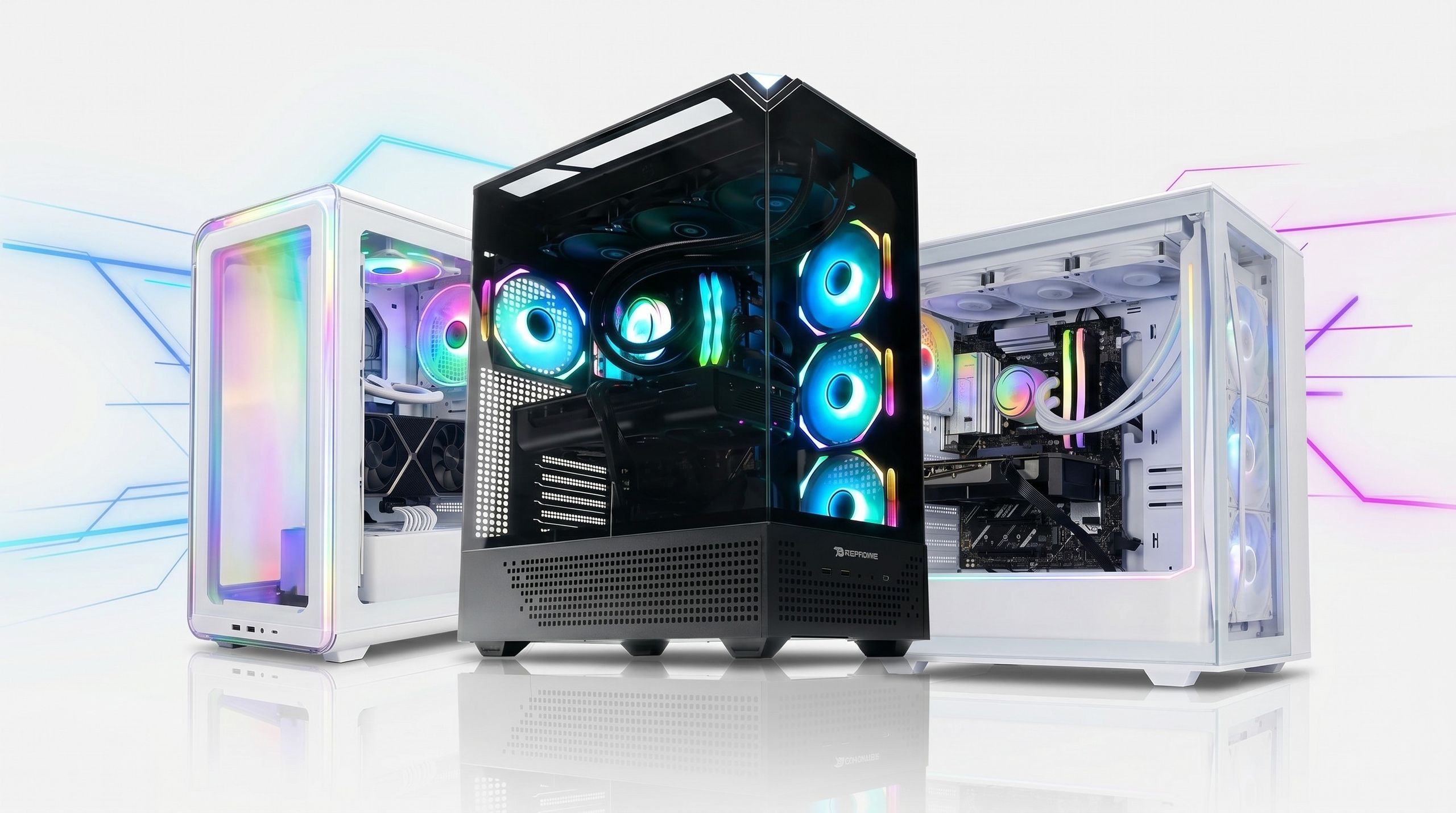
iBUYPOWER PCs are generally considered a high-quality choice for gamers who prioritize convenience and standard component compatibility. As a leading System Integrator (SI), they utilize off-the-shelf parts that allow for easy future upgrades, offering a significant advantage over proprietary systems from major manufacturers like Dell or HP.
Selecting a prebuilt gaming PC often involves a trade-off between the cost savings of building it yourself and the peace of mind provided by a professional assembly and warranty. iBUYPOWER occupies a prominent middle ground in this market. In 2026, the brand remains a staple in both big-box retail environments and the custom enthusiast space. To determine if an iBUYPOWER machine is right for you, it is essential to look past the flashy RGB lighting and examine the specific components, thermal performance, and long-term support structures the company provides.
The System Integrator Advantage
To understand if iBUYPOWER is "good," one must first understand their business model. Unlike "Original Equipment Manufacturers" (OEMs) like Alienware or Lenovo, iBUYPOWER is a System Integrator (SI). This means they do not typically manufacture their own motherboards, power supplies, or graphics cards. Instead, they source these components from established brands like ASUS, MSI, Gigabyte, Western Digital, and Corsair.
The primary benefit of this model is standardization. When you buy an iBUYPOWER PC, you are getting a machine built with industry-standard parts. If you want to upgrade your RAM in three years, you can buy any standard DDR5 (or the contemporary standard) module from a retail store, and it will work. If your power supply fails out of warranty, you can replace it with a standard ATX unit. This is a massive advantage over OEMs that often use proprietary motherboard shapes or non-standard power connectors, which can turn a single component failure into a "totaled" computer.
Build Quality and Component Selection
iBUYPOWER offers two distinct paths for buyers: "Ready-to-Ship" systems and "Custom Configurator" builds. The "goodness" of the PC often depends on which path you choose.
Ready-to-Ship (Retail) Models
These are the units you find at retailers like Best Buy or Amazon. They are pre-assembled and boxed, ready for immediate pickup. While convenient, these models are where iBUYPOWER sometimes cuts corners to meet specific retail price points. You may find:
- Single-channel memory: Occasionally, cheaper units ship with one stick of RAM instead of two, which can significantly hamper CPU performance.
- Budget Power Supplies: While functional, the power supplies in retail units are often "non-modular" and from lower-tier OEM lines, making them less efficient and harder to manage during upgrades.
- Entry-level Motherboards: Retail units often use "A" or "H" series chipsets (for AMD and Intel respectively) which lack the advanced power delivery features of high-end boards.
Custom Configurator Builds
When you order directly from the iBUYPOWER website, you gain granular control over every part. This is where the brand truly shines. You can specify a high-airflow case, a Gold-rated power supply from a specific brand like Seasonic, and a high-performance NVMe SSD. In this context, the "goodness" of the PC is largely determined by your own choices, backed by iBUYPOWER’s assembly team.
Thermal Management and Case Design
A recurring point of discussion regarding iBUYPOWER is airflow. In previous years, some of their most popular cases featured solid glass front panels. While aesthetically pleasing, these designs restricted air intake, leading to higher internal temperatures and potential thermal throttling—a state where the PC slows itself down to prevent heat damage.
By 2026, iBUYPOWER has shifted much of its lineup toward "Airflow" or "Mesh" editions. These cases use perforated front panels that allow the intake fans to pull in cool air efficiently. When evaluating a specific model, always look for the following:
- Mesh Front Panels: Essential for high-end GPUs that generate significant heat.
- Fan Quantity: Ensure the PC has at least two intake fans and one exhaust fan.
- CPU Cooling: For high-end processors (like Intel i7/i9 or AMD Ryzen 7/9), a liquid cooler (AIO) is often preferred, but a high-quality air tower can be more reliable in the long term.
The iBUYPOWER Liquid Cooler (AIO) Performance
One of the most criticized aspects of iBUYPOWER over the years has been their house-branded All-In-One (AIO) liquid coolers. Historically, these units had a higher-than-average failure rate, often due to sediment buildup or pump failure within the first 12 to 18 months.
While the company has made strides in refining these components, many savvy buyers still recommend choosing a name-brand cooler (like Corsair, NZXT, or Noctua) in the custom configurator if the option is available. If you are buying a pre-built retail unit with an iBUYPOWER-branded cooler, it is wise to monitor your CPU temperatures using software like HWMonitor. If you notice temperatures climbing above 90°C during gaming, the cooler may be failing.
Software and the "Bloatware" Factor
A significant advantage of iBUYPOWER over many "Big Tech" gaming PCs is the lack of bloatware. Many manufacturers pre-install intrusive trials for antivirus software, cloud storage, and system "optimizers" that slow down the boot process and consume background resources.
iBUYPOWER systems generally arrive with a very clean installation of Windows. Usually, the only additional software includes the necessary drivers and perhaps a small utility to control the RGB lighting (like HYTE Nexus or the motherboard's native software). This "clean" start is a major plus for users who want maximum performance out of the box without having to spend hours uninstalling unnecessary programs.
Pricing and Value Proposition
Is an iBUYPOWER PC worth the premium over building your own? Typically, iBUYPOWER charges a build fee that ranges from $100 to $250 over the raw cost of the individual parts.
What the Build Fee Covers:
- Professional Assembly: Cables are managed, and parts are seated correctly.
- Testing and Validation: The system undergoes a "burn-in" test to ensure no components are dead on arrival (DOA).
- Unified Warranty: If any part of the PC fails, you deal with iBUYPOWER, rather than individual manufacturers (like contacting ASUS for the GPU and G.Skill for the RAM).
- Operating System: The cost includes a genuine license for Windows, which is professionally installed.
For many, this fee is a small price to pay for a working system with a warranty, especially during periods when individual components (like graphics cards) might be difficult to source at MSRP.
Comparing iBUYPOWER to Competitors
To contextualize their quality, it helps to see how iBUYPOWER stacks up against other major players in the 2026 market.
| Feature | iBUYPOWER | CyberPowerPC | Alienware (Dell) | Boutique Builders (e.g., Origin) |
|---|---|---|---|---|
| Part Standards | Standard ATX | Standard ATX | Highly Proprietary | Premium Standard |
| Upgradability | High | High | Low | High |
| Price Point | Mid-Range | Mid-Range | High | Premium |
| Case Airflow | Varies (Mostly Good) | Varies | Often Poor | Excellent |
| Customer Support | Average | Average | Robust (but limited) | White-Glove |
iBUYPOWER and CyberPowerPC are direct competitors, often offering nearly identical specs for similar prices. iBUYPOWER is frequently noted for having slightly better "off-the-shelf" configurations at major retailers, while CyberPowerPC often wins on sheer volume of customization options on their website.
Customer Support and Warranty Reliability
This is the most polarized area of the iBUYPOWER experience. As a high-volume builder, iBUYPOWER processes thousands of orders. While the vast majority of users have a seamless experience, those who encounter issues often report mixed results with customer service.
Common pain points include:
- Shipping Damage: High-end graphics cards are heavy. If the internal "expanding foam" packaging isn't perfectly placed, the GPU can sag or even snap the PCIe slot during transit.
- RMA Wait Times: If a component fails and you send the PC back for repair (Return Merchandise Authorization), the turnaround can take several weeks.
- Shipping Costs: Depending on your warranty tier, you may be responsible for the cost of shipping the heavy tower back to their California headquarters for repair.
To mitigate these risks, many buyers prefer purchasing their iBUYPOWER PC from a local retailer with a generous return policy. This allows you to test the machine and exchange it immediately if it was damaged during shipping, bypassing the brand's direct RMA process.
Common Issues and Troubleshooting
If you decide to purchase an iBUYPOWER PC, there are a few standard "first steps" to ensure you have a "good" unit:
- The "Shipping Check": Open the side panel before plugging it in. Ensure the RAM is clicked in, the GPU is level, and no cables have wiggled loose.
- XMP/DOCP Profile: Check the BIOS to ensure your RAM is running at its advertised speed. System integrators occasionally forget to enable this setting.
- Driver Updates: Use the official NVIDIA or AMD websites to update your graphics drivers immediately, as the versions installed at the factory may be months old.
- The "Stress Test": Run a benchmark like Cinebench or 3DMark. This will push the components to their limit; if the PC is going to fail, it is better to have it happen during the 30-day return window.
Frequently Asked Questions
Are iBUYPOWER PCs good for streaming and video editing?
Yes, provided you choose a configuration with a high core-count CPU (such as an Intel Core i7/i9 or AMD Ryzen 7/9) and at least 32GB of RAM. iBUYPOWER systems use the same hardware found in custom-built workstations, making them fully capable of handling encoding and rendering tasks.
Does iBUYPOWER use "cheap" power supplies?
In their custom configurator, you can choose high-end, name-brand power supplies. In their pre-built retail models, they often use "house brand" or entry-level units from reputable OEMs like High Power or Channel Well Technology. While these meet safety standards, they may not be as quiet or efficient as premium units.
Can I upgrade an iBUYPOWER PC later?
Yes, this is one of their biggest strengths. Because they use standard motherboards, cases, and power supplies, you can replace the GPU, add more storage, or upgrade the CPU (within the same socket generation) just as you would with a custom-built PC.
How long do iBUYPOWER PCs usually last?
With proper maintenance—such as dusting the filters every few months—an iBUYPOWER PC will last as long as any other computer, typically 5 to 7 years before the hardware becomes obsolete for modern AAA gaming. The mechanical parts, like the pump in a liquid cooler or the bearings in a fan, are usually the first things to require replacement.
Is the iBUYPOWER warranty worth it?
The standard warranty covers three years of labor and one year of parts. For most users, this is sufficient. However, if you are not comfortable opening your computer to swap out a part yourself, iBUYPOWER's warranty requires you to ship the whole unit back, which can be expensive and time-consuming.
Recommendation and Next Actions
iBUYPOWER PCs are an excellent choice for users who want a gaming-ready machine with the flexibility of a custom build but without the labor of assembly. They are "good" because they avoid the proprietary traps of larger manufacturers, ensuring your investment remains upgradable for years to can.
If you are considering a purchase, your best course of action is to prioritize airflow. Look for "Mesh" or "Air" models and, if your budget allows, opt for a name-brand power supply and CPU cooler through their custom configurator. If you are buying from a retail store, ensure you have a 14-day or 30-day return window to thoroughly test the machine for any shipping-related defects. By doing your due diligence on the specific internal components rather than just the exterior aesthetics, an iBUYPOWER PC can serve as a reliable and powerful centerpiece for your gaming setup in 2026.