Apple Music for Students is a specialized subscription tier designed to provide full access to the Apple Music catalog at a significantly reduced monthly cost for eligible higher education students. By verifying enrollment through the UNiDAYS platform, qualified users can enjoy the same features as an individual subscriber—including lossless audio, Spatial Audio with Dolby Atmos, and offline listening—while paying a fraction of the standard price.
Understanding the Apple Music Student Plan
The Apple Music student subscription is a strategic offering by Apple to make its streaming ecosystem accessible to the academic demographic. Unlike the standard Individual plan, which targets the general public, the Student plan requires proof of enrollment at a degree-granting university or college.
When you subscribe as a student, you retain all the core functionality of a premium Apple Music account. You are not relegated to a "lite" version of the service. You gain full access to over 100 million songs, curated playlists, live radio, and the ability to sync your library across your Apple devices via iCloud Music Library. Furthermore, the student subscription typically includes access to Apple TV+, allowing you to enjoy a bundled entertainment experience as part of your monthly commitment.
Why Verification Matters
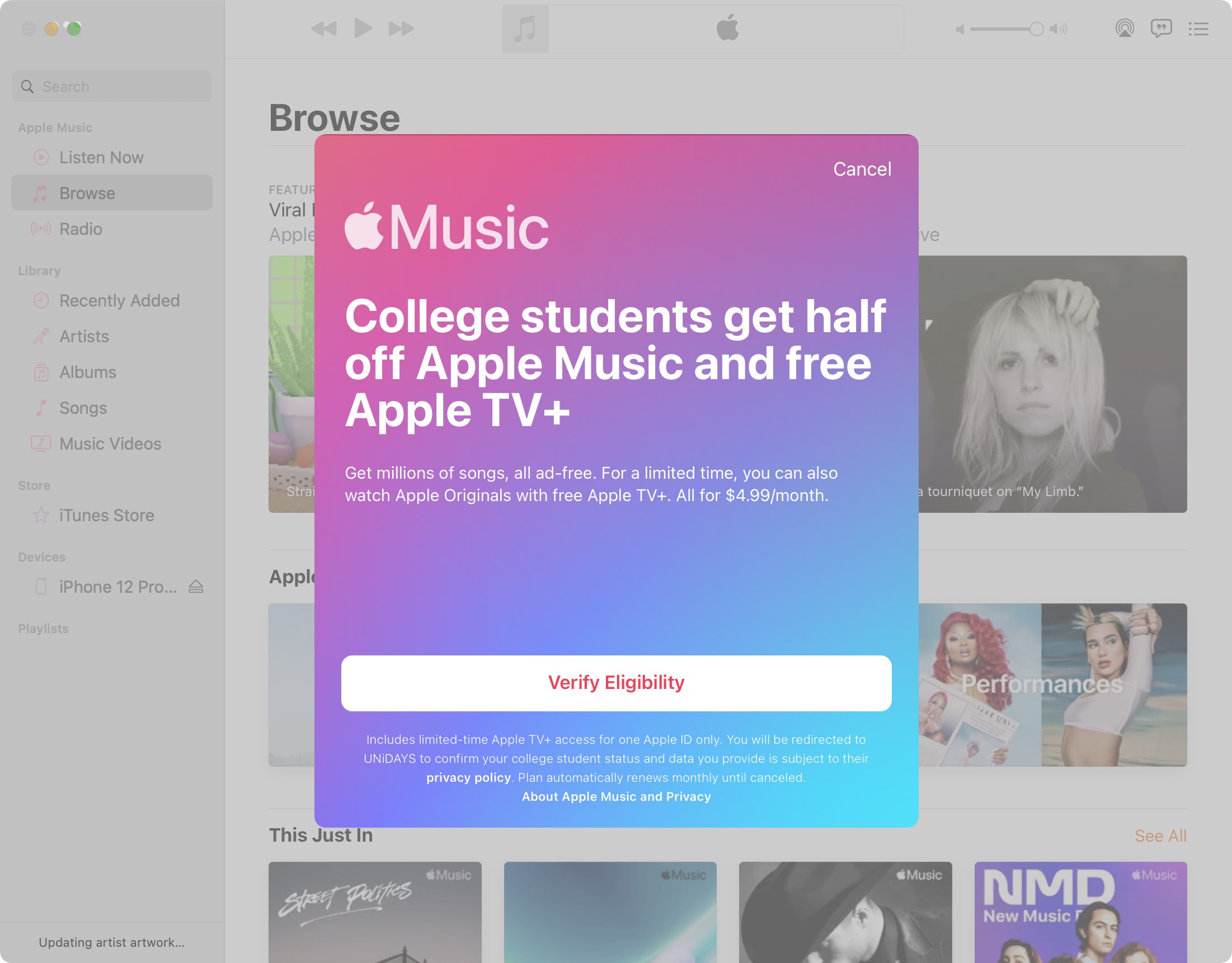
Apple partners with UNiDAYS to facilitate the eligibility verification process. This third-party verification is the gatekeeper for the student discount. It ensures that the pricing tier is reserved strictly for those currently pursuing higher education, preventing misuse of the service. Because enrollment statuses change, this verification is not a one-time event; users are required to re-verify their status periodically to maintain the discounted rate.
Eligibility Requirements and Prerequisites
To qualify for the Apple Music student rate, you must meet specific criteria established by Apple and their verification partner. Understanding these requirements before attempting to register will save time and prevent common friction points during the sign-up process.
Academic Institution Status
You must be enrolled at a degree-granting university or college. This includes institutions that offer bachelor's degrees, master’s degrees, doctorates, or equivalent levels of post-secondary education. Technical and vocational schools that are accredited by recognized educational bodies may also qualify.
Note that high school students, regardless of their advanced placement status, do not qualify for this specific plan. If you are in high school, you must subscribe to a standard Individual or Family plan.
Technical and Account Requirements
- Apple ID: You must have a valid Apple ID with a payment method already associated with your account.
- Verification Credentials: You must have access to your student portal credentials (such as a university-provided email address or a student ID login) to complete the UNiDAYS verification.
- Regional Availability: The student plan is not available in every territory. It is currently offered in over 100 countries and regions. Ensure that your Apple ID region corresponds to your current location.
Step-by-Step: How to Register for the Student Discount
If you are currently paying for an Individual subscription and wish to switch to the student plan, or if you are a new user, the process involves a specific workflow through the Apple Music interface.
Registering as a New Subscriber
- Download and Open: Open the Apple Music app on your iPhone, iPad, or Mac, or visit the Apple Music website.
- Navigate to Subscription: Go to the "Listen Now" or "For You" tab and look for the student plan offer.
- Sign In: Use your existing Apple ID.
- Verification: You will be redirected to the UNiDAYS portal. Follow the on-screen instructions to verify your status. This usually involves searching for your university and signing in via your school’s single sign-on (SSO) portal.
- Payment: Once verified, you will be prompted to confirm your billing information. Your discounted rate will be applied immediately.
Transitioning from an Individual Plan
If you are already an active subscriber, you can migrate to the student plan without losing your library or playlists. Navigate to your account settings within the Apple Music app, select "Manage Subscription," and look for the "Student" tier option. Selecting this will trigger the same verification process. Once verified, your next billing cycle will reflect the lower, student-discounted amount.
Comparing Apple Music Subscription Plans
Deciding between tiers requires an understanding of your usage patterns. The student plan is almost always the most cost-effective solution for a single individual, provided they meet the academic requirements.
| Feature | Individual Plan | Student Plan | Family Plan |
|---|---|---|---|
| Price | Standard Rate | Discounted Rate | Shared Rate |
| Library Size | 100M+ Songs | 100M+ Songs | 100M+ Songs |
| Apple TV+ | Included | Included | Included |
| Multi-User | No | No | Up to 6 People |
| Verification | None | Required (UNiDAYS) | None |
Ongoing Maintenance: The Re-Verification Cycle
A common misconception is that the student discount lasts indefinitely once you have successfully signed up. In reality, Apple and UNiDAYS require periodic re-verification. Typically, you will be prompted to verify your enrollment status once per year.
Managing Notifications
Keep a close eye on your email associated with your Apple ID. Apple or UNiDAYS will send a notification ahead of your re-verification deadline. If you fail to verify by the specified date, your subscription will automatically roll over to the standard Individual price. It is critical to address these prompts promptly to avoid an unexpected charge at the higher, non-discounted rate.
What Happens After Graduation?
Once you are no longer enrolled in a qualifying institution, you are no longer eligible for the student plan. Upon your next re-verification attempt, your status will not be confirmed, and your account will transition to the standard Individual plan price. It is a standard practice to set a calendar reminder for your expected graduation date to manage your budget accordingly.
Troubleshooting Common Issues
Despite the streamlined process, users occasionally encounter technical hurdles. Below are the most common scenarios and how to resolve them.
Verification Failures
If the UNiDAYS portal fails to verify your status, consider these steps:
- Double-Check Institution Name: Ensure you are selecting the exact name of your university from the list provided by UNiDAYS.
- SSO Login Issues: If your university’s portal is down, you may need to wait and try again later. Alternatively, some institutions allow verification via a student email address (ending in .edu).
- Privacy Settings: Ensure your browser is not blocking cookies or tracking scripts that UNiDAYS requires to confirm your session.
Billing and Subscription Glitches
If you have verified your status but are still seeing the full price on your billing statement, check your subscription management page. Sometimes, there is a delay in the system updating the pricing tier. Navigate to Settings > [Your Name] > Subscriptions on your iPhone to verify that your active plan is labeled as "Apple Music Student."
Frequently Asked Questions
Can I share my Apple Music Student plan with family members?
No. The Apple Music Student plan is tied to a single Apple ID. While it includes access to Apple TV+, you cannot use Family Sharing to grant others access to your music library or the subscription benefits. If you need a plan for a household, you must subscribe to the Apple Music Family plan.
Does the Student plan include ad-free music?
Yes. The Student plan is a full-featured premium subscription. You get all the benefits of an Individual plan, including ad-free listening, the ability to download music for offline playback, and access to all high-resolution audio formats available on the platform.
What happens if I take a semester off?
If you are not enrolled during a specific semester, you may fail the re-verification process when the time comes. Eligibility is tied to active, current enrollment. If your status changes, your subscription will be updated to the standard Individual price, though you will retain all your data.
Is Apple TV+ definitely included in the student plan?
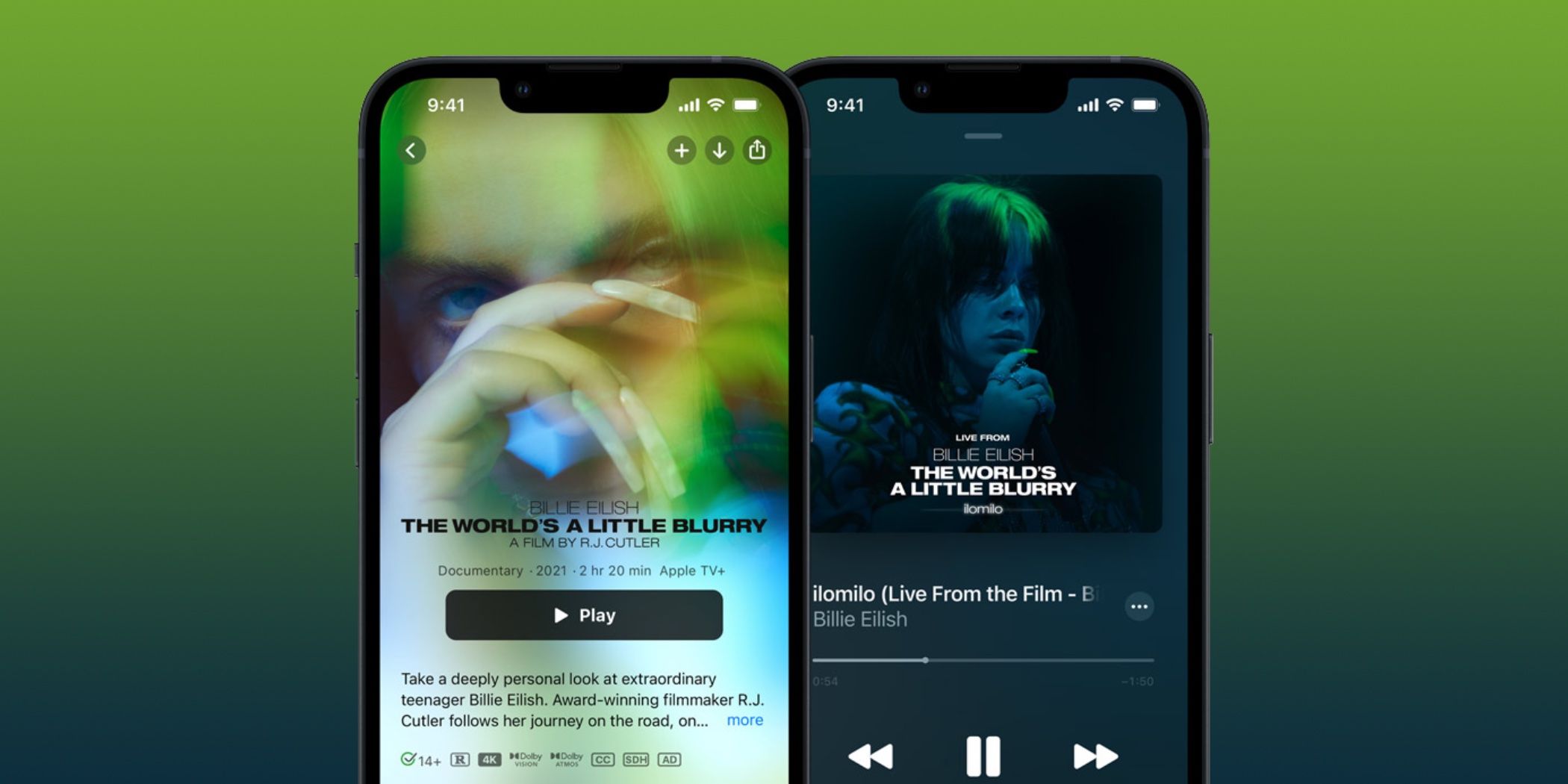
Yes. As of 2026, the Apple Music Student plan includes a subscription to Apple TV+ at no additional cost. This provides access to Apple Originals, including series, films, and documentaries, directly through the Apple TV app using your Apple ID.
Can I use the Student plan if I am an international student?
Yes, provided you are attending a qualifying institution in a country where the Apple Music Student plan is available. However, ensure that your Apple ID region matches the country where your university is located. You cannot generally use a student discount for a university in one country if your Apple ID is set to another.
Final Recommendations for Students
To maximize the value of your Apple Music Student subscription, ensure you utilize the full suite of features included in your plan. Take the time to curate your library, explore the "Listen Now" recommendations, and make use of the offline download feature to save on mobile data costs while on campus.
Always keep your UNiDAYS account credentials secure and monitor your institutional email address for any messages regarding your verification status. By proactively managing your verification cycle, you ensure uninterrupted access to your music and entertainment at the most competitive price point available for students. If you encounter persistent technical difficulties with the verification platform, contact Apple Support directly, as they can often see the status of your subscription and provide specific guidance based on your account's history.