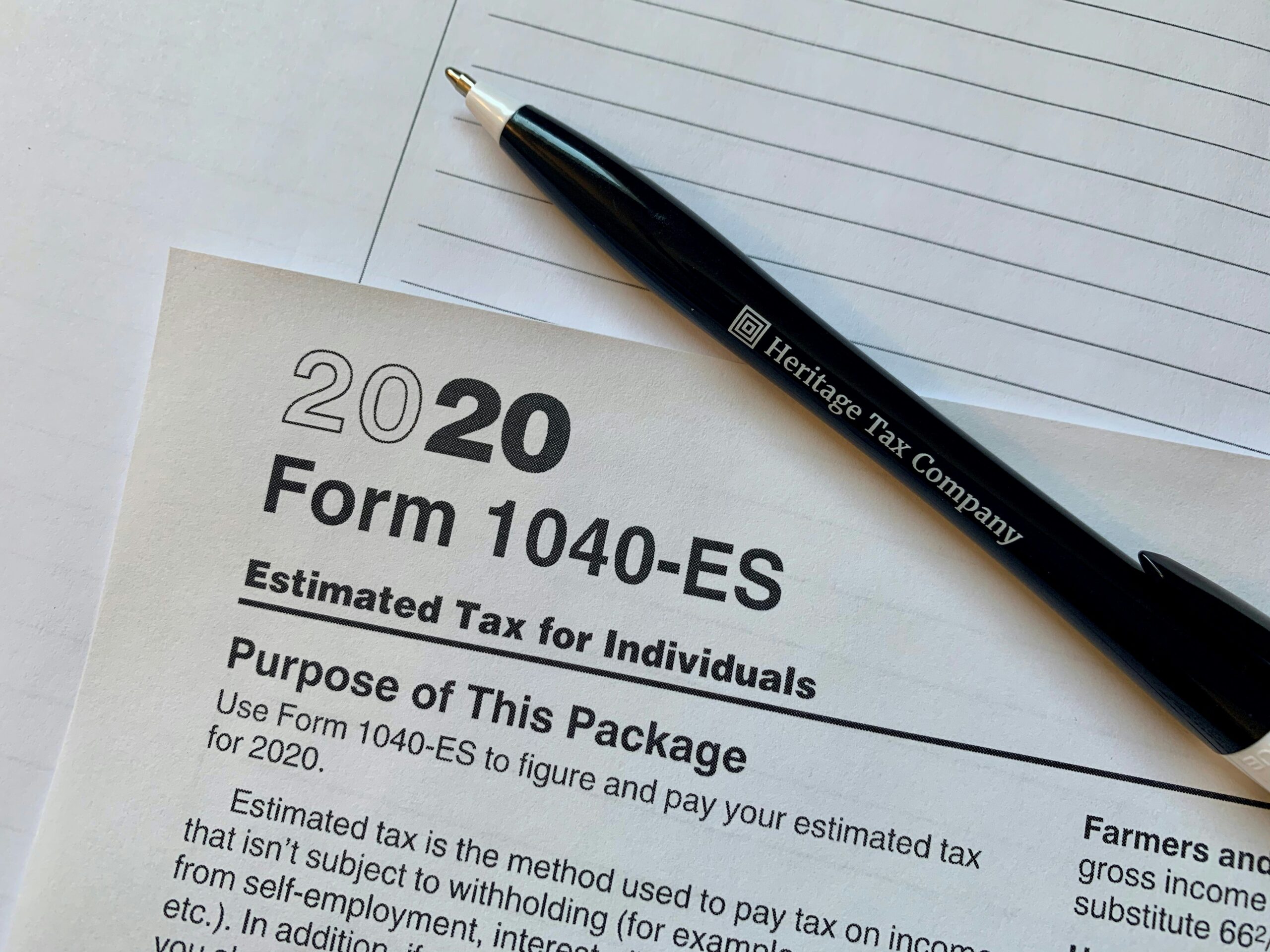
Paying estimated taxes online using Form 1040-ES is a secure and efficient way for freelancers, self-employed individuals, investors, and high-income earners to make mandatory quarterly tax payments to the Internal Revenue Service. Utilizing digital payment portals eliminates mail delays, provides instant confirmation of receipt, and helps avoid underpayment penalties by ensuring funds arrive on time.
For millions of Americans who do not have federal income taxes automatically withheld from their paychecks by an employer, staying compliant with the tax system requires making quarterly estimated payments. The U.S. tax system operates on a pay-as-you-go basis, meaning taxpayers are expected to pay taxes as they earn or receive income throughout the year. When individuals fail to make these payments or underpay their tax liability, they can face steep penalties and interest charges when filing their annual tax returns. Form 1040-ES, "Estimated Tax for Individuals," serves as the blueprint for calculating these obligations, while digital portals allow taxpayers to settle their accounts quickly and accurately without writing physical checks.
Understanding how to navigate electronic payment systems, determining exact quarterly payment amounts, and meeting strict Internal Revenue Service (IRS) deadlines are essential skills for anyone earning non-W-2 income. This guide covers everything required to successfully execute quarterly tax payments online, avoiding common pitfalls and maintaining compliance with federal guidelines.
Understanding the Requirement for Form 1040-ES
The requirement to make estimated tax payments stems from the structural design of the federal income tax system. Employers are legally obligated to withhold federal income tax, Social Security tax, and Medicare tax from employee wages and remit those funds to the IRS on a regular basis. However, individuals who operate sole proprietorships, partnerships, limited liability companies (LLCs), or S corporations—as well as those who earn substantial income from investments, dividends, capital gains, alimony, or rental properties—frequently have no taxes withheld at source.
To prevent a massive, burdensome tax bill at the end of the year and to ensure the federal government maintains a steady revenue stream, the IRS mandates quarterly estimated tax payments for anyone who expects to owe a specific threshold of tax when filing their return. As a general rule outlined by the IRS, taxpayers must make estimated payments if they expect to owe at least $1,000 in tax after subtracting withholding and refundable credits, and if their withholding and credits will be less than the smaller of 90% of the tax shown on the current year's return or 100% of the tax shown on the prior year's return.
Failing to meet these thresholds or failing to pay enough throughout the year triggers an underpayment penalty. This penalty functions similarly to an interest charge, calculated based on the shortfall amount and the duration of the delay. Making payments online by the quarterly deadlines prevents these costly penalties and simplifies record-keeping.
Official Online Payment Options for 1040-ES
The IRS provides several secure, authorized digital portals for paying estimated taxes online. Choosing the right platform depends on whether you prefer logging into an established account or making a quick guest payment from a bank account or credit card.
IRS Direct Pay
IRS Direct Pay is the most popular, efficient, and cost-effective method for paying estimated taxes online. It allows individuals to pay directly from a checking or savings account without incurring any service fees.
- Cost: Completely free.
- Processing Time: Payments are processed immediately, and users receive a confirmation number.
- Requirements: Users must verify their identity using financial account information (such as an auto loan number, mortgage account number, credit card number, or home equity line of credit) or through a verified ID.me account.
Electronic Federal Tax Payment System (EFTPS)
Managed by the U.S. Department of the Treasury, the Electronic Federal Tax Payment System (EFTPS) is a comprehensive online system designed for both individuals and businesses to handle all types of federal tax payments.
- Cost: Free.
- Processing Time: Requires advance setup. New users must register and wait for a Personal Identification Number (PIN) to arrive via postal mail before making a payment, which can take up to seven business days.
- Requirements: Best suited for taxpayers who prefer a dedicated account to schedule multiple payments in advance or manage ongoing tax liabilities year-round.
Credit Card, Debit Card, or Digital Wallet Processors
Taxpayers can also pay their Form 1040-ES estimated taxes using a debit card, credit card, or digital wallet (such as PayPal or Click to Pay) through IRS-approved third-party payment processors.
- Cost: Third-party processors charge a flat fee for debit cards (usually around $2 to $2.50) or a percentage-based fee for credit cards (typically ranging from 1.85% to 1.98% of the payment amount).
- Processing Time: Instant authorization and payment confirmation.
- Requirements: Access to a major credit or debit card. While convenient, the processing fees make this option less economical for large tax payments unless the user is trying to meet minimum spending requirements for credit card reward points.
| Payment Method | Processing Fee | Setup Time | Best Suited For |
|---|---|---|---|
| IRS Direct Pay | Free | Instant | Quick, fee-free bank account payments |
| EFTPS | Free | 5–7 Business Days | Scheduled, recurring, and business-related tax payments |
| Credit/Debit Card | Variable (Flat fee or % of total) | Instant | Taxpayers seeking credit card rewards or emergency payments |
Step-by-Step Guide to Paying Estimated Taxes Online via IRS Direct Pay
For most individual taxpayers, IRS Direct Pay offers the fastest and most reliable route to submitting quarterly taxes. Following a structured procedure prevents data entry errors that could misapply payments to the wrong tax year or category.
Step 1: Calculate Your Estimated Tax Liability
Before visiting the payment portal, determine how much you need to pay for the specific quarter. Use the worksheets provided in the IRS Form 1040-ES instruction booklet or tax preparation software to estimate your adjusted gross income, taxable income, taxes, deductions, and credits for the year. Divide your total estimated annual tax liability by four to find your quarterly installment amount.
Step 2: Gather Your Identification and Financial Information
To verify your identity within IRS Direct Pay, you will need:
- Your Social Security Number (SSN) or Individual Taxpayer Identification Number (ITIN).
- Your filing status (e.g., Single, Married Filing Jointly, Head of Household).
- Your exact address from your most recently filed tax return.
- An account number from a financial loan (such as a mortgage, student loan, or auto loan) or a credit card to verify your identity.
- Your bank routing number and checking or savings account number.
Step 3: Access the Portal
Navigate to the official government website and locate the secure tool. Always ensure the URL begins with irs.gov to protect your sensitive financial data from phishing scams. Click on "Make a Payment" and select "IRS Direct Pay."
Step 4: Select Reason for Payment and Tax Year
When prompted to select the reason for your payment, choose Estimated Tax (Form 1040-ES). This step is critical; selecting the wrong category (such as paying a balance due from a prior year's return) will misapply your funds and trigger automated penalty notices.
Next, select the correct Tax Year. Ensure you are paying for the current tax year rather than the previous year, unless you are making a late payment for a prior period.
Step 5: Verify Your Identity
Enter your personal details, including your SSN, date of birth, and filing status. Complete the security validation step by providing the requested financial account details. The system uses this data to cross-reference official records and confirm your identity safely.
Step 6: Enter Payment Details and Authorize
Input the exact dollar amount you wish to pay for the quarter. Enter your bank routing and account numbers. Review the payment summary carefully to ensure the tax type, tax year, and bank details are entirely accurate. Click the authorization button to submit the payment.
Save or print the digital confirmation receipt, which includes a unique confirmation number. This document serves as your official proof of payment in the event of an IRS record discrepancy.
2026 Quarterly Estimated Tax Deadlines
Unlike traditional employment where taxes are withheld every pay period, estimated taxes are split into four distinct payment windows. It is important to note that the intervals between these quarters are not always equal three-month blocks.
For the 2026 tax year, the official due dates for quarterly estimated tax payments are:
- Q1 Payment (Jan 1 – Mar 31): Due April 15, 2026
- Q2 Payment (Apr 1 – May 31): Due June 15, 2026
- Q3 Payment (Jun 1 – Aug 31): Due September 15, 2026
- Q4 Payment (Sep 1 – Dec 31): Due January 15, 2027
If any of these deadlines fall on a weekend or a legal holiday, the due date automatically shifts to the next business day. Submitting your payment online a day or two before the official deadline ensures that processing delays do not result in a late submission mark.
Common Mistakes to Avoid When Paying 1040-ES Online
Navigating online government portals requires precision. Avoiding frequent errors ensures your payments are credited correctly and on time.
Selecting the Incorrect Tax Year or Form Type
The single most common mistake taxpayers make is selecting the wrong tax year or payment type. For instance, paying estimated taxes for the current year while accidentally selecting the previous year's balance due leaves your current quarterly liability unpaid, resulting in unexpected underpayment penalties. Always double-check that the dropdown menus match the exact tax period you are addressing.
Missing Payment Deadlines
Even though online payments take only minutes to execute, waiting until late evening on the due date can sometimes cause complications if bank verification fails or internet connectivity drops. Mark calendar reminders at least three days before each quarterly deadline to ensure peace of mind.
Underestimating Annual Income
Estimated taxes are based on projections. If your business experiences a surge in revenue or you realize substantial capital gains mid-year, your initial quarterly calculations will fall short. Taxpayers should review their income quarterly and adjust subsequent payments upward if necessary to avoid end-of-year penalties. The IRS allows taxpayers to modify their quarterly amounts up or down as actual financial realities unfold.
Failing to Keep Confirmation Records
Treat online payment confirmations like physical receipts. Always download or print the PDF confirmation page containing your transaction ID number. If an IRS automated system ever flags an account for missing payments, this confirmation number provides the definitive tracking mechanism to resolve the issue swiftly.
Troubleshooting Common Portal Issues
Occasionally, taxpayers encounter technical roadblocks when attempting to pay taxes online. Knowing how to resolve these issues prevents missed deadlines.
If IRS Direct Pay fails to verify your identity using your financial loan or credit card data, verify that you are entering the exact numbers as they appear on your official statements. Note that credit card verification requires an active card, and loan accounts must be active installment loans rather than paid-off accounts. If identity verification repeatedly fails, you can set up an EFTPS account (though this takes several days) or choose an approved third-party credit card processor as an alternative.
If a payment is rejected due to insufficient funds, contact your bank immediately to resolve the account issue and submit a new payment through the portal, keeping in mind that bank return fees and IRS failure-to-pay penalties may apply to bounced transactions.
Frequently Asked Questions
What happens if I miss a quarterly estimated tax deadline?
If you miss a quarterly deadline, you should make the payment online as soon as possible to minimize the accrual of interest and penalties. The IRS calculates underpayment penalties based on how late the payment is and the current interest rate. While paying late incurs a penalty, paying late is always better than not paying at all, as it stops the penalty from continuing to grow.
Can I change my estimated tax payment amount between quarters?
Yes. Your estimated tax payments can be adjusted up or down each quarter based on your actual income and expenses. If your business has a slow quarter, you can lower your payment; if you experience a windfall, you can increase subsequent payments to maintain compliance and avoid a large tax bill in April.
Are state estimated taxes paid through the same online portal?
No. Form 1040-ES and federal payment portals like IRS Direct Pay and EFTPS apply exclusively to federal income taxes. If your state levies an income tax, you must visit your state department of revenue website to submit state-level estimated tax payments through their designated state portals.
Do I need to mail Form 1040-ES paper vouchers if I pay online?
No. If you pay your estimated taxes online using IRS Direct Pay, EFTPS, or a debit/credit card processor, you do not need to mail the physical Form 1040-ES payment vouchers to the IRS. Electronic payment eliminates the need for paper vouchers entirely.
What if my self-employment income fluctuates wildly throughout the year?
If your income is seasonal or fluctuates unpredictably, you may benefit from using the "Annualized Income Installment Method" when filing your annual return (using IRS Form 2210). This method allows you to calculate estimated tax payments based on what you actually earned during each specific period of the year rather than dividing your annual estimate evenly by four, helping you avoid penalties for missed payments during lean months.
Disclaimer: Tax laws are complex and subject to change based on individual financial circumstances and federal updates. Taxpayers should consult with a certified public accountant (CPA) or qualified tax professional to evaluate their specific tax liabilities and ensure accurate calculations before submitting payments.