Identifying the single best mobile app for technical analysis requires balancing raw charting power, indicator depth, real-time data reliability, and user interface ergonomics on smaller screens. For active traders and investors who need to evaluate market charts on the go, TradingView stands out as the comprehensive industry standard, offering unmatched multi-asset charting capabilities, a massive proprietary scripting language ecosystem, and seamless cloud synchronization across all devices.
Understanding Technical Analysis on Mobile Devices
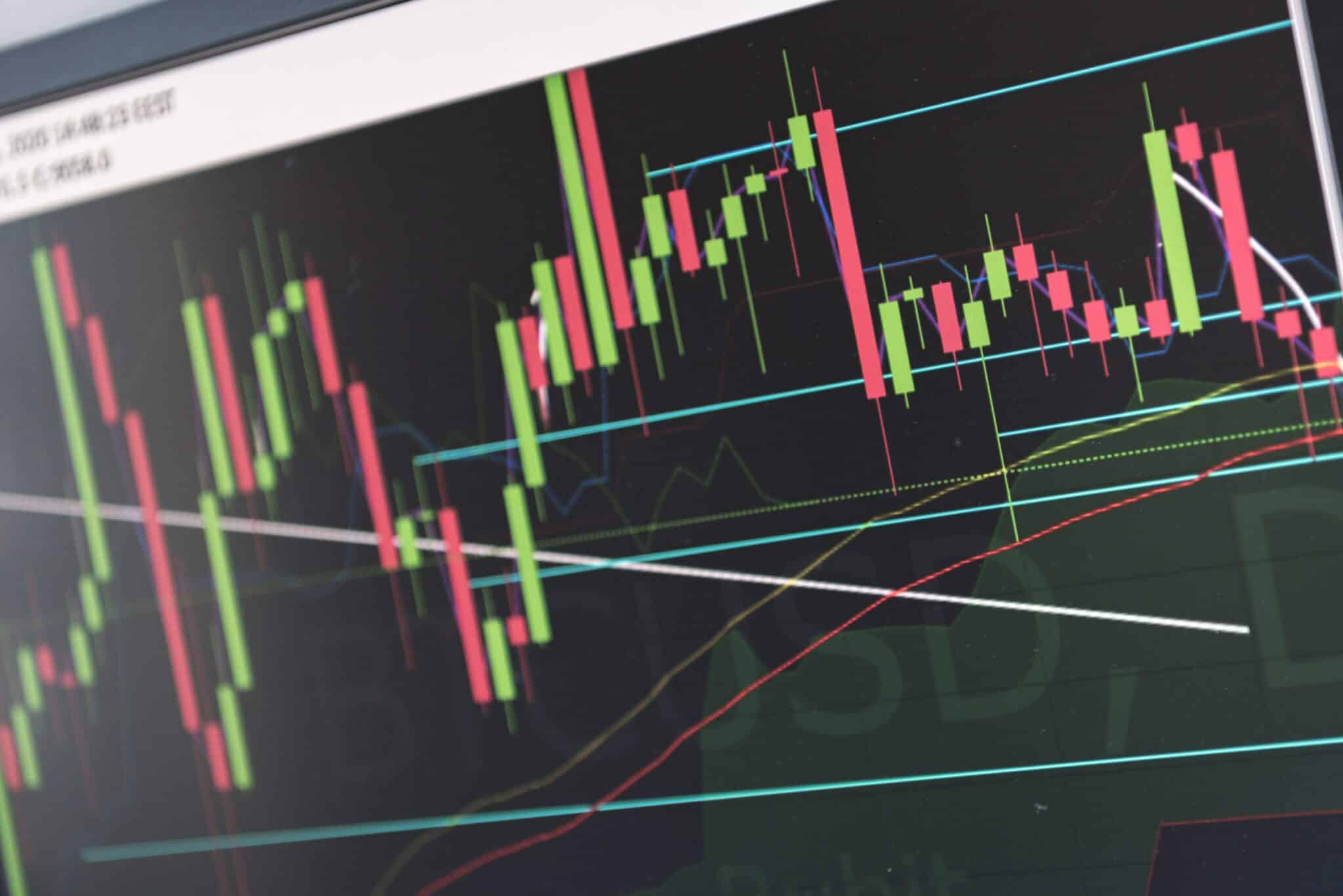
Technical analysis involves evaluating statistical trends gathered from trading activity, such as price movement and volume, to forecast future market behavior. Historically restricted to desktop workstations equipped with multi-monitor arrays, technical analysis has transitioned significantly into the mobile sphere. Modern mobile trading apps now pack heavy analytical horsepower into pocket-sized devices, allowing market participants to draw trendlines, apply oscillators, and monitor moving averages from anywhere with an internet connection.
However, performing technical analysis on a smartphone or tablet presents unique ergonomic challenges. Screen real estate is inherently limited, meaning that cramming too many indicators onto a mobile chart can obscure price action. Furthermore, executing precise touch-screen drawing—such as placing Fibonacci retracement levels or drawing parallel channel lines—requires high-precision touch sensitivity and robust user interface design. Consequently, the best mobile app for technical analysis must solve these hardware limitations through intuitive gesture controls, clean workspace layouts, and lightning-fast rendering engines.
Core Criteria for Evaluating Technical Analysis Apps
When determining which software deserves recognition as the top technical analysis mobile application, several objective metrics must be evaluated. Traders cannot rely on aesthetic appeal alone; the underlying architecture must support professional-grade trading workflows.
Charting Flexibility and Indicator Library
A premier application must provide access to a vast array of technical indicators, oscillators, and drawing tools. Essential components include moving averages (SMA, EMA), Relative Strength Index (RSI), Moving Average Convergence Divergence (MACD), Bollinger Bands, and volume profile tools. Furthermore, the ability to overlay multiple indicators on separate sub-panels without lagging is critical for advanced analysis.
Data Feed Speed and Global Asset Coverage
Reliable technical analysis is impossible without accurate, real-time price feeds. The top application should cover multiple asset classes—including equities, forex, cryptocurrencies, commodities, and global indices—while ensuring minimal latency between market execution and chart updates.
Cross-Device Cloud Synchronization
Traders rarely analyze markets exclusively on one device. A superior mobile application must sync watchlists, template layouts, custom indicator settings, and drawing objects instantly to a desktop or web version via cloud infrastructure.
Why TradingView Wins the Top Spot
TradingView widely commands the position of the best mobile app for technical analysis due to its agnostic broker integration, unmatched charting library, and expansive community-driven ecosystem. Unlike brokerage-locked applications that restrict users to proprietary tools, TradingView functions as an independent analysis powerhouse.
| Feature Category | TradingView Mobile App Capability |
|---|---|
| Chart Types | Candles, Heikin Ashi, Renko, etc. |
| Built-In Indicators | Over 100+ standard indicators |
| Custom Scripting | Pine Script support (view/apply) |
| Asset Classes | Stocks, Crypto, Forex, Futures |
| Cloud Sync | Real-time cross-device sync |
Advanced Charting Engines on iOS and Android
The TradingView mobile application utilizes a high-performance rendering engine that allows smooth pinch-to-zoom navigation and fluid scrolling across historical data. Users can deploy multiple chart panes on a single mobile screen, comparing correlated assets—such as tracking crude oil futures alongside energy sector equities—side by side or in overlaid formats.
The Power of Pine Script and Community Ideas
One of TradingView’s defining advantages is its proprietary coding language, Pine Script, which allows users to build custom indicators and automated strategies. While writing code on a mobile phone is impractical, the mobile app allows traders to apply community-published scripts directly to their charts. This grants mobile users access to thousands of custom-tailored momentum oscillators, volume indicators, and breakout detectors engineered by other market participants.
Essential Features to Master in Mobile Charting
To maximize the utility of a mobile technical analysis application, traders must master specific features designed to optimize mobile workflows.
- Customizable Watchlists and Alert Systems: Setting price alerts linked to technical levels—such as when an asset breaks above a 200-day exponential moving average—ensures traders do not need to stare at their screens continuously.
- Multi-Timeframe Analysis: The ability to toggle rapidly between intraday charts (like 5-minute or 1-hour candles) and macro charts (daily or weekly intervals) is vital for top-down market analysis.
- Template Saving: Configuring a preferred workspace—complete with a dark theme, specific trendline colors, MACD settings, and RSI thresholds—and saving it as a default template prevents repetitive setup tasks.
Operational Limitations of Mobile Technical Analysis
Despite technological advancements, mobile technical analysis retains inherent constraints compared to desktop setups. Acknowledging these boundaries prevents costly execution errors.
- Screen Real Estate Constraints: Complex chart patterns, such as Elliott Wave counts or detailed harmonic patterns, are significantly harder to spot and verify accurately on a 6-inch smartphone screen compared to a 27-inch desktop monitor.
- Internet Connectivity Dependence: Mobile networks can experience jitter, latency drops, or sudden disconnects. A momentary loss of signal during a high-volatility breakout can delay chart updates and compromise time-sensitive trade management.
- Execution Delays: While charting apps provide exceptional analytical data, executing trades through third-party broker APIs integrated into charting apps can occasionally introduce minor friction compared to dedicated direct-market-access platforms.
Frequently Asked Questions
Can I execute live trades directly through TradingView on mobile?
Yes, TradingView supports broker integration, allowing users to connect supported brokerage accounts and execute orders directly from mobile charts. However, availability depends on your geographic location and the specific broker's partnership status with the platform.
Is a paid subscription required for effective technical analysis on mobile?
The free tier of TradingView offers robust charting tools, standard indicators, and real-time data, making it sufficient for many retail traders. Paid tiers remove advertising limits, allow more indicators per chart, and provide faster server-side data refreshing for high-frequency analysis.
How does mobile technical analysis compare to desktop analysis?
Mobile analysis is ideal for monitoring existing positions, checking macro trends, and receiving breakout alerts while away from a desk. Desktop analysis remains superior for deep research, multi-monitor setups, complex scripting, and rigorous backtesting.
Are mobile technical analysis apps secure?
Reputable mobile charting platforms utilize standard encryption protocols to protect user credentials and personal data. When connecting brokerage accounts, ensure you use multi-factor authentication and official application versions downloaded from authorized app stores.
Final Recommendations for Mobile Traders
If you require a dedicated, highly versatile application to monitor markets, draw trendlines, and analyze price action away from your desk, download TradingView for iOS or Android. Begin by utilizing its free tier to test watchlists and standard indicators, ensuring the interface matches your personal trading style before considering premium subscriptions. Always combine mobile technical analysis with sound risk management principles and verified data feeds to protect your capital in fast-moving markets.