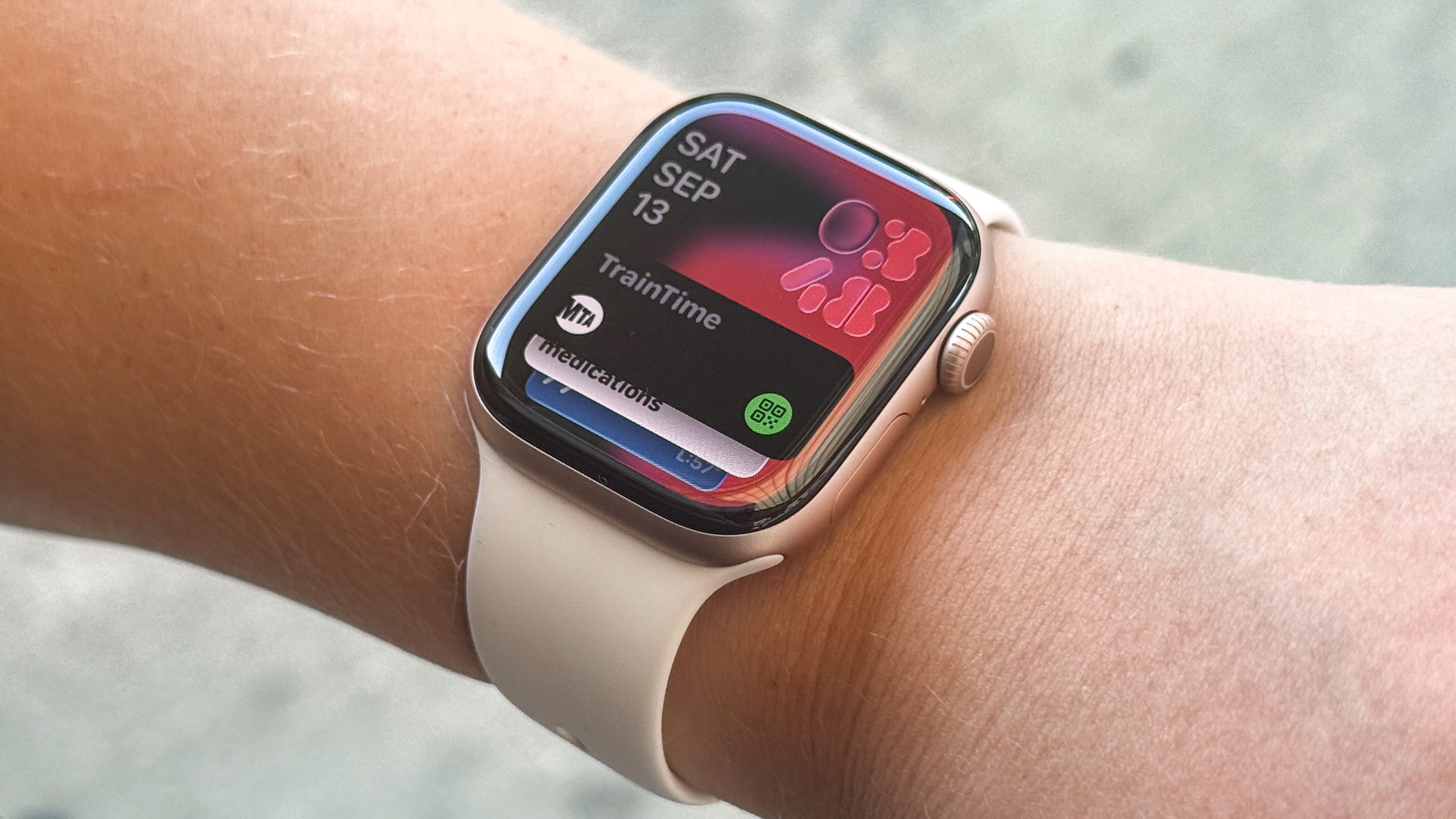
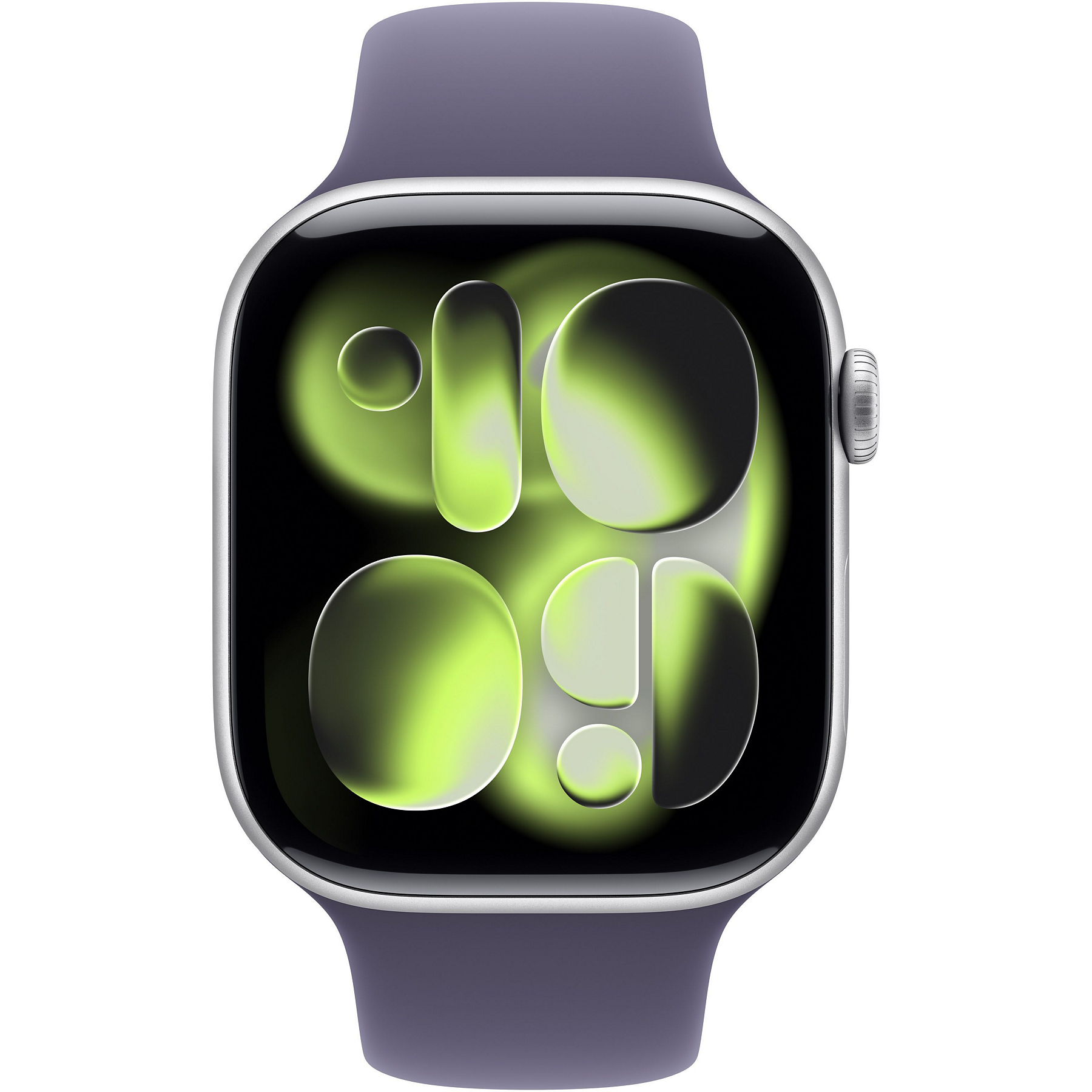
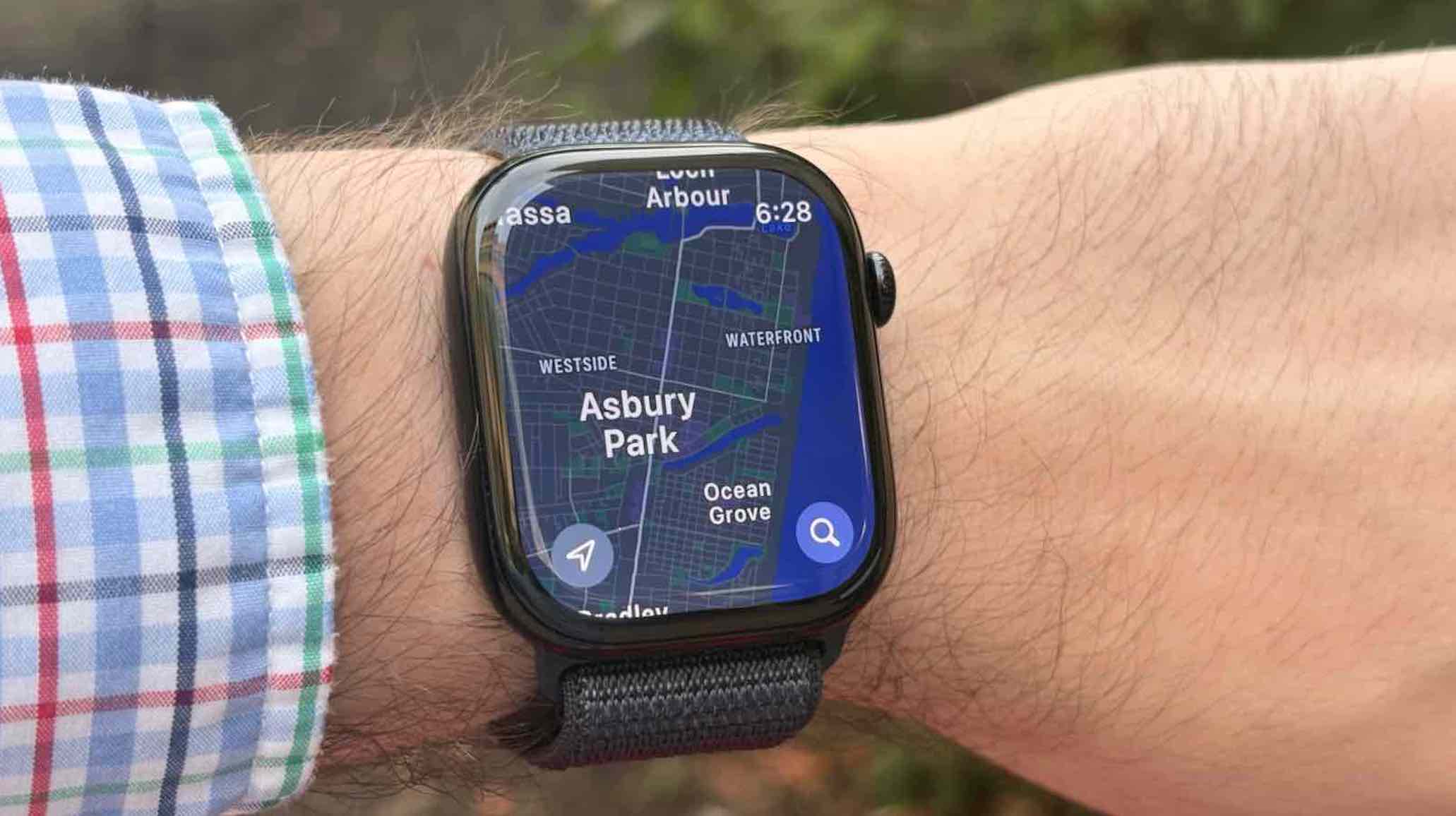
Choosing between the Apple Watch Series 11 GPS and the GPS + Cellular model depends primarily on your mobile independence. The GPS model requires a nearby iPhone for calls, texts, and data, while the Cellular version uses a built-in eSIM to stay connected independently. For most users, the GPS model offers better value, but the Cellular model is essential for outdoor athletes and Family Setup users.
The Apple Watch Series 11, released in late 2025 and remaining a flagship choice throughout 2026, represents the pinnacle of Apple’s refined wearable strategy. While both versions share the same S11 SiP (System in Package), display technology, and health sensors, the hardware delta between the two has significant implications for your monthly budget, battery endurance, and daily workflow. As we move further into 2026, the integration of advanced neural processing and real-time health monitoring makes the connectivity choice more consequential than ever.
Understanding the Core Connectivity Architecture
The fundamental difference between the two models lies in how they communicate with the world. The Apple Watch Series 11 GPS utilizes a combination of Bluetooth 5.3 and Wi-Fi 6E to "tether" to your iPhone. When your iPhone is within range (roughly 30 to 50 feet in an open environment), the watch acts as a remote terminal, relaying notifications, calls, and data requests through the phone’s connection.
In contrast, the Series 11 GPS + Cellular model features an integrated LTE and UMTS radio. This hardware allows the watch to transition seamlessly from Bluetooth to Wi-Fi, and finally to a cellular network when both the phone and known Wi-Fi networks are unavailable. In 2026, Apple’s antenna design has become even more efficient, allowing for faster handovers between these states, which minimizes the "dead zones" users might have experienced in earlier generations.
The cellular model uses an eSIM (embedded SIM) rather than a physical card. This means you do not swap chips; instead, you activate a wearable plan through your iPhone’s Watch app. This plan typically mirrors your iPhone's phone number, so callers reach you on the same line regardless of which device you are carrying.
Material Options and Aesthetic Considerations
Historically, Apple has used connectivity as a gatekeeper for premium materials. In 2026, this trend continues with the Series 11. If you prefer the lightweight, sporty feel of the 100% recycled aluminum case, you can choose between both GPS and Cellular configurations. The aluminum models are favored by fitness enthusiasts due to their lower mass and wide range of color finishes like Midnight, Starlight, and the seasonally updated Silver.
However, if your preference leans toward luxury or extreme durability, the choice is made for you. The Stainless Steel and the newer Titanium Series 11 models are exclusively available with Cellular connectivity. You cannot purchase a Stainless Steel Series 11 in a GPS-only configuration. These premium models also feature sapphire crystal displays, which offer significantly higher scratch resistance than the Ion-X glass found on the aluminum GPS models.
Furthermore, the design of the Digital Crown serves as a visual indicator. The Cellular model features a discrete red ring or circle on the crown—a design language Apple has maintained for years to distinguish the LTE-capable hardware. For some users, this is a minor aesthetic detail; for others, it is a symbol of the device’s "Pro" capabilities.
The Cost of Ownership: Upfront vs. Long-term
The financial decision involves two distinct phases: the initial purchase price and the recurring service fees.
Initial Purchase Price
The Apple Watch Series 11 GPS is the entry point for the flagship line. In 2026, the price gap between the GPS and the Cellular aluminum models remains approximately $100. This premium covers the LTE radio hardware and the emergency SOS infrastructure required for standalone operation. If you opt for the Stainless Steel or Titanium versions, the price jumps significantly, not just because of the cellular radio, but because of the higher-grade casing and glass materials.
Monthly Service Fees
Buying the Cellular hardware is only the first step. To use the LTE features, you must pay for a monthly data plan from a supported carrier. In the United States and many European markets, these plans typically range from $5 to $15 per month, plus various regulatory fees and taxes. Over a three-year ownership cycle, a cellular plan can add $180 to $540 to the total cost of the device.
It is worth noting that you can buy a Cellular model and choose not to activate the data plan. The watch will function exactly like a GPS model. However, you are essentially paying $100 for hardware you aren't using, though this can help with the watch's resale value later or provide the option to activate service only during specific months (like a summer hiking season).
Battery Life and Power Management in 2026
Battery life remains the most debated topic for Apple Watch users. The Series 11 features an improved S11 chip that is more power-efficient than its predecessors, but the laws of physics still apply to cellular radios.
When the GPS model is connected to an iPhone via Bluetooth, it consumes very little power for connectivity. The heavy lifting of fetching data and maintaining a network signal is handled by the iPhone, which has a much larger battery. Consequently, GPS-only users often find their watches comfortably last through a full day and well into the next morning, even with sleep tracking.
The Cellular model, when operating on LTE, is much more taxing on the battery. If you leave your phone at home and go for a two-hour run while streaming music via Apple Music over cellular and tracking your route via GPS, you will see a significant percentage drop in battery life. In 2026, Apple has optimized the Series 11 to mitigate this, but "all-day battery" for a cellular user typically assumes the watch is connected to the iPhone for the majority of the day, using LTE only for short bursts of independence.
Use Case Analysis: Who Should Choose GPS?
The GPS-only model is the logical choice for the majority of users who are rarely without their smartphones. If you are an office worker, a student, or someone who keeps their phone in their pocket, bag, or on a nearby desk, the Cellular model offers almost no functional advantage.
- The Budget-Conscious Buyer: If you want the latest health sensors (like the Series 11's advanced Vitals app and enhanced sleep metrics) without the recurring monthly cost, the GPS model is the clear winner.
- Gym Goers: Most modern gyms have Wi-Fi. If your watch can connect to the gym's Wi-Fi, you can still receive notifications and stream music even if your phone is in a locker, provided the watch is on a known network.
- The "Always-With-Phone" User: If the thought of leaving your house without your iPhone causes anxiety, you will never utilize the LTE radio in the watch.
Use Case Analysis: Who Should Choose Cellular?
The Cellular model is a transformative device for specific lifestyles. It changes the Apple Watch from an iPhone accessory into a primary communication device.
- Outdoor Athletes: Runners, cyclists, and hikers often find the iPhone 15 or 16 Pro Max too bulky to carry comfortably during high-intensity exercise. The Cellular Series 11 allows you to stay reachable for emergencies, receive text messages, and use Maps without the weight of a phone.
- Safety and Emergency Preparedness: The Cellular model can contact emergency services even if your phone is dead or out of reach. While all Apple Watches can call emergency services if a phone is nearby, the Cellular model provides a redundant safety net that can be life-saving during accidents or if you are separated from your belongings.
- Family Setup: This is a crucial feature for parents and caregivers. Apple's Family Setup allows you to set up an Apple Watch for a child or an elderly family member who does not own an iPhone. This requires a Cellular model because the watch must have its own independent connection to provide location tracking and communication features.
- The Minimalist: If you want to go to the grocery store, the park, or a dinner date without the distraction of a smartphone, the Cellular model provides the "essential" connectivity (calls/texts) while stripping away the urge to scroll through social media.
Feature Comparison Table
| Feature | Series 11 GPS | Series 11 GPS + Cellular |
|---|---|---|
| Independence | Requires iPhone nearby for data | Fully independent with LTE plan |
| Material Options | Aluminum only | Aluminum, Stainless Steel, Titanium |
| Monthly Cost | $0 | $5 - $15 (Carrier dependent) |
| Family Setup | Not Supported | Supported |
| Emergency SOS | Requires iPhone or Wi-Fi calling | Works natively over LTE |
| Streaming Music | Offline storage or phone-synced | Independent streaming (Apple Music/Spotify) |
| Resale Value | Standard | Generally higher |
| Battery Life | Optimized via Bluetooth tethering | High drain when using LTE |
Technical Requirements and Carrier Support
Before committing to the Cellular model, you must ensure your carrier supports the Apple Watch. Most major carriers like AT&T, Verizon, and T-Mobile in the US, or Vodafone and EE in the UK, have robust support for Apple Watch eSIMs. However, many smaller "Value" carriers or MVNOs (Mobile Virtual Network Operators) still do not support the Apple Watch. If you are on a budget carrier, you may be forced to switch to a more expensive "Big Three" carrier just to use the watch's cellular features.
You can verify your carrier's compatibility on the official Apple Watch carrier support page. Additionally, your iPhone must be on the same carrier as your watch. You cannot have a T-Mobile iPhone and a Verizon Apple Watch on the same primary number.
Common Pitfalls and Considerations
A common misconception is that the Cellular Apple Watch will have the same signal strength as an iPhone. Due to the much smaller antenna and lower power ceiling, the Apple Watch may lose signal in buildings or remote areas where an iPhone 16 might still show one or two bars.
Another consideration is international roaming. For years, Apple Watch cellular roaming was non-existent. In 2026, while international roaming is supported on the Series 11 with certain carriers and plans, it is not as universal as iPhone roaming. If you travel frequently, you should verify if your carrier's "Travel Pass" or "International Day Pass" extends to your wearable.
Final Recommendation
For 90% of consumers in 2026, the Apple Watch Series 11 GPS is the smarter purchase. The reliability of Bluetooth 5.3 and the ubiquity of Wi-Fi mean that your watch is rarely "offline." By choosing the GPS model, you save $100 upfront and hundreds more over the life of the device in carrier fees.
However, you should choose the Apple Watch Series 11 GPS + Cellular if you fall into one of three categories:
- You are a dedicated athlete who wants to leave your phone behind during training.
- You are purchasing the watch for a child or senior via Family Setup.
- You want a premium material like Stainless Steel or Titanium for professional or aesthetic reasons.
The Apple Watch Series 11 is a powerful tool for health and connectivity. Regardless of which radio configuration you choose, the core experience of the S11 chip and the 2026 software ecosystem remains the benchmark for the smartwatch industry.
Frequently Asked Questions
Can I add cellular service to a GPS-only Apple Watch later? No. The GPS-only model lacks the LTE radio, antenna, and eSIM hardware required for cellular connectivity. If you think you might need cellular service in the future, you must purchase the GPS + Cellular model from the start. You can always choose not to activate the service until you need it.
Does the Cellular model drain the battery faster even if I have my phone with me? No. When your iPhone is nearby, the Cellular Apple Watch intelligently turns off its LTE radio and uses Bluetooth to save power. In this state, the battery life is virtually identical to the GPS-only model. The increased battery drain only occurs when the watch is actively searching for or connected to a cellular tower.
Can I use the Apple Watch Cellular without an iPhone at all? Not entirely. You still need an iPhone (Series 8 or later, typically running the latest iOS) to set up the watch, manage updates, and sync health data. Once set up through "Family Setup," the user of the watch doesn't need an iPhone, but the "organizer" who manages the watch still does.
Does the GPS model still have a GPS chip for tracking runs? Yes. Both the "GPS" and "GPS + Cellular" models have a built-in, dedicated GPS (and GLONASS, Galileo, QZSS, and BeiDou) chip. This means the GPS-only model can accurately track your outdoor run, pace, and route without your phone. The only thing the GPS model cannot do without the phone is sync that data to the cloud in real-time or receive incoming messages during the run.