Amazon Video family sharing is primarily managed through the Amazon Household feature, which allows two adults to link their accounts and share Prime Video benefits, along with up to four teens and four child profiles. Alternatively, users can create up to six personalized Prime Video Profiles within a single Amazon account to track individual watch history and recommendations without sharing full account access or payment methods.
Sharing digital content has become more regulated over the years, yet Amazon remains one of the more flexible platforms for families. Whether you want to share your Prime Video subscription with a partner, manage what your teenagers watch, or set up a safe environment for your children, understanding the mechanics of Amazon Household and the Profile system is essential. This guide covers everything from initial setup and eligibility requirements to technical stream limits and troubleshooting.
Amazon Household vs. Prime Video Profiles: Defining the Difference
Before diving into the setup, it is vital to distinguish between the two primary ways people "share" Amazon Video. While the terms are often used interchangeably, they serve different technical purposes and offer varying levels of privacy and security.
What is an Amazon Household?
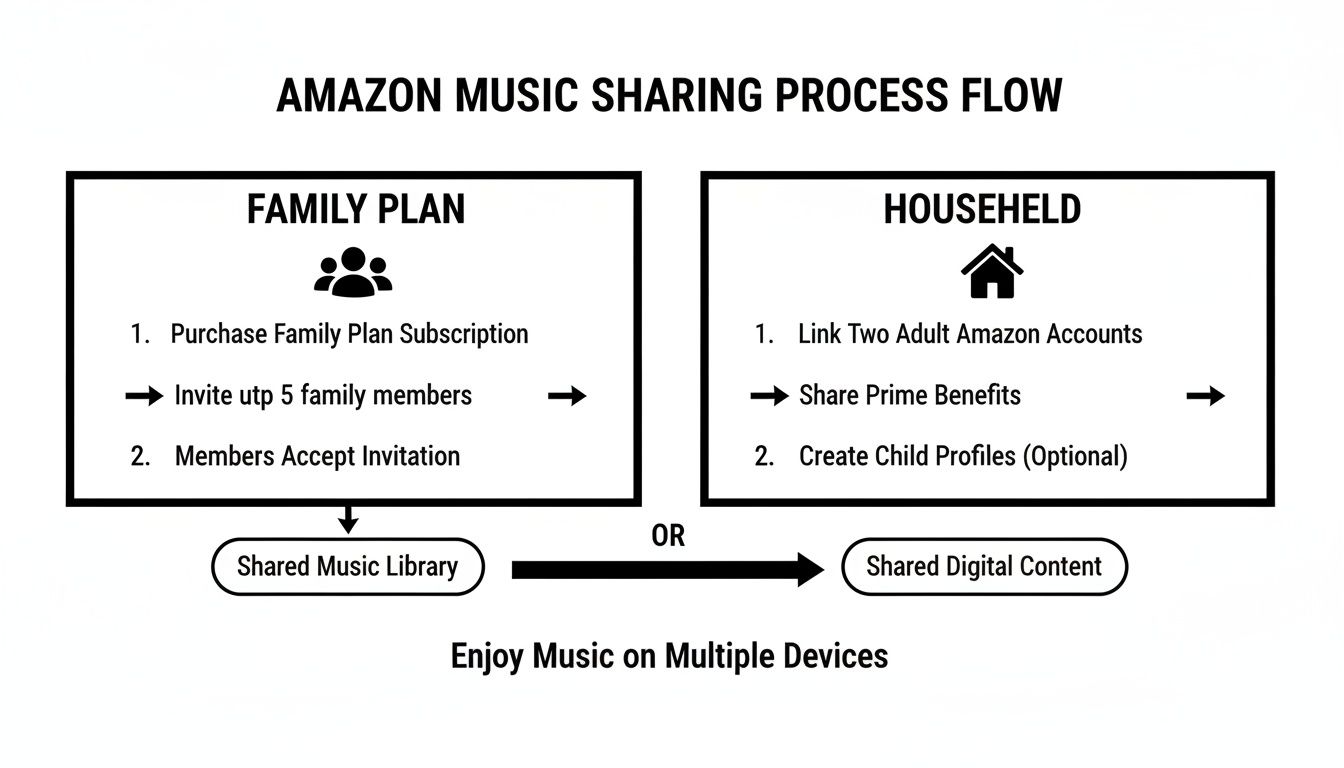
Amazon Household is a formal administrative feature that links two independent Amazon accounts. This is the "true" family sharing method. When you add another adult to your Household, you are inviting them to share your Prime benefits—including Prime Video, free shipping, and Prime Reading—while maintaining separate login credentials.
The most significant aspect of Amazon Household is the Requirements of Sharing. To link two adult accounts, both parties must agree to share payment methods. This means the other adult can see and use the credit or debit cards stored in your Amazon account for purchases. This feature is designed specifically for partners or family members living in the same residence to prevent casual sharing with acquaintances or strangers.
What are Prime Video Profiles?
Prime Video Profiles are much simpler. They exist within a single Amazon account login. If you do not want to link a separate account, you can simply create up to six profiles (one primary and five additional). Each profile has its own "Watch Next" list, personalized recommendations, and viewing progress.
Profiles are ideal for a single household sharing one television or tablet. However, because everyone uses the same login and password, there is less privacy than the Household method. Any user with the account password can switch between profiles and view the primary account holder's watch history or settings.
Prerequisites and Eligibility for Video Sharing
In 2026, Amazon continues to enforce specific eligibility criteria to ensure that family sharing is used as intended. Failure to meet these requirements is the most common reason users encounter errors during the setup process.
- Prime Membership Status: The primary account holder must have an active Amazon Prime membership. While some digital content sharing is possible on non-Prime accounts (like shared Kindle books), Prime Video sharing specifically requires a Prime subscription.
- Geographic Alignment: Both members of an Amazon Household must be located in the same country or region. For example, a US-based Amazon account cannot form a Household with a UK-based account. Amazon uses IP addresses and billing addresses to verify this.
- Account Maturity: New accounts may sometimes face a brief waiting period before they can join a Household, though this is rare. More commonly, if an adult leaves a Household, there is a 180-day cooling-off period before they can join a different Household.
- Device Compatibility: Most modern smart TVs, gaming consoles, and mobile devices support profile switching and Household sharing. However, some older legacy devices (manufactured before 2018) may only display the primary account's profile.
Step-by-Step Guide to Setting Up Amazon Household
If you have decided that Amazon Household is the right path for your family sharing needs, follow these steps to invite another adult and manage your digital library.
Inviting another Adult
- Navigate to Amazon Household: Log into your Amazon account on a web browser and go to the "Account & Lists" menu. Select "Amazon Household."
- Add an Adult: Click the button to "Add Adult." You will be prompted to enter the name and email address of the person you wish to invite.
- Agree to Payment Sharing: You must check the box agreeing to share your payment methods. This is non-negotiable for Adult-to-Adult sharing.
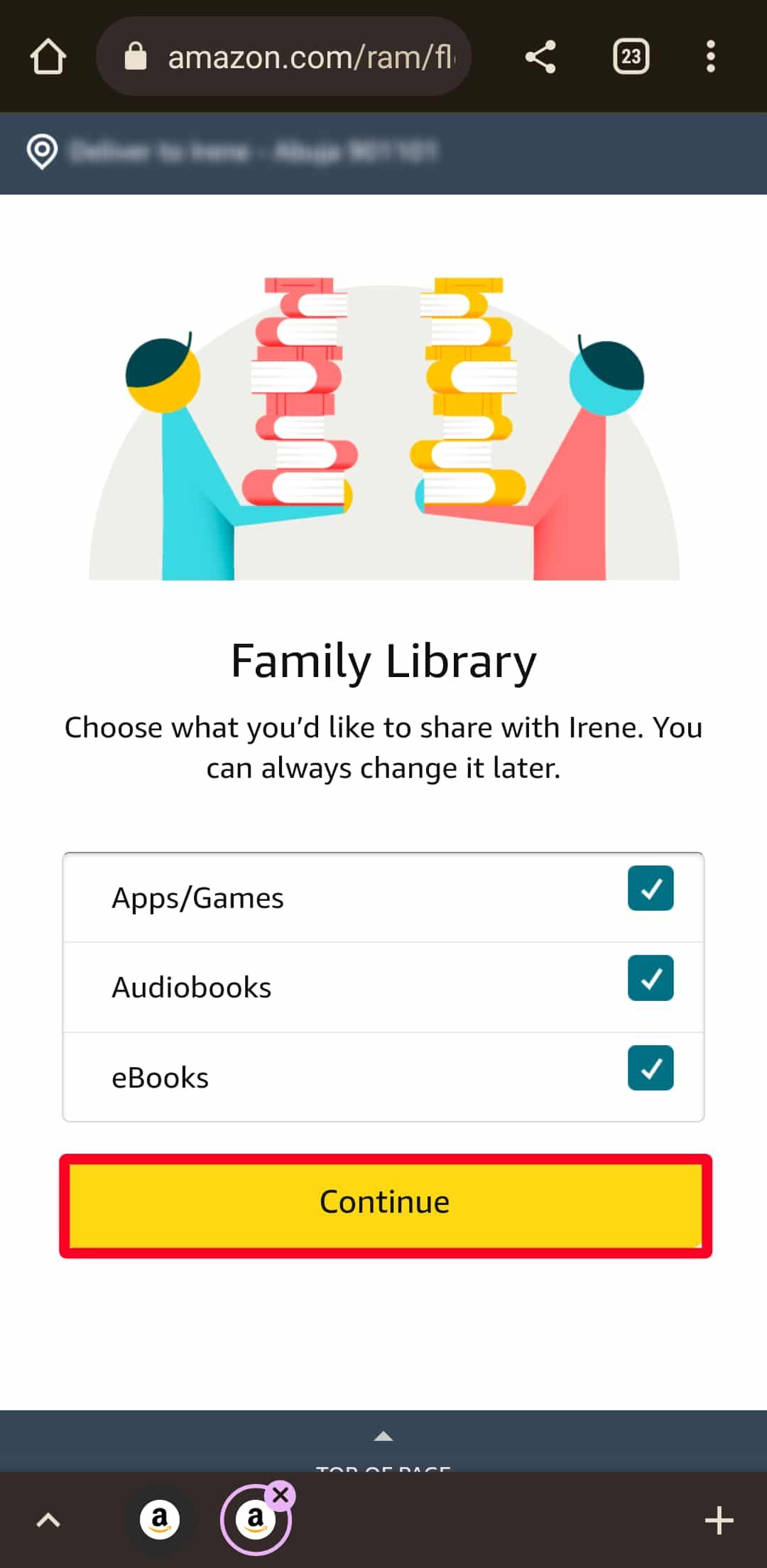
- Select Content to Share: You can choose to share all your digital content (including Prime Video) or specific categories. Ensure "Prime Video" is selected.
- The Invitation Process: Amazon sends an email to the second adult. They must click the link and log into their own Amazon account to accept the invitation.
Adding Teens and Children
Adding younger family members follows a different path, as they do not require independent accounts with shared payment methods.
- Teens (13-17): When you add a teen, they get their own Amazon login to stream video and even place orders. However, parents have the option to receive notifications for every purchase and can set spending limits or require manual approval for every order.
- Children (12 and under): Children are added via profiles. They do not get a separate login. Instead, they access content through the "Amazon Kids" interface, which limits their viewing to age-appropriate titles that you approve.
Managing Teen and Child Access
Amazon provides robust parental controls to ensure that "sharing" doesn't mean "unrestricted access." In 2026, these controls are more granular than ever, allowing parents to tailor the experience to their child’s maturity level.
Parental Controls and PINs
To prevent children (or roommates) from accessing your profile or purchasing content, you should set up a Prime Video PIN.
- Go to the Prime Video Settings on your browser or app.
- Navigate to "Parental Controls."
- Set a 5-digit PIN.
- Enable "Purchase Restrictions" so the PIN is required before any rental or purchase is made.
- Enable "Viewing Restrictions" to lock content based on age ratings (e.g., G, PG, 14+, 18+).
The Teen Experience
Teens in an Amazon Household enjoy a hybrid experience. They have the independence of their own login, but their Prime Video content is still subject to the parental controls set by the primary account holder. If a teen tries to watch a Mature-rated show that has been restricted, they will need the parent to enter the PIN on the device.
Understanding Stream Limits and Technical Restrictions
One of the most frequent points of confusion regarding Amazon Video family sharing is the number of people who can watch at the same time. Sharing an account does not mean unlimited concurrent streams.
Concurrent Stream Rules
Amazon's standard policy allows for up to three concurrent streams from the same Amazon account. However, there is a stricter limit on specific content:
- Same Title Limit: You can stream the same video to no more than two devices at a time. If three people in the household want to watch the same new release simultaneously, the third person will receive an error message.
- Purchased vs. Prime Content: These limits generally apply to both Prime-included titles and videos you have purchased or rented.
- Offline Viewing: Downloads do not count against the concurrent stream limit. If your family is traveling, having children download their movies to their tablets can free up "stream slots" for others at home.
Device Management
If you receive an "Area Limit" or "Maximum Streams Reached" error, you may need to manage your registered devices.
- Go to "Manage Your Content and Devices" on the Amazon website.
- Select the "Devices" tab.
- De-register any old phones, tablets, or TVs that you no longer use. This often clears up technical glitches related to sharing limits.
Sharing Prime Video Channels and Purchased Content
A common question is whether family sharing extends to "add-on" channels like HBO (Max), Paramount+, or Starz, as well as movies purchased outright.
Prime Video Channels
If the primary account holder subscribes to a Prime Video Channel, that subscription is shared with the other adult in the Amazon Household. The second adult can access the channel content through their own account login on the Prime Video app. However, this does not apply to teen or child profiles unless specifically authorized in the parental control settings.
Purchased and Rented Content
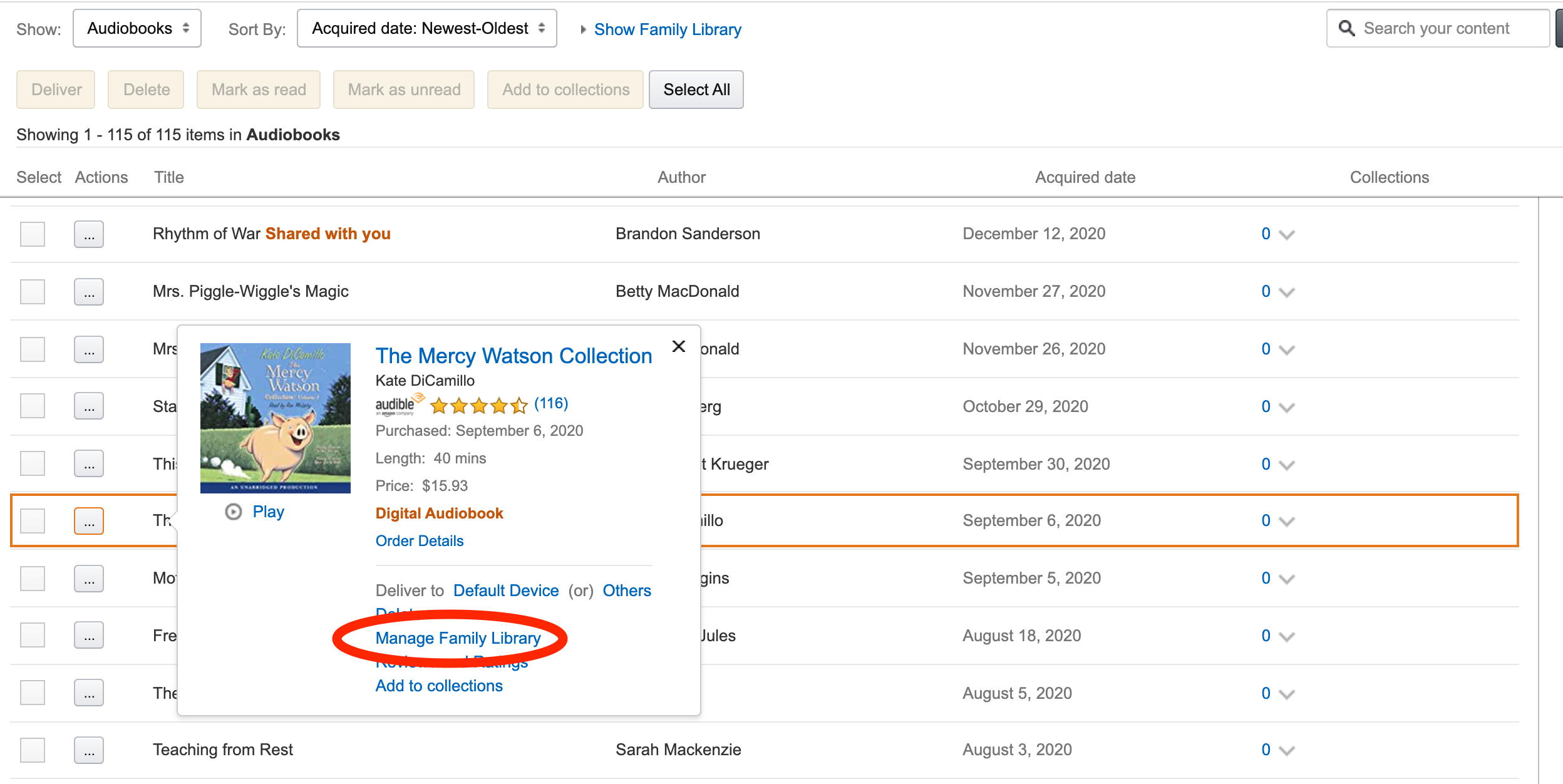
Through the Family Library feature (part of Amazon Household), adults can choose to share their purchased movies and TV shows.
- How to share: In the Amazon Household settings, ensure "Share your digital library" is toggled on.
- Individual control: You can go into your "Content and Devices" settings and manually choose to hide specific titles if you do not want them visible to the other adult or children in the household.
| Feature | Prime Video Profiles | Amazon Household (Adults) | Amazon Household (Teens) |
|---|---|---|---|
| Separate Login | No | Yes | Yes |
| Shared Payment | Shared by Default | Must Agree to Share | Parental Approval Required |
| Personalized Lists | Yes | Yes | Yes |
| Shared Channels | Yes | Yes | Limited |
| Parental Controls | Account-wide | Independent | Parent-monitored |
| Max Quantity | Up to 6 | 2 Adults | Up to 4 |
Troubleshooting Common Sharing Issues
Even with a correct setup, you may encounter obstacles. Here are the most common issues and their solutions as of 2026.
"Invite Not Received"
If the second adult hasn't received their invite, check the "Sent Invites" section in the Amazon Household dashboard. Verify the email address. Often, invites are filtered into "Spam" or "Promotions" folders. Also, ensure the invitee doesn't already belong to another Household.
"Payment Method Verification Failed"
To share Prime Video benefits, both adults must have a valid credit or debit card issued by a bank in the same country. If one person uses a pre-paid card or an expired card, the Household link may fail. Amazon requires a "permanent" payment method to verify the residency and relationship of the two adults.
"Content Not Appearing in Library"
If you have shared a purchased movie but the other adult cannot see it:
- Go to Manage Your Content and Devices.
- Find the specific title.
- Select "Add to Library" and choose the Household member’s name. Sometimes the automatic sync fails, and manual "pushing" of content is required.
"Too Many Streams" Error
If you are certain only two people are watching, but you get a stream limit error, a previous stream may not have "closed" properly. This often happens if someone closes a laptop or turns off a TV without hitting "Stop" or "Back" on the video. Wait about 10 minutes for the session to timeout naturally.
Frequently Asked Questions
Can I share Amazon Video with someone who doesn't live with me?
Technically, Amazon Household is designed for people living at the same address. While the system does not use GPS tracking to verify your location 24/7, both accounts must be in the same country and share a payment method. Sharing your login via Profiles is possible with people outside your home, but it poses a security risk as they will have access to your saved credit cards and personal account details.
Does the person I share with see my credit card number?
No. While they can use your shared payment methods to make purchases on Amazon, they cannot see the full 16-digit card number or the CVV code. However, any purchase they make will be charged to the card you have on file, so trust is essential.
How do I stop sharing my Amazon Video?
To stop sharing, go to the Amazon Household menu and select "Remove" next to the person's name. If you remove an adult, remember that both of you will be barred from joining a new Household for 180 days. If you simply want to stop sharing a specific movie, you can do so through the "Family Library" settings without dissolving the Household.
Can I share my Prime Video with more than one other adult?
No. Amazon Household is strictly limited to two adults. You cannot add a third or fourth adult account to the sharing plan. If you have more than two adults in a family who need sharing, you will need to use the Profile system (sharing one login) or have the additional adults purchase their own subscriptions.
Does sharing Prime Video also share my watch history?
If you use Amazon Household, your watch history is private. The other adult cannot see what you have watched because they are using their own separate account. If you are sharing a single account via Profiles, your history is technically separate, but anyone who logs into the account can easily switch to your profile and see your "Recently Watched" list.
Final Recommendation for Family Sharing
For the best experience in 2026, we recommend using Amazon Household for partners and spouses. The ability to maintain separate logins while sharing a single Prime subscription offers the best balance of privacy and cost-savings. For children and younger teens, the Profile system within the Amazon Kids interface provides the most secure environment. Always remember to set a Prime Video PIN immediately after setup to prevent unauthorized purchases and ensure that your streaming limits are managed effectively across all your family's devices.