Adobe provides two primary online image editing solutions: Adobe Express, designed for rapid content creation and social media graphics, and Photoshop on the Web, a streamlined yet powerful version of the professional desktop application. Both platforms run directly in modern web browsers, requiring no local installation while providing robust cloud synchronization and AI-driven features.
The Evolution of Adobe’s Online Editing Ecosystem
By 2026, the distinction between desktop software and browser-based applications has blurred significantly. Adobe has pivoted toward a "web-first" mentality for many of its core services, ensuring that users can transition seamlessly between a mobile device, a tablet, and a workstation. The core of this ecosystem is the Creative Cloud, which acts as the connective tissue, syncing assets, fonts, and version histories in real-time.
Choosing the right Adobe image editor online depends entirely on the complexity of the task. If the goal is to create a high-impact Instagram story or a marketing flyer within minutes, Adobe Express is the optimized choice. Conversely, if the task involves complex retouching, detailed compositing with masks, or non-destructive layer management, Photoshop on the Web provides the necessary professional toolset.
Adobe Express: The Accessible Powerhouse
Adobe Express (formerly Adobe Spark) has evolved into a comprehensive design suite that prioritizes speed and accessibility. It is not merely a "lite" version of other tools but a distinct platform built for the creator economy.
Key Features of Adobe Express
- Template-Driven Design: Access to millions of professionally designed templates for everything from YouTube thumbnails to multi-page PDF presentations.
- Generative AI Integration: Powered by the latest iterations of Adobe Firefly, Express allows users to generate images from text prompts, apply text effects, and use generative fill to add or remove objects from photos instantly.
- Quick Actions: These are automated tools for common tasks, such as removing backgrounds, resizing images for specific social platforms, converting videos to GIFs, and trimming video clips.
- Brand Kits: Professional users can upload brand logos, color palettes, and fonts to ensure consistency across all online projects.
Target Audience for Express
Express is tailored for social media managers, small business owners, and students who require high-quality visual output without the steep learning curve associated with traditional design software. Its interface is intuitive, relying on drag-and-drop mechanics rather than complex keyboard shortcuts or nested menus.
Photoshop on the Web: Professional Grade in a Browser
For years, the idea of running Photoshop in a browser was limited by hardware and internet speeds. In 2026, thanks to advancements in WebAssembly and hardware acceleration, Photoshop on the Web offers a near-native experience for most standard editing workflows.
Advanced Editing Capabilities
Unlike Express, Photoshop on the Web retains the core DNA of the desktop application. Users have access to:
- Layers and Masks: The fundamental building blocks of professional editing. You can stack images, apply adjustment layers, and use layer masks to hide or reveal parts of a composition without deleting pixels.
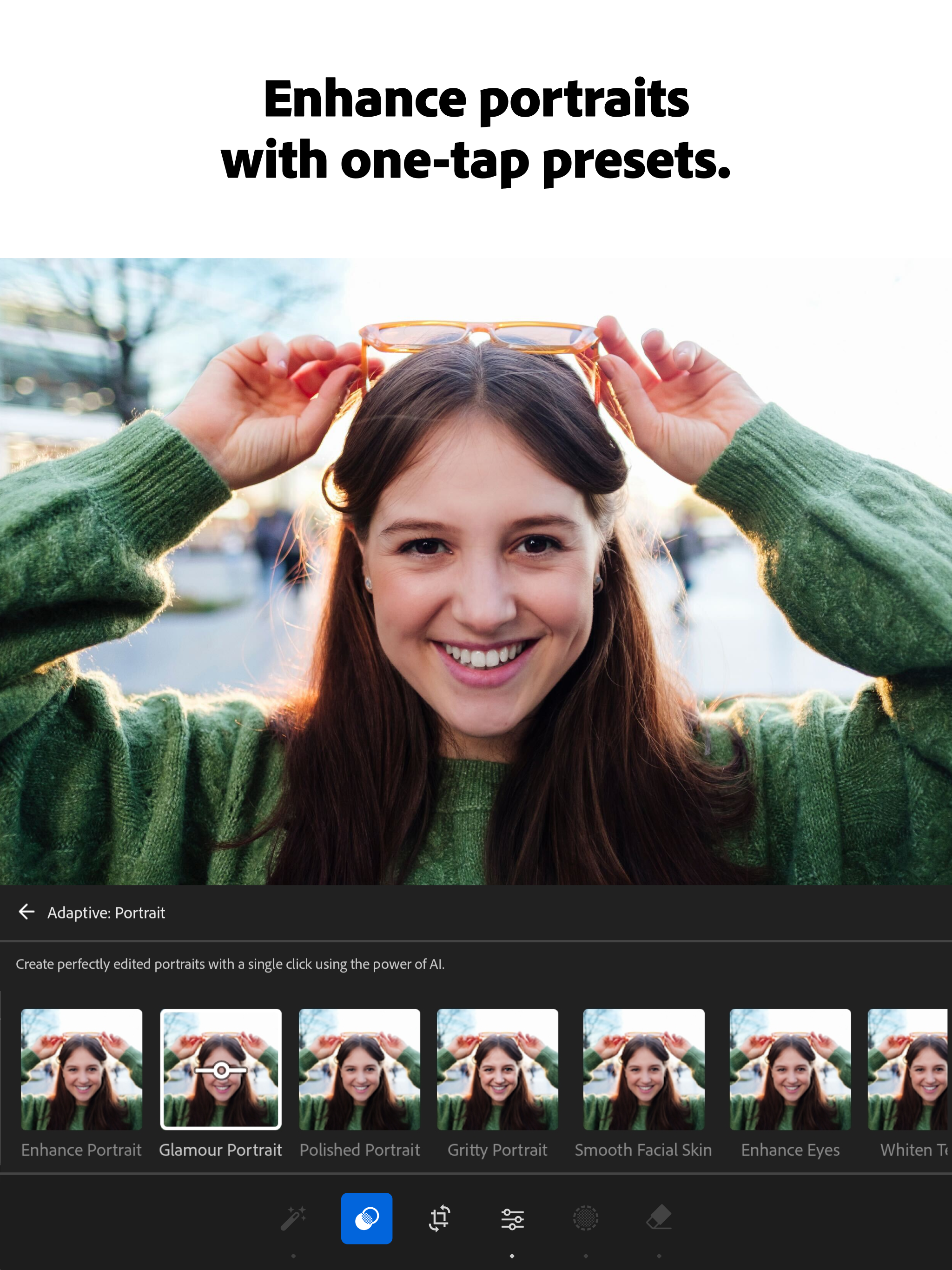
- Selection Tools: Includes the "Select Subject" and "Object Selection" tools driven by Adobe Sensei (AI), which can identify complex edges like hair or fur with high precision.
- Retouching Tools: The Spot Healing Brush, Clone Stamp, and Patch tools are available for removing blemishes or unwanted elements from photographs.
- Collaboration Features: Multiple users can view and comment on a PSD file directly in the browser. Lead designers can share a link with clients, who can then leave "pins" and annotations without needing a Creative Cloud subscription.
Technical Requirements
To run Photoshop on the Web effectively in 2026, your system must meet specific criteria. It is optimized for Chromium-based browsers like Google Chrome and Microsoft Edge. Users should ensure that Hardware Acceleration is enabled in their browser settings to leverage the computer's GPU for rendering.
Comparing Adobe Online Editors
The following table clarifies the functional differences between the two primary online offerings to help you determine which tool fits your current project.
| Feature | Adobe Express | Photoshop on the Web |
|---|---|---|
| Primary Use Case | Social media, flyers, quick AI edits | Photo retouching, complex compositing |
| Learning Curve | Very Low (Intuitive) | Moderate (Requires basic design knowledge) |
| Layer Management | Simplified/Automatic | Full manual control with masks |
| AI Integration | Firefly (Generative Fill, Text-to-Image) | Firefly + Content-Aware Fill |
| Asset Library | Stock photos, icons, templates | User-generated PSDs, cloud assets |
| File Support | JPG, PNG, MP4, PDF | PSD, TIFF, JPG, PNG, RAW (via Lightroom) |
| Collaboration | Real-time co-editing | Commenting and light versioning |
Integration with Adobe Firefly and Generative AI
The defining characteristic of the 2026 Adobe online experience is the deep integration of Adobe Firefly. This generative AI model is designed to be commercially safe, trained on Adobe Stock images and public domain content.
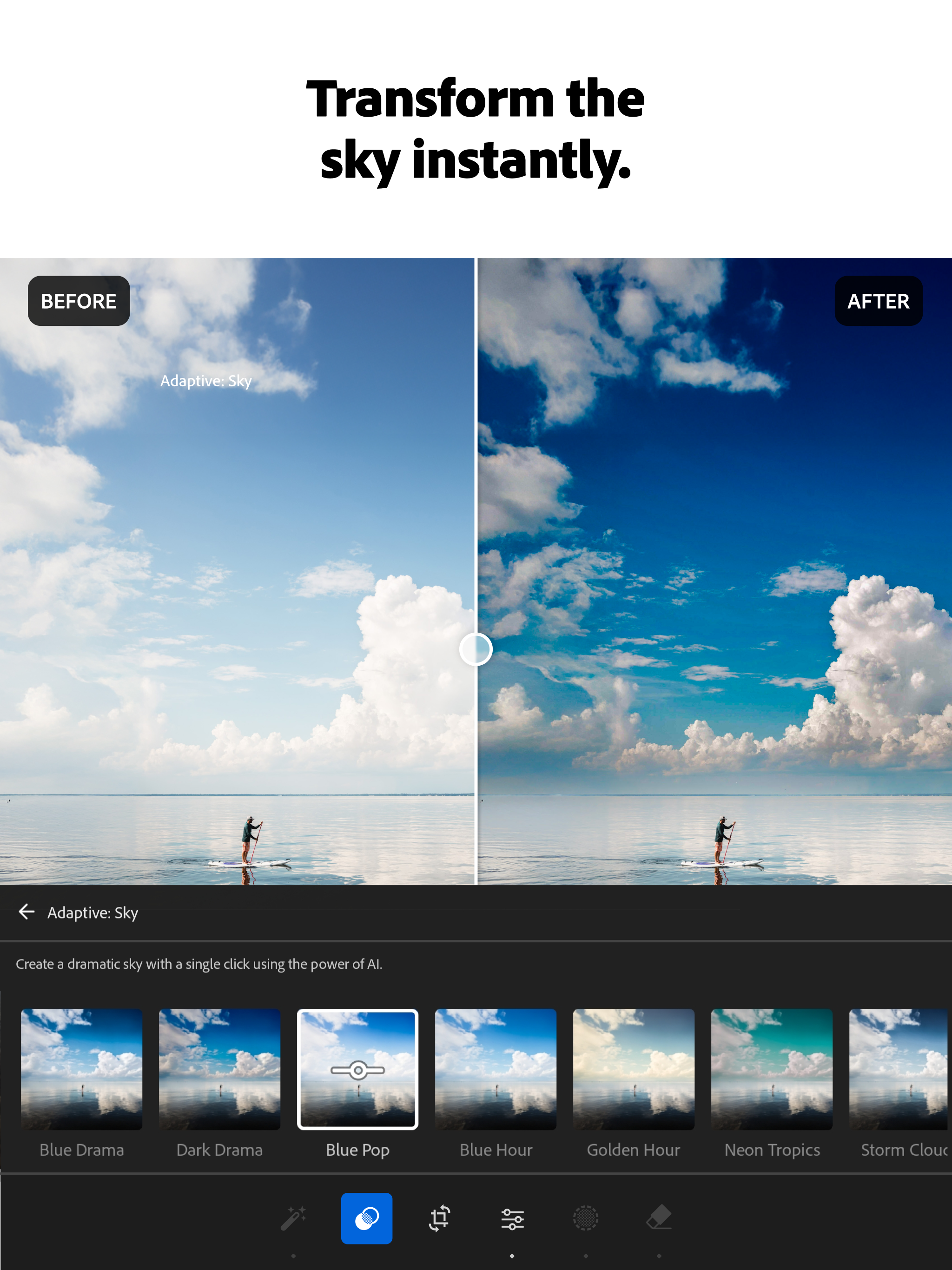
In the online editors, Firefly manifests as "Generative Fill" and "Generative Expand." If an image is too narrow for a specific layout, Generative Expand can "out-paint" the borders, creating new pixels that match the lighting, texture, and style of the original photo. This process, which once took hours of manual cloning and blending, now happens in seconds within the browser interface.
Workflow and Cloud Connectivity
One of the most significant advantages of using an Adobe image editor online is the persistent connection to the Creative Cloud.
- Start Anywhere: You can take a photo on your phone using the Lightroom mobile app.
- Edit Online: Open that photo in Photoshop on the Web while on a laptop at a cafe to perform detailed masking.
- Finalize on Desktop: If the project requires heavy-duty processing or specialized plugins, you can open the same file in the Photoshop desktop app. All edits remain non-destructive.
This workflow is supported by Creative Cloud Libraries, which store your most-used assets—logos, character styles, and color themes—making them accessible regardless of which online tool you are using.
Pricing and Access Models
Adobe offers several ways to access these online tools as of 2026:
- Adobe Express Free Tier: Provides access to basic editing tools, thousands of templates, and a limited number of "Generative Credits" for AI tasks.
- Adobe Express Premium: A standalone subscription that unlocks the entire stock library, premium templates, and more AI credits. It is often included for free with most Creative Cloud plans.
- Photoshop on the Web Access: This is generally not a standalone purchase. It is included in the Photography Plan (which includes Lightroom and Photoshop) and the Creative Cloud All Apps plan.
- Generative Credits: Both platforms use a credit system for AI-heavy tasks. Users receive a monthly allotment based on their subscription level, which resets every billing cycle.
Troubleshooting Common Performance Issues
While browser-based editing is convenient, it can occasionally encounter performance bottlenecks. If the editor feels sluggish, consider the following technical adjustments:
- Memory Management: Photoshop on the Web is RAM-intensive. Close unnecessary browser tabs to free up system memory.
- Cache Clearing: If tools behave erratically, clearing your browser cache can resolve conflicts caused by outdated script versions.
- Internet Stability: Because files are synced in real-time, a jittery connection can cause delays in saving. Ensure a stable connection, especially when working with large, multi-layered PSD files.
- Update Browser: Ensure you are running the latest version of Chrome or Edge. Adobe frequently updates its web tools to take advantage of new browser APIs for better performance.
Detailed technical support and system compatibility checks can be found on the Adobe Help Center.
Frequently Asked Questions
Can I use Adobe Photoshop on the Web for free?
Adobe occasionally offers limited-time trials or "freemium" versions of Photoshop on the Web in specific regions, but generally, full access requires a Creative Cloud subscription. However, Adobe Express has a robust free tier that covers many basic image editing needs without any cost.
Does the online editor support RAW files?
Photoshop on the Web can handle many RAW formats by leveraging the cloud-based Camera Raw engine. For a more comprehensive RAW workflow online, Adobe recommends using the Lightroom web interface, which is specifically optimized for photo development and metadata management.
Are my files safe when editing online?
Yes, Adobe uses encrypted cloud storage for all files. Projects are automatically saved to your Creative Cloud account, which includes version history. This allows you to revert to a previous state if you make an error or if your browser crashes during a session.
Can I use my own fonts in the online editors?
Adobe Express and Photoshop on the Web both allow you to use the vast library of Adobe Fonts. In Adobe Express Premium, you can also upload your own custom OTF or TTF font files to maintain brand consistency.
Do I need a powerful computer to run these online tools?
You do not need a high-end workstation, but a modern processor and at least 8GB of RAM are recommended. Since the browser handles the rendering, a dedicated GPU is less critical than it is for the desktop version, though hardware acceleration still significantly improves the experience.
Final Recommendation
To make the most of an Adobe image editor online, start by identifying your specific output. For quick, high-volume social media content or marketing materials where speed is the priority, Adobe Express is the superior choice. If your project demands surgical precision, complex layering, or professional-grade retouching, log in to Photoshop on the Web. By leveraging the strengths of both platforms, you can maintain a professional creative workflow from any device with an internet connection.