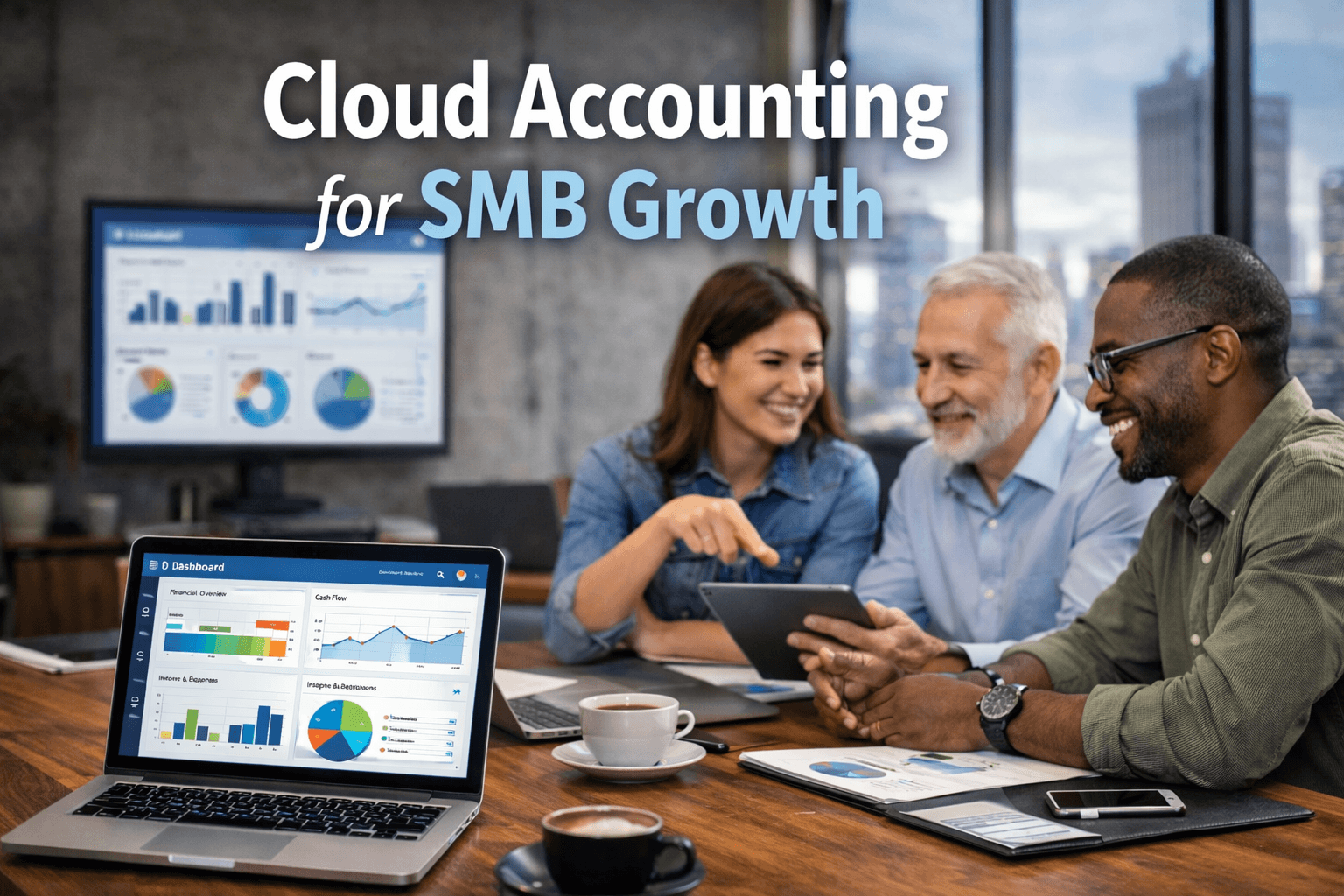
Accounting cloud services deliver financial management capabilities—including general ledger tracking, accounts payable and receivable, bank reconciliation, and multi-entity consolidation—over the internet. By transitioning financial software from local servers to cloud infrastructure, organizations gain real-time visibility, automated data synchronization, scalable storage, and high-level enterprise security without managing physical infrastructure.
Understanding Accounting Cloud Services: SaaS vs. Hosted Infrastructure
Modern accounting cloud services generally fall into two architectural patterns: native Software-as-a-Service (SaaS) applications and hosted application solutions (Infrastructure-as-a-Service or Desktop-as-a-Service). Distinguishing between these two operational models is critical for financial controllers, enterprise resource planners, and IT directors evaluated against operational agility, customizability, and compliance constraints.
| Native SaaS Cloud (e.g., NetSuite, Workday, QuickBooks Online, Xero) | Hosted Infrastructure (e.g., Sage on AWS, Hosted QB) |
|---|---|
| * Multi-tenant cloud native* Automatic platform updates* RESTful API-first integration | * Single-tenant desktop app* Remote desktop protocol (RDP)* Legacy feature parity preserved |
Native SaaS Cloud Accounting
Native SaaS accounting platforms are built specifically for web application architectures. In a multi-tenant cloud environment, multiple clients run on shared computing infrastructure while maintaining absolute logical data isolation.
- Scalability: System resources expand dynamically to handle transaction spikes, such as month-end closures or fiscal year-end reconciliations.
- Continuous Updates: Product updates, tax table adjustments, and security patches deploy automatically without scheduled server downtime.
- API Integration Frameworks: Built around modern REST or GraphQL APIs, allowing seamless integration with customer relationship management (CRM) software, payroll platforms, and billing engines.
Hosted Infrastructure (IaaS / DaaS)
Hosted accounting environments involve taking traditional, desktop-bound enterprise accounting software—such as legacy versions of QuickBooks Desktop, Sage 50, or custom enterprise software—and deploying it inside a dedicated cloud server hosted by providers like AWS, Microsoft Azure, Google Cloud Platform, or specialized managed service providers (MSPs).
- Feature Parity: Preserves legacy software functionality, complex custom add-ons, and macro-driven reporting scripts that native web platforms cannot replicate.
- Controlled Upgrades: System updates occur at the client's discretion, preventing unexpected interface changes or process workflow interruptions during critical financial windows.
- Remote Access via Protocols: Users access the environment through Remote Desktop Protocol (RDP), Virtual Desktop Infrastructure (VDI), or application streaming.
Core Architectural Capabilities and Enterprise Integrations
Accounting cloud services serve as the financial single source of truth for an organization. Evaluating core platform architecture requires an examination of how software handles complex transaction workflows, audit logs, and data ingestion from external channels.
- Central Cloud Accounting Hub (General Ledger & Audit Trail)
- Banking Feeds (Plaid, Open Banking)
- Billing/CRM (Salesforce, Stripe, etc.)
- Payroll & HRMS (Workday, ADP, Gusto, etc.)
Automated General Ledger and Sub-Ledger Posting
At the center of accounting cloud systems is an automated General Ledger (GL). Sub-ledgers—including Accounts Receivable (AR), Accounts Payable (AP), Inventory, and Fixed Assets—feed directly into the GL in real time. Advanced engines feature continuous posting models, eliminating manual batching and reducing human error during entries.
Automated Banking Feeds and Reconciliation
Cloud platforms leverage Open Banking APIs and financial data aggregation protocols (such as Plaid or direct bank feeds) to securely pull bank statements and credit card transaction data daily. Machine learning models within the platform match incoming transactions to outstanding invoices, bills, and pending journal entries based on rules configured by the accounting team.
Multi-Entity Management and Global Consolidation
For growing enterprises operating across regional boundaries, cloud platforms provide multi-currency, multi-entity capabilities:
- Automated Currency Conversion: Integrates with real-time foreign exchange rate feeds to revalue foreign-denominated assets and liabilities daily.
- Intercompany Elimination: Automatically identifies and eliminates intercompany sales, purchases, and transfer payments during consolidated financial reporting.
- Localized Tax Engines: Dynamically calculates local tax liabilities, including Sales Tax, Value-Added Tax (VAT), and Goods and Services Tax (GST), using geo-targeted regulatory rules.
Immutable Audit Trails
Regulatory standards require robust tracking of all financial activity. Accounting cloud services capture automated audit trails that record every transaction creation, alteration, deletion, user login attempt, and configuration change. These logs feature tamper-evident system designs and precise timestamps to satisfy internal controls and external audit inquiries.
Security, Regulatory Compliance, and Data Protection
Financial data requires rigorous IT security safeguards. Transitioning financial functions to accounting cloud services shifts baseline infrastructure security to cloud service providers, but overall data protection remains a shared responsibility.
Disclaimer: This article provides technical and operational information regarding cloud financial systems. Consult a Certified Public Accountant (CPA), certified financial planner, or enterprise legal counsel for official regulatory compliance and legal interpretations.
| Client Responsibility | Cloud Provider Responsibility |
|---|---|
| * Role-Based Access Control (RBAC) & MFA Policies* Data Classification, Ingestion, & Local Export Backups* API Token Management & Endpoint Device Security | * Physical Data Center Security & Rack Isolation* Infrastructure Patching & Network Encryption (TLS 1.3)* SOC 1 / SOC 2 Attestations & Storage Redundancy (RAID/Geo) |
Encryption Standards for Financial Data
Cloud platforms protect sensitive financial records through end-to-end encryption standards:
- Encryption in Transit: Data moving between end-user devices, APIs, and cloud servers is encrypted using Transport Layer Security (TLS 1.3).
- Encryption at Rest: Databases, file systems, and archival storage volumes utilize Advanced Encryption Standard (AES) with 256-bit keys. Managed Key Services (KMS) often allow enterprise clients to manage their own encryption keys (BYOK - Bring Your Own Key).
Attestations and Regulatory Frameworks
Enterprise cloud providers undergo independent third-party audits to demonstrate adherence to operational and compliance frameworks:
- SOC 1 Type II (SSAE 18): Evaluates internal controls relevant to a user entity's internal control over financial reporting (ICFR). Crucial for public companies subject to Sarbanes-Oxley (SOX) compliance.
- SOC 2 Type II: Assesses system controls based on Trust Services Criteria: security, availability, processing integrity, confidentiality, and privacy.
- PCI-DSS (Payment Card Industry Data Security Standard): Required if the accounting service directly processes, stores, or transmits credit card processing details.
- GDPR and Regional Privacy Standards: Mandates strict limits on personal identifiable information (PII) processing, requiring features like data residency configuration and rights-to-erasure workflows where applicable.
Native SaaS vs. Hosted Accounting Infrastructure
Selecting the right architecture requires comparing core performance capabilities, customization flexibility, and maintenance models.
| Metric / Dimension | Native SaaS Cloud Accounting | Hosted Legacy Cloud Infrastructure |
|---|---|---|
| Deployment Time | Rapid (hours to weeks for standard setups) | Moderate (days to months depending on server setup) |
| Maintenance & Updates | Fully managed by vendor; zero user downtime | Managed by MSP/IT staff; scheduled patch windows |
| Customization Depth | API-driven extensions, workflow rules, low-code apps | Deep system-level code, legacy add-ons, desktop macros |
| System Interface | Modern web browsers, native mobile OS apps | Remote Desktop (RDP), Virtual Desktops (Citrix, VMware) |
| Integrations | Webhooks, RESTful APIs, pre-built marketplace connectors | File-based export (CSV/XML), ODBC databases, custom scripts |
| Multi-Entity Consolidation | Built-in, real-time automated consolidation | Manual roll-up scripts or third-party add-on modules |
| Offline Functionality | Limited to mobile offline caching or unavailable | Full local file offline capability (if synced locally) |
| Pricing Model | Per-user monthly/annual subscription (SaaS) | License renewal + Cloud Infrastructure/MSP host fees |
System Requirements and Technical Prerequisites
Before deploying an accounting cloud service, IT infrastructure and financial operations teams must evaluate technical prerequisites to avoid integration bottlenecks or operational downtime.
| Category | Technical Prerequisites |
|---|---|
| 1. NETWORK READINESS | Minimum 10-20 Mbps dedicated per userLatency < 100ms to primary cloud region |
| 2. IDENTITY & ACCESS | SAML 2.0 / OpenID Connect for SSOMandatory Multi-Factor Authentication |
| 3. DATA SANITIZATION | Map Chart of Accounts (CoA) to new structurePurge duplicate customer & vendor records |
| 4. INTEGRATION MAP | Inventory legacy APIs, ODBC links, ERP |
Network Throughput and Latency Requirements
Continuous cloud usage requires stable network connection parameters:
- Bandwidth: Recommended minimum bandwidth of 10 to 20 Mbps dedicated uplink/downlink per concurrent financial user, particularly when handling bulk report processing or large batch document uploads.
- Latency Constraints: Network latency to cloud provider data centers should ideally remain under 100 milliseconds to avoid UI lag during rapid key entry (e.g., high-volume invoice processing).
Identity and Access Management (IAM)
Secure environments require integration with enterprise Identity Providers (IdP):
- Single Sign-On (SSO): Support for protocols like SAML 2.0 or OpenID Connect (OIDC) to centralize user management via Okta, Microsoft Entra ID, or Ping Identity.
- Multi-Factor Authentication (MFA): Mandatory enforcement of MFA through authenticator apps, FIDO2 WebAuthn hardware keys, or push notifications—prohibiting weak SMS-based fallback options.
- Role-Based Access Control (RBAC): Fine-grained permission assignments matching organizational separation of duties (e.g., separating the clerk who creates payments from the executive who approves payments).
Step-by-Step Implementation and Migration Framework
Migrating financial operations to accounting cloud services demands a structured approach to prevent historical data corruption and maintain uninterrupted business operation.
- Phase 1: Pre-Migration Data Audit & Cleansing
- Phase 2: Chart of Accounts (CoA) System Configuration
- Phase 3: Middleware & API Integration Pipeline Setup
- Phase 4: Parallel Operating Run & Trial Balance Verification
- Phase 5: Cutover, Post-Go-Live Governance, & Audit Freeze
Phase 1: Pre-Migration Data Audit and Cleansing
- Define Data Scope: Determine historical cutoff boundaries (e.g., migrating 3 years of detailed transaction history versus opening balances plus the current year's transactions).
- Cleanse Master Data: Deduplicate vendor databases, sanitize customer contact details, and archive inactive ledgers.
- Verify Trial Balances: Run final trial balances, AR aging reports, and AP aging reports in the legacy system. Sign off on these baselines with the financial controller.
Phase 2: Chart of Accounts (CoA) System Configuration
- Structure CoA: Design the new Chart of Accounts in the cloud system, adopting standardized segment tracking (e.g., Department, Location, Class, Project).
- Define Tax Rules: Configure sales tax nexus rules, international VAT codes, and automated withholding rules.
- Establish Financial Controls: Configure approval matrices for purchase orders, high-value journal entries, and outbound payments.
Phase 3: Middleware and API Integration Pipeline Setup
- Connect Payment Gateways: Link merchant processing systems (e.g., Stripe, PayPal, bank payment portals) via native webhooks or API keys.
- Integrate Payroll Engines: Map GL posting rules between cloud payroll platforms (e.g., Workday, ADP, Gusto) and the new GL system.
- Configure ERP/CRM Webhooks: Establish bidirectional synchronization between customer accounts in CRM platforms (e.g., Salesforce) and invoicing sub-ledgers.
Phase 4: Parallel Operating Run and Verification
- Execute Parallel Processing: Operate both legacy and new cloud accounting platforms concurrently for at least one full monthly accounting cycle.
- Reconcile Variance: Compare monthly financial statements (Balance Sheet, P&L, Cash Flow) generated by both systems. Identify and resolve rounding errors, missing transaction items, or incorrect tax posting logic.
Phase 5: Cutover and Governance Setup
- Execute Final Ledger Lock: Lock the legacy database to prevent new entry posting.
- Import Closing Balances: Export finalized closing balances from the legacy system and import them as opening journal entries in the cloud engine.
- Initiate Go-Live and Decommissioning: Transition all accounting staff to the live environment, archive historical legacy software databases in read-only formats, and establish ongoing cloud security governance rules.
Cost Structures, Licensing Models, and TCO Analysis
Understanding the total cost of ownership (TCO) of accounting cloud services prevents budget overruns caused by variable user fees, API overage charges, and ongoing support contracts.
- [DIRECT COSTS]
- Platform Core Licenses (Monthly/Annual Base Fee)
- User Seat Licences (Full Admin vs. Read-Only / Expense Users)
- Data Storage & Transaction Overage Bandwidth Fees
- [INDIRECT / IMPLEMENTATION COSTS]
- Professional Services & System Integrator Fees
- API Middleware / iPaaS Subscriptions (e.g., Boomi, Celigo)
- Internal Staff Training & Productivity Adjustment Period
Primary Licensing Frameworks
- Per-User/Per-Month Subscriptions: Tiered seats tailored to functional roles (e.g., Full Administrator, Staff Accountant, AP/AR Clerk, Read-Only Approver/Executive).
- Transaction-Volume Pricing: Base tier licensing that increases as annual billings, processed invoices, or managed revenue thresholds grow.
- Module-Based Licensing: Add-on pricing for advanced modules, such as automated revenue recognition (ASC 606 / IFRS 15), multi-currency consolidation, advanced project accounting, or fixed asset management.
Hidden Cost Considerations
- iPaaS Middleware Subscriptions: Connecting complex systems may require Integration Platform as a Service (iPaaS) solutions (such as Celigo, Boomi, or Zapier Enterprise) to manage API schedules and data transformations.
- Custom API Rate Limits: Exceeding standard daily REST API request quotas set by cloud software providers can trigger overage charges or require tier upgrades.
- Data Archival Costs: Maintaining compliance access to historic read-only financial data after retiring legacy systems requires dedicated archival storage or maintenance licenses.
Common Operational Challenges and Troubleshooting
Transitioning to cloud financial systems brings distinct operational hurdles. The following matrix outlines common system failures and corresponding technical remediation steps.
1. Data Feed Disconnections and Synchronization Errors
- Symptom: Open banking feeds stop updating daily bank balance statements, or ERP-to-accounting integrations fail with HTTP status code errors (e.g., 401 Unauthorized or 422 Unprocessable Entity).
- Root Cause: Expired OAuth authentication tokens, updated banking security protocols, API payload mismatches, or changed schema definitions.
- Remediation: Re-authenticate bank connections through the admin portal. For custom integrations, inspect API gateway logs, ensure API access tokens are updated, and confirm that required JSON/XML schema fields match incoming payloads.
2. Multi-Currency Revaluation Discrepancies
- Symptom: Unrealized foreign exchange gain/loss accounts display unexpected balances after monthly reconciliation.
- Root Cause: Mismatched FX rate feeds, manual journal entries posted directly to system-managed currency clearing accounts, or incorrect transaction dating.
- Remediation: Lock system-managed FX revaluation accounts from manual entries. Audit rate lookup tables to confirm rates pull from verified central bank rates (e.g., ECB or Federal Reserve). Re-run currency revaluation batch jobs chronologically.
3. Separation of Duties (SoD) Violations
- Symptom: Internal compliance audits flag security risks where single users hold excessive system access rights.
- Root Cause: Misconfigured default roles during initial setup, or gradual access expansion over time ("permission creep").
- Remediation: Conduct quarterly RBAC access reviews. Enforce granular custom roles that restrict staff who construct payment batches from approving outbound wire transfers or modifying vendor bank details.
Practical Recommendations for System Selection
To select and deploy an accounting cloud platform effectively, follow these actionable steps tailored to your organization's scale and operational profile:
- Conduct a Transaction Volume Audit: Calculate average monthly invoice processing counts, bank transaction lines, and active entity structures to select software scaled to your workload.
- Establish Data Residency Requirements: Confirm whether local regulatory rules (such as European GDPR, US state privacy frameworks, or international data sovereignty laws) require financial databases to reside within specific geographical regions.
- Map the Integration Ecosystem: Inventory all existing software that must interface with your accounting platform—including inventory management, enterprise resource planning (ERP), checkout portals, and corporate payroll software.
- Issue an RFP Focused on Security: Require vendors to produce up-to-date SOC 1 Type II and SOC 2 Type II reports, attestations of AES-256 encryption capabilities, and clear SLAs guaranteeing at least 99.9% application uptime.
- Enforce Rigid Parallel Testing: Do not retire legacy hardware or terminate existing licenses until the new cloud platform completes at least one full monthly close cycle without financial discrepancies.
Frequently Asked Questions
What is the difference between single-tenant and multi-tenant accounting cloud architectures?
In a multi-tenant cloud architecture, multiple enterprise customers share identical cloud infrastructure and code databases, separated by software data encryption locks. Updates deploy to all users simultaneously. In a single-tenant cloud architecture, a client runs on a dedicated cloud server instance designed exclusively for them. This configuration offers deeper system customization options and isolated hardware resources, but requires manual patch cycles and higher platform maintenance costs.
How do accounting cloud services ensure financial data security?
Cloud accounting software providers secure financial records by applying end-to-end data encryption—typically using TLS 1.3 for data transmission and AES-256 for data stored on servers. Access controls are secured through single sign-on (SSO), enforced multi-factor authentication (MFA), role-based permissions (RBAC), and continuous threat monitoring. Providers validate these safeguards by issuing annual third-party SOC 1 Type II and SOC 2 Type II audit reports.
Can cloud accounting services operate when internet access is unavailable?
Native SaaS cloud accounting platforms require active internet connectivity to process live transactions, query databases, and synchronize APIs. Some systems offer mobile application access that caches basic transaction data locally until a connection returns. Organizations that require continuous offline operational capabilities often choose hosted desktop application cloud infrastructure or hybrid platforms with local database synchronization.
How long does a typical migration to a cloud accounting service take?
Migration timelines vary based on organizational size, data complexity, and legacy systems:
- Small Businesses: Native SaaS setups with basic data imports often take between 1 and 3 weeks.
- Mid-Market Enterprises: Deployments involving complex Chart of Accounts mapping, multi-entity setups, and third-party API configurations take 2 to 4 months.
- Global Enterprises: Complex deployments involving custom ERP integrations, multi-currency engines, and custom workflows typically require 6 to 12 months.
What happens to historical accounting records if a company changes cloud providers?
Under standard terms of service, cloud accounting providers allow users to export data prior to account termination. Export options usually include raw data dumps, structured CSV/Excel files, or standardized API extractions containing general ledger journal entries, customer/vendor databases, and transactional ledgers. Organizations often transfer these files to secure, read-only data warehouses or local archives to satisfy statutory record retention requirements (typically 7 years).