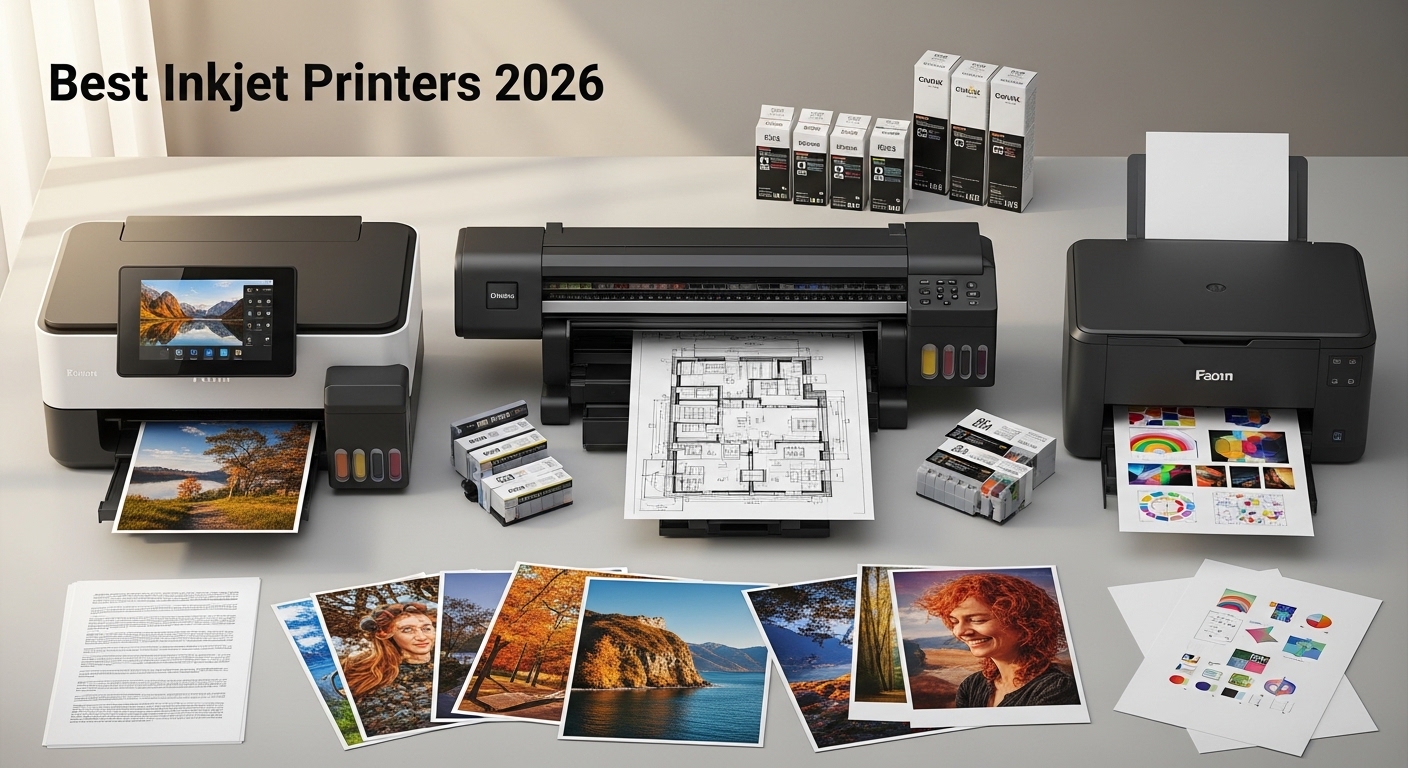
Finding the right inkjet printer requires balancing upfront hardware costs against long-term ink expenditure, print volume requirements, and specific features like borderless photo printing or duplex scanning. Whether you are a student on a budget, a creative professional, or a small business owner, the market in 2026 offers diverse configurations to suit your specific operational needs.
Selecting an inkjet printer involves navigating a landscape where the primary cost is often shifted from the initial purchase to the proprietary consumables. For low-volume users, traditional cartridge-based systems remain convenient and affordable upfront. Conversely, high-volume users benefit significantly from ink tank models, which utilize refillable reservoirs to drastically reduce the cost per page. This guide evaluates five distinct inkjet printers, highlighting how their technical specifications align with varied budgetary and functional requirements.
Understanding Inkjet Technology and TCO
Before selecting a model, it is vital to differentiate between traditional cartridge systems and "ink tank" (often called EcoTank or MegaTank) technologies. Total Cost of Ownership (TCO) is the most critical metric for any buyer. While an entry-level cartridge printer might retail for a low price, the cost of replacing individual color cartridges can exceed the price of the printer itself within a year of moderate use.
Ink tank printers, despite a higher entry price, offer a significantly lower TCO. They are designed for users who print frequently, as the ink is supplied in bottles that fill internal tanks, eliminating the waste associated with throwing away plastic cartridges. When evaluating the printers below, consider not just the sticker price, but the volume of pages you intend to produce monthly.
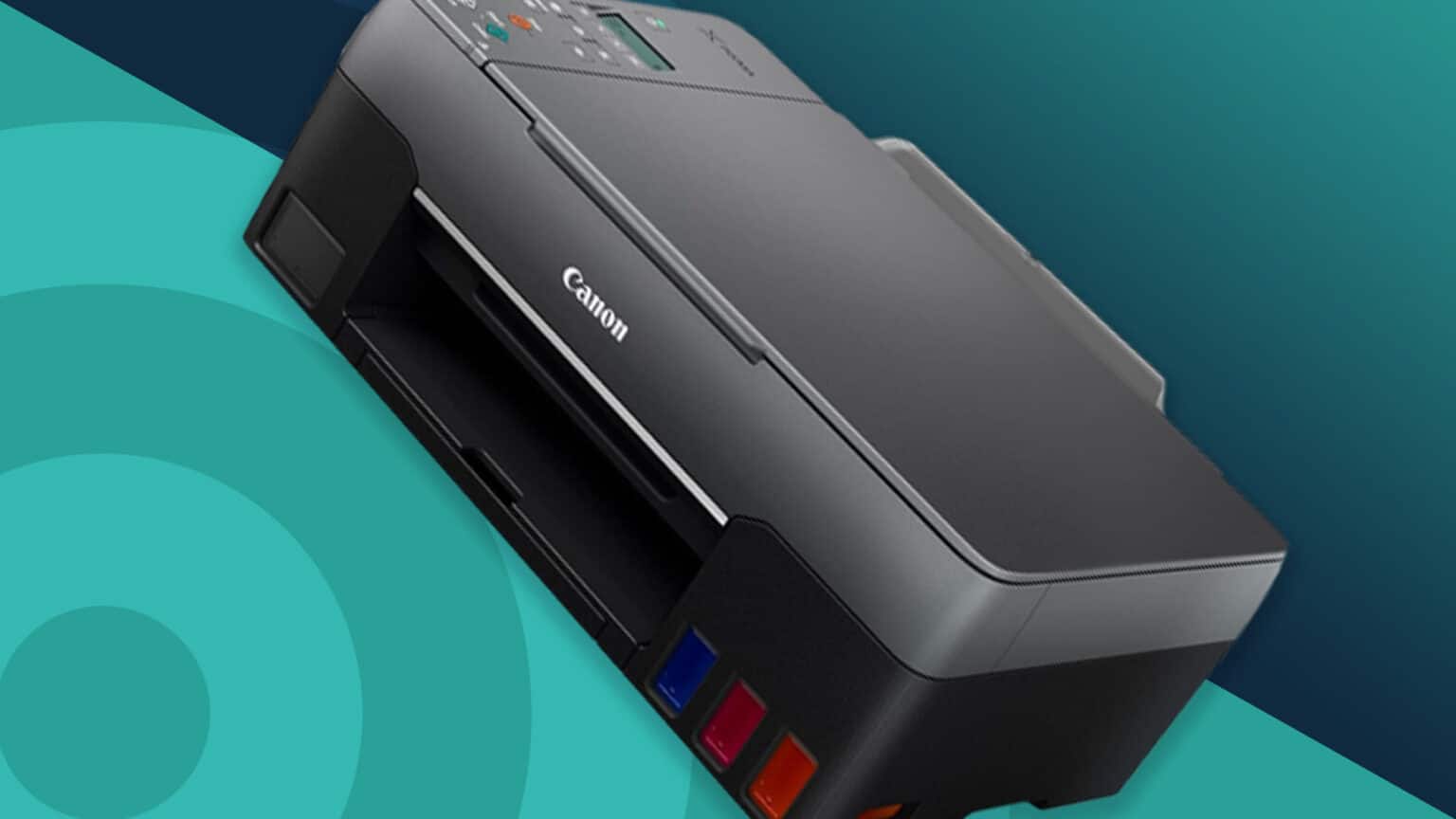
1. The Budget Entry: Canon PIXMA TS3420
The Canon PIXMA TS3420 is designed for the casual user who prints infrequently—perhaps a few shipping labels or a monthly school assignment. Its simplicity is its strength. It utilizes a two-cartridge system (one black, one tri-color) which is ideal for someone who does not want to manage complex maintenance routines.
- Best For: Students and occasional home users.
- Key Advantage: Lowest initial acquisition cost.
- Limitation: High cost per page; not suitable for high-volume document printing.
The setup process for the TS3420 is straightforward, relying on a mobile-first interface that connects easily to smartphones via the Canon PRINT app. While it lacks features like automatic duplexing (printing on both sides), its compact footprint makes it an excellent choice for small living spaces or dorm rooms where desk space is at a premium.
2. The Value Workhorse: HP Envy 6055e
The HP Envy 6055e bridges the gap between basic printing and modern connectivity requirements. It features self-healing Wi-Fi, which automatically detects and resolves connectivity issues—a frequent pain point for home office users. By integrating with the HP+ service, users can opt for a subscription-based ink delivery program, which can further stabilize costs if your printing volume is predictable.
- Best For: Families and home office multi-taskers.
- Key Advantage: Reliable connectivity and automated ink replenishment.
- Limitation: Requires a permanent internet connection for full feature set utilization.
The Envy 6055e supports borderless photo printing, making it a versatile choice for families who want to print snapshots alongside standard documents. Its flatbed scanner is reliable for digitizing physical documents or images at a standard 1200 DPI, providing sufficient quality for administrative tasks and home archiving.
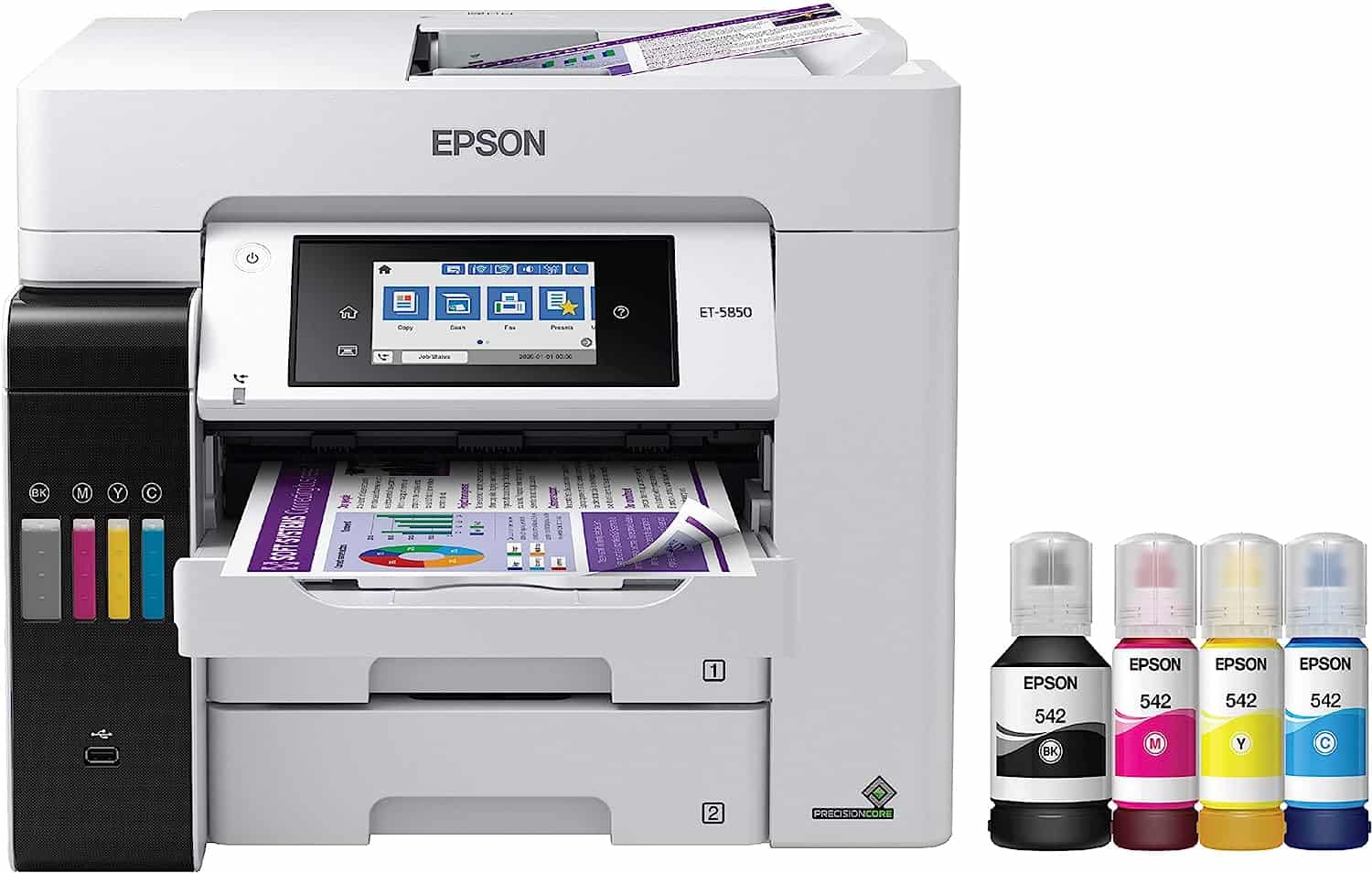
3. The Efficiency King: Epson EcoTank ET-2850
Epson’s EcoTank line transformed the inkjet market by prioritizing long-term savings. The ET-2850 comes with enough ink in the box to print thousands of pages, which eliminates the stress of "running out of ink" at inconvenient moments. Because the ink is bottled, the physical waste generated is minimal compared to plastic cartridges.
- Best For: Small business owners and heavy-home-office users.
- Key Advantage: Extremely low cost per page and high-capacity ink reservoirs.
- Limitation: Higher upfront price compared to traditional cartridge printers.
The ET-2850 includes an integrated scanner and copier, making it a true all-in-one device. The key to maintaining this unit is occasional use; because ink tanks are open systems, the print heads can dry out if the printer is left unused for extended periods. It is best suited for environments where the printer is used at least once a week.
4. The Photo Specialist: Canon PIXMA G620
For those who prioritize image fidelity above all else, the Canon PIXMA G620 uses a six-color dye-based ink system. Unlike standard four-color printers that struggle to reproduce certain skin tones or deep shadows, the G620 utilizes extra gray and red inks to produce professional-grade photo prints.
- Best For: Photographers, designers, and scrapbook enthusiasts.
- Key Advantage: Exceptional color gamut and professional photo quality.
- Limitation: Slower speeds for standard text documents.
While it is an ink tank model, its primary goal is quality rather than document speed. It handles various paper types, including heavy glossy photo paper, with ease. If your objective is creating high-quality prints for display or portfolio work without paying commercial lab prices, this printer is the most cost-effective solution available.
5. The Professional All-Rounder: Brother MFC-J4335DW
Brother is frequently recognized for its reliability and its "INKvestment Tank" system, which provides a middle ground between small cartridges and large ink tanks. The MFC-J4335DW features a large internal ink storage compartment that holds more ink than standard cartridges while remaining user-replaceable.
- Best For: Busy households and remote workers requiring robust features.
- Key Advantage: Fast print speeds and an Automatic Document Feeder (ADF).
- Limitation: Larger physical footprint compared to the other models listed.
The inclusion of an Automatic Document Feeder is a significant productivity boost for anyone scanning or copying multi-page contracts or reports. This model also supports automatic two-sided printing, which helps conserve paper—a feature often missing from entry-level inkjets.
Comparison Table: Choosing Your Fit
| Model | Best Use Case | Ink System | Notable Feature |
|---|---|---|---|
| Canon PIXMA TS3420 | Occasional | Cartridge | Minimalist footprint |
| HP Envy 6055e | Mixed Use | Cartridge/Sub | Self-healing Wi-Fi |
| Epson EcoTank ET-2850 | High Volume | Ink Tank | Massive ink capacity |
| Canon PIXMA G620 | Photo/Design | Ink Tank (6-Color) | Wide color gamut |
| Brother MFC-J4335DW | Office/Work | INKvestment | ADF & Duplexing |
Frequently Asked Questions
How do I prevent print heads from clogging on my inkjet printer? The most effective way to prevent clogging is to use the printer regularly. Even a single test page once every two weeks keeps the ink flowing and prevents the microscopic nozzles from drying out. Avoid turning off the printer using the wall switch; use the power button on the machine, as this allows the printer to "park" the print head in a sealed position.
Is third-party ink safe for my printer? While third-party inks are often cheaper, they can vary significantly in quality. Low-quality ink may contain impurities that lead to premature print head failure or inaccurate colors. If you use third-party ink, ensure you purchase from a reputable vendor that specializes in your specific model. Note that using non-official ink may technically void certain hardware warranties.
What DPI (Dots Per Inch) do I need for a good photo print? For standard photo printing, 300 DPI is the industry standard for high-quality, sharp images. If you are printing large-format posters, you can sometimes drop to 150-200 DPI if the print will be viewed from a distance. Printing higher than 600 DPI is generally unnecessary for home photo printing, as the human eye cannot distinguish the increased detail on standard paper.
Why is my inkjet printer slow at printing black and white text? Inkjet printers are physically slower than laser printers because they must move the print head back and forth across the page. If your printer is exceptionally slow, check the print quality settings. Setting the print quality to "Draft" or "Fast" will significantly increase speed by reducing the amount of ink deposited and the precision of the head movement.
Next Steps for Buyers
To make your final decision, calculate your expected monthly page volume. If you print fewer than 50 pages per month, a cartridge-based model like the HP Envy 6055e will likely serve you best due to the lower initial investment. If you print more than 100 pages per month, the Epson EcoTank ET-2850 will pay for itself within a year through reduced ink costs. Always ensure the printer dimensions fit your dedicated workspace before finalizing your purchase, and verify that the printer supports the operating systems used in your home or office.