Yes, standard YouTube subscriptions are entirely free. You can subscribe to any public channel on the platform without paying a subscription fee or entering credit card information. Clicking the “Subscribe” button simply updates your personal feed to highlight new content from that creator, allowing you to track updates through your subscription tab or notification settings.
The Distinction Between Subscribing and Premium Services
It is common to confuse the act of "subscribing" to a channel with YouTube’s paid service offerings. In the context of the platform, the term "subscription" has two distinct meanings: the free act of following a content creator and the paid subscription model known as YouTube Premium.
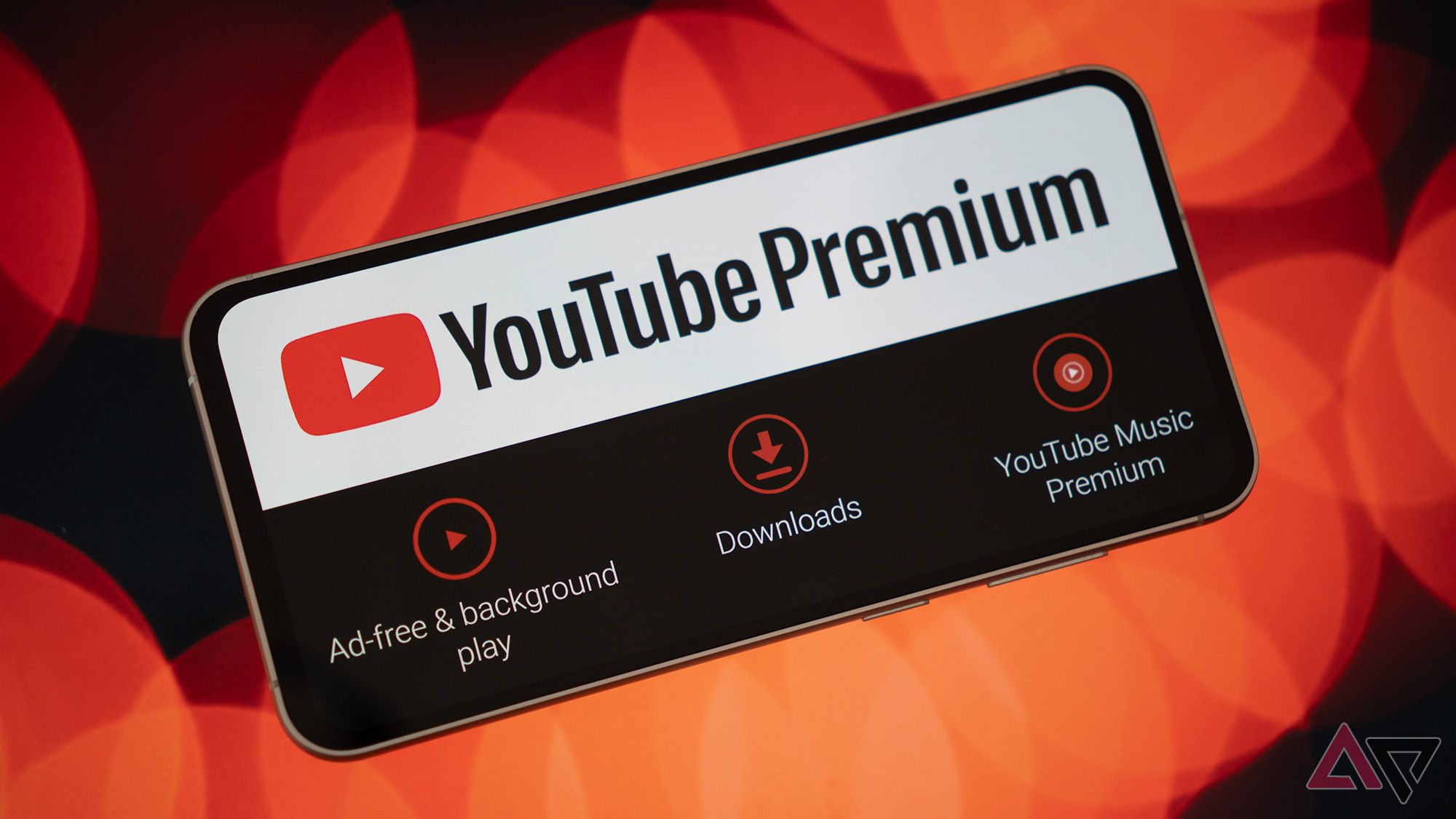
When you subscribe to a channel, you are essentially bookmarking that creator’s feed. This action is free, unlimited, and does not provide special access to content beyond what is publicly available to all viewers. Conversely, YouTube Premium is a recurring paid service that removes advertisements, enables background play on mobile devices, and allows for offline downloads. Understanding this difference is critical for users who want to manage their digital wallet while curating their viewing experience.
How Free Subscriptions Work
When you click the Subscribe button on a YouTube channel, you are opting into a notification and organization system. This system is designed to help you navigate the millions of hours of content uploaded to the platform daily.
- The Subscription Feed: Once you subscribe to a channel, your “Subscriptions” tab—found on the left-hand sidebar on desktop or the bottom navigation bar on mobile—becomes a personalized bulletin board. This feed displays recent videos from every channel you have followed, arranged chronologically.
- Notification Customization: Subscribing is the first step in receiving alerts. By default, YouTube may only send personalized alerts based on your viewing history. However, by clicking the “Bell” icon after subscribing, you can choose to receive “All” notifications, “Personalized” notifications, or “None.” This gives you control over your digital environment without requiring a financial commitment.
- No Fees or Hidden Costs: Because subscribing is a social and organizational tool, there are no hidden costs associated with it. You will never be charged by YouTube, Google, or any third-party entity for the act of following a creator.
Addressing Premium Subscription Costs
While subscribing to channels is free, users often encounter payment prompts when exploring the platform. These prompts almost exclusively relate to YouTube Premium.
YouTube Premium functions as a subscription to the platform itself, rather than to a specific creator. As of 2026, the service remains a monthly, paid membership. If you accidentally sign up for a trial or a paid tier, you will see a charge on your associated payment method. It is important to distinguish between these two experiences:
- Channel Subscriptions: Free, voluntary, and for tracking content.
- YouTube Premium: Paid, monthly, and provides platform-wide perks like ad-free viewing.
- Channel Memberships: This is a separate, optional feature where viewers pay a monthly fee directly to a specific creator to support them. These memberships offer perks like custom badges or members-only videos, but they are entirely optional.
Comparative Overview of YouTube Subscription Models
To help clarify the various ways you can engage with channels, the following table breaks down the differences in cost and function.
| Feature | Cost | Primary Purpose | Accessibility |
|---|---|---|---|
| Standard Subscription | Free | Follow creators and track updates | Everyone |
| YouTube Premium | Monthly Fee | Remove ads, background play, offline access | Paid Members |
| Channel Membership | Monthly Fee | Directly support a creator for perks | Paid Members |
| Super Chat/Stickers | Per-use Fee | Highlight comments during live streams | Paid Users |
Managing Your Subscriptions and Data
Since subscribing is free and easy, many users accumulate hundreds of subscriptions over time. Managing these is a standard part of using the platform. You can view your complete list of subscriptions by navigating to the “Manage” section in your subscription tab. From here, you can unsubscribe from channels you no longer watch.
Because no payment information is stored to facilitate standard subscriptions, you do not need to worry about recurring billing cycles or expiration dates for your followed channels. Your subscription status is tied directly to your Google account. As long as you are logged in, your subscriptions will sync across your smartphone, tablet, smart TV, and computer.
Troubleshooting Subscription Issues
Occasionally, users may feel as though their subscriptions are not “working” because they aren't seeing content as expected. If you have subscribed to a channel but aren't seeing their videos, consider the following common technical scenarios:
- Notification Settings: If the bell icon is set to "None," you will not receive push notifications. This does not mean you have been unsubscribed; it simply means the platform is respecting your notification preferences.
- Algorithm Influence: The “Home” tab is governed by an algorithm designed to show you what it thinks you will watch next. This may include videos from channels you haven't subscribed to, which can sometimes crowd out the content from your subscribed channels. Always check your dedicated “Subscriptions” tab to see content specifically from those you follow.
- Account Syncing: Ensure you are logged into the same Google account across all devices. If you subscribe on a mobile device while logged into a secondary email, that subscription will not reflect on your smart TV if it is logged into your primary email.
- Channel Status: If a channel has been deleted, set to private, or suspended by the platform, it will no longer appear in your subscription feed.
Frequently Asked Questions
Does subscribing to a channel charge the creator or me? No. Subscribing is entirely free for the viewer. It also does not cost the creator anything; in fact, creators generally encourage subscriptions as it helps them reach a wider audience and gain better visibility on the platform.
Can I subscribe to a channel if I don't have a Google account? No. To subscribe to a channel, you must be signed in to a Google account. This is necessary because the platform needs to associate the subscription data with your unique user profile to sync your feed across devices.
What happens if I click the “Join” button? The “Join” button is distinct from the “Subscribe” button. Clicking “Join” will initiate a Channel Membership, which is a paid monthly service. Always look for the price tag or billing confirmation screen before completing a "Join" action, as this will result in a recurring charge.
Does YouTube charge for watching videos from subscribed channels? No. All public videos from creators you have subscribed to are free to watch, provided you have internet access. You are never required to pay to view the content of a creator you have followed.
Is there a limit to how many channels I can subscribe to? Yes, there is a technical limit on the number of channels you can subscribe to, currently set at 2,000. For the vast majority of users, this limit is never reached, but it exists to prevent spam and maintain platform stability.
Final Recommendation
If you want to keep up with your favorite content creators, feel free to hit the “Subscribe” button on as many channels as you like. There are no fees, no contracts, and no hidden financial obligations associated with standard subscriptions. If you find yourself frequently using the platform and wanting a better user experience—specifically regarding ad interruptions—only then should you consider investigating the paid YouTube Premium service. Always double-check your account settings to ensure you are only paying for the services you intentionally choose to support.