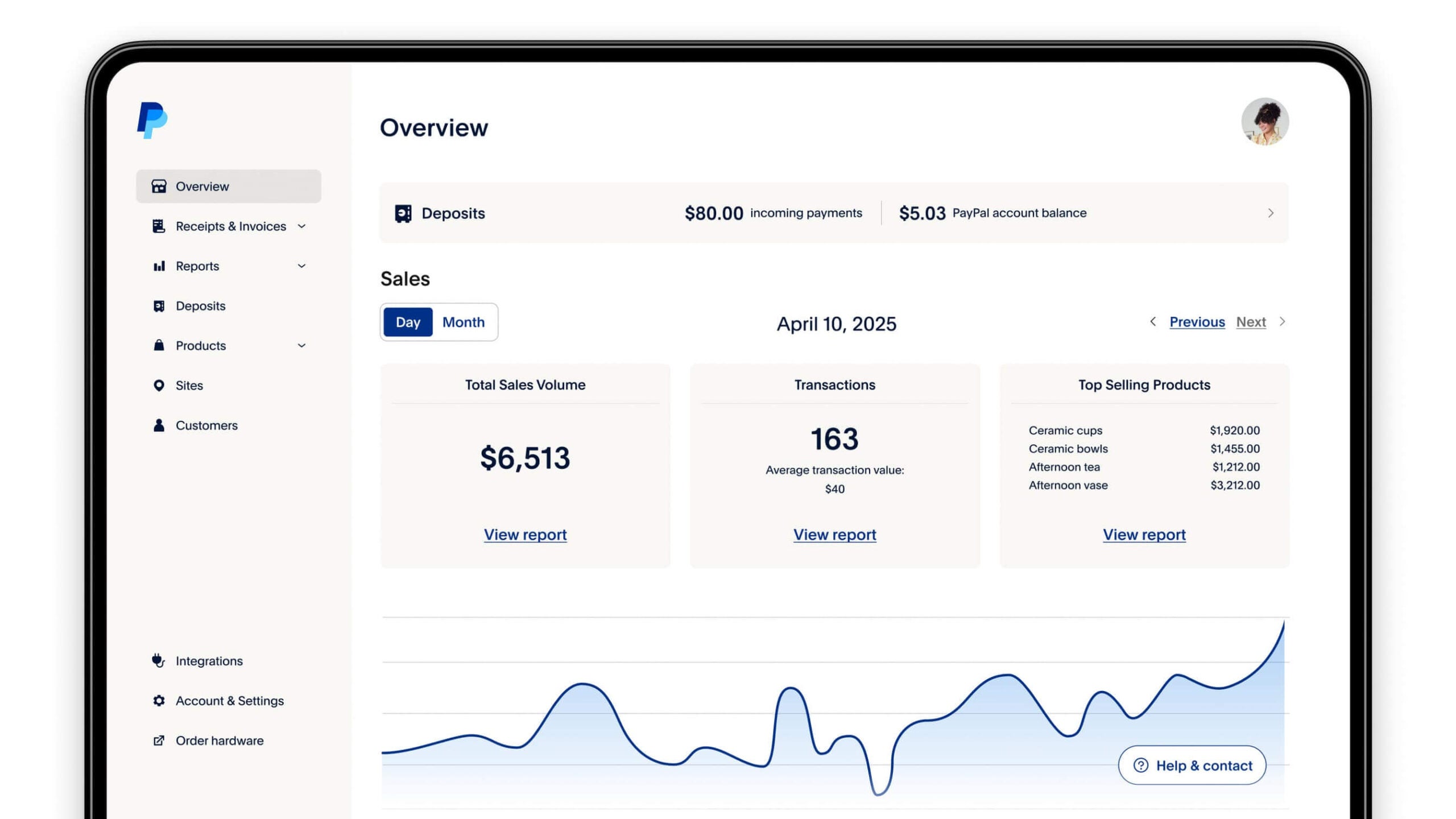
A $5 PayPal reward is typically a promotional incentive offered to users for completing specific actions, such as signing up for a new account, referring a friend, or making a qualifying purchase. While many of these offers are legitimate marketing campaigns by PayPal, they are also frequently used as bait in phishing scams.
Understanding the Different Types of $5 PayPal Rewards
The landscape of digital payments is highly competitive, and in 2026, PayPal continues to use micro-incentives to maintain its market share. When you encounter a "$5 PayPal Reward" offer, it generally falls into one of four distinct categories. Understanding which one you are dealing with is the first step in ensuring you actually receive the funds and protect your personal information.
1. The "New User" or Sign-Up Incentive
This is the most common legitimate form of the reward. PayPal frequently targets non-users with a small cash "hook" to encourage them to create an account and link a funding source (like a bank account or credit card). In 2026, these offers are often time-sensitive and geographically restricted. To qualify, a user typically has to verify their identity and perform a "qualifying action," such as spending at least $5 or $10 through the platform within the first 30 days of account creation.
2. Referral Program Bonuses
PayPal often runs "Refer-a-Friend" campaigns. In these scenarios, both the referrer and the referee may receive a $5 credit. However, these programs have become more sophisticated. The reward is rarely triggered by the mere act of signing up. Instead, the person you refer must usually link a payment method and complete a transaction of a specified minimum value. This ensures that PayPal is paying for "active" users rather than dormant accounts.
3. Re-Engagement and Merchant-Specific Offers
If you have an existing account but haven't used it in several months, you might receive an email or a push notification offering a $5 reward to "come back." These are algorithmic "win-back" campaigns. Similarly, PayPal partners with specific retailers (like eBay, Walmart, or various gaming platforms) to offer $5 off your next purchase when you select PayPal at checkout. These are often distributed as "vouchers" that are automatically applied to your next eligible transaction rather than cash added to your balance.
4. PayPal Rewards (Formerly Honey) Redemptions
PayPal’s integrated shopping tool, PayPal Rewards, allows users to earn points (often called "Gold" in previous iterations) for shopping at participating stores. Once you accumulate a certain number of points—typically 500 points—you can redeem them for a $5 credit to your PayPal balance. This is perhaps the most reliable way to earn $5 rewards regularly, as it is based on your ongoing shopping habits rather than a one-time promotional event.
How to Qualify and Claim Your Reward
Claiming a $5 PayPal reward is rarely as simple as clicking a single button. Because of anti-fraud regulations and "Know Your Customer" (KYC) laws, there are several hurdles you must clear to see that money in your balance.
Verification Requirements
You cannot receive or spend rewards on an unverified PayPal account. Verification typically requires:
- Email Confirmation: You must click the link in the verification email sent by PayPal.
- Phone Verification: Linking a mobile number and entering a one-time passcode (OTP).
- Identity Verification: In many jurisdictions, including the US and EU, you may need to provide the last four digits of your Social Security Number or a government-issued ID if your account activity reaches a certain threshold.
Qualifying Actions
The "qualifying action" is where many users fail to secure their reward. If the offer states you must "Spend $5 to get $5," this usually excludes "Peer-to-Peer" (P2P) transfers. Sending money to a friend or family member typically does not count as a qualifying purchase. You must usually buy goods or services from a merchant that accepts PayPal. Furthermore, the transaction must be "completed." If you return the item or the transaction is canceled, PayPal reserves the right to claw back the reward.
Geographic and Account Limitations
Most $5 promotions are limited to specific regions. A promotion active in the United States may not be valid for users in Canada or the UK. Additionally, PayPal's terms usually state "one reward per user." Attempting to create multiple accounts to "farm" $5 rewards is a violation of the User Agreement and frequently leads to a permanent ban of all associated accounts and the freezing of any held funds.
Identifying and Avoiding $5 PayPal Reward Scams
Because "$5 PayPal Reward" is a high-volume search term, it is a primary target for cybercriminals. In 2026, phishing attempts have become remarkably sophisticated, often mimicking PayPal’s official branding perfectly.
Red Flags of a Fake Reward
- Urgency and Threats: If an email claims you must "Claim your $5 reward in the next 2 hours or your account will be suspended," it is almost certainly a scam. Legitimate rewards have expiration dates, but they are never tied to account suspension.
- Generic Salutations: Official PayPal emails will almost always address you by the first and last name registered on your account. Scams often use "Dear User" or "Valued Customer."
- Suspicious Sender Address: Always check the "From" field. A legitimate email will come from
@paypal.com. Be wary of addresses likesupport@paypa1-rewards.comor generic Gmail/Outlook addresses. - The "Log In" Trap: Never click a link in an email to log in. If you receive an offer, the safest way to claim it is to open a new browser tab, manually type in
paypal.com, and log in there. If the offer is real, it will be visible in your "Offers" or "Notifications" tab within the secure dashboard.
The Danger of "Verification Fees"
A common scam involves telling a user they have a $5 (or larger) reward waiting, but they must first pay a small "verification fee" or "activation fee" of $1 to prove the account is active. PayPal will never ask you to pay money to receive a promotional reward. This is a classic "advance-fee" scam designed to steal your credit card information or your login credentials.
Comparison of Genuine PayPal Reward Channels
The following table outlines the most common legitimate ways to obtain a $5 credit in 2026, comparing the effort required and the typical payout speed.
| Reward Type | Eligibility | Primary Requirement | Payout Speed |
|---|---|---|---|
| New User Sign-Up | New accounts only | Verify identity & make a $5+ purchase | 7–14 days after purchase |
| Refer-a-Friend | Existing & New users | Referral must spend $10+ via PayPal | Within 2 weeks of qualifying spend |
| Merchant Voucher | Targeted existing users | Save offer to wallet and shop at specific store | Instant at checkout |
| PayPal Rewards Points | All users with browser extension | Accumulate 500+ points through shopping | Instant upon redemption |
| Re-engagement Offer | Inactive accounts | Log in and click "Claim" in official email | 24–72 hours |
Terms, Conditions, and Why Your Reward Might Be Missing
Even when an offer is legitimate, many users find themselves frustrated when the $5 does not appear. This is usually due to the fine print in the Terms and Conditions (T&Cs).
The "Net-30" Rule
PayPal often operates on a delayed payout schedule. This allows them to verify that the transaction was not fraudulent and that the user did not immediately request a refund. If you completed a qualifying action today, do not expect the $5 to appear instantly. Most T&Cs specify a waiting period of 7 to 14 business days, though some seasonal promotions can take up to 30 days to process.
Expiration Dates
Unlike a cash balance that you've deposited yourself, promotional rewards often come with an expiration date. For merchant vouchers, this might be as short as 7 days. For cash-back rewards added to your balance, the funds are usually yours to keep, but the "offer" to claim them might expire if not acted upon within the promotional window.
Capped Promotions
Many of PayPal's $5 rewards are "while supplies last." The T&Cs often state that the promotion is limited to the first 10,000 or 50,000 users who redeem it. If you are late to the campaign, you may be eligible on paper but disqualified because the promotional budget has been exhausted. This is why it is vital to read the "Status" of the offer in your PayPal app's "Deals" section.
Managing Your PayPal Rewards Balance in 2026
Once you have successfully secured your $5 reward, you need to know how to use it effectively. In 2026, PayPal has streamlined the way rewards interact with your digital wallet.
Reward vs. Balance
It is important to distinguish between "Promotional Credit" and your "PayPal Balance."
- Promotional Credit: This often stays in your "Offers" section and is automatically applied to your next purchase. You cannot usually withdraw this to a bank account.
- Balance Credit: If the $5 is added directly to your balance (common with referrals and point redemptions), it functions like cash. You can use it for purchases, send it to a friend, or transfer it to your linked bank account.
Troubleshooting Missing Rewards
If you have met all the criteria and waited the allotted time, but the reward is still missing, your first step should be to check your "Invoicing" and "Activity" tabs. Sometimes the reward is applied as a discount on a previous transaction rather than a new line item. If it is still missing, contact PayPal support through the official "Message Center." Avoid calling numbers found on third-party websites, as these are often scam lines. Provide the support agent with the specific name of the promotion or the referral link you used.
FAQs
Is the $5 PayPal reward real?
Yes, it is often a legitimate promotional tool used by PayPal for user acquisition and retention. However, because it is a popular offer, it is also a frequent subject of phishing scams. Always verify the offer by logging directly into the official PayPal app or website rather than clicking links in emails.
Why haven't I received my $5 referral bonus?
The most common reason is that the person you referred has not yet completed a "qualifying action." Simply signing up is usually not enough; they must link a bank account or card and make a purchase (typically $10 or more) within a specific timeframe. Additionally, there is often a 14-day verification period before the bonus is released.
Can I withdraw the $5 reward to my bank account?
This depends on the type of reward. If it was a "Merchant Voucher," it can only be used for a purchase at a specific store. If it was a referral bonus or a points redemption that was added to your "PayPal Balance," you can generally transfer it to your linked bank account or debit card.
Do I have to pay taxes on PayPal rewards?
In the United States, the IRS generally views promotional "rebates" or "discounts" as non-taxable. However, if you earn a significant amount through referrals (usually over $600 in a calendar year), PayPal may be required to issue a Form 1099-K, and you may be liable for taxes on those earnings as "Other Income."
How do I find available $5 rewards in my account?
Open the PayPal app and look for the "Rewards" or "Deals" icon at the bottom of the screen. This section lists all active vouchers, cash-back offers, and point-earning opportunities currently available for your specific account.
Practical Recommendation
If you are looking for a legitimate $5 PayPal reward, the most reliable method in 2026 is through PayPal Rewards points. Download the official PayPal browser extension or use the "Shopping" tab within the app. By using these tools, you earn points on everyday purchases that you would be making anyway. Once you hit the 500-point threshold, you can redeem them for a $5 credit. This method bypasses the uncertainty of one-time "sign-up" links and protects you from phishing scams, as the entire process happens within the verified PayPal ecosystem. Always ensure your account is fully verified with a linked mobile number to avoid delays in processing your rewards.