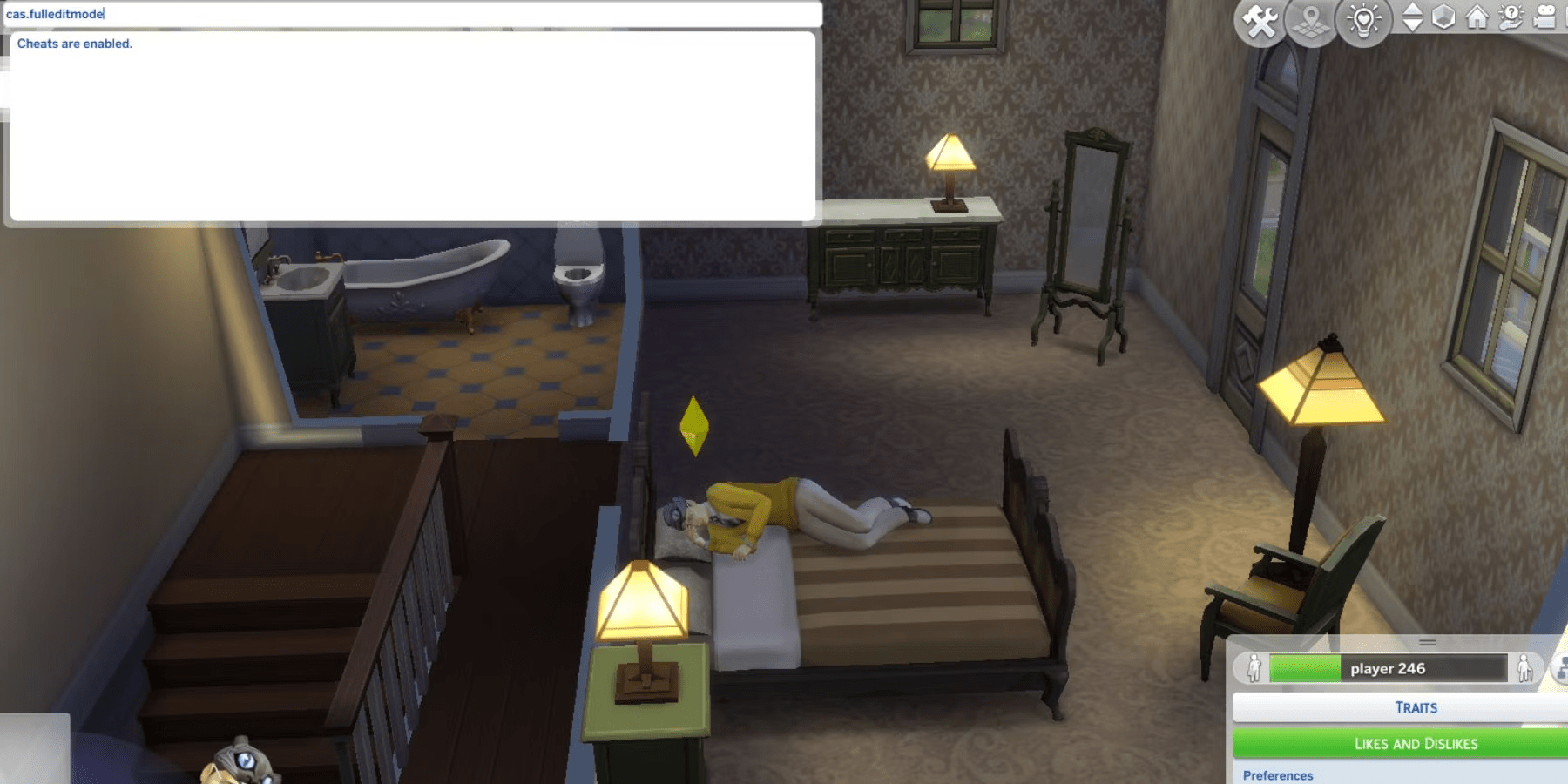
To activate full edit mode in The Sims 4, you must first open the game’s cheat console by pressing Ctrl + Shift + C on your keyboard, type testingcheats true and hit Enter, then input cas.fulleditmode into the console and press Enter again. This process unlocks the ability to fully modify existing Sims in Create-a-Sim (CAS) as if they were brand new characters, allowing you to change traits, aspirations, and physical attributes that are typically locked after the initial creation process.
Understanding the Full Edit Mode Functionality
In The Sims 4, the standard Create-a-Sim (CAS) interface is designed to restrict certain changes once a Sim has been introduced into the game world. Normally, when you interact with a dresser or mirror to "Change Sim," you are limited to altering clothing, hair, and makeup. You are restricted from modifying the Sim’s name, gender, traits, aspirations, or base genetic features like face structure and body shape.
The cas.fulleditmode cheat is a master-level command that overrides these restrictions. By enabling this mode, the game switches the dresser or mirror interaction into a full-featured editor. This is particularly useful for players who feel that a Sim’s personality traits no longer fit their evolving storyline, or for those who wish to adjust facial features as a child Sim ages into a teenager or young adult. It provides the freedom to reshape the identity of your household members at any point during your gameplay session.
Prerequisites for Enabling Cheats
Before you can utilize this or any other cheat command, you must ensure that the game’s internal "testing cheats" engine is running. The Sims 4 treats cheats as a developer-only feature that must be toggled on manually per session.
- Launch the Game: Ensure you are in your active save file with the household you intend to edit.
- Open the Console: On PC or Mac, press
Ctrl + Shift + Csimultaneously. A white text box will appear in the top-left corner of the screen. - Toggle Testing Cheats: Type
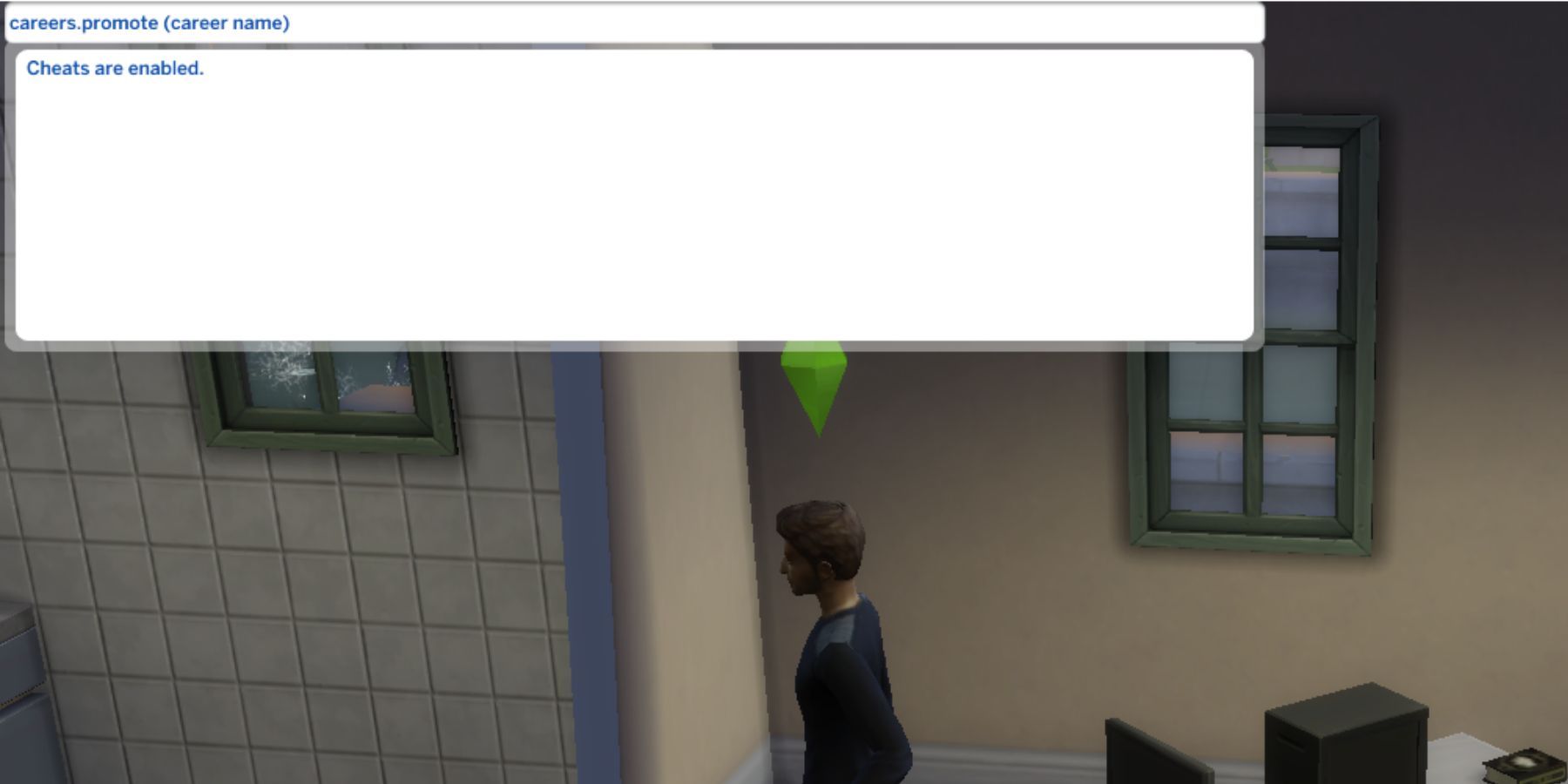
testingcheats trueinto the box. You must press Enter to execute the command. The game should respond with a message stating, "Cheats are enabled." - Verification: If you do not see the confirmation message, ensure you typed the command correctly without extra spaces. Note that
testingcheats onandtestingcheats trueare functionally interchangeable in the current 2026 build of the game.
Step-by-Step Execution of the Cheat
Once you have confirmed that testingcheats true is active, you can proceed with the activation of the full edit mode. Follow these steps precisely to ensure the command is recognized by the game engine:
- Keep the Console Open: You do not need to close the console after enabling testing cheats. You can keep it open to input the next string.
- Input the Command: Type
cas.fulleditmodeexactly as written. Ensure there is a period betweencasandfulleditmode. - Execute: Press the Enter key. Note that the game usually does not provide a text confirmation when
cas.fulleditmodeis activated; the command works silently in the background. - Access the Editor: Close the cheat console by pressing
Ctrl + Shift + Cagain. Click on the Sim you wish to modify. Use an in-game object like a mirror or a dresser and select the "Change Sim" option. Alternatively, if you have the "Modify in CAS" interaction available through shift-clicking (also enabled bytestingcheats true), you can holdShiftand click on your Sim, then select "Modify in CAS."
The interface should now display all categories, including those typically locked, such as personality traits and genetic makeup.
Comparing Editing Methods
Understanding how different editing methods interact with game mechanics is essential for preventing corruption or unintended side effects.
| Method | Access Requirement | Limitations | Best For |
|---|---|---|---|
| Standard Dresser/Mirror | None | Clothing, hair, and makeup only. | Everyday outfit changes. |
| Full Edit Mode Cheat | testingcheats true + cas.fulleditmode |
None; full access to CAS. | Changing traits, genetics, and names. |
| Manage Households | Manage World menu | Does not allow changing active Sim's traits. | Quickly editing townies or NPCs. |
Common Pitfalls and Troubleshooting
Even with a simple command, players may occasionally run into issues where the cheat does not seem to "stick."
Command Syntax Errors:
The most frequent cause of failure is a typo. Common mistakes include forgetting the period in cas.fulleditmode or adding an unnecessary space. If the game does not show the "Cheats are enabled" message after testingcheats true, the follow-up command will invariably fail. Always check the spelling before hitting Enter.
The "Locked" UI Problem: If you enter the cheat and the CAS menu still looks restricted, you may have clicked the wrong interaction. Using a mirror or dresser is the standard way to trigger the full editor. If you use the "Modify in CAS" shift-click option, ensure you are shift-clicking on the Sim themselves while they are standing in the world.
Saving and Session Persistence:
In the 2026 version of The Sims 4, testingcheats true does not persist across game restarts. If you close the game and return later, you must re-enter both commands. Make it a habit to input these commands immediately upon loading your save file if you intend to perform extensive renovations on your Sims.
Impacts on Gameplay and Storytelling
Using full edit mode fundamentally alters how you approach narrative progression. Many players use this to reflect "character development." For instance, a Sim who started with the "Gloomy" trait might undergo a major life event that warrants changing their personality to "Cheerful." By using this cheat, you are not bound by the initial choices made at the start of the game.
However, consider the impact on achievements. In many versions of The Sims, activating cheats can prevent the game from awarding certain achievements tied to natural gameplay progression. While this is rarely an issue for casual players focused on storytelling, it is a significant consideration for completionists. If you are aiming for a "perfect" save file with all achievements unlocked, verify if your specific platform tracks cheat usage before proceeding.
Expert Tips for Advanced Users
When using cas.fulleditmode, you are effectively accessing the same menu used during the initial character creation. Here are some expert-level practices to keep your game stable:
- Avoid Excessive Trait Swapping: Changing traits too frequently can sometimes lead to minor UI glitches where the Sim’s needs or social interactions do not update immediately. If you change a trait, consider having the Sim perform a standard interaction to "refresh" their behavior.
- Use the Library: If you have spent significant time creating a unique look for a Sim using this mode, save that Sim to your personal Library. If you ever accidentally delete the Sim or corrupt the save file, you will have a backup of their appearance and traits ready to be imported into a new world.
- Relationship Preservation: Note that changing certain traits can occasionally reset progress toward specific sentiments or relationship milestones. If your Sim is in the middle of a delicate relationship arc, perform the edit at a point where the impact is minimized.
Frequently Asked Questions
Does using the full edit mode cheat corrupt my save file? No, using this cheat is a standard functionality built into the game's developer tools. It does not corrupt your save file, though you should always maintain backup save files as a general practice before performing any significant modifications to your household.
Can I change a Sim's occult status with this cheat? You can change physical attributes and personality traits, but changing an occult status (such as turning a regular Sim into a Vampire or Spellcaster) usually requires specific gameplay mechanics or additional expansion-specific cheats. Full edit mode primarily focuses on visual and personality-based edits.
Is this cheat available on console versions?
Yes, the testingcheats true and cas.fulleditmode commands are fully functional on PlayStation and Xbox versions of The Sims 4. The process is identical, though you will need to open the virtual keyboard to type the commands after pressing the shoulder buttons and face buttons to open the console.
Why is my Sim’s name not changing? If the name field in the CAS menu appears greyed out even after activating the cheat, ensure you have clicked the "Name" box directly. Sometimes, interface elements require an extra second to load after the cheat is activated. If it remains locked, try exiting the CAS menu, saving the game, and re-entering the cheat.
Does this cheat affect the townies or NPCs? Yes, if you use the "Modify in CAS" shift-click interaction on an NPC, the full edit mode will allow you to edit them as well. This is a common way to "fix" the outfits or physical appearance of townies generated by the game that you find aesthetically displeasing.
Moving Forward
Now that you have the tools to modify your Sims, you can take full control of your neighborhood. Whether you are correcting a mistake made during the initial setup or evolving your characters to match your current gameplay goals, the cas.fulleditmode cheat is the definitive solution. We recommend starting with a small change, such as adjusting a single trait, to familiarize yourself with the interface before committing to a complete overhaul of your household's genetics or aspirations. By keeping your cheats organized and your save files backed up, you ensure that your creative process remains uninterrupted by technical hurdles.