Walmart gaming PCs can be a decent option for casual or budget-conscious gamers, provided you carefully evaluate their specifications, component brands, and pricing against custom builds or specialized system integrators. While they offer convenience and accessibility, they often mix proprietary parts with entry-level hardware that requires careful scrutiny before purchase.
Understanding the Walmart Gaming PC Landscape
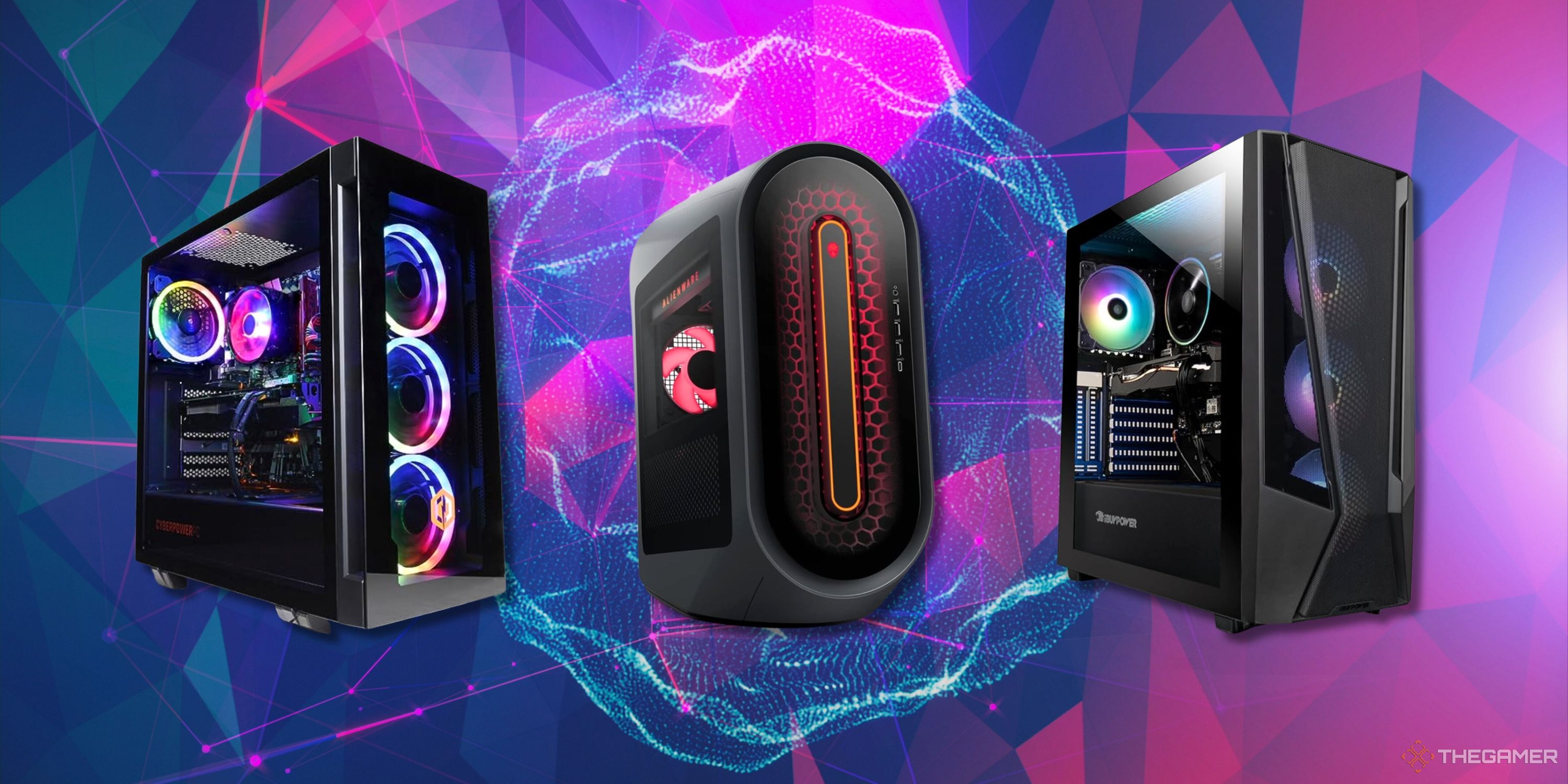
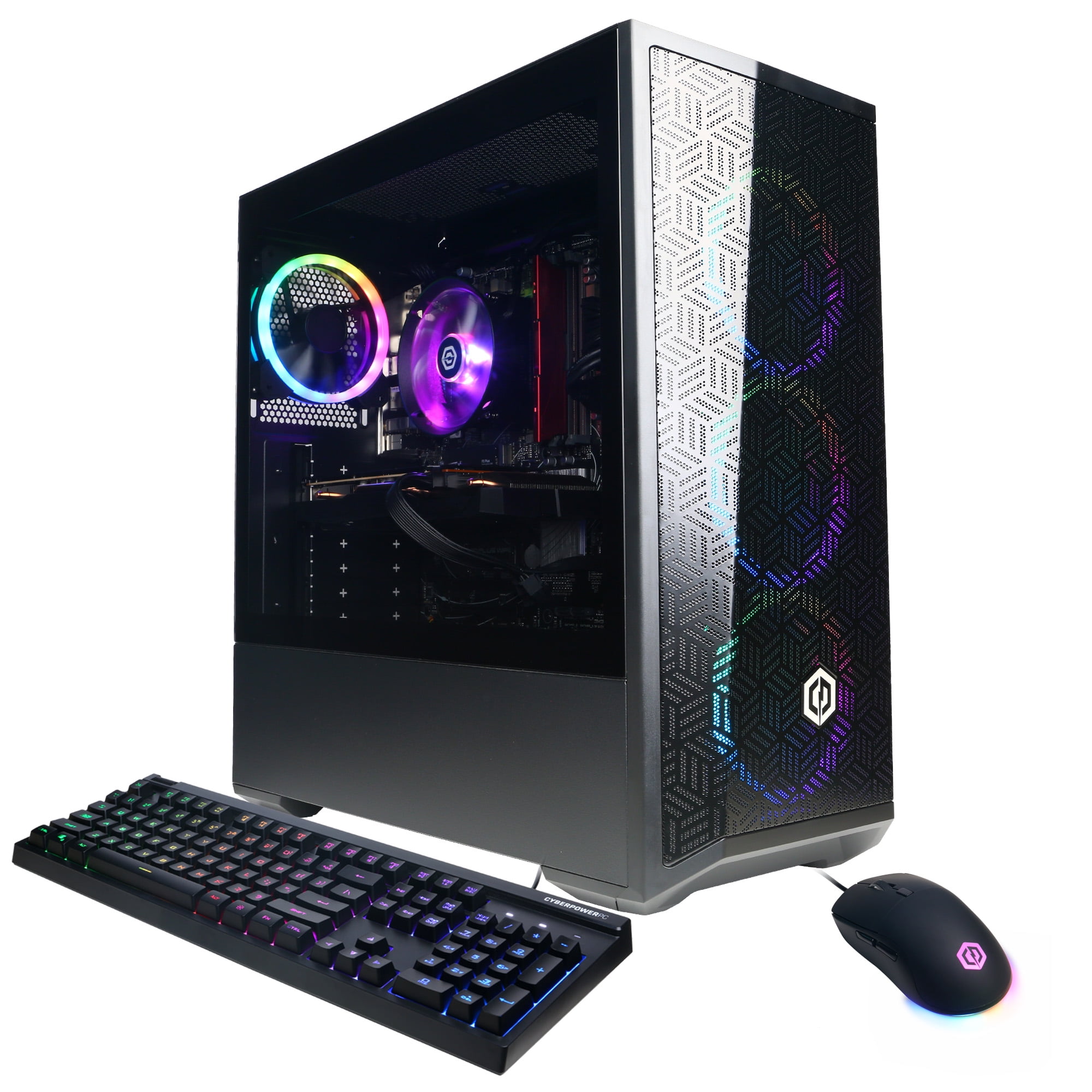
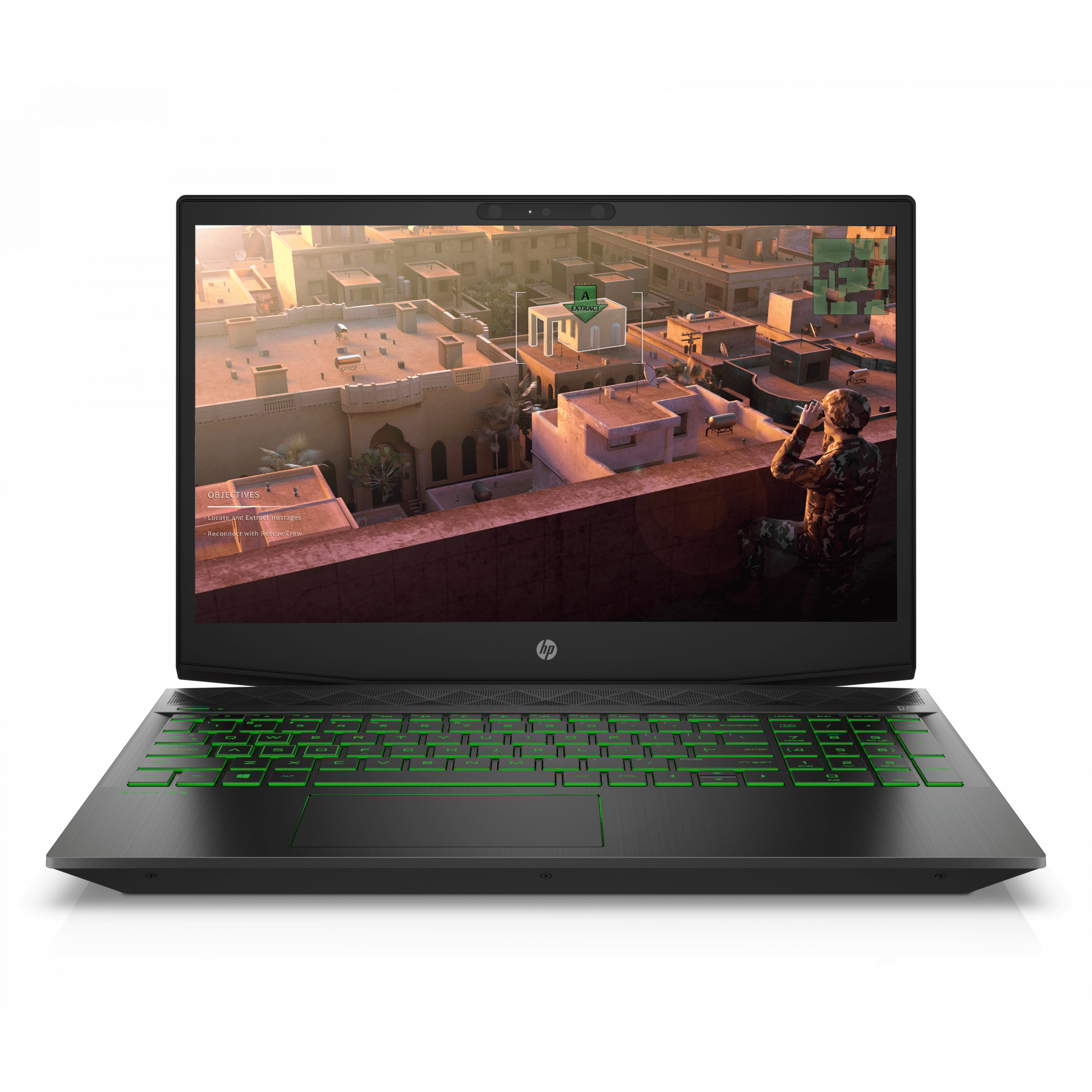
When consumers ask whether Walmart gaming PCs are good, they are usually referring to pre-built desktop systems sold online or in-store through retail giants like Walmart. These machines are rarely manufactured by Walmart itself. Instead, Walmart acts as a storefront for major system integrators and third-party vendors, including brands like CyberPowerPC, iBUYPOWER, HP (specifically the Pavilion and OMEN lines), Lenovo, and Skytech Gaming. Occasionally, Walmart also features proprietary house brands or exclusive configurations designed specifically for mass-market retail.
Navigating this retail ecosystem requires looking past flashy marketing terms like "Ultimate Gaming Rig" or "Extreme Performance." Mass-market desktop PCs span a massive spectrum of hardware capability. At the entry level, you will find machines designed to run esports titles like League of Legends or Counter-Strike 2 at modest settings. At the high end, you may encounter systems packing powerful multi-core processors and mid-to-high-tier graphics cards capable of ray tracing and high-refresh-rate 1440p gaming.
The primary appeal of purchasing a gaming desktop through a major retailer like Walmart lies in convenience, streamlined return policies, and the potential for holiday or clearance discounts. However, the trade-offs often involve proprietary components, limited upgrade paths, and power supplies or motherboards built to strict cost-cutting measures. Understanding these nuances helps buyers separate genuinely good deals from overpriced hardware packaged with outdated components.
Key Hardware Components: What to Look For
Evaluating any pre-built gaming PC requires breaking down its internal hardware. A system is only as good as its individual parts, and mass-market retailers frequently pair a powerful, recognizable processor with lesser-known or entry-level supporting components to lower the final price tag.
Central Processing Unit (CPU) and Graphics Processing Unit (GPU)
The CPU and GPU form the core performance engine of any gaming rig. In Walmart listings, you will commonly see processors from Intel’s Core series (such as the i3, i5, or i7) and AMD’s Ryzen series (such as the Ryzen 5 or Ryzen 7). For modern gaming, look for at least a quad-core or six-core processor from recent generations.
The GPU is arguably the most critical component for gaming frame rates. Entry-level Walmart PCs may feature older or lower-tier graphics cards, such as NVIDIA GTX series cards or AMD Radeon equivalents. For a solid, future-proof experience, look for systems equipped with modern architecture—such as NVIDIA RTX series cards (e.g., RTX 4060 or better) or AMD Radeon RX equivalents. These modern GPUs unlock technologies like DLSS (Deep Learning Super Sampling) and FSR (FidelityFX Super Resolution), which drastically improve performance in demanding titles.
Memory (RAM) and Storage
System memory and storage capacity directly impact multitasking and game load times. Avoid any modern gaming PC featuring less than 16GB of RAM. Furthermore, check the speed and configuration: dual-channel RAM (two 8GB sticks rather than one single 16GB stick) is vital for maximizing CPU performance.
Storage standards have shifted firmly toward Solid State Drives (SSDs). Ensure the system features an NVMe M.2 SSD rather than a traditional mechanical Hard Disk Drive (HDD) as the primary boot drive. An SSD drastically reduces Windows boot times and game loading screens. Many budget pre-builts feature a small SSD paired with a slow secondary HDD; while acceptable for storing media, your operating system and primary games should always reside on the SSD.
Power Supply Units (PSU) and Motherboards
This is where budget pre-built systems often cut corners. A power supply unit delivers electricity to all your sensitive components. Cheap, non-certified power supplies can be unreliable and, in worst-case scenarios, pose safety risks or fail under heavy load. Look for systems that specify an 80 Plus certified power supply (Bronze, Silver, or Gold rated) from a reputable brand.
Similarly, motherboards in mass-market PCs are frequently stripped-down, proprietary models. While they function adequately out of the box, they may lack extra PCIe slots, M.2 storage expansion ports, or robust voltage regulator modules (VRMs), making future hardware upgrades difficult or impossible.
Advantages of Buying a Gaming PC from Walmart
Despite the common stigma surrounding pre-built computers sold at big-box retailers, there are several distinct advantages to purchasing a gaming rig through Walmart.
- Accessibility and Immediate Availability: Unlike specialty online boutique builders that require weeks of assembly and shipping lead times, Walmart-stocked PCs are often available for immediate in-store pickup or rapid delivery.
- Return Policies and Customer Service: Returning a defective or underperforming custom-built PC to a niche online retailer can involve expensive restocking fees and complex shipping procedures. Returning an item to Walmart is generally straightforward, backed by predictable local store return windows.
- Aggressive Pricing and Sales: Because massive retailers purchase inventory in bulk, they frequently offer competitive pricing, bundled accessories (like keyboards and mice), or steep clearance discounts on older-generation hardware that can represent exceptional value for budget-conscious buyers.
| Component Category | What to Avoid | What to Look For | Why It Matters |
|---|---|---|---|
| Processor (CPU) | Dual-core chips or generations older than 4 generations back. | Intel Core i5/i7 (Recent gens) or AMD Ryzen 5/7. | Determines overall system responsiveness and prevents gaming bottlenecks. |
| Graphics (GPU) | Integrated graphics or obsolete entry-level cards (e.g., GTX 1050). | NVIDIA RTX 4060+ or AMD Radeon RX 7600+. | Directly dictates visual fidelity, resolution ceiling, and frame rates. |
| Memory (RAM) | 8GB of RAM or single-stick configurations. | 16GB or 32GB DDR4/DDR5 running in dual-channel mode. | Prevents stuttering during multitasking and modern gaming loads. |
| Storage | Mechanical hard drives (HDDs) as primary boot drives. | NVMe M.2 SSD (512GB minimum, 1TB+ preferred). | Eliminates long load times and speeds up operating system responsiveness. |
| Power Supply (PSU) | Unbranded, generic power supplies without efficiency ratings. | 80 Plus Certified (Bronze or higher) from a recognized manufacturer. | Ensures stable power delivery and protects components from electrical faults. |
Potential Pitfalls and Hidden Limitations
While the convenience and price points are appealing, buying a gaming PC from a mass-market retailer carries specific risks that every consumer should weigh carefully.
Proprietary Components and Upgrade Bottlenecks
Many pre-built PCs assembled for retail giants utilize non-standard motherboards, power supplies, and chassis designs. If you wish to upgrade your graphics card down the road, you might find that a larger GPU physically does not fit inside the compact case, or that the proprietary power supply lacks the necessary PCIe power cables to support it. This effectively traps the user in a closed ecosystem where upgrading components requires replacing nearly the entire internal architecture.
Thermal Performance and Cooling Constraints
Compact cases with limited airflow are a common trait among budget pre-built systems. Manufacturers frequently utilize basic, stock CPU coolers and minimal case fans to reduce production costs. Under sustained gaming loads, this can lead to thermal throttling—where components automatically slow themselves down to prevent overheating—resulting in sudden frame rate drops and reduced hardware longevity.
Bloatware and Operating System Overhead
Retail computers frequently come pre-loaded with third-party software, trial subscriptions, and proprietary utility tools known as bloatware. These programs consume system resources running silently in the background, impacting performance. A clean installation of Windows upon unboxing is often recommended to strip away unnecessary software and optimize system speed.
Walmart Gaming PCs vs. Custom Builds vs. Boutique Integrators
To determine if a Walmart gaming PC is right for you, it helps to compare it directly against the two primary alternatives: building your own PC from scratch and purchasing from a dedicated system integrator.
- PC Purchasing Options
- Walmart Retail PCs
- Immediate availability
- Straightforward returns
- Potential proprietary parts
- Custom DIY Builds
- Maximum value per dollar
- Complete part control
- Requires assembly time
- Boutique Integrators
- Premium component quality
- Custom aesthetic options
- Higher initial cost
- Walmart Retail PCs
The Custom DIY Approach
Building your own PC always yields the best performance-per-dollar ratio. You choose every individual component, ensure optimal cooling, select a reliable power supply, and retain total freedom for future upgrades. However, DIY building requires technical knowledge, research time, and troubleshooting skills if hardware conflicts arise during assembly. For users who simply want to plug in a machine and start playing immediately, the custom route presents a steep learning curve.
Boutique System Integrators
Companies like Falcon Northwest, Maingear, Origin PC, or even mid-tier builders like CyberPowerPC and iBUYPOWER's direct web stores offer customized pre-builts. These systems generally use off-the-shelf, standard components rather than proprietary parts, making future upgrades straightforward. They also feature superior cable management and better cooling solutions than mass-market retail configurations, though they usually come at a higher price premium.
Practical Guidance: How to Evaluate a Specific Listing
If you are currently browsing Walmart's website or standing in an aisle looking at a gaming desktop, use this step-by-step verification process to determine if the specific model is worth your money.
- Verify the Exact Component Specs: Never rely solely on marketing bullet points like "Plays all top games!" Look at the fine print for the exact GPU model, exact RAM speed, and storage type.
- Check the Motherboard and PSU Specs: Search the model number online to see teardowns or reviews. Confirm whether the power supply is a standard ATX unit with 80 Plus certification or a cheap proprietary block.
- Compare Market Value: Look up the individual cost of the CPU, GPU, and RAM on hardware retail sites. If the pre-built machine costs significantly more than the sum of its core parts, you are paying a massive retail markup.
- Evaluate Thermal Design: Examine product photos for front-panel mesh ventilation. Solid glass or plastic front panels restrict airflow and trap heat inside the chassis.
- Assess Future Upgrade Potential: Ask yourself whether you will be able to swap out the graphics card or add more RAM in two years without replacing the motherboard and power supply.
Frequently Asked Questions
Can I upgrade a Walmart gaming PC later?
Most retail pre-builts allow basic upgrades like adding more RAM or secondary storage SSDs. However, upgrading the graphics card or power supply can be challenging or impossible if the manufacturer used proprietary motherboards, non-standard power supply form factors, or compact cases with tight physical clearance limitations.
Do Walmart gaming PCs come with a warranty?
Yes. Systems sold directly by Walmart or reputable third-party marketplace vendors come with standard manufacturer warranties—typically one year for parts and labor. Additionally, purchases are protected by Walmart's standard return policy, which usually spans 30 days from the date of purchase.
Are these PCs good for competitive esports games?
Entry-to-mid-range systems sold at mass-market retailers easily handle popular esports titles such as Valorant, Fortnite, Rocket League, and Apex Legends. These games are optimized to run well on modest hardware, often exceeding 60 to 144 frames per second at 1080p resolution.
Why are some Walmart gaming PCs priced lower than custom builds?
Retailers achieve lower price points by purchasing components in massive wholesale quantities, utilizing lower-cost motherboards and generic power supplies, and occasionally incorporating older-generation graphics cards or processors that manufacturers are looking to clear out.
Final Recommendation
Walmart gaming PCs are good for casual gamers, parents buying a plug-and-play system for their children, or shoppers who prioritize local return convenience and immediate availability over bespoke hardware customization. If you find a model with a modern GPU (such as an RTX series card), 16GB or more of RAM, and transparent component specifications at a competitive price point, it can serve as a dependable entry point into PC gaming.
However, if you are an enthusiast seeking top-tier thermal performance, premium non-proprietary components, and long-term upgradeability, your money is better spent building a custom PC or purchasing from a specialized boutique system integrator. Always verify the internal specifications carefully before completing your purchase.