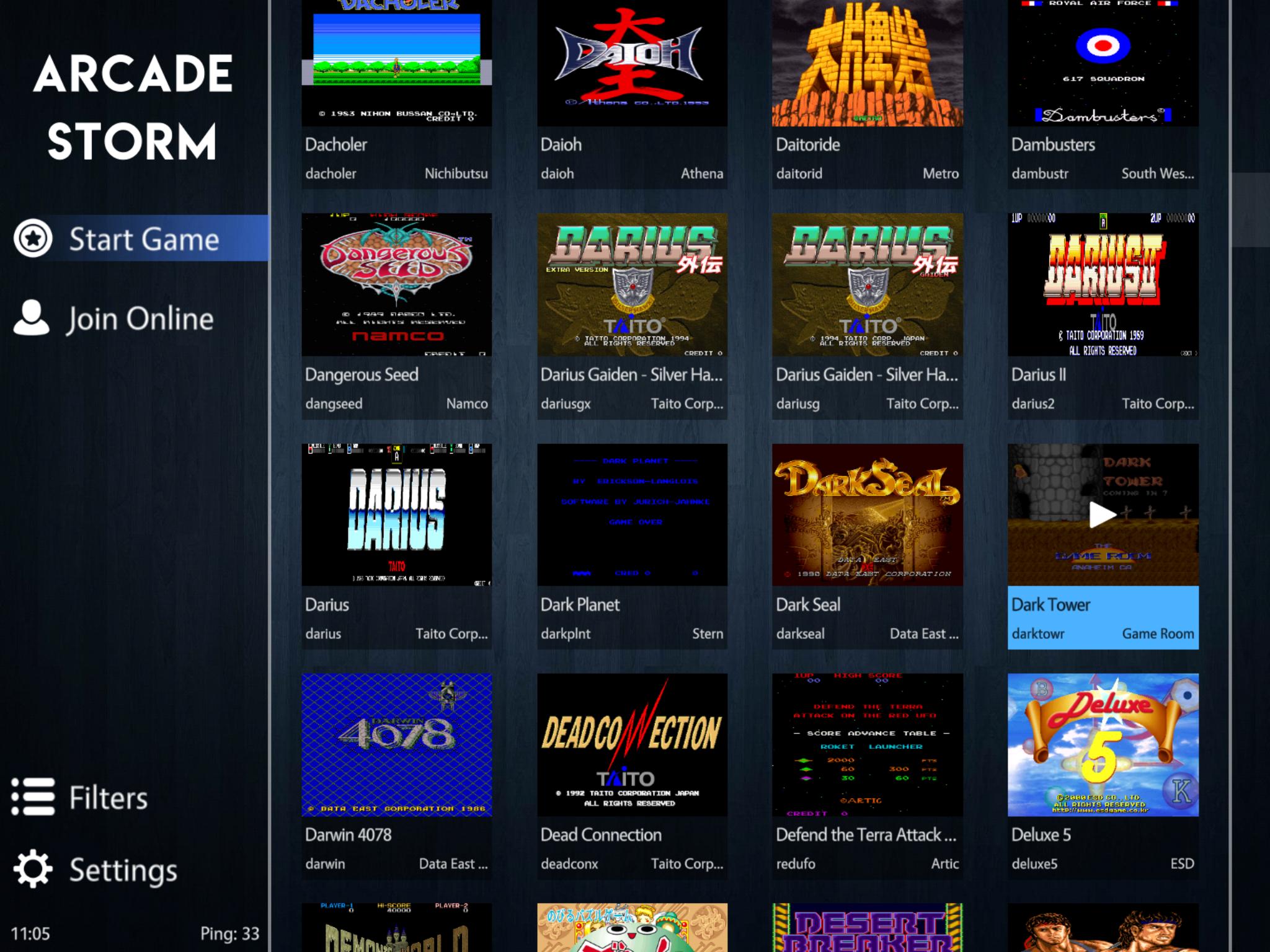
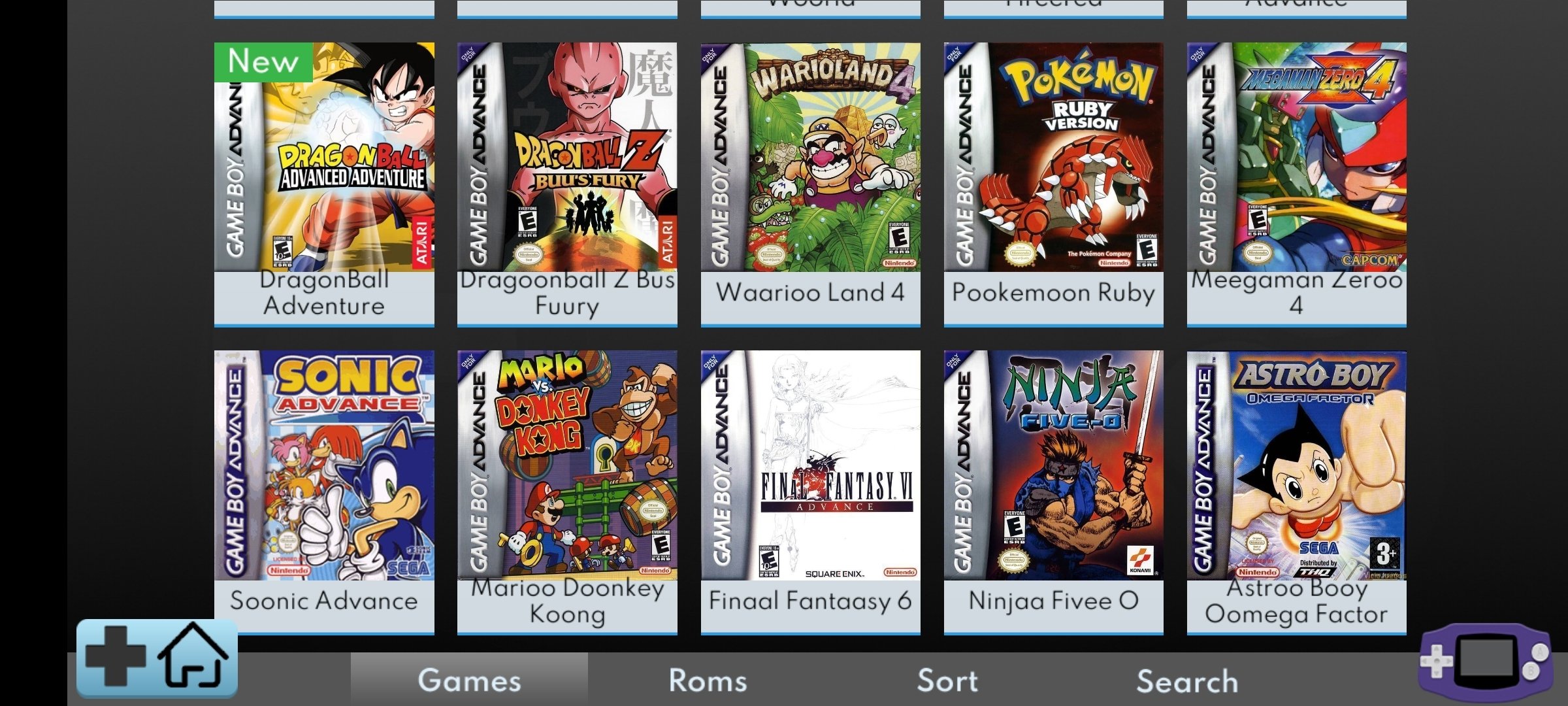
Playing classic arcade games on Android has evolved from a niche hobby into a highly polished experience. As of 2026, mobile hardware is more than capable of running not just the 8-bit and 16-bit classics of the 1980s and 90s, but also more demanding 3D arcade boards from the early 2000s. To get started, you need a high-performance emulator app, the correct ROM sets, and a basic understanding of how arcade hardware differs from traditional home consoles.
Understanding Arcade Emulation on the Android Platform
Arcade emulation is fundamentally different from emulating a home console like the Super Nintendo or PlayStation. While a console has a fixed set of hardware specifications, "arcade" refers to thousands of unique hardware configurations designed by companies like Capcom, Sega, SNK, and Konami.
To handle this diversity, Android emulators typically rely on two main projects: MAME (Multiple Arcade Machine Emulator) and FinalBurn Neo (FB Neo). MAME focuses on accuracy and documentation, aiming to preserve the original hardware's behavior as closely as possible. FB Neo, conversely, is often preferred on mobile devices because it prioritizes performance and gameplay, making it ideal for mid-range Android smartphones and tablets.
In 2026, most users interact with these through RetroArch, a frontend that uses "cores" to run different arcade engines, or through standalone apps like MAME4droid. Choosing the right path depends on whether you value a simplified user interface or deep customization options.
Top Arcade Emulators for Android in 2026
Selecting the right emulator depends on your device's processing power and your willingness to tinker with settings. Here are the leading options currently available.
1. RetroArch (Libretro)
RetroArch remains the gold standard for enthusiasts. It is not a single emulator but a framework that allows you to download various arcade "cores." In 2026, the FinalBurn Neo core is the recommended choice for most 2D fighting games and "shoot 'em ups" (shmup), while the MAME 2003-Plus or current MAME cores are better for older or more obscure titles.
- Pros: Advanced features like "Run-Ahead" to reduce input lag, extensive shader support for CRT effects, and cloud save synchronization.
- Cons: A steep learning curve and a complex user interface that can be overwhelming for beginners.
2. MAME4droid (2024/2026 Edition)
Based on the long-standing MAME project, MAME4droid is specifically optimized for Android's touch interface and mobile chipsets. It is particularly useful for users who have specific, older ROM sets (like the 0.139u1 set) which are highly stable on mobile hardware.
- Pros: Excellent compatibility with older ROM sets and lower overhead on budget devices.
- Cons: The interface feels dated compared to modern Android Material Design standards.
3. Lemuroid
For users who want a "plug-and-play" experience, Lemuroid is the best option. It is an open-source frontend based on Libretro (the same engine as RetroArch) but with a significantly simplified interface. It automatically scans your storage, categorizes games, and applies optimal settings.
- Pros: Clean UI, no configuration required, and supports local multiplayer via Bluetooth controllers.
- Cons: Lacks the deep technical settings found in RetroArch, such as manual latency adjustment or specific driver overrides.
Technical Requirements and Hardware Considerations
While basic 2D arcade games can run on almost any Android device sold in the last five years, demanding 3D titles (such as those from the Sega Naomi or Namco System 246 boards) require specific hardware tiers.
Processor and RAM
For 2026 standards, a device with a Snapdragon 8 Gen 1 or equivalent (and higher) is recommended for 3D arcade games. For classic 2D games, even an entry-level MediaTek or Exynos processor will suffice. At least 4GB of RAM is necessary to prevent the Android OS from closing the emulator during gameplay, though 8GB is the sweet spot for stability.
Storage and File Systems
Arcade ROMs are generally small, but "merged" ROM sets can take up hundreds of gigabytes. Using a fast UFS 3.1 or 4.0 internal storage or a high-quality A2-rated microSD card is essential for reducing loading times in larger games.
The Importance of ROM Sets and BIOS Files
The most common point of failure for new users is mismatched ROM sets. Unlike a console ROM, which is usually a single file, arcade games consist of multiple files zipped together.
- Merged vs. Non-Merged Sets: A "merged" set contains the parent game and all its clones (different regions or versions) in one zip file. A "non-merged" set contains every file needed to run a specific game in its own zip, making it easier to pick and choose individual games.
- The BIOS Requirement: Many arcade boards, such as the Neo Geo (SNK), require a BIOS file (e.g.,
neogeo.zip) to function. This file must be placed in the same folder as your game ROMs or in the emulator's "system" folder. - Version Matching: This is critical. If you are using a MAME 2003-Plus core, you must use a ROM set designed for MAME 2003-Plus. Using a ROM from a 2026 MAME set on an older core will frequently result in "Missing Files" errors.
Recommended Controller Configurations
While on-screen touch controls are available, they are rarely sufficient for the precision required in arcade titles.
- Bluetooth Gamepads: Standard controllers like the Xbox Wireless Controller or DualSense work natively with Android.
- Telescopic Controllers: Devices like the Razer Kishi Ultra or Gamesir X4 wrap around your phone, turning it into a handheld console.
- Arcade Sticks: For a truly authentic experience, many Android devices support USB-C OTG (On-The-Go) connections for full-sized arcade fight sticks. In 2026, most modern sticks are recognized as standard X-Input devices by Android.
Comparison of Android Arcade Emulators
| Emulator | Core Engine | Best For | Complexity | Price |
|---|---|---|---|---|
| RetroArch | Multiple (Cores) | Power users / Customization | High | Free |
| Lemuroid | Libretro | Beginners / Casual play | Low | Free |
| MAME4droid | MAME 0.139u1 | Older hardware / Specific sets | Medium | Free |
| FB Neo | FinalBurn Neo | Fighting games / Performance | Medium | Free |
Step-by-Step Setup Guide
To ensure a smooth experience, follow these steps to set up your arcade environment on Android:
- Installation: Download your chosen emulator from the Google Play Store or the official developer website. For RetroArch, the "Plus" version or the APK from their website is often preferred over the standard Play Store version due to plugin limitations.
- Directory Mapping: Create a dedicated folder on your storage named "RetroGames" and subfolders for "Arcade" and "BIOS."
- Transferring Files: Move your legal ROM files into the "Arcade" folder. If your game requires a BIOS (like Neo Geo), place
neogeo.zipin that same folder. - Scanning: Within the emulator, use the "Scan Directory" function. This will match your files against a database to provide box art and metadata.
- Video Settings: For the best visual experience, enable Integer Scaling. This ensures pixels are scaled perfectly to your screen resolution, avoiding "shimmering" or blurred graphics.
- Input Mapping: Connect your controller before launching the app. Most emulators will auto-detect the controller, but you may need to manually map the "Coin" and "Start" buttons, which are essential for arcade titles.
Performance Optimization and Troubleshooting
If you encounter stuttering or audio crackling, the issue is usually related to synchronization.
- Audio Latency: In emulator settings, try increasing the audio latency buffer slightly. While this adds a tiny delay, it can eliminate crackling on weaker CPUs.
- Frame Skipping: Only use this as a last resort. It allows the game to skip rendering certain frames to keep the speed at 100%, but it makes movement look choppy.
- Vulkan vs. OpenGL: In 2026, the Vulkan video driver is generally faster and more stable on Android than the older OpenGL driver. Switch to Vulkan in the "Drivers" section of RetroArch or your standalone emulator for a significant performance boost.
Frequently Asked Questions
Why won't my arcade game start even though I have the ROM?
The most common reason is a version mismatch between the ROM and the emulator core. Arcade ROMs are updated frequently as better dumps of the original chips become available. Ensure your ROM set version matches the specific version of MAME or FB Neo you are using. Additionally, check if the game requires a BIOS file (like qsound.zip for Capcom games).
Is it legal to use arcade emulators on Android?
Emulators themselves are entirely legal as they are pieces of software designed to mimic hardware. However, downloading ROM files for games you do not own is a violation of copyright law in most jurisdictions. Users should use their own hardware to rip ROMs or focus on "homebrew" arcade titles that are released for free by their creators.
Can I play arcade games with friends on Android?
Yes. Most modern Android emulators support local multiplayer via multiple Bluetooth controllers. Some frontends, like RetroArch, also support Netplay, which allows you to play arcade classics with others over the internet, provided you are both using the exact same ROM file and emulator core.
How do I add "Scanlines" to make it look like an old TV?
This is done through Shaders. In RetroArch, you can navigate to the "Shaders" menu while a game is running and select a preset like crt-pi or crt-lonescreen. These overlays simulate the phosphor glow and scanlines of original arcade monitors, which helps hide the harshness of low-resolution pixels on high-definition mobile screens.
Why are some games split into multiple zip files?
Arcade games often use a "Parent/Clone" system. The "Parent" (usually the original Japanese or World release) contains the bulk of the data. A "Clone" (like a US localized version) only contains the files that are different from the parent. You often need the parent ROM in your folder for the clone ROM to work.
Final Recommendation
For the best balance of performance and ease of use in 2026, start with Lemuroid. It removes the technical barriers associated with arcade emulation. If you find yourself wanting more control over the visual output—such as specific CRT shaders or reduced input latency—transition to RetroArch using the FinalBurn Neo core. This combination provides the highest compatibility for the "Golden Age" of arcade gaming while leveraging the full power of your Android hardware.