Choosing the right website builder or platform for a mental health private practice requires balancing ease of use, client confidentiality, design quality, and essential features like client intake portals and online booking. A strong online presence serves as the primary digital doorway for prospective clients, making the choice of platform a critical business decision for therapists, counselors, and psychologists.
Building a digital footprint for a mental health practice is distinct from setting up a standard e-commerce or corporate site. Therapists must carefully navigate regulatory compliance, such as HIPAA (Health Insurance Portability and Accountability Act) considerations in the United States, alongside the unique emotional tone required to make a distressed visitor feel safe and understood. Furthermore, clinicians often operate as solo practitioners or small group practice owners with limited time, meaning that complex coding, cumbersome maintenance, and steep learning curves are major operational roadblocks.
When evaluating the market for private practice websites, several specialized and general platforms emerge as top contenders. This comparison examines five of the leading website solutions available for therapists, analyzing their features, customization options, ease of use, and overall value to help you select the best platform for your clinical practice.
Evaluation Criteria for Private Practice Websites
Before diving into individual platforms, it helps to understand what makes a website successful for a mental health professional. Unlike traditional business websites that prioritize aggressive sales funnels, therapist websites must prioritize trust, clarity, accessibility, and frictionless communication.
When comparing these five options, several critical metrics determine their suitability for a clinical practice:
- Compliance and Security: The ability to handle sensitive client data securely, including encrypted contact forms and Business Associate Agreements (BAAs) where required.
- Ease of Use: The technical skill required to build, launch, and maintain the site without hiring a dedicated web developer.
- Client Experience: How easily prospective clients can find information about your specialties, read your bio, understand your fees or insurance policies, and book an initial consultation.
- Search Engine Optimization (SEO): Built-in tools that help local clients find your practice when searching for specific modalities or conditions in your geographic area.
- Total Cost of Ownership: Monthly subscription fees, domain registration costs, transaction fees for scheduling plugins, and hidden expenses for essential add-ons.
1. Brighter Vision: The Industry Standard for Therapists
Brighter Vision is a specialized website design and hosting agency built exclusively for mental health professionals. Rather than offering a generic do-it-yourself website builder, Brighter Vision operates on a service-plus-platform model, designing a custom-branded website for you and managing ongoing maintenance.
Key Features and Functionality
Brighter Vision handles the heavy lifting of web development. When you sign up, an assigned designer builds your site based on your professional preferences, branding, and target demographic. The platform includes integrated blogging tools, secure contact forms, search engine optimization features, and social media integration. Furthermore, they provide ongoing content syndication through their "Social Genie" feature, which helps keep your social media channels active without manual daily posting.
Pros and Cons
- Pros:
- Truly custom design handled by professionals who understand the mental health field.
- Excellent customer support and ongoing maintenance included in the monthly fee.
- Built-in SEO foundations tailored to local private practices.
- Cons:
- Higher monthly cost compared to self-managed DIY website builders.
- Less granular control over daily DIY design tweaks unless you request changes from support.
- Monthly subscription model means you do not outright own the underlying design framework if you cancel.
2. Squarespace: The Best for Aesthetic Control and Ease of Use
Squarespace is a mainstream website builder widely adopted across creative industries, but its clean typography, responsive mobile templates, and professional finish make it an exceptional choice for private-practice therapists who want a visually stunning online home.
Key Features and Functionality
Squarespace relies on an intuitive visual editor that allows users to drag, drop, and edit page sections seamlessly. It features robust built-in analytics, reliable hosting, SSL security certificates included, and robust blogging capabilities. While Squarespace does not offer out-of-the-box HIPAA compliance for medical data handling through its standard forms, it integrates smoothly with third-party scheduling tools like SimplePractice or Jane App via secure client portal links.
Pros and Cons
- Pros:
- Stunning, modern templates that convey warmth and professionalism.
- Very user-friendly drag-and-drop interface for non-technical users.
- Reliable, all-in-one hosting with excellent mobile optimization.
- Cons:
- Requires separate third-party integrations for HIPAA-compliant intake and scheduling.
- Steeper learning curve for advanced structural customizations compared to simpler builders.
- Monthly pricing can add up when factoring in domain names and third-party software subscriptions.
3. WordPress (Self-Hosted): The Ultimate Choice for Scalability and Control
WordPress powers over forty percent of the entire web. When self-hosted (using WordPress.org rather than WordPress.com), it offers unmatched flexibility, complete data ownership, and endless customization through plugins and themes.
Key Features and Functionality
WordPress allows therapists to build virtually any feature imaginable. Through specialized plugins, you can implement HIPAA-compliant contact forms, advanced SEO plugins like Yoast or RankMath, and customized booking workflows. However, this power comes with a price: you are entirely responsible for your own web hosting, software updates, security hardening, and site backups.
Pros and Cons
- Pros:
- 100% ownership of your website data, content, and files.
- Infinite customizability through thousands of themes and plugins.
- Exceptional long-term SEO capabilities when properly optimized.
- Cons:
- High technical barrier to entry; often requires hiring a freelance developer or designer.
- Ongoing responsibility for security patches, plugin updates, and troubleshooting technical glitches.
- Hidden costs for secure hosting, premium themes, and developer support.
4. Wix: The Quickest Setup for Solo Practitioners
Wix is a mainstream, beginner-friendly website builder known for its absolute design freedom and vast library of pre-made templates. Its Artificial Design Intelligence (ADI) tool can generate a foundational website layout within minutes based on a few basic questions about your practice.
Key Features and Functionality
Wix provides a true drag-and-drop editor where every element can be placed precisely where you want it on the canvas. It includes an app market with marketing tools, live chat features, booking extensions, and email marketing capabilities. Like Squarespace, standard Wix forms are not inherently HIPAA-compliant, so practices handling sensitive intake details must embed external, compliant intake packets via secure links.
Pros and Cons
- Pros:
- Extremely fast initial setup, especially with the ADI wizard.
- Complete spatial freedom on the page layout for visual customization.
- Integrated app market for adding booking, reviews, and client communication tools.
- Cons:
- Templates cannot be easily changed once selected without rebuilding the site structure.
- Can become cluttered or disorganized if users lack basic design discipline.
- Advanced features require higher-tier monthly plans.
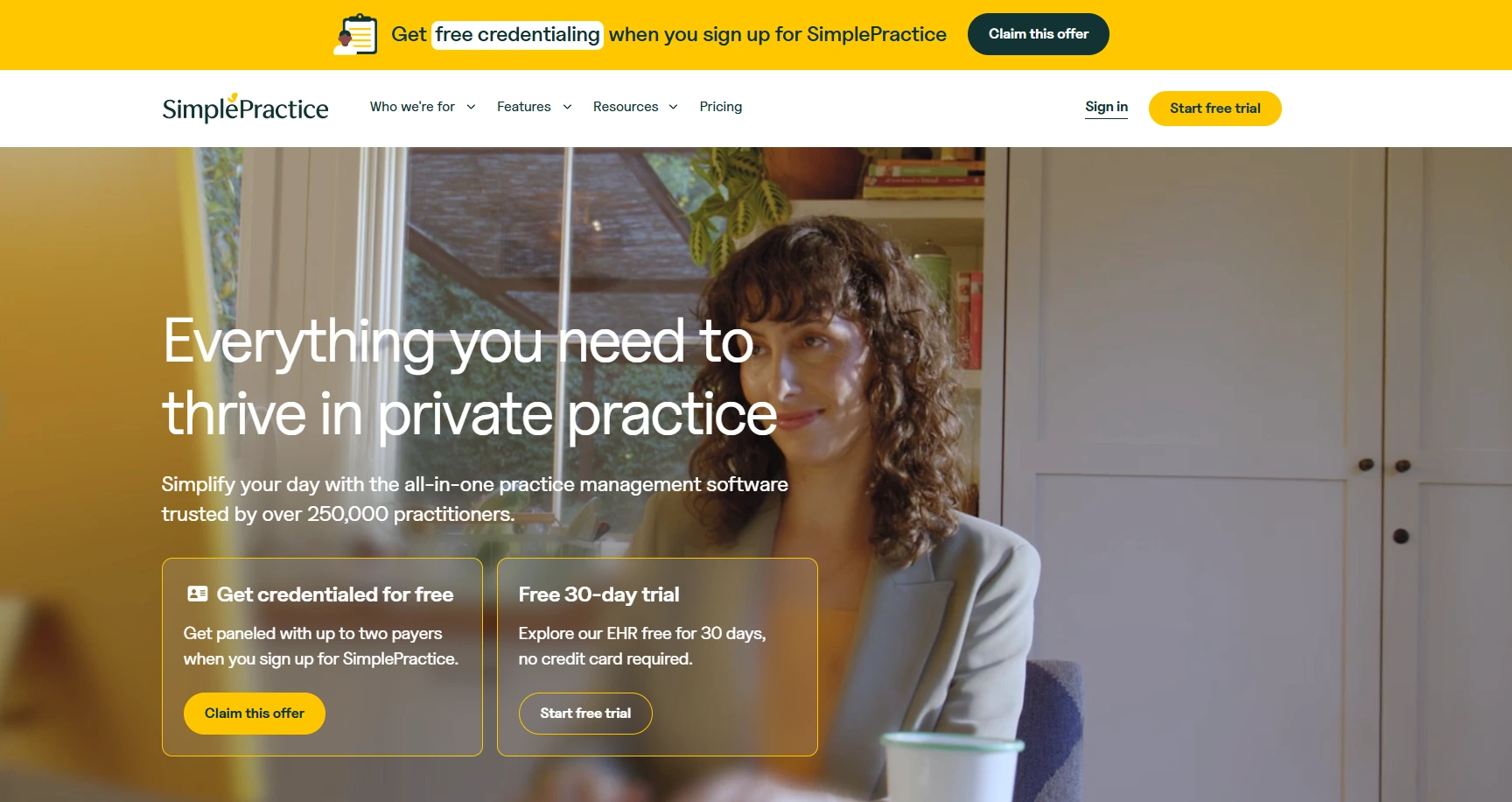
5. SimplePractice (Website Builder Add-On): The All-in-One Practice Management Solution
For many solo therapists and group practice owners, SimplePractice is already the go-to electronic health record (EHR) and practice management software. Beyond scheduling and billing, SimplePractice offers an integrated website builder specifically designed for its subscribers.
Key Features and Functionality
The primary advantage of the SimplePractice website builder is structural cohesion. Your website, client portal, electronic health records, billing, and telehealth functionality all live under one roof. The templates are clean, minimalist, and pre-optimized for mobile viewing. Because the site connects directly to your EHR account, prospective clients can view your real-time availability and request appointments seamlessly.
Pros and Cons
- Pros:
- Direct integration with your practice management, scheduling, and client portal.
- Simplifies administrative overhead by keeping software subscriptions consolidated.
- Inherently supports compliant intake workflows since it ties directly into your secure EHR.
- Cons:
- Design templates are relatively basic and offer limited creative customization.
- Dependent on maintaining an active, higher-tier subscription to SimplePractice.
- Less robust for complex content marketing or heavy multi-page blogging compared to WordPress or Squarespace.
Side-by-Side Comparison of Therapist Website Platforms
To help you weigh your options at a glance, the table below compares these five platforms across key operational factors for private practices:
| Platform | Best Suited For | Primary Strength | Compliance Support | Technical Skill Required |
|---|---|---|---|---|
| Brighter Vision | Therapists wanting hands-off design and ongoing support | Industry-specific design and content syndication | Varies (offers guidance and secure form setup) | Low (managed service) |
| Squarespace | Clinicians prioritizing modern aesthetics | Beautiful, responsive templates and reliable hosting | Requires third-party secure integrations | Low to Moderate |
| WordPress | Large practices, tech-savvy clinicians, or advanced SEO strategies | Total ownership and infinite customizability | High (with proper plugin configuration and BAAs) | High |
| Wix | Solo practitioners needing a rapid, visual setup | Intuitive drag-and-drop freedom and quick AI builders | Requires third-party secure integrations | Low |
| SimplePractice | Practitioners already using the EHR for billing and notes | Unified workflow linking website directly to scheduling | High (built directly into the EHR ecosystem) | Low |
Key Considerations for Choosing Your Platform
When making your final decision, look beyond aesthetic appeal and consider the long-term trajectory of your practice. If you plan to expand into a group practice with multiple clinicians, platforms like WordPress or Squarespace offer the multi-page scalability required to feature diverse bios, specialties, and locations. Conversely, if you are a solo practitioner launching your first private practice, an all-in-one approach via SimplePractice or a managed service like Brighter Vision can save valuable hours each week.
Another vital element to address is local SEO. Mental health is intensely local; clients search for "anxiety therapist near me" or "couples counseling in [City Name]." Ensure whichever platform you choose allows you to optimize page titles,
Finally, evaluate your own comfort level with technology. Building a stunning WordPress site is rewarding if you enjoy web design, but if technical troubleshooting causes you anxiety, investing in a done-for-you service or a simple, reliable drag-and-drop builder will protect your time and energy for client care.
Frequently Asked Questions
Do therapist websites need to be HIPAA compliant?
While informational static web pages on a therapist's site generally do not fall under HIPAA, any page or feature that collects Protected Health Information (PHI)—such as contact forms asking about clinical symptoms, intake questionnaires, or messaging portals—must be secure and backed by a Business Associate Agreement (BAA). Many therapists solve this by using standard non-clinical contact forms for general inquiries only and directing clients to a secure EHR portal for sensitive intake details.
Can I build my own therapist website without coding experience?
Yes. Platforms like Squarespace, Wix, and SimplePractice are engineered specifically for non-technical users. They rely on visual editors, pre-built templates, and guided setup wizards that allow you to launch a professional website in a single weekend without writing a single line of code.
How much should a therapist website cost?
Costs vary widely depending on the route you choose. Basic DIY builders like Squarespace or Wix typically range from $16 to $45 per month. Specialized managed services like Brighter Vision generally cost more monthly but bundle custom design, ongoing maintenance, and support. Self-hosted WordPress sites require paying for separate hosting, domain registration, and occasionally premium plugins, which can range from $10 to $50 per month on average.
Is SimplePractice better than Squarespace for a therapist website?
SimplePractice is superior if your primary goal is operational efficiency and direct calendar synchronization with your clinical practice management software. Squarespace is superior if your priority is high-end visual design, brand uniqueness, and advanced content marketing capabilities.
How do I help my therapist website show up on Google?
To improve your local search visibility, ensure your website includes clear references to your geographic location and clinical specialties across your title tags, headings, and homepage copy. Claim and optimize your Google Business Profile, embed a Google Map on your contact page, and ensure your website is fully responsive and loads quickly on mobile devices.
Next Steps for Your Practice
Choosing the right website platform is the first milestone in establishing a thriving private practice. Begin by auditing your technical comfort level, budget, and administrative needs. If you value design independence and a polished look, explore a trial on Squarespace. If you want a hands-off approach tailored specifically to mental health clinicians, schedule a consultation with Brighter Vision. For those already utilizing clinical practice management tools, testing the integrated SimplePractice website builder is often the most streamlined path to launching your digital practice.