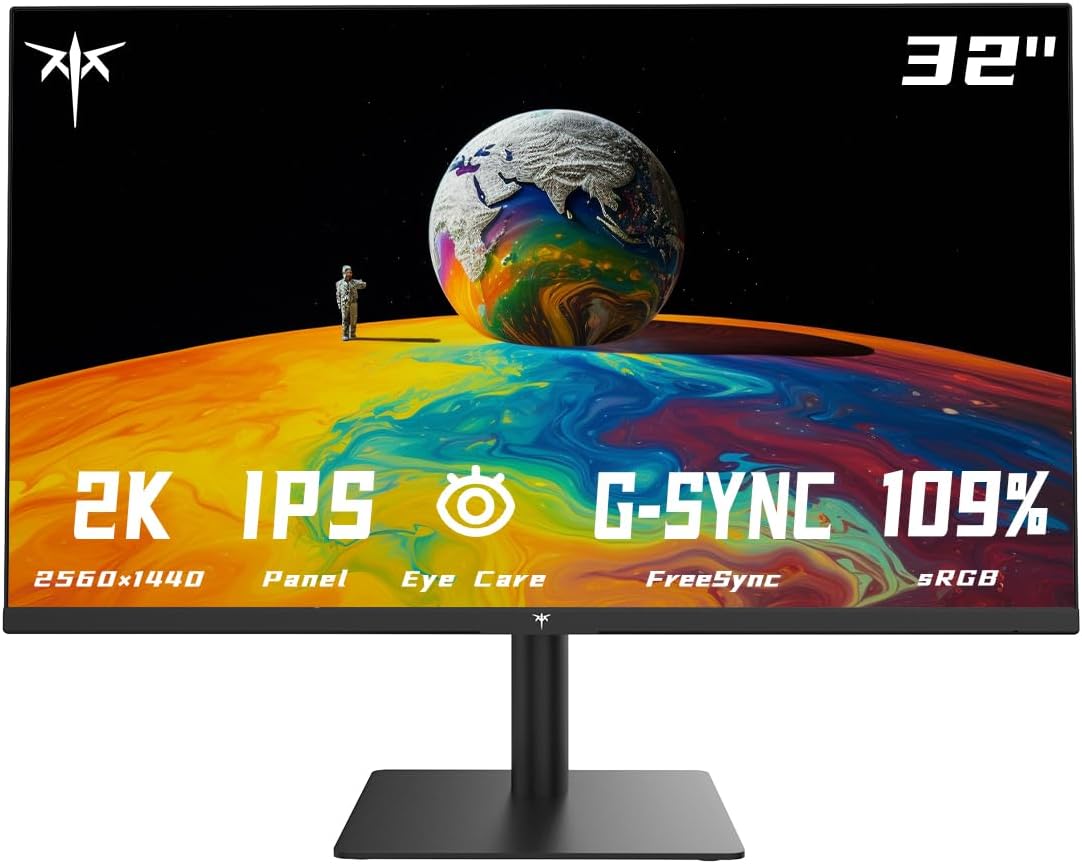
A 1440p 32-inch display provides a sprawling visual canvas that balances immersive screen real estate with manageable hardware demands. While it offers a lower pixel density (92 PPI) than 27-inch counterparts, it excels in media consumption and productivity by providing large, legible text and an expansive field of view without requiring aggressive system scaling.
The Evolution and Appeal of the 32-Inch 1440p Form Factor
By 2026, the monitor market has bifurcated into ultra-high-resolution enthusiasts and performance-oriented gamers. The 1440p 32-inch display sits comfortably in the middle, serving as a versatile "sweet spot" for users who find 27-inch screens too cramped but are not ready to commit to the immense GPU overhead required for 4K (2160p) gaming at high refresh rates.
The primary appeal of this configuration is the physical size. At 32 inches, the screen occupies a significant portion of a user's peripheral vision, which is particularly beneficial for flight simulators, racing games, and cinematic action-adventure titles. Furthermore, because the resolution is 2560 x 1440, the graphical processing unit (GPU) does not have to work nearly as hard as it would at 4K, allowing for higher frame rates and smoother gameplay on mid-range hardware.
In the productivity sphere, a 32-inch panel allows for comfortable side-by-side multitasking. While a 27-inch 1440p monitor is often praised for its sharpness, many users find they need to use Windows or macOS scaling (typically 125%) to read text comfortably. On a 32-inch 1440p monitor, the pixel pitch is large enough that most users can stick to 100% scaling, effectively providing more "functional" screen space than a scaled 27-inch unit.
Understanding Pixel Density: The 92 PPI Factor
The most frequent criticism of 1440p at 32 inches is its pixel density. Pixel density is measured in pixels per inch (PPI), and it determines how sharp images and text appear at a given distance.
- 27-inch 1440p: ~109 PPI
- 32-inch 1440p: ~92 PPI
- 24-inch 1080p: ~92 PPI
As shown, a 32-inch 1440p monitor has roughly the same pixel density as a standard 24-inch 1080p display. If you are coming from a 27-inch 1440p screen, you may notice a slight "softness" in text or a more visible pixel structure if you sit very close to the screen.
However, the "ideal" PPI is subjective and depends heavily on viewing distance. For a 32-inch monitor, the optimal viewing distance is typically between 30 and 40 inches (76 to 101 cm). At this distance, the human eye struggles to distinguish individual pixels at 92 PPI, resulting in a clean and cohesive image. If your desk is shallow (less than 24 inches deep), a 32-inch monitor may feel overwhelming, and the lower pixel density will be more apparent. For those with deeper desks, the 32-inch 1440p configuration is often preferred for its legibility and immersion.
Panel Technologies in 2026: IPS, VA, and OLED
Choosing a 1440p 32-inch display requires a firm understanding of the underlying panel technology. By 2026, the gap between these technologies has shifted, with Mini-LED and OLED becoming more accessible in this specific size and resolution.
IPS (In-Plane Switching)
IPS panels remain the standard for color accuracy and viewing angles. In 2026, "Fast IPS" technology has matured, offering response times that rival older TN panels.
- Pros: Excellent color reproduction, wide viewing angles (178 degrees), and consistent brightness.
- Cons: "IPS Glow" (a hazy light in the corners) and relatively low contrast ratios (usually 1000:1 to 1200:1), which can make blacks look dark grey in a dim room.
VA (Vertical Alignment)
VA panels are the kings of contrast in the LCD world. Many 32-inch 1440p monitors use curved VA panels to improve viewing angles and immersion.
- Pros: Deep blacks (contrast ratios of 3000:1 to 5000:1) and no IPS glow.
- Cons: Potential for "black smearing" in fast-moving dark scenes, though high-end 2026 models have largely mitigated this issue through better overdrive tuning.
OLED (Organic Light Emitting Diode)
While previously reserved for 4K or ultrawide displays, 32-inch 1440p OLEDs have entered the mid-market in 2026.
- Pros: Infinite contrast, near-instantaneous response times, and per-pixel dimming for incredible HDR (High Dynamic Range) performance.
- Cons: Lower peak brightness compared to Mini-LED, risk of permanent image retention (burn-in) with static elements, and higher cost.
Mini-LED Backlighting
Mini-LED is not a panel type itself but a backlighting system used with IPS or VA panels. By using thousands of tiny LEDs grouped into hundreds of local dimming zones, these monitors can achieve high brightness and deep blacks simultaneously.
- Pros: Exceptional HDR performance, very high peak brightness (often 1000+ nits), and no burn-in risk.
- Cons: Potential for "blooming" or "haloing" around bright objects on dark backgrounds.
Gaming Performance and Connectivity
For gamers, the 32-inch 1440p category is highly competitive. In 2026, a high refresh rate is no longer a luxury but a baseline requirement.
Refresh Rates and Motion Clarity
The standard refresh rate for a gaming-grade 1440p 32-inch display is now 180Hz to 240Hz. While 144Hz was the benchmark for years, advancements in display controllers have pushed the ceiling higher. To take full advantage of these rates, your GPU must be capable of outputting consistent frames. Fortunately, 1440p is significantly less taxing than 4K, making 240Hz gaming achievable for those with mid-to-high-end cards like the RTX 4070 or 5070 series.
Variable Refresh Rate (VRR)
Support for NVIDIA G-Sync and AMD FreeSync is essential. These technologies synchronize the monitor's refresh rate with the GPU's frame output, eliminating screen tearing and stuttering. Most modern 32-inch displays are "G-Sync Compatible," meaning they use the VESA Adaptive-Sync standard to work with both major GPU brands.
Ports and Standards
In 2026, you should look for the following connectivity options:
- DisplayPort 2.1: Provides the bandwidth necessary for high refresh rates at 1440p without requiring heavy Display Stream Compression (DSC).
- HDMI 2.1: Essential for console gamers (PS5/Xbox Series X) who want to use the monitor at 120Hz with features like Auto Low Latency Mode (ALLM) and VRR.
- USB-C with Power Delivery (PD): For productivity users, a single cable that carries video, data, and charges a laptop (ideally 65W to 90W) is a major convenience.
Productivity and Ergonomic Considerations
A 32-inch monitor is physically large, measuring roughly 28 inches wide. This size necessitates careful consideration of your workspace ergonomics.
The Importance of a Curved Screen
At 32 inches, the edges of a flat screen are further from your eyes than the center. This can cause minor color shifting on IPS panels or contrast loss on VA panels. A subtle curve (1500R or 1800R) brings the edges into your natural field of view, reducing eye strain and increasing immersion. For spreadsheets and professional design work, however, a flat panel is often preferred to avoid distorting straight lines.
Stand Adjustability
A 32-inch panel is heavy. Ensure the included stand offers height, tilt, and swivel adjustments. If the stand is lackluster, verify the monitor has a VESA 100x100mm mount so you can attach it to a third-party monitor arm. Raising the monitor to eye level is critical for preventing neck strain during long sessions.
Scaling and Real Estate
As mentioned, the 92 PPI of a 32-inch 1440p monitor allows for 100% scaling. This means you get the full 2560 x 1440 pixels of workspace. In contrast, a 4K 32-inch monitor almost always requires 150% scaling, which results in UI elements and text being the same physical size as they are on a 1440p monitor, just with much higher clarity. For those who prioritize "more room" over "more sharpness," 1440p at 32 inches is an efficient choice.
Comparison of 32-Inch 1440p Monitor Categories
The following table categorizes the typical offerings available in 2026 to help you identify which segment fits your needs.
| Feature | Budget Gaming (VA) | Prosumer/Editing (IPS) | High-End HDR (Mini-LED/OLED) |
|---|---|---|---|
| Refresh Rate | 144Hz - 165Hz | 60Hz - 75Hz | 240Hz+ |
| Contrast Ratio | 3000:1 | 1000:1 | 1,000,000:1 (OLED) |
| Color Accuracy | Moderate (sRGB 95%) | High (DCI-P3 98%+) | Very High (Professional Grade) |
| HDR Quality | Entry-level (HDR400) | Basic (HDR400) | Premium (HDR1000 / True Black) |
| Typical Price | $250 - $350 | $400 - $600 | $800 - $1,200 |
| Best For | Casual gaming, Movies | Graphic design, Office work | Competitive gaming, Enthusiast HDR |
Common Pitfalls and Troubleshooting
When setting up a 32-inch 1440p display, users often encounter a few common hurdles:
- Blurry Text: If text looks fuzzy, ensure you are using the native resolution (2560 x 1440) in your OS settings. Also, check if "ClearType" (Windows) or "Smooth Fonts" (macOS) is properly calibrated for the 92 PPI density.
- Cable Limitations: If you cannot reach the maximum refresh rate, check your cable. Older HDMI 1.4 or DisplayPort 1.2 cables may not have the bandwidth for 1440p at high speeds.
- Color Fringing (OLED only): In 2026, some OLED panels still use non-standard subpixel layouts (like RWBG or QD-OLED's triangular structure). This can cause a slight green or magenta fringe on the edges of text. Software like "MacType" or "BetterDisplay" can help mitigate this.
- Oversaturation: Many modern gaming monitors ship in a "wide gamut" mode that makes colors look neon or unnaturally bright. Look for an sRGB Clamp or sRGB mode in the OSD (On-Screen Display) for more natural colors.
Frequently Asked Questions
Is 1440p enough for a 32-inch screen?
Yes, for most users. While 4K is undeniably sharper, 1440p provides a massive performance advantage in gaming and avoids the need for software scaling in productivity. If you sit at least 3 feet away from the screen, the image remains crisp and clear.
Will a 1440p 32-inch monitor work with a PS5 or Xbox Series X?
Yes. Both consoles natively support 1440p resolution. While the consoles are designed for 4K TVs, they can output a 1440p signal at up to 120Hz. A 32-inch monitor is a popular choice for "desk-bound" console gamers who want a TV-like size without the massive footprint.
Should I get a curved or flat 32-inch monitor?
This depends on your panel type. If you choose a VA panel, a curve is highly recommended to compensate for the panel's narrower viewing angles. For IPS or OLED, a flat screen is perfectly fine unless you prefer the aesthetic "wrap-around" feel of a curve.
Does 1440p look worse on a 32-inch than on a 27-inch?
Technically, it is less "sharp" because the pixels are spread over a larger area. However, it does not look "bad." It looks very similar to how 1080p looks on a 24-inch monitor. For many, the increased immersion of the larger screen outweighs the slight loss in pixel density.
Is Mini-LED better than OLED for a 32-inch 1440p monitor?
Mini-LED is better for bright rooms and users who do a lot of productivity work with static windows (due to zero burn-in risk). OLED is superior for gaming in dark rooms and provides the best possible motion clarity and HDR experience.
Practical Recommendation
If you are a balanced user who spends 50% of your time working and 50% gaming, look for a 32-inch 1440p IPS display with a 180Hz refresh rate. This configuration offers the best color reliability for work and smooth performance for gaming.
If you are a hardcore cinematic gamer or a movie enthusiast, prioritize a VA panel with a 1500R curve or an OLED model if your budget allows. The high contrast is transformative for dark games like Cyberpunk 2077 or Elden Ring.
Regardless of your choice, ensure your desk is deep enough to maintain a viewing distance of at least 30 inches. This is the single most important factor in ensuring the 92 PPI pixel density feels sharp and comfortable for long-term use.