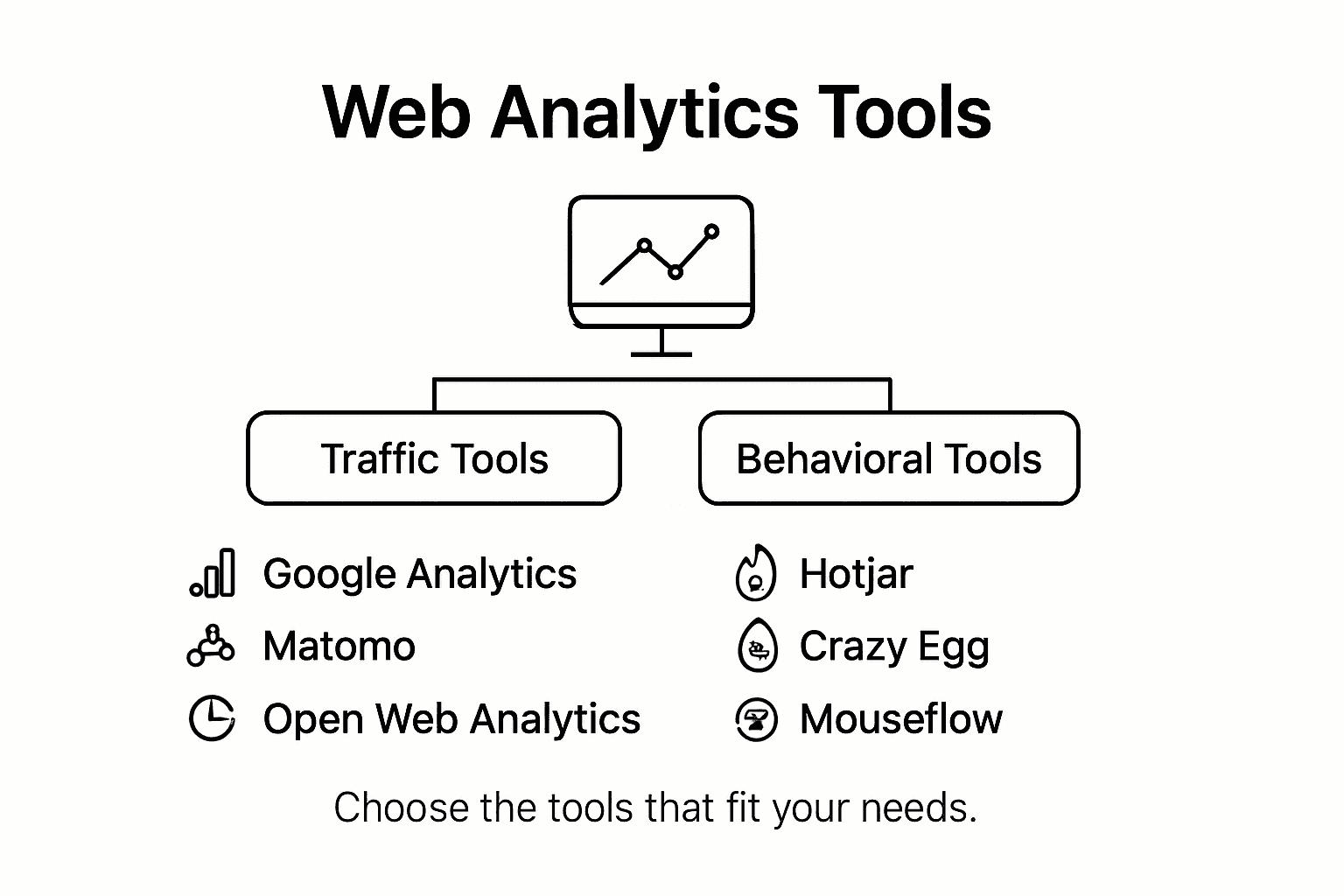
Advanced web analytics transforms raw digital data into strategic assets by moving beyond basic pageviews and bounce rates to track granular user interactions, cross-device journeys, and predictive customer behaviors. By implementing robust event tracking, leveraging customer data platforms, and mapping multi-touch attribution models, organizations can uncover the true drivers of conversion, optimize marketing spend with mathematical precision, and build data-driven cultures without drowning in configuration complexity.
The Evolution Beyond Basic Metrics
Standard web analytics setups typically measure rudimentary metrics: how many users visited a page, how long they stayed, and where they exited. While these baseline performance indicators show high-level traffic trends, they fail to explain the underlying mechanics of user behavior. Modern digital environments demand a deeper layer of inspection, one that transitions from passive reporting to active, hypothesis-driven exploration.
Advanced web analytics shifts the focal point from volume to value. Instead of merely tracking aggregate traffic, it evaluates micro-conversions, asynchronous event streams, user-id stitching, and engagement depth. This paradigm shift requires a structured approach to data collection, governance, and analysis. Without this transition, organizations risk optimizing for vanity metrics while missing structural friction points in their digital funnels.
Understanding this shift requires acknowledging the limitations of legacy measurement tools. Traditional platforms often relied on page-load-based tracking, which breaks down in single-page applications (SPAs) and complex web apps where content updates dynamically without a full browser refresh. Modern advanced analytics leverages flexible data schemas—often event-and-parameter models—to capture the exact context of every user action.
Core Components of an Advanced Analytics Architecture
Building an advanced measurement framework requires a reliable, scalable technical foundation. Moving beyond basic tracking scripts involves integrating multiple systems that collect, process, enrich, and activate data across your marketing and product ecosystems.
- Data Sources & Touchpoints (Websites, Mobile Apps, APIs, Offline CRMs)
- Tag Management & Collection (GTM, Server-Side Tracking, First-Party APIs)
- Data Processing & Enrichment (User-ID Stitching, Sessionization, Custom Logic)
- Data Storage & Activation Layer (Cloud Data Warehouses, CDPs, BI Dashboards, CRM)
Tag Management and Server-Side Collection
Tag management systems (TMS) act as the operational backbone for data collection. Advanced setups increasingly adopt server-side tagging rather than relying exclusively on client-side browser execution. Server-side tracking routes data collection through a controlled cloud server container, protecting user privacy, improving page load performance, and bypassing client-side ad-blockers that strip out analytics scripts.
Event-Driven Data Schemas
Rather than tracking page views as the primary unit of analysis, modern architectures use an event-driven data schema. Every user interaction—such as clicking a pricing tier, scrolling past a specific content threshold, or interacting with a video player—is captured as an event accompanied by descriptive parameters. This standardizes how data flows from disparate channels into your reporting repositories.
Cloud Data Warehousing
Relying solely on out-of-the-box user interfaces provided by analytics vendors limits deep exploratory analysis due to data sampling and rigid reporting schemas. Advanced web analytics relies on raw data streams exported directly into cloud data warehouses like Google BigQuery, Snowflake, or Amazon Redshift. This allows analysts to run complex SQL queries, join web data with offline customer relationship management (CRM) records, and build custom machine learning models.
Simplifying Implementation: A Step-by-Step Methodology
The complexity of advanced analytics often paralyzes teams. Simplifying the process involves breaking implementation down into a repeatable, phased methodology that prioritizes business impact over technical perfection.
Step 1: Define Key Performance Questions (KPQs)
Before writing a single line of tracking code, articulate the specific business questions you need to answer. Avoid vague goals like "understand user behavior." Instead, frame precise KPQs such as:
- Which specific content clusters drive the highest lifetime value (LTV) subscription upgrades?
- At what point in the multi-step checkout flow do mobile users abandon their carts most frequently?
- How do cross-channel campaigns influence assisted conversions versus last-click conversions?
Step 2: Establish a Measurement Plan and Data Dictionary
Translate your KPQs into a written measurement plan. A data dictionary acts as the single source of truth for your organization, mapping out:
- Event Name: The standardized identifier (e.g.,
lead_form_submit). - Parameters: The contextual data points associated with the event (e.g.,
form_location,user_segment,campaign_source). - Trigger Conditions: The exact user action or page state that fires the event.
Step 3: Implement and Validate via Debug Modes
Deploy your tracking via your tag management system, utilizing built-in preview and debug modes to verify that events fire with the correct parameters before publishing changes to production. Automated testing scripts and browser extensions (such as Google Tag Assistant or Adobe Experience Platform Debugger) ensure data integrity across testing environments.
Step 4: Configure Data Governance and Consent Management
With privacy regulations shaping modern data collection, integrating a Consent Management Platform (CMP) is non-negotiable. Ensure your analytics tags dynamically respect user consent states, dropping or anonymizing tracking parameters for users who opt out of data processing.
Key Metrics and Analytical Models to Master
Transitioning to advanced analytics means replacing superficial vanity metrics with high-signal indicators that inform strategic decisions.
| Analytical Concept | Description | Strategic Purpose |
|---|---|---|
| Multi-Touch Attribution (MTA) | Evaluates the credit assigned to each touchpoint along a customer's conversion journey. | Optimizes budget allocation across top-funnel awareness and bottom-funnel conversion channels. |
| User-ID Stitching | Unifies anonymous browsing sessions with authenticated user profiles across devices. | Measures true omnichannel user behavior and accurate long-term retention. |
| Cohort Analysis | Groups users based on shared characteristics or acquisition dates and tracks behavior over time. | Identifies trends in customer churn, retention curves, and product-market fit longevity. |
| Predictive Metrics | Uses machine learning models to forecast future actions, such as purchase probability or churn risk. | Enables proactive marketing interventions and targeted user retention campaigns. |
Moving Beyond Last-Click Attribution
Last-click attribution credits 100% of a conversion's value to the final touchpoint before purchase. This model heavily skews optimization toward bottom-of-funnel channels like branded search, while starving top-of-funnel brand awareness campaigns of necessary budget. Advanced analytics utilizes data-driven attribution models that use algorithmic machine learning to distribute conversion credit proportionally across every touchpoint a user engaged with along their path to purchase.
Cohort Retention Curves
Understanding whether your user base sticks around over time is essential for sustainable growth. Cohort analysis reveals whether product updates or marketing campaigns improve long-term engagement or merely generate temporary traffic spikes. By plotting retention curves across weekly or monthly cohorts, product and marketing teams can spot structural improvements in user stickiness.
Common Implementation Mistakes and How to Avoid Them
Even experienced digital teams run into persistent pitfalls when deploying advanced analytics architectures. Recognizing these challenges helps prevent corrupted data and wasted engineering hours.
1. Collecting Data Without a Unified Taxonomy
Without strict naming conventions, organizations end up with fragmented data streams where signup, Sign_Up, and user-registration are treated as entirely different events. Establish strict naming guidelines—preferably snake_case or camelCase—and enforce them through automated code reviews and centralized data dictionaries.
2. Ignoring Data Sampling Limitations
Many free analytics interfaces automatically apply data sampling when query volumes exceed specific thresholds, resulting in estimated metrics rather than exact counts. To maintain high fidelity for business-critical analysis, route raw event streams directly into a cloud data warehouse where unsampled queries can be executed via SQL.
3. Neglecting Internal Traffic Filtering
Failing to filter out internal employee traffic, staging environments, and automated web scrapers can severely distort conversion rates and engagement metrics. Establish strict IP exclusion lists and user-agent filters across all data properties to maintain clean baseline datasets.
Frequently Asked Questions
What is the difference between basic and advanced web analytics?
Basic web analytics focuses on aggregate traffic metrics such as total pageviews, bounce rates, and session durations. Advanced web analytics utilizes event-driven data schemas, custom user-ID stitching across devices, multi-touch attribution models, and raw data warehousing to analyze granular user behavior and tie digital interactions directly to business revenue.
Do I need a data warehouse for advanced web analytics?
While not strictly mandatory for small sites, a cloud data warehouse (such as BigQuery or Snowflake) becomes essential as traffic scales and analysis grows complex. Warehouses allow you to bypass vendor data sampling limits, combine web metrics with offline CRM data, and run advanced SQL queries.
How does server-side tagging improve data accuracy?
Server-side tagging moves tracking code execution from the user's web browser to a dedicated cloud server. This prevents client-side ad-blockers and privacy extensions from blocking analytics scripts, improves webpage performance, and gives organizations absolute control over the data shared with third-party vendors.
What is a data dictionary in web analytics?
A data dictionary is a centralized reference document that outlines every tracked event, its associated parameters, data types, and trigger conditions. It acts as a single source of truth for technical and marketing teams, ensuring consistency across data collection and reporting.
How do privacy regulations impact advanced analytics setups?
Privacy laws and browser tracking preventions restrict the lifespan of third-party cookies and require explicit user consent before data collection. Modern advanced analytics adapts by prioritizing first-party data collection, server-side tagging, consent management platform integrations, and anonymized aggregate modeling.
Strategic Next Actions
To successfully implement advanced web analytics without getting overwhelmed, start by auditing your current data collection ecosystem. Inventory your existing tracking tags, identify gaps where critical business questions remain unanswered, and establish a standardized measurement plan for your highest-priority digital conversion funnel. Transitioning your organization into a data-driven enterprise is an iterative process; prioritize fixing data governance and collection accuracy before investing in complex machine learning and predictive modeling.