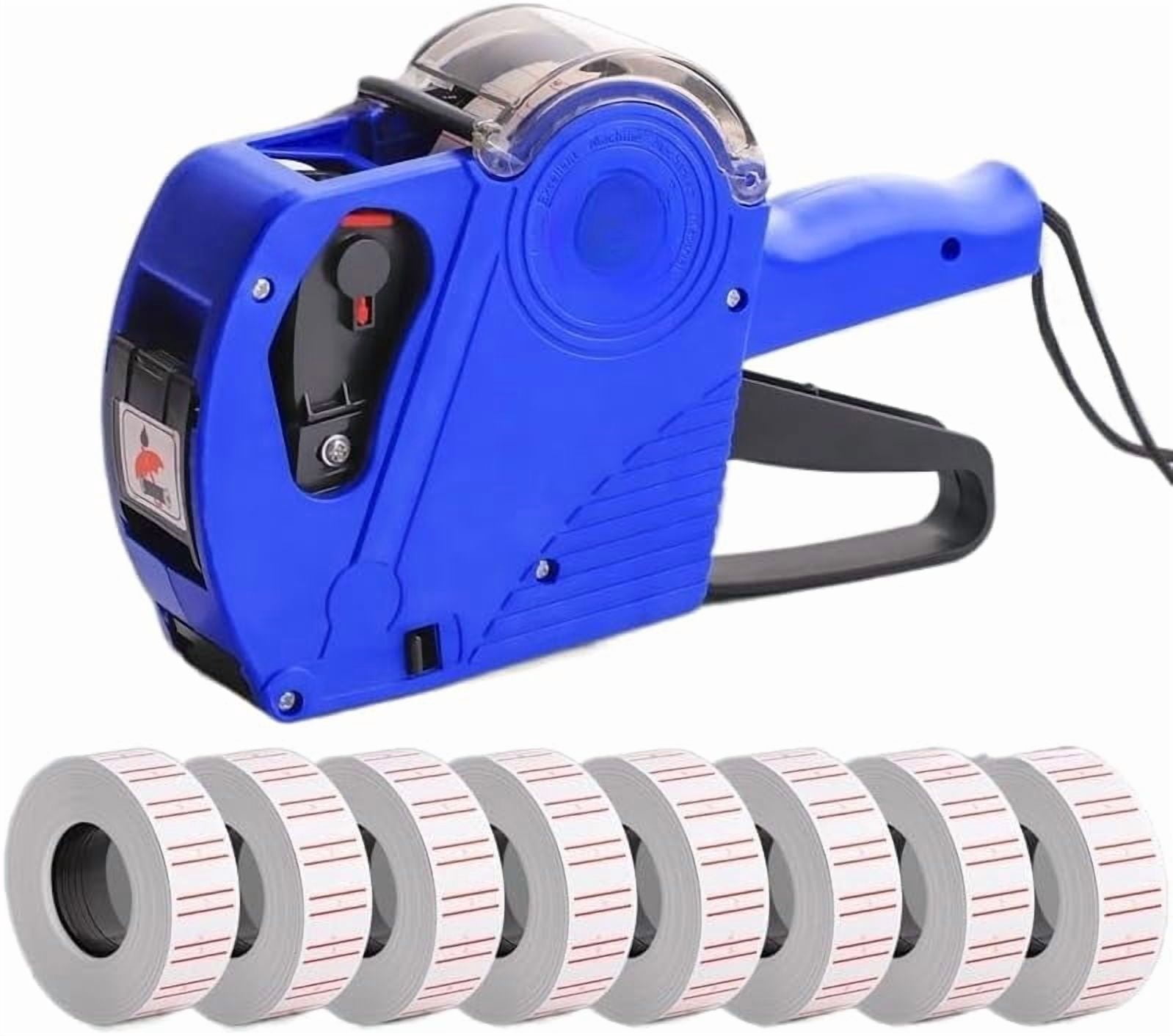
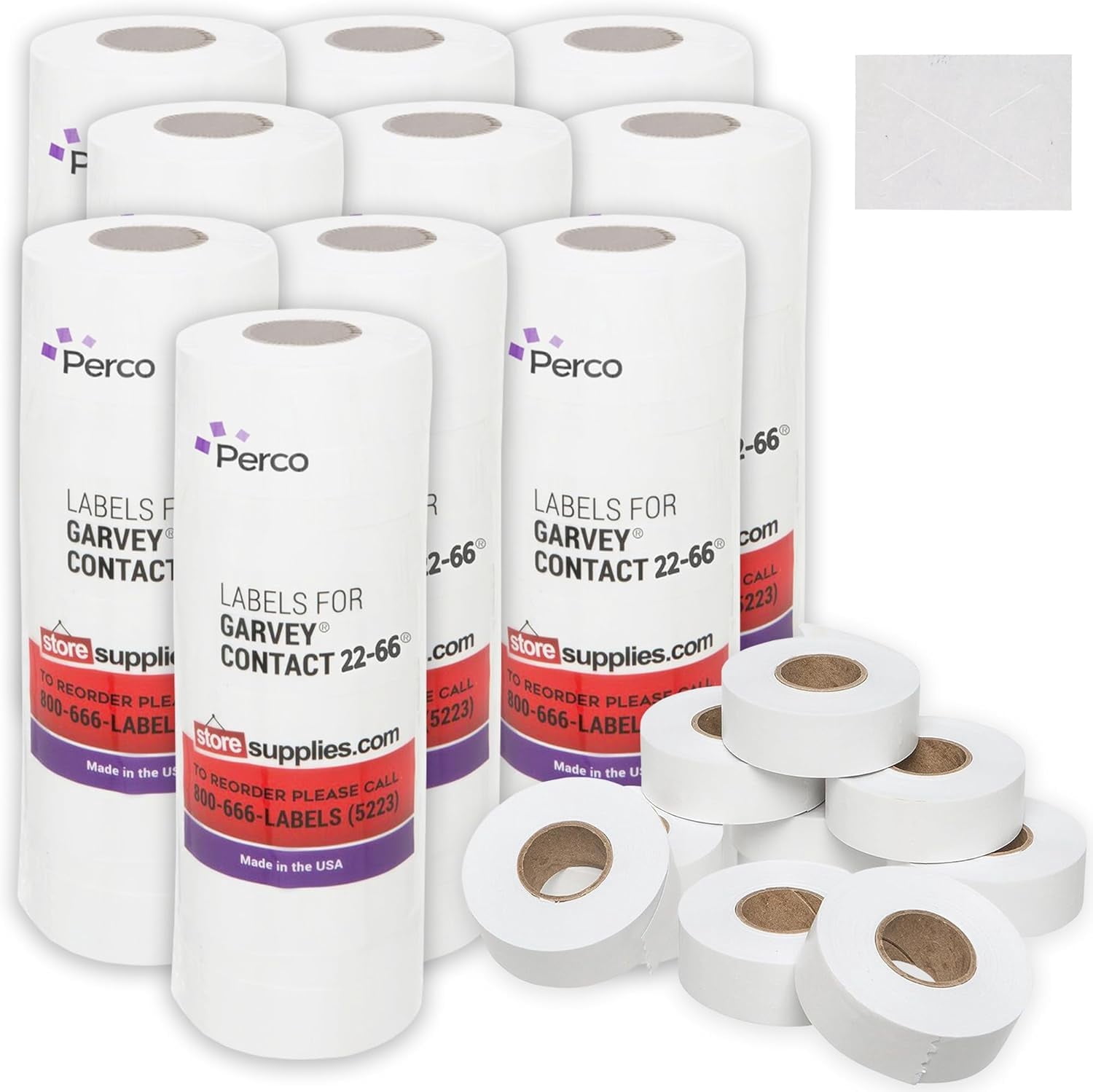
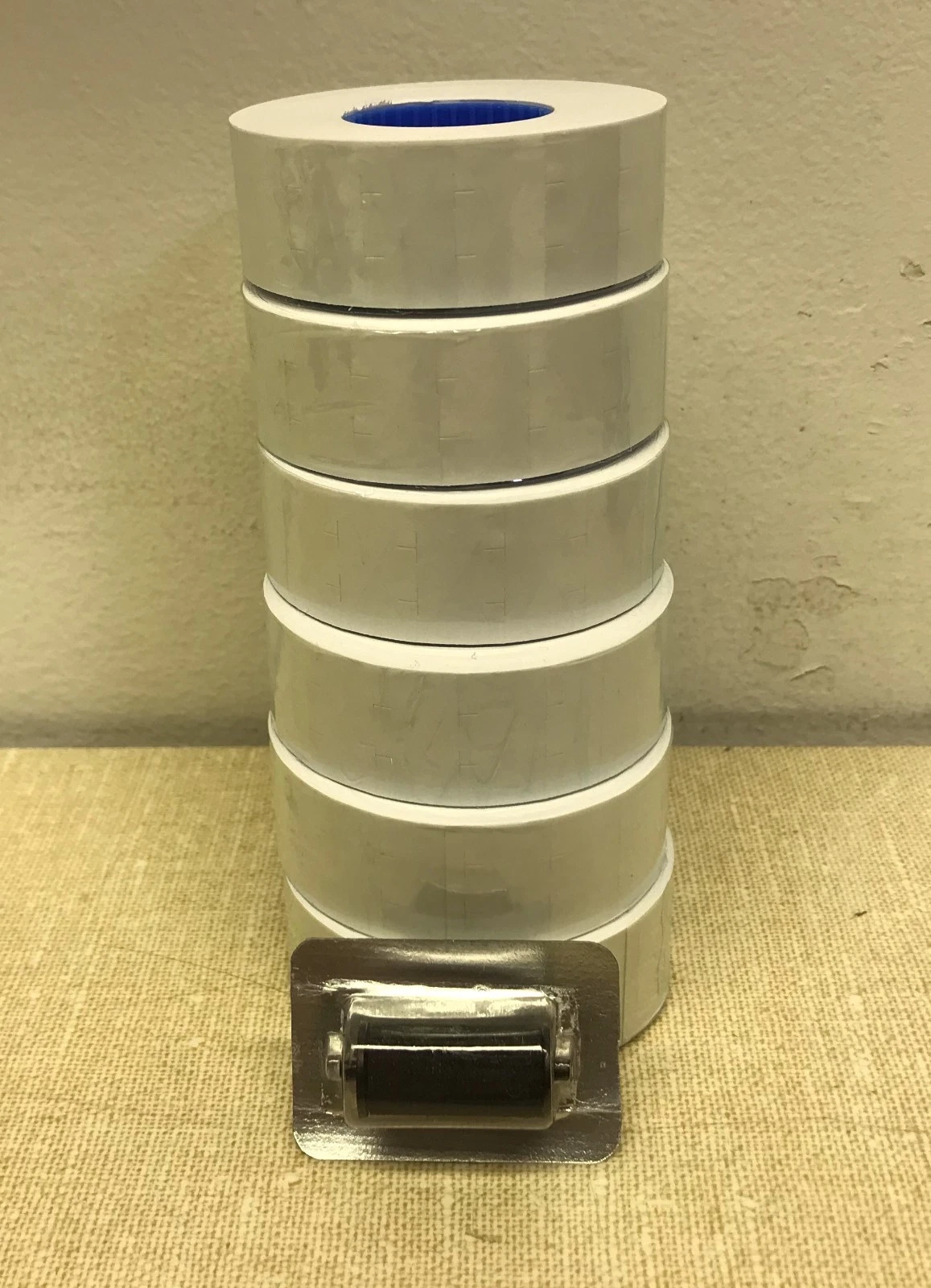
The Garvey 22 66 price gun is a heavy-duty, multi-line hand labeler engineered for retail, grocery, and industrial environments that require clear price-marking and stock-rotation data. It typically prints two lines of text—often accommodating pricing on the top line and date codes, batch numbers, or promotional details on the bottom line—making it a versatile tool for high-volume inventory management.
Introduction to the Garvey 22 66 Price Gun
Retailers, warehouse managers, and supply chain operators rely heavily on efficient product identification systems. Among manual labeling tools, the Garvey 22 66 price gun occupies a prominent place due to its dual-line printing capability, durable construction, and straightforward loading mechanism. Understanding how this labeler operates, its structural specifications, and its maintenance requirements is essential for businesses seeking to minimize errors during price marking and inventory control.
The Garvey brand, long established in the pricing and labeling industry, designed the 22 66 model to withstand the rigors of daily commercial use. Whether marking canned goods in a grocery store aisle, labeling apparel in a boutique, or adding expiration dates to perishable items in a food service warehouse, the device helps streamline operational workflows. This overview explores the core mechanics, features, loading procedures, troubleshooting techniques, and overall utility of the Garvey 22 66 price gun to help users maximize its lifespan and efficiency.
Core Design and Technical Specifications
The Garvey 22 66 is categorized as a two-line price gun. This means its print head contains two distinct bands of characters, allowing operators to stamp two separate pieces of information simultaneously with a single squeeze of the trigger.
Structural Anatomy
- Handle and Trigger Mechanism: Ergonomically shaped to reduce hand fatigue during extended labeling sessions. The trigger action is smooth, engaging both the ink roller and the print head to advance and stamp the label in one fluid motion.
- Bottom Loading Chamber: Unlike older labelers that require complex threading, the Garvey 22 66 features a drop-in loading system. The back opens via a simple latch mechanism, allowing rolls of labels to be dropped directly into the interior core holder.
- Print Head Bands: Each line typically consists of numeric characters, currency symbols (such as dollar signs), and specific punctuation or abbreviations (like "MFG" or "EXP") depending on the exact character band configuration ordered.
- Ink Roller Slot: Easily accessible from the side or front interior, allowing operators to snap in a fresh ink roller without dismantling the entire print assembly.
Technical Performance Metrics
While manual price guns do not feature electronic specifications, their mechanical tolerances dictate their performance. The Garvey 22 66 uses standardized label dimensions designed specifically to match its feed mechanism—usually 22mm x 16mm or closely related rectangular formats that fit the dual-line print area. Precise gear alignment ensures that numbers do not drift or blur during high-speed stamping.
Dual-Line Printing Capabilities and Use Cases
The primary advantage of the Garvey 22 66 over single-line labelers is its capacity to convey comprehensive data. In modern retail and inventory management, a single price point is often insufficient. Consumers need to see the cost, while store personnel and regulatory standards often require secondary data such as lot numbers, sell-by dates, or department codes.
Common Data Combinations
- Price and Date: The top line might display the unit price (e.g., "$12.99"), while the bottom line displays an expiration or pack date (e.g., "04/12/26").
- Price and Department: The top line displays the price, and the bottom line indicates the department code or store location identifier for internal tracking.
- Unit Price and Total Price: Used in bulk or weighted goods where breakdown pricing is mandatory.
Industry Applications
- Grocery and Supermarkets: Essential for stamping perishable goods where clear expiration tracking prevents expired stock from reaching the sales floor.
- Warehousing and Logistics: Used for marking incoming shipments with receiving dates, batch numbers, or bin locations.
- Apparel and Specialty Retail: Helpful for marking clearance prices on the top line while retaining the original inventory SKU on the bottom line.
Garvey 22 66 vs. Single-Line and Three-Line Labelers
Selecting the correct price gun depends entirely on the data density required by a business operation. The following comparison highlights where the dual-line Garvey 22 66 fits within the broader spectrum of manual price-marking tools.
| Feature / Specification | Single-Line Price Gun (e.g., Garvey 22-07) | Dual-Line Garvey 22 66 | Three-Line Price Gun |
|---|---|---|---|
| Print Lines | 1 line | 2 lines | 3 lines |
| Maximum Data Capacity | Price or simple code only | Price + Date / Batch / Dept | Price + Date + Lot + SKU |
| Label Size Compatibility | Small, narrow rectangular labels | Medium, wider rectangular labels | Large, expansive rectangular labels |
| Ease of Setting/Loading | Very fast; minimal bands to adjust | Moderate; two sets of selector wheels | Complex; multiple character banks |
| Primary Use Case | Basic retail pricing | Grocery, food service, inventory control | Complex manufacturing and logistics |
Operating Instructions: Loading Labels and Ink
Proper loading is critical to preventing label jams, misprints, and ribbon tears. Operating the Garvey 22 66 requires following a precise sequence for both the label roll and the ink roller.
Step-by-Step Label Loading
- Open the Back Cover: Locate the latch on the bottom or side of the gun and pull outward to swing the rear door open.
- Prepare the Label Roll: Take a new roll of Garvey-compatible dual-line labels. Peel away and discard the first 6 to 10 labels on the roll, as the adhesive on the outermost layer often collects dust or loses tackiness.
- Insert the Roll: Place the label roll into the interior core holder so that the labels feed from the bottom of the roll outward toward the front nose of the gun.
- Thread the Liner: Pull approximately 4 to 6 inches of the paper liner past the rear roller guide. Feed the liner down into the lower slot following the directional arrows printed inside the housing.
- Secure the Feed: Close the rear door firmly until it clicks into place. Ensure the liner is caught by the internal take-up spool teeth.
- Advance the Mechanism: Squeeze the trigger repeatedly until the labels begin printing cleanly and emerging from the front dispensing slot. If labels wrap around the roller instead of exiting, open the unit and clear the jam before trying again.
Replacing the Ink Roller
- Locate the ink roller carriage inside the opening chamber.
- Gently push or pull the old ink roller out of its retaining clip. Avoid touching the inked sponge directly to prevent staining fingers.
- Snap the new Garvey ink roller firmly into the housing bracket until it seats completely.
- Close the chamber and test-print on a scratch surface to ensure even ink distribution across both lines.
Maintenance, Troubleshooting, and Common Pitfalls
Like any mechanical device, the Garvey 22 66 requires basic upkeep to maintain peak performance. Neglecting routine maintenance often results in faded prints, misaligned characters, or frequent label jams.
Troubleshooting Common Issues
- Faint or Partial Printing: This usually indicates a dry or worn-out ink roller. Replace the roller with a fresh one. If the print remains faint, check whether the print head characters are packed with dried adhesive residue.
- Character Bands Slipping: If the selector knobs turn too loosely or fail to lock numbers in place, the internal retaining springs may be worn. Avoid forcing the selector dials past their stopping points.
- Frequent Label Jams: Jams typically occur when the liner is threaded incorrectly or when cheap, non-standard labels with weak backing paper are used. Always use manufacturer-recommended label stock cut to exact specifications.
- Sticky Residue Buildup: Over time, adhesive from labels can accumulate on the print plate and rollers. Clean these areas gently with a cotton swab dipped in isopropyl alcohol while the gun is unloaded.
Pros and Cons of the Garvey 22 66
Evaluating the strengths and limitations of this tool provides a balanced view for prospective buyers.
Advantages
- Robust Build Quality: Constructed from durable plastics and metal components designed to withstand accidental drops on concrete floors.
- Dual-Line Versatility: Eliminates the need to stamp items twice when both pricing and date/batch coding are mandatory.
- Readily Available Consumables: Replacement ink rollers and standardized labels are widely stocked by office supply and industrial packaging distributors.
- Ergonomic Design: Minimizes hand strain during high-volume marking shifts.
Limitations
- Learning Curve for Setting Bands: Adjusting two lines of alphanumeric characters requires pulling and turning selector wheels, which takes practice compared to single-line models.
- Manual Effort: As a mechanical device, it relies entirely on physical force, which can lead to hand fatigue during warehouse-wide inventory updates.
- Limited Character Set: Unlike digital printers, the fixed character bands cannot print custom logos or variable fonts.
Practical Recommendation for Buyers
The Garvey 22 66 price gun is an optimal choice for retail stores, grocery outlets, and warehouse operations that need reliable, dual-line product identification without investing in expensive electronic thermal printing hardware. When purchasing, ensure you also stock compatible two-line label rolls and official Garvey ink rollers to guarantee seamless operation. For businesses requiring only basic pricing without dates or codes, a simpler single-line model may suffice; however, for comprehensive stock rotation and pricing control, the Garvey 22 66 remains an industry standard.