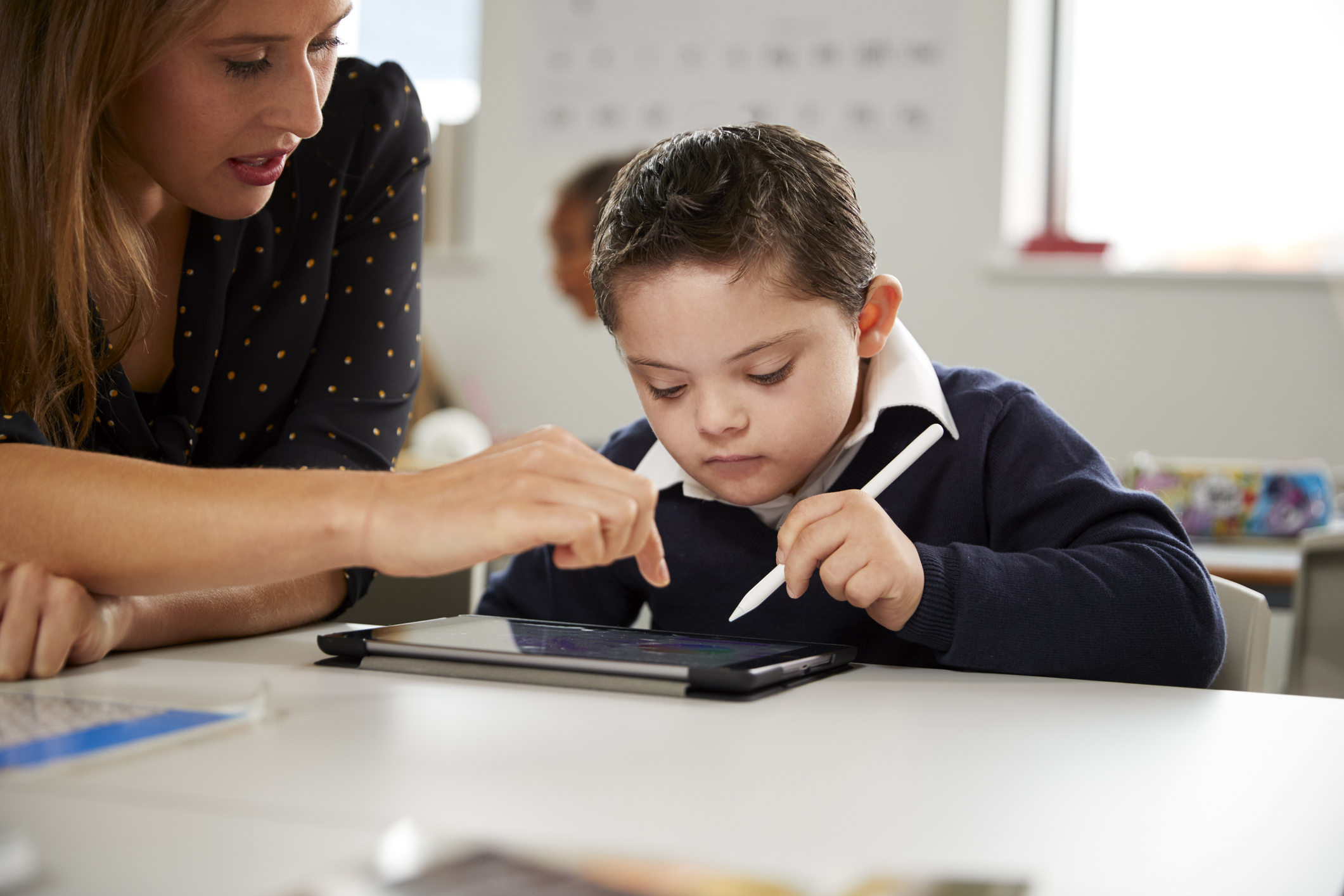
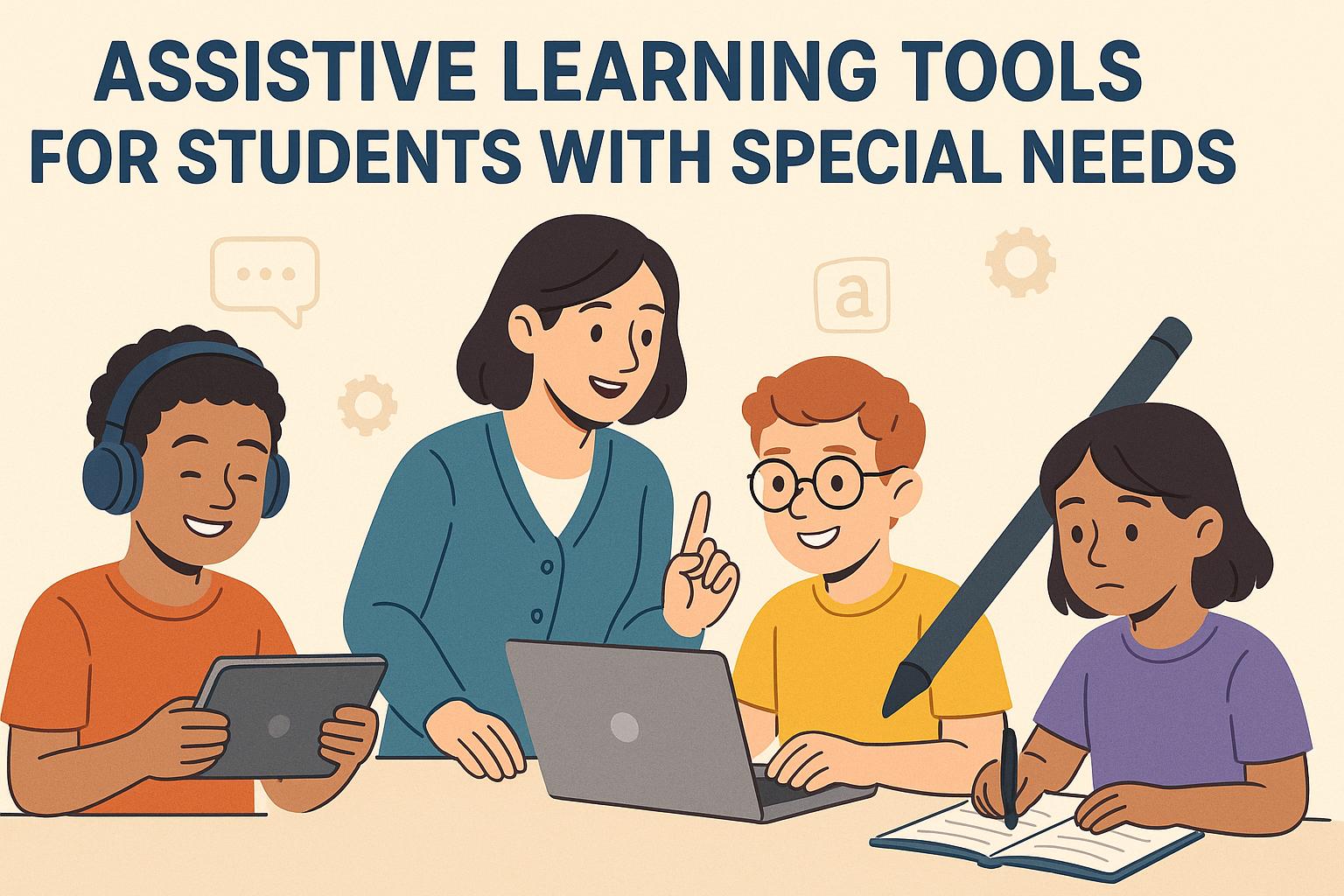
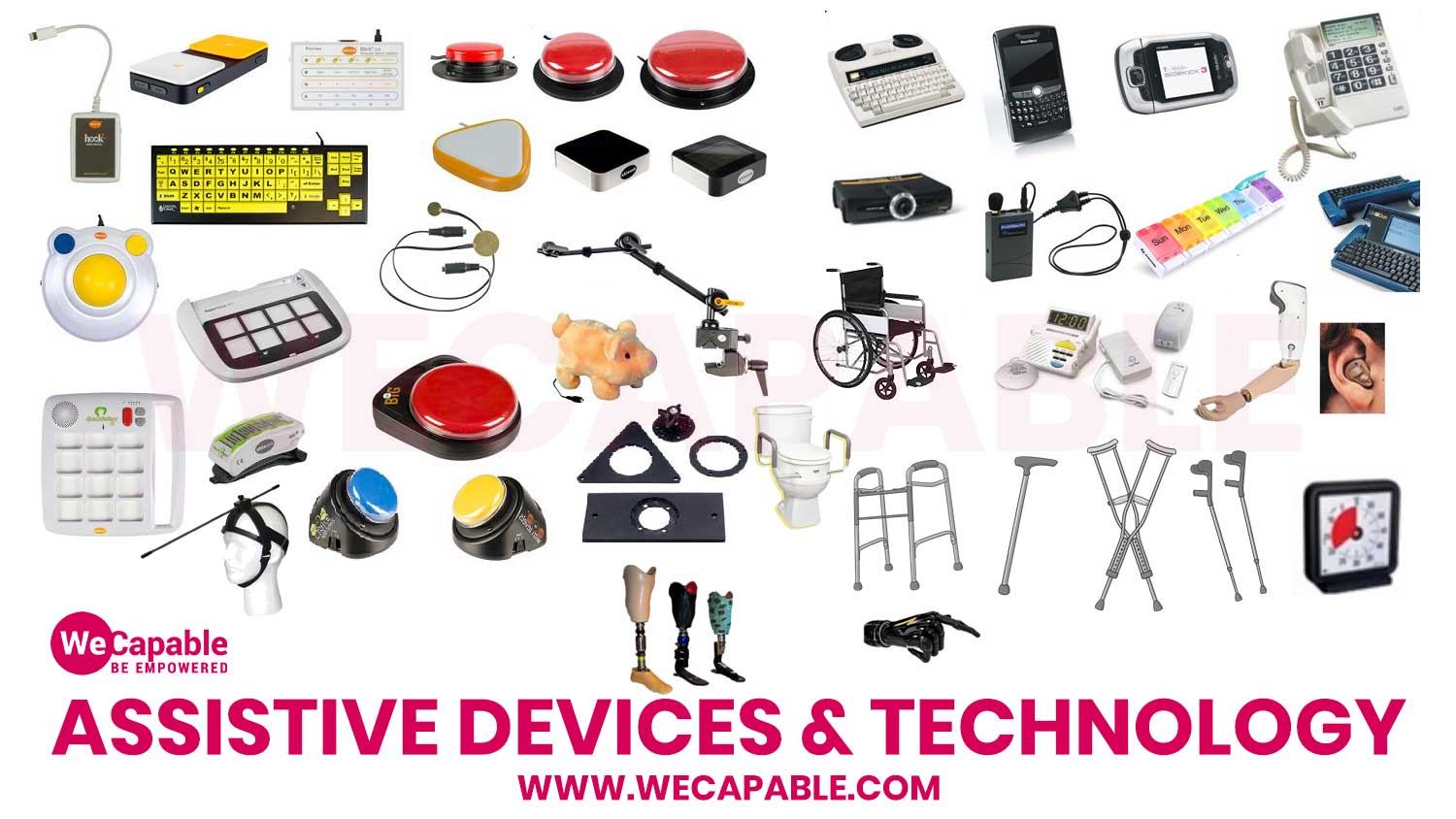
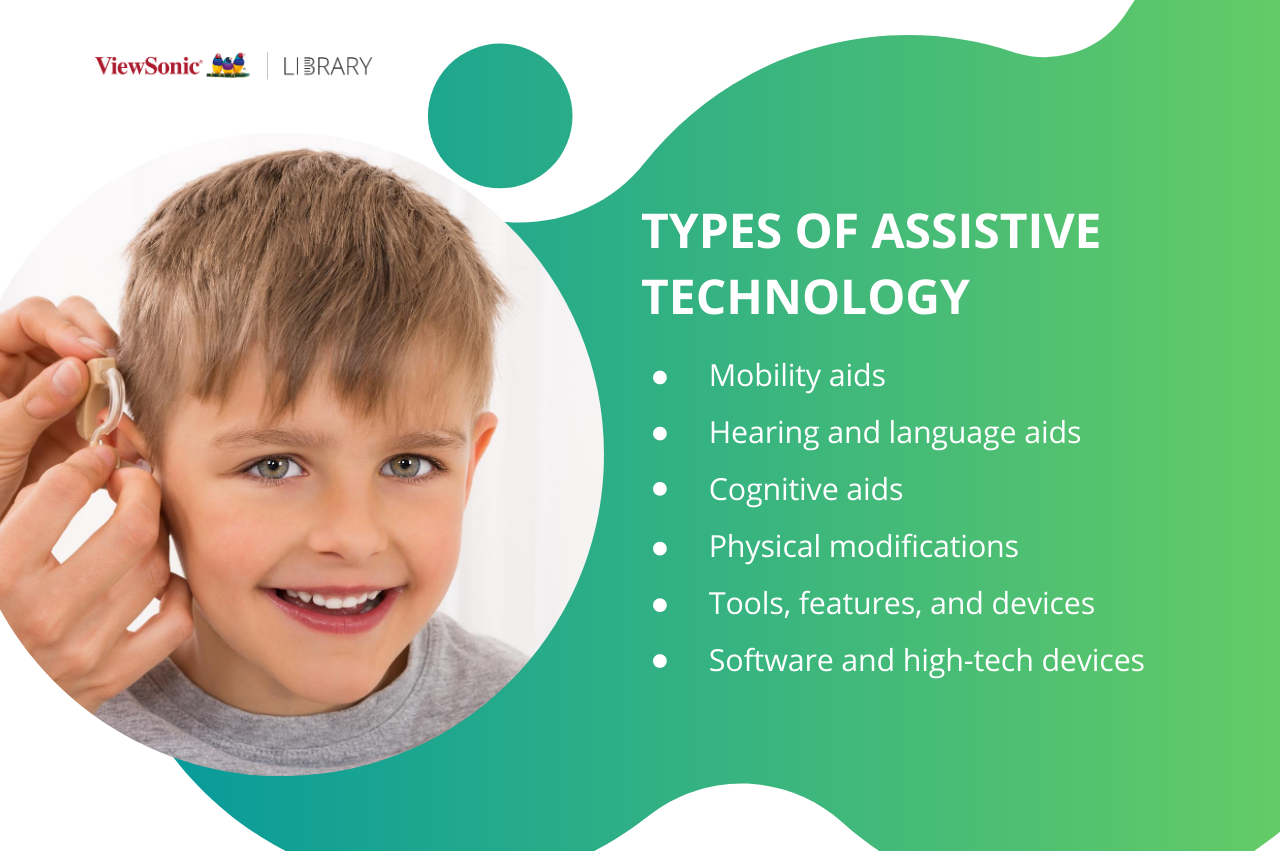
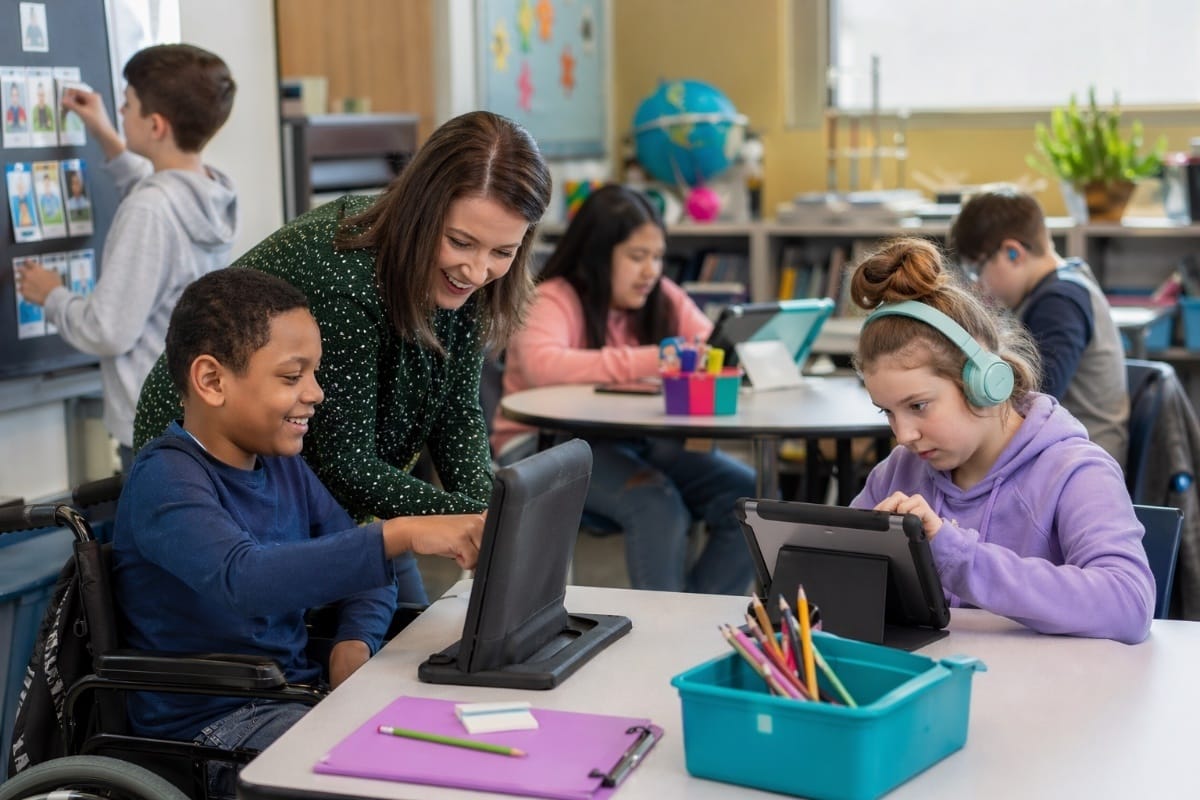
Assistive technology for students with special needs encompasses any item, piece of equipment, or product system—whether acquired commercially, modified, or customized—that is used to increase, maintain, or improve the functional capabilities of learners with disabilities. This ecosystem spans specialized hardware, adaptive software, and low-tech communication boards designed to bridge accessibility gaps in educational settings.
Understanding the Scope of Assistive Technology in Education
The landscape of educational support tools has evolved far beyond traditional accommodations like large-print books or extra testing time. Today, assistive technology (AT) forms an integral bridge between a student’s functional limitations and the rigorous demands of modern curricula. By neutralizing physical, sensory, cognitive, and communication barriers, these tools allow students to demonstrate true academic mastery rather than having their performance bottlenecked by a disability.
To appreciate the impact of these interventions, educators and families must view AT not as a luxury or a temporary fix, but as a legally mandated support under frameworks such as the Individuals with Disabilities Education Act (IDEA) in the United States. Under these regulations, public school districts are required to consider whether a student needs assistive technology devices and services as part of their Individualized Education Program (IEP) or Section 504 plan. This mandate underscores the reality that technology is a fundamental equity driver in the contemporary classroom.
However, the sheer breadth of available devices can overwhelm educators and parents alike. Categorizing these solutions by function rather than by specific diagnosis provides a clearer roadmap for implementation. Solutions generally fall into distinct operational tiers, ranging from low-tech analog tools to advanced digital environments driven by artificial intelligence and sophisticated adaptive hardware.
Low-Tech vs. High-Tech Solutions: A Comparative Overview
When designing an assistive technology strategy, teams often evaluate a spectrum of tools ranging from simple, unpowered adjustments to complex electronic systems. The choice depends entirely on the student's unique profile, environment, and specific learning objectives.
| Category | Description | Common Examples | Primary Use Case |
|---|---|---|---|
| Low-Tech | Non-electronic, inexpensive, and easily customizable tools requiring no power source. | Pencil grips, slanted reading boards, visual schedules, colored overlays. | Sensory regulation, basic ergonomic adjustments, physical organization. |
| Mid-Tech | Simple electronic devices with limited programmable features, battery-operated. | Talking calculators, basic audio recorders, single-message voice output switches. | Reinforcing fundamental math skills, repetitive audio review, basic communication. |
| High-Tech | Complex digital systems, software, or hardware requiring computing power and setup. | Speech-to-text software, eye-gaze tracking systems, dynamic display communication devices. | Comprehensive writing support, alternative computer access, complex expressive communication. |
Choosing between these tiers requires a thoughtful matching process. For instance, a student with mild dysgraphia might thrive with a low-tech slanted writing board and an ergonomic pencil grip, whereas a student with severe motor impairments affecting all four limbs will likely require a high-tech eye-tracking system combined with virtual keyboard software to participate in digital assignments.
Core Categories of Assistive Technology and Their Applications
To effectively deploy these tools, educators must examine how specific technologies address distinct functional domains. The primary categories include accommodations for reading, writing, mathematics, communication, and sensory processing.
Reading and Literacy Supports
Reading challenges can stem from a variety of sources, including dyslexia, visual impairments, and cognitive disabilities. Assistive tools in this category aim to decode text and present it in an accessible format.
- Text-to-Speech (TTS) Software: Programs like Natural Reader or built-in operating system screen readers convert written digital text into synthesized speech, allowing students to listen to assignments while simultaneously highlighting text on screen. This multisensory approach enhances decoding and comprehension.
- Electronic and Scanned Books: Platforms providing digital books allow users to adjust font sizes, contrast ratios, and line spacing, drastically reducing visual fatigue for students with low vision or scotopic sensitivity syndrome.
- Reading Pens: Portable scanning devices that resemble high-lighters read printed text aloud instantly when swept across a page, offering mobile support for independent reading without requiring a full computer setup.
Written Expression and Composition
Writing requires complex motor planning, spelling, grammar, and executive functioning skills. When one or more of these areas are impaired, students can fall significantly behind their peers despite having a deep understanding of the subject matter.
- Speech-to-Text (Dictation) Software: Applications such as Dragon Professional or native operating system dictation tools allow students to speak their thoughts and have them transcribed into text, bypassing physical writing barriers and spelling hurdles.
- Word Prediction Software: As a student types the first few letters of a word, the software suggests complete words based on context, drastically reducing the physical keystroke count for students with physical fatigue or dysgraphia.
- Graphic Organizers and Mind Mapping Software: Digital tools help students with executive dysfunction visually outline essays, group concepts, and structure their thoughts before drafting long-form text.
Augmentative and Alternative Communication (AAC)
For students who are non-verbal or whose speech is difficult to understand, AAC systems provide a vital voice in the classroom.
- Picture Exchange Systems: Low-tech binders containing symbols or photographs allow students to hand an icon to a communication partner to make requests or express needs.
- Speech-Generating Devices (SGDs): Dedicated tablets or specialized hardware running applications like Proloquo2Go or TouchChat generate synthesized speech when the user touches specific dynamic grid icons, enabling robust, generative communication.
The AT Assessment and Implementation Process
Successfully integrating assistive technology into a student's daily routine is not a matter of simply purchasing a popular device or downloading a trending app. It requires a systematic, collaborative evaluation process that prioritizes the student's actual needs over technological novelty.
The SETT Framework
A widely accepted model for guiding assistive technology selection is the SETT Framework, developed by Joy Zabala. SETT stands for Student, Environment, Tasks, and Tools. By examining these four elements in sequence, multidisciplinary teams ensure that the technology fits the learner rather than forcing the learner to adapt to the technology.
- Student: What are the student’s current functional capabilities, specific challenges, personal preferences, and operational strengths?
- Environment: Where will the technology be used? Consider lighting, noise levels, physical layout, peer attitudes, and available technical support in classrooms, libraries, and at home.
- Task: What specific academic or functional activities does the student need to accomplish? For example, is the goal to write a five-paragraph essay, take notes during a fast-paced lecture, or navigate the school hallways independently?
- Tools: Only after analyzing the first three components does the team select low-, mid-, or high-tech options that align with the student's real-world requirements.
Trial Periods and Data Collection
Once candidate tools are identified, a structured trial period is essential. Schools should implement the technology for a designated window—typically four to six weeks—while actively collecting qualitative and quantitative data. Observers should track metrics such as assignment completion rates, independence levels, error rates, and student fatigue. If the data indicates that the tool improves performance and engagement without creating undue frustration, the IEP team formalizes its inclusion as a required accommodation or modification.
Overcoming Barriers to Effective Integration
Despite clear legal mandates and proven benefits, the widespread adoption of assistive technology faces several persistent hurdles in modern educational environments. Identifying these barriers is the first step toward mitigating their impact.
Professional Development Deficits
A primary obstacle is the training gap among educators. Many general education teachers receive little to no formal instruction in assistive technology during their university preparation programs. Consequently, advanced software often sits unused because instructors do not know how to troubleshoot basic errors or integrate the tools into lesson plans. Comprehensive professional development must accompany any hardware or software deployment, ensuring that teachers feel confident modeling and supporting the technology in daily instruction.
Funding and Procurement Challenges
High-tech assistive devices and specialized software licenses can be prohibitively expensive. While public school districts are legally obligated to provide necessary accommodations under federal disability laws, budget constraints frequently lead to protracted bureaucratic delays. Families and educators must navigate complex funding streams, which may include school district special education budgets, state vocational rehabilitation agencies, private health insurance, or charitable grants.
Stigma and Social Acceptance
Particularly in middle and high school settings, adolescents may resist using visible assistive technology due to a fear of standing out or appearing different from their peers. Designing inclusive environments where tech tools are available to all students—such as universal design for learning (UDL) implementations where text-to-speech is enabled for an entire classroom—can normalize these supports and eliminate social stigma.
Frequently Asked Questions
Who determines if a student needs assistive technology?
An educational team—typically including special and general education teachers, speech-language pathologists, occupational therapists, parents, and school administrators—evaluates the student’s needs. This team often conducts an official assistive technology evaluation to recommend specific devices or software for an IEP or 504 plan.
Are school districts required to pay for assistive technology devices?
Yes, under laws like the Individuals with Disabilities Education Act (IDEA), if an IEP team determines that a student requires a specific assistive technology device to receive a free appropriate public education (FAPE), the school district must provide it at no cost to the family, including any necessary maintenance or training.
Can students take school-issued assistive technology home?
If the IEP team determines that the student requires the device outside of school hours to complete homework, practice skills, or maintain continuity of learning, the school district is generally responsible for allowing the student to transport the equipment between home and school.
What is the difference between assistive technology and universal design for learning?
Assistive technology involves specialized tools or modifications tailored to an individual student's specific disability-related needs. Universal Design for Learning (UDL) is a broader curriculum-design framework that proactively builds multiple means of representation, expression, and engagement into standard instruction so that all learners can access the material without requiring retrofitted accommodations.
Practical Next Steps for Educators and Families
Navigating the world of educational support tools requires proactive advocacy and structured collaboration. For parents suspecting their child might benefit from these solutions, the immediate next step is to request a formal, written assistive technology evaluation from the school's child study team or IEP coordinator. Educators seeking to expand their impact should audit their current classrooms for universal design principles and seek out specialized professional development workshops focusing on digital accessibility standards. By combining rigorous assessment with thoughtful, student-centered implementation, stakeholders can unlock academic potential and foster genuine independence for every learner.