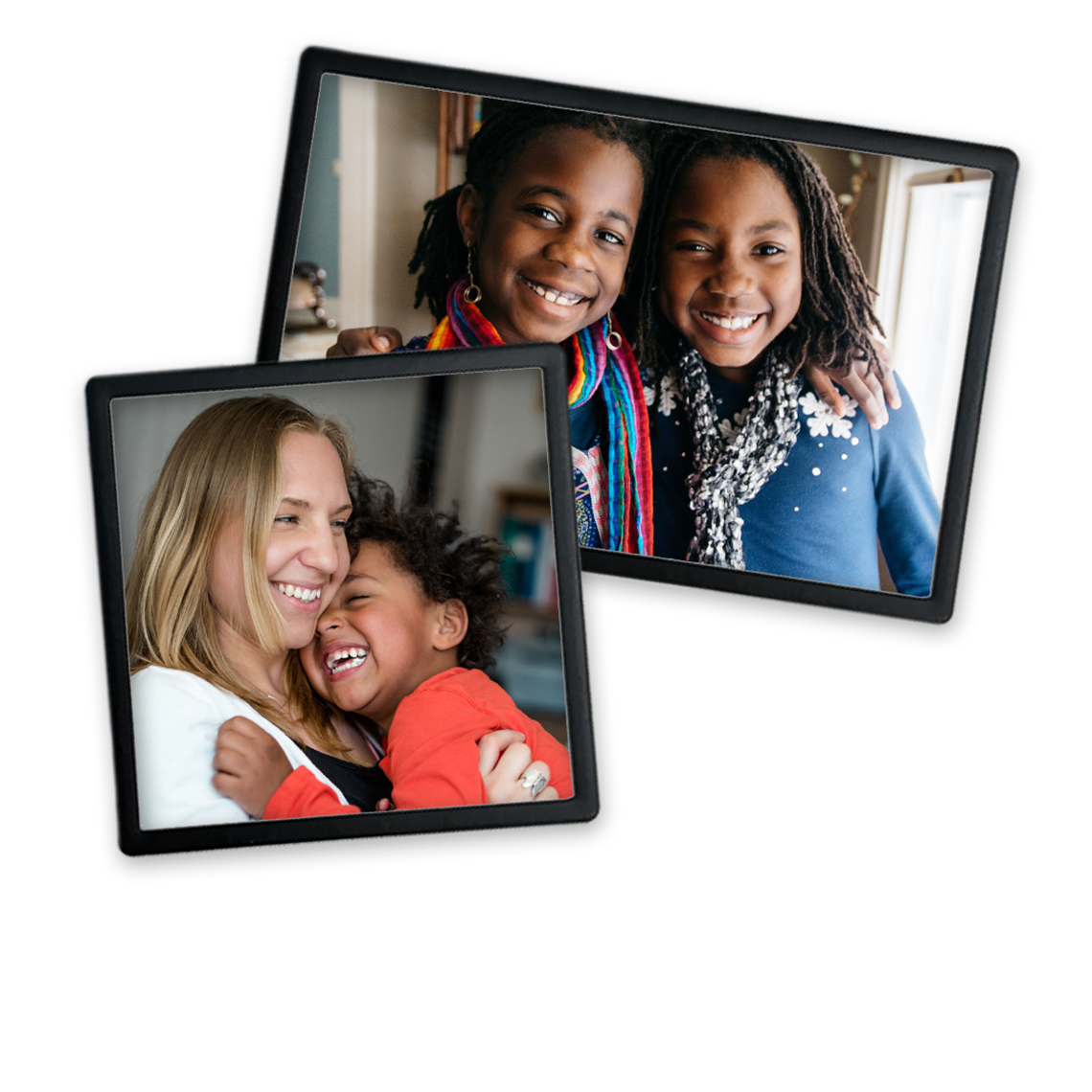
You can obtain 4x4 photo prints at Walgreens by using the Walgreens Photo website, the mobile app, or in-store kiosks. These square prints are typically available for same-day pickup, usually within one hour, and are priced at approximately $0.45 to $0.49 per print. They are ideal for printing social media photos and crafting projects.
The 4x4 photo format has seen a massive resurgence in recent years, driven largely by the enduring popularity of square-format social media platforms and the nostalgic appeal of vintage instant film. As of 2026, Walgreens remains one of the most accessible retail destinations for high-quality, rapid-turnaround square prints. Whether you are looking to preserve digital memories in a physical format or need specific dimensions for a DIY project, understanding the nuances of the Walgreens photo ecosystem ensures you get the best results for your money.
The Appeal of the 4x4 Square Print Format
The 4x4 print is a 1:1 aspect ratio format that deviates from the traditional 4x6 rectangular print. This symmetry offers a modern, artistic aesthetic that mimics the look of classic Polaroid shots or Instagram feeds. In a digital world where most images are captured on smartphones, the 4x4 format provides a unique way to display photography without the standard "snapshot" look.
Physically, 4x4 prints are highly versatile. Their compact size makes them perfect for:
- Grid Displays: Creating a gallery wall with 9, 12, or 20 prints in a perfect grid.
- Scrapbooking: Fitting multiple images onto a single page without excessive overlapping.
- Custom Gifts: Designing personalized coasters, ornaments, or small framed desk photos.
- Journaling: Enhancing bullet journals or travel logs with compact visual memories.
Walgreens has optimized its printing labs to accommodate this format, recognizing that users often want to bring their digital aesthetic into their physical living spaces.
Technical Requirements for High-Quality 4x4 Prints
To ensure your 4x4 photos look professional and sharp, you must pay attention to the technical specifications of your digital files before uploading them to the Walgreens portal. Printing a low-resolution image or one with the wrong aspect ratio can lead to pixelation or unwanted cropping.
Recommended Resolution and PPI
For a 4x4 inch print, the industry standard for high-quality printing is 300 Pixels Per Inch (PPI). This means your digital image should ideally be at least 1200 x 1200 pixels.
While Walgreens’ software can print images with lower resolutions, anything below 600 x 600 pixels (150 PPI) will likely result in a "low-quality" warning in the editor. If you ignore this warning, the final print may appear blurry or "blocky" when viewed up close.
File Formats and Color Profiles
Walgreens primarily supports JPEG (.jpg) and PNG files. For the best color accuracy, ensure your photos are saved in the sRGB color space. Most smartphone cameras and social media apps use sRGB by default. If you are an advanced photographer using Adobe RGB or ProPhoto RGB, you should convert your files to sRGB before uploading to prevent the colors from appearing dull or shifted in the final print.
Managing the 1:1 Aspect Ratio
Since most smartphone cameras capture images in 4:3 or 16:9 ratios, your photos will likely need to be cropped to fit the 4x4 square. The Walgreens Photo editor provides a built-in cropping tool.
- Manual Cropping: Always review the crop for every single photo. The "Auto-Fill" feature may inadvertently cut off heads or important background details.
- Composition: When taking photos specifically for 4x4 prints, try to keep the subject centered or use the "rule of thirds" within a square frame to make the cropping process easier later.
How to Order 4x4 Photos at Walgreens: Step-by-Step
Walgreens offers three distinct paths for ordering your prints. Each has its advantages depending on your location and the number of photos you are processing.
Option 1: Using the Walgreens Mobile App
The app is generally the most efficient method for 2026 users, as it allows direct access to your phone’s camera roll and cloud storage services like Google Photos or iCloud.
- Download and Log In: Open the Walgreens app and navigate to the "Photo" section.
- Select Prints: Choose "Prints" and then select the "Square Prints" category.
- Upload Images: Select the photos from your device. You can also pull images directly from connected social media accounts.
- Choose Size: Ensure "4x4" is selected. You can often mix and match sizes in a single order, but for bulk 4x4 orders, verify the selection for the entire batch.
- Edit and Crop: Tap each photo to adjust the square crop. This is the stage where you can also apply basic filters or brightness adjustments.
- Review and Checkout: Select your preferred store for pickup. Most stores will have the prints ready in about an hour.
Option 2: Ordering via the Walgreens Website
The desktop website is ideal if you have edited your photos on a computer using professional software like Lightroom or Canva.
- Navigate to Photo: Go to the Walgreens Photo homepage.
- Upload: Use the "Upload" button to bring in your 1200x1200px images.
- Select 4x4 Prints: Look for the "Square Prints" tab under the standard prints menu.
- Quantity and Finish: Choose the number of copies for each image. At this stage, you can usually choose between a Glossy or Matte finish (note: Matte is often only available via "Ship to Home").
- Apply Coupons: Before checking out, check the Walgreens "Deals" page. Photo prints are frequently discounted by 40% to 60% with specific promo codes.
Option 3: In-Store Kiosk
If you have your photos on a USB drive or SD card and need them immediately, the in-store kiosk is a viable option.
- Connect Device: Plug your drive into the kiosk or connect via Bluetooth/Wi-Fi as prompted.
- Select Square Prints: The kiosk interface will guide you through size selection.
- Edit on Screen: You can perform basic crops and red-eye removals directly on the kiosk.
- Print Voucher: The kiosk will print a receipt. Take this to the photo counter, and the technician will begin the printing process.
Pricing and Value Comparison
Pricing at Walgreens is competitive, though it is rarely the absolute lowest in the market. The value lies in the convenience and speed. While online-only labs might offer prints for a few cents less, they require shipping fees and 3-7 days of waiting.
| Feature | 4x4 Square Print | 4x6 Standard Print | 8x8 Large Square |
|---|---|---|---|
| Approx. Price (2026) | $0.45 - $0.49 | $0.39 - $0.45 | $3.99 - $4.99 |
| Same-Day Pickup | Yes (Most locations) | Yes | Yes |
| Best Use Case | Instagram/Crafts | Standard Albums | Wall Decor |
| Minimum Resolution | 1200 x 1200 px | 1200 x 1800 px | 2400 x 2400 px |
Note: Prices are subject to change based on regional inflation and ongoing promotions. Bulk orders (e.g., 100+ prints) often trigger a lower per-unit price.
Paper Quality and Finish Options
Walgreens typically uses high-quality, lab-grade photo paper designed to resist fading and smudging. However, the available "finish" depends on your chosen delivery method.
Glossy Finish
This is the standard for same-day pickup. Glossy paper has a high-shine coating that makes colors appear more vibrant and blacks deeper. It is excellent for high-contrast photos and colorful social media shots. The downside is that glossy prints are prone to fingerprints and can produce glare when placed under direct light or behind glass frames.
Matte Finish
Matte paper has a subtle, non-reflective texture. It provides a more "artistic" or "professional" look and is much better for framing since it doesn't stick to the glass. However, as of 2026, many Walgreens locations do not stock matte paper for their instant-print machines. If you want 4x4 matte prints, you will likely need to select the "Ship to Home" option, which takes 3-5 business days.
Troubleshooting Common Issues
Even with a streamlined system, users occasionally encounter hurdles when ordering 4x4 prints.
"File Too Small" Warning
If you receive this error, it means the digital image doesn't have enough data to print clearly at 4x4 inches. This often happens with images downloaded from Facebook or received via SMS, as those platforms compress files significantly. To fix this, try to locate the original file on the device that took the photo.
Colors Look Different in Print
The screen on your smartphone or laptop is backlit and uses RGB light, whereas a photo print uses reflected light and chemical dyes or inks. Consequently, prints often look slightly darker than they do on a bright screen. If your photo is already dark, consider increasing the brightness by 10-15% in the Walgreens editor before finalizing the order.
White Borders vs. Full Bleed
Sometimes, images don't perfectly fit the 1:1 ratio. You will be asked to choose between "Fit" (which may leave white bars on the sides) or "Fill" (which crops the image to cover the entire 4x4 area). For the cleanest look, "Fill" is usually preferred, provided you have manually adjusted the crop to keep the subject in the frame.
Creative Projects with 4x4 Walgreens Photos
Once you have your prints in hand, the possibilities for display are extensive. Because the 4x4 size is standardized, finding accessories is easier than it was in previous decades.
- Magnetic Photo Ropes: Use small magnets to hang 4x4 prints on a weighted wire. This is a popular decor trend in 2026 for dorm rooms and modern apartments.
- Acrylic Blocks: Some 4x4 prints can be mounted behind thick acrylic blocks for a free-standing, 3D effect on bookshelves.
- Themed Shadow Boxes: Create a 3D collage by mixing 4x4 photos with physical mementos like concert tickets, dried flowers, or travel maps.
- Personalized Calendars: You can manually create a calendar by pinning one 4x4 photo above a printed monthly grid, allowing you to swap out photos easily every month.
Frequently Asked Questions
Can I print 4x4 photos directly from my Instagram account?
Yes, the Walgreens app and website allow you to link your Instagram account. Once linked, you can browse your feed and select specific images for 4x4 printing. The software automatically handles the square formatting, making this the fastest way to physicalize your social media profile.
How long does Walgreens keep my 4x4 prints if I don't pick them up?
Most Walgreens locations will hold printed photos for approximately 14 to 30 days. After this period, they may be discarded for privacy and storage reasons. It is always best to pick up your order within 48 hours to ensure they aren't misplaced in the holding bins.
Is there a minimum order quantity for 4x4 prints?
There is generally no minimum order quantity for 4x4 prints at Walgreens. You can order a single print if needed. However, keep in mind that promo codes often require a minimum spend (e.g., "50% off $20 or more"), so it is usually more cost-effective to print in batches.
Can I get 4x4 photos with a white border like a Polaroid?
While the standard 4x4 print is "full bleed" (borderless), the Walgreens editor often includes a "Borders" tool. You can select a white border to give your photos a vintage look. Note that this will slightly shrink the actual image area to accommodate the border within the 4x4 dimensions.
What should I do if my prints come out with streaks or weird colors?
Walgreens offers a satisfaction guarantee on photo products. If your 4x4 prints have technical defects like ink streaks, incorrect cropping (that wasn't shown in the preview), or severe color imbalances, speak to the store manager or photo technician. They will typically reprint them for you immediately at no extra charge.
Final Recommendation
For the best experience with 4x4 photos at Walgreens in 2026, use the mobile app to leverage the direct integration with your camera roll. Always double-check the crop of each image to avoid cutting off essential details, and never checkout without checking for a promo code. If you require a matte finish for a high-end art project, plan ahead and choose the "Ship to Home" option, as the same-day in-store service is almost exclusively glossy.