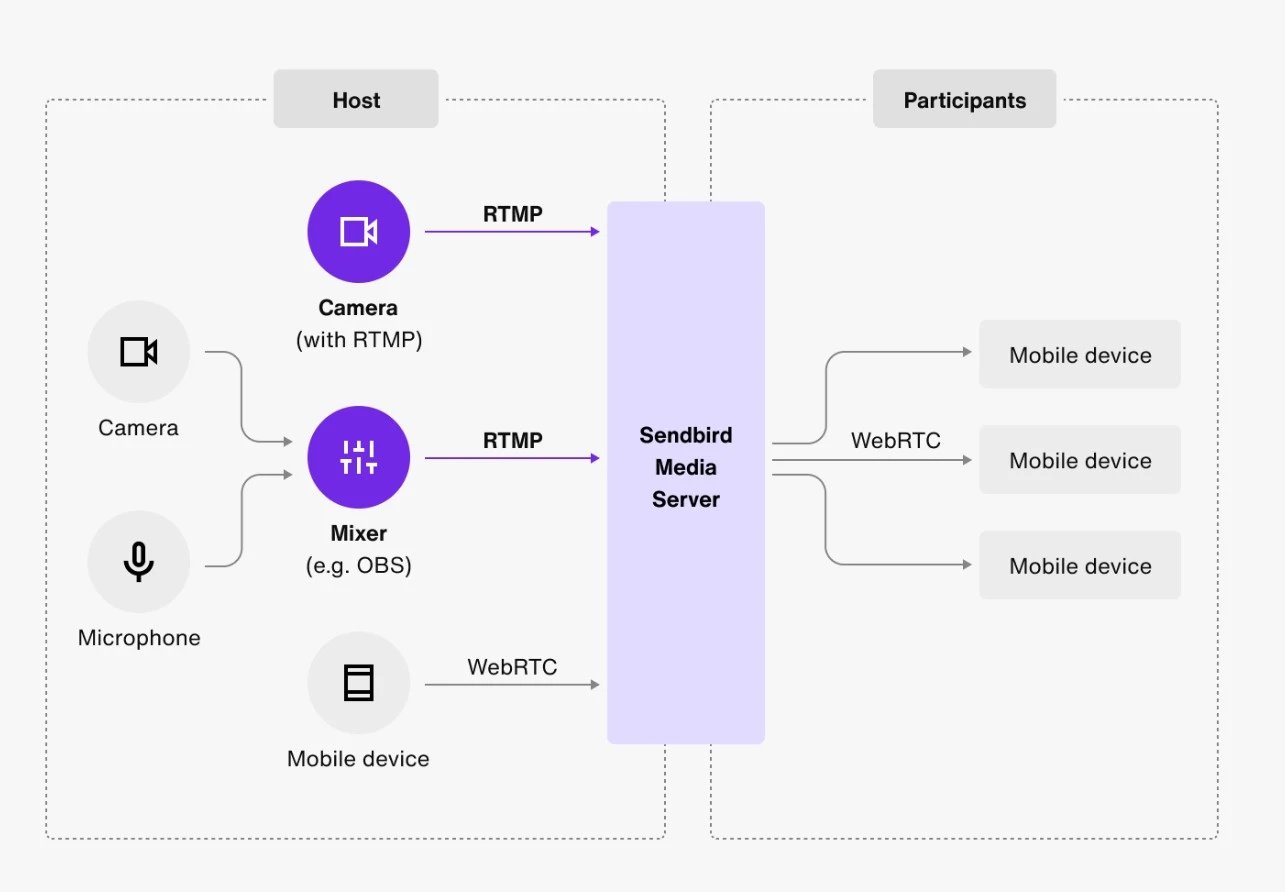
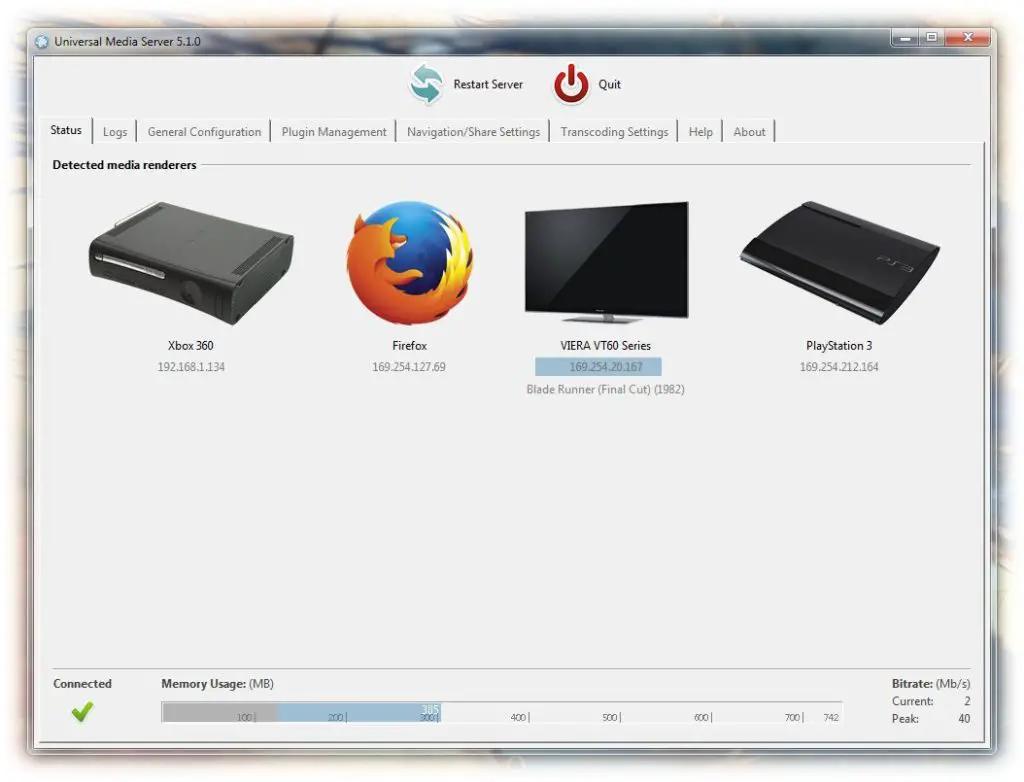
Streaming media server software acts as the central hub for your personal digital content, allowing you to organize, store, and broadcast your audio and video files across multiple devices on a network. By installing a server application on a computer or NAS device, you consolidate disparate files into a unified interface, enabling remote access, metadata enrichment, and real-time transcoding to ensure your media plays seamlessly on any screen.
Understanding the Role of Media Server Software
At its core, a streaming media server functions as a private version of services like Netflix or Spotify. Instead of relying on cloud-based subscriptions, you maintain full control over your media files—movies, television episodes, music tracks, and photographs—residing on your own hardware.
The software performs several critical functions:
- Media Indexing: It scans your storage drives to identify files, matching them against online databases to pull metadata, including plot summaries, cover art, cast information, and episode air dates.
- Transcoding: This is the most technically significant process. If your source video file is in a high-bitrate format (like 4K HEVC) but you are attempting to watch it on a mobile device with limited bandwidth or format compatibility, the server decodes the file in real-time and re-encodes it into a compatible format that the client device can handle without stuttering.
- User Management: Most modern servers allow you to create individual user profiles, enabling watch-history tracking, parental controls, and custom restrictions for different members of a household.
Hardware Prerequisites and Requirements
Before installing any software, you must evaluate the hardware that will host your server. While many modern routers or low-power single-board computers can handle basic music streaming, video streaming—particularly transcoding—is resource-intensive.
Processor Performance
If your media library consists mostly of files that your playback devices natively support, the processor requirements are modest. However, if you anticipate needing to transcode multiple 1080p or 4K streams simultaneously, you will need a CPU with a high passmark score or, ideally, support for hardware-accelerated transcoding (QuickSync or NVENC).
Network Infrastructure
A media server is only as effective as the network delivering the content. A wired Gigabit Ethernet connection is strongly recommended for the server host to prevent bottlenecks. For wireless playback, a 5GHz or 6GHz (Wi-Fi 6E/7) connection is necessary to maintain the high throughput required for high-definition video without buffering.
Storage Strategy
Redundancy is critical. Media libraries are often large and difficult to replace. Using a RAID (Redundant Array of Independent Disks) configuration on a Network Attached Storage (NAS) device ensures that if a single drive fails, your library remains accessible and intact.
Primary Media Server Software Solutions
The market for media server software is dominated by a few key players, each offering distinct features and user experiences.
Plex Media Server
Plex is widely considered the industry standard for home media servers due to its extensive client support and intuitive interface. It offers a "Plex Pass" subscription that unlocks advanced features, including hardware-accelerated transcoding, offline mobile syncing, and Skip Intro functionality.
Jellyfin
Jellyfin is a completely free, open-source alternative to Plex. It does not gate features behind a paywall and offers complete privacy, as it does not rely on central authentication servers. It is the preferred choice for enthusiasts who prioritize data sovereignty and want full control over their software environment.
Emby
Emby bridges the gap between Plex and Jellyfin. It operates on a "freemium" model similar to Plex but offers a high level of customization and a mature ecosystem of plugins. It is often cited for its robust performance on specialized hardware like dedicated NAS units.
Comparison of Popular Media Server Software
| Feature | Plex | Jellyfin | Emby |
|---|---|---|---|
| Licensing | Proprietary | Open Source | Proprietary |
| Cost | Free / Paid Subscription | Free | Free / Paid Subscription |
| Remote Access | Easy (Cloud Relay) | Manual Config Required | Easy |
| Hardware Transcoding | Paid Feature | Free | Paid Feature |
| Data Privacy | Moderate (Phone Home) | High (Local Only) | Moderate |
Deployment and Configuration Steps
Setting up your media server typically involves a consistent sequence of operations, regardless of the specific software you choose.
- Preparation: Organize your files into a logical directory structure. Most servers prefer a structure like
/Movies/MovieName (Year)/MovieName.mkvfor accurate identification. - Installation: Download the installer for your OS (Windows, macOS, Linux, or various NAS-specific packages) from the official developer website.
- Library Linking: Point the server software to your media folders. Ensure the server has "read-only" permissions for these folders to prevent the software from accidentally deleting or moving files.
- Metadata Scanning: Allow the server time to index your files. For large libraries, this can take several hours as the software matches metadata and generates thumbnails.
- Client Installation: Install the client application on your target devices—Smart TVs, game consoles, tablets, or phones—and sign in to link them to your server.
Troubleshooting Common Issues
Even with a well-configured server, users may encounter performance hurdles.
- Buffering during playback: This is almost always caused by transcoding limitations. Check your server’s dashboard to see if it is performing "transcoding" or "direct play." If it is transcoding and the CPU usage is hitting 100%, consider upgrading your hardware or re-encoding your media files into more universal formats like H.264 MP4.
- Metadata Mismatches: If a movie is identified incorrectly, use the "Fix Match" or "Identify" tool within the server interface to manually search the database for the correct title.
- Remote Access Failures: If you cannot access your server away from home, you likely need to configure Port Forwarding on your router to allow the server's traffic to reach the internet. Ensure your ISP does not employ CGNAT, which can prevent external connections.
Frequently Asked Questions
Is it legal to host my own media server?
Yes, running a media server for personal use is legal. The software itself is merely a tool for organizing and playing files you own. However, you are responsible for ensuring that you have the right to possess the content you are hosting on your server.
Do I need a high-speed internet connection for my server?
If you are streaming exclusively within your home network, your internet speed is irrelevant; your internal LAN speed (the speed of your router and Ethernet cables) is what matters. If you plan to stream remotely, your home internet's upload speed becomes the limiting factor.
Can I stream 4K content through my server?
Yes, but 4K streaming is demanding. Direct play is preferred for 4K to avoid the massive computational overhead of transcoding high-bitrate HDR content. Ensure your playback client supports the specific 4K codec (usually HEVC/H.265) of your file.
How much storage do I need for a media server?
Storage requirements depend entirely on the quality of your files. A 4K movie can take up 50GB to 80GB, while a 1080p file might be 5GB to 10GB. Start with a baseline of 4TB to 8TB if you have a moderate library, and plan for expansion by using multi-bay NAS enclosures.
Can I share my library with friends and family?
Yes, all major media server platforms allow for user account management. You can invite other users to access your server, giving them their own watch history and viewing progress, while maintaining administrative control over what they can see.
Final Recommendation
For most users, the optimal entry point is Plex. Its ease of setup and broad compatibility with almost every streaming device on the market provide the best balance of functionality and user experience. If you are technically inclined and prioritize privacy or open-source software, Jellyfin is the superior long-term choice. Before investing in hardware, ensure you have a clear plan for your storage needs and verify that your network infrastructure can support the bandwidth demands of your media collection.