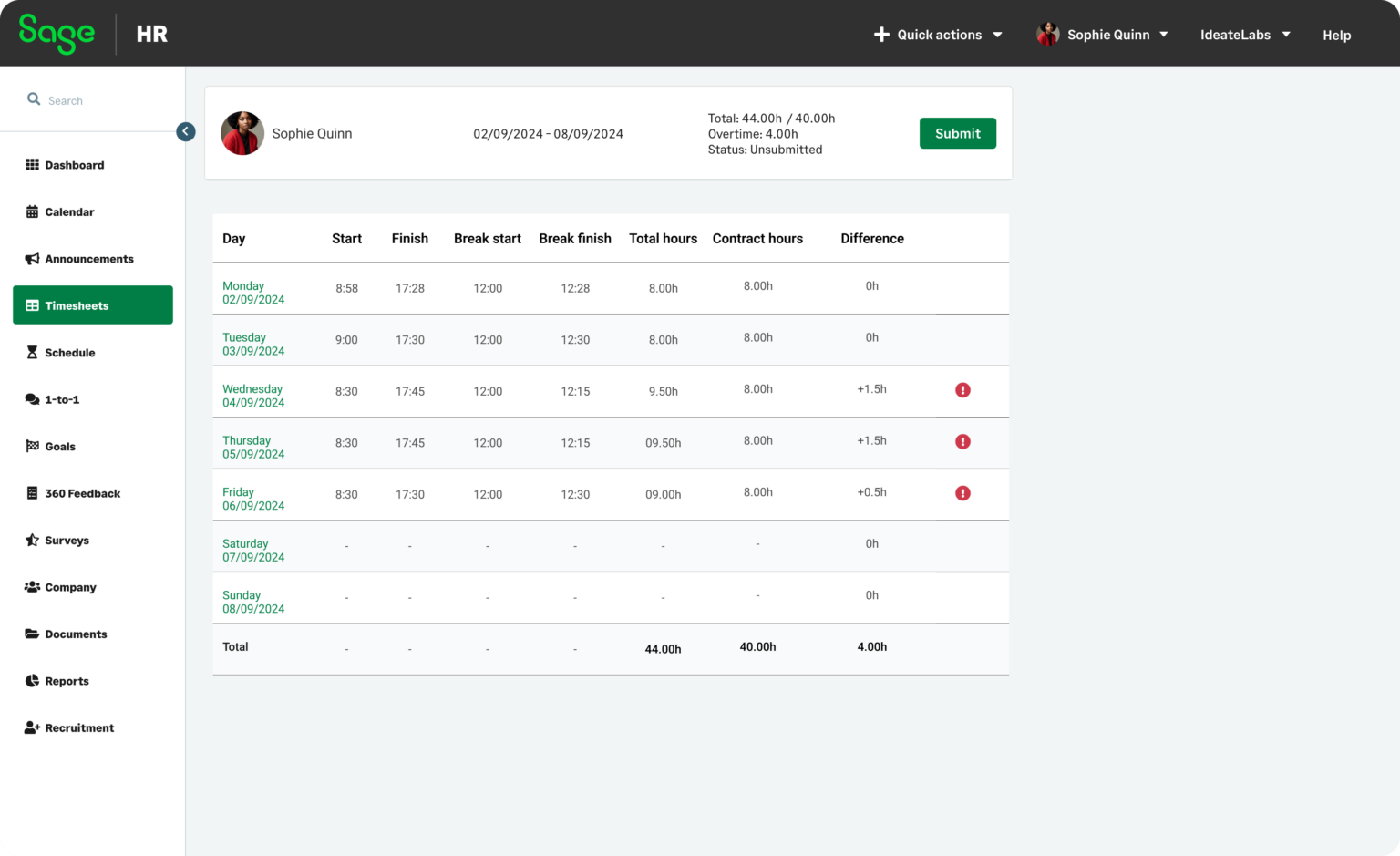
Choosing the right human resources platform for a lean team requires balancing core payroll automation, compliance tracking, and employee self-service tools against tight operating budgets. The top-rated small business HR systems streamline onboarding, benefits administration, and time tracking into unified dashboards, reducing administrative overhead while scaling alongside your workforce.
Small business owners and operations managers face a crowded marketplace when searching for human resources technology. A platform that excels at global contractor management might lack robust local tax filing capabilities, whereas an all-in-one suite designed for white-collar agencies might prove too rigid for a retail shift schedule. Finding the right software requires a clear understanding of your organizational structure, administrative bandwidth, and compliance exposure.
Below is an exhaustive evaluation of the seven best human resources software solutions for small businesses, designed to help you identify the ideal system for your operational workflow.
1. Gusto: Best Overall for Comprehensive Small Business Payroll and Benefits
Gusto has long anchored itself as a primary benchmark for small business human resources and payroll technology. Known for its approachable interface and transparent pricing tiers, the platform is engineered specifically for companies ranging from a single employee to several hundred workers.
Core Features and Technical Capabilities
Gusto automates federal, state, and local tax filings across all 50 states, mitigating the risk of manual calculation errors. Beyond payroll, the platform features streamlined digital onboarding, electronic I-9 and W-4 document collection, and robust health insurance administration. Administrators can manage paid time off (PTO) policies, custom permission levels, and direct integrations with popular accounting software like QuickBooks Online and Xero.
Pricing Structure and Value
The pricing model splits into distinct tiers: Simple, Plus, and Premium. The base tier covers fundamental payroll and basic employee profiles, while the Plus and Premium tiers unlock advanced features such as time-tracking, multi-state payroll, performance reviews, and dedicated advisory services.
Operational Pros and Cons
- Pros: Highly intuitive interface requiring minimal training; robust automated tax filing; deep ecosystem of third-party software integrations.
- Cons: Advanced features like multi-state processing and time tracking require upgrading to higher-priced tiers; international contractor payments rely on third-party integrations rather than native functionality.
2. Rippling: Best for Scalability and IT-HR Convergence
Rippling operates on a unique architectural premise: it combines human resources, IT management, and finance into a single unified cloud database. This design makes it an exceptional choice for small businesses that manage physical hardware, software licenses, and remote team members simultaneously.
Core Features and Technical Capabilities
The standout feature of Rippling is its unified employee record. When an employee is onboarded, Rippling can automatically provision their corporate email address, ship a company laptop, and assign access to software applications like Slack, Google Workspace, and GitHub based on their department. The platform also includes robust global payroll capabilities, enabling businesses to pay international contractors and full-time employees in native currencies without switching providers.
Workflow Automation Engine
Rippling features a visual workflow builder that allows administrators to trigger custom automated actions. For instance, if an employee moves from part-time to full-time status, the system can automatically update their benefits eligibility, adjust their pay rate, and notify the finance department.
Operational Pros and Cons
- Pros: Unmatched IT and HR integration; powerful custom workflow automation; seamless global contractor and employee management.
- Cons: Modular pricing can become expensive as you add specialized features; setup and configuration require a higher technical aptitude than traditional HR platforms.
3. Deel: Best for Global Teams and Remote Contractor Management
As small businesses increasingly tap into borderless talent pools, managing international compliance, currency conversions, and local labor laws becomes a major operational hurdle. Deel addresses this challenge by specializing in global employer-of-record (EOR) services and international contractor payouts.
Core Features and Technical Capabilities
Deel allows small businesses to hire individuals in over 150 countries without needing to establish a local legal entity. The platform generates compliant local employment contracts, automates monthly payroll in dozens of fiat and cryptocurrency options, and handles local statutory benefits. For independent contractors, Deel provides localized compliance checks to mitigate the risk of worker misclassification.
Risk Mitigation and Compliance
International hiring exposes small businesses to severe tax penalties and permanent establishment risks. Deel’s in-house legal experts continuously update the platform to reflect changing labor statutes, ensuring that local termination rules, severance requirements, and intellectual property protections are built directly into every contract.
Operational Pros and Cons
- Pros: Simplifies international hiring and compliance; fast contractor onboarding across 150+ countries; automated multi-currency payouts with low transaction friction.
- Cons: EOR services carry a significant per-employee monthly fee; less focused on traditional local U.S. benefits administration compared to domestic-first competitors.
4. BambooHR: Best for Culture-Driven Teams and Human Resources Data
BambooHR is a recognized leader in human resources information systems (HRIS), focusing heavily on core data management, applicant tracking systems (ATS), and employee engagement metrics. It is built for small-to-midsize businesses that have already solved basic payroll processing or prefer to keep payroll separate.
Core Features and Technical Capabilities
The platform acts as a centralized database for all employee information, housing emergency contacts, performance histories, salary adjustments, and training certifications. BambooHR features an integrated applicant tracking system that allows hiring managers to post job openings, score resumes, and shepherd candidates through an interview pipeline before converting them directly into active employee files upon hire.
Employee Engagement and Reporting
BambooHR includes built-in employee Net Promoter Score (eNPS) surveys, satisfaction pulses, and custom reporting tools. Human resources managers can generate comprehensive headcount, turnover, and demographic reports with a few clicks, providing executive leadership with actionable workforce analytics.
Operational Pros and Cons
- Pros: Exceptionally robust core HRIS and applicant tracking capabilities; highly customizable reporting engine; clean, user-friendly mobile application.
- Cons: Native payroll requires a separate add-on or integration with third-party partners; pricing model can be cost-prohibitive for very small teams with tight budgets.
5. Paychex Flex: Best for Growing Businesses Anticipating Complex Needs
Paychex is an industry veteran that bridges the gap between small business agility and enterprise-grade administrative depth. Paychex Flex is designed for growing small businesses that anticipate rapid expansion, complex multi-state tax situations, or specialized union reporting requirements.
Core Features and Technical Capabilities
Paychex Flex offers comprehensive payroll processing, robust time and attendance tracking, tax administration, and scalable benefits management. One of Paychex’s primary differentiators is access to dedicated human resources professionals and certified specialists who can provide guidance on complex compliance issues, worker compensation audits, and employee relations.
Administrative Support and Advisory Services
Unlike self-service software that leaves troubleshooting entirely to online knowledge bases, Paychex provides tiered access to live human support. This makes the platform well-suited for small business owners who lack a dedicated internal human resources department and need professional backing to navigate regulatory changes.
Operational Pros and Cons
- Pros: Access to dedicated live HR advisors and compliance experts; highly scalable for businesses transitioning from small to midsize; robust retirement and insurance plan integrations.
- Cons: Interface can feel more corporate and complex compared to modern consumer-grade platforms; pricing transparency is lower, often requiring a custom quote.
6. Justworks: Best PEO Solution for Comprehensive Benefits and Compliance
For small businesses seeking administrative relief through a Professional Employer Organization (PEO) model, Justworks stands out as a streamlined, modern alternative to legacy PEO providers.
Understanding the PEO Model
Under a PEO arrangement, Justworks enters a co-employment relationship with your business. Justworks becomes the employer of record for tax and insurance purposes, allowing your small team to pool together with thousands of other businesses. This co-employment model grants small companies access to Fortune 500-tier health insurance plans, 401(k) matching programs, and employee wellness perks that are typically unavailable or unaffordable to businesses with fewer than 50 employees.
Core Features and Technical Capabilities
Justworks automates payroll, workers' compensation insurance, compliance reporting, and statutory filings. The platform features an exceptionally clean dashboard that manages time tracking, document signing, and expense management without the cluttered legacy interfaces common in the PEO industry.
Operational Pros and Cons
- Pros: Access to enterprise-grade health insurance and benefits pools; robust statutory compliance protection; transparent flat-rate pricing per employee.
- Cons: Co-employment model means giving up some direct administrative control; can be significantly more expensive than standard software-only HR platforms if you do not utilize the high-end benefits.
7. Homebase: Best for Hourly Workforce Management and Shift Scheduling
While many HR platforms cater to salaried office workers, businesses in retail, hospitality, food service, and field services require tools built around hourly scheduling, shift swaps, and localized time clocks. Homebase is engineered specifically for this operational environment.
Core Features and Technical Capabilities
Homebase centers around an advanced employee scheduling module that allows managers to build shift calendars, publish schedules via mobile app, and track team availability. Team members can swap shifts, request time off, and clock in or out directly from a tablet or smartphone utilizing geofencing to verify work locations.
Payroll and Labor Law Compliance
The platform integrates scheduling data directly with basic payroll processing, automatically calculating overtime, break penalties, and tip distributions in compliance with local labor regulations. This tight integration drastically reduces the time managers spend reconciling paper timesheets with payroll software.
Operational Pros and Cons
- Pros: Excellent mobile-first shift scheduling and time-clock features; free base tier for basic scheduling; tailored specifically to hourly and shift-based workforces.
- Cons: Less robust for traditional salaried white-collar HR administration, performance management, and complex talent pipelines.
Comparative Matrix of Top Small Business HR Software
| Software Name | Best For | Primary Pricing Model | Core Strengths | Native Payroll? |
|---|---|---|---|---|
| Gusto | All-in-one payroll & benefits | Tiered subscription per user | Intuitive UI, robust tax filing, great integrations | Yes |
| Rippling | IT & HR convergence, scaling | Modular per-module pricing | Unified device management, global payroll, automations | Yes |
| Deel | International hiring & EOR | Flat fee per contractor/employee | Global compliance, multi-currency payouts | Yes |
| BambooHR | Core data & applicant tracking | Custom quote / tiered | Exceptional HRIS database, built-in ATS | Available via add-on |
| Paychex Flex | Growing teams & advisory support | Custom quote | Dedicated live HR experts, scalable infrastructure | Yes |
| Justworks | PEO benefits & risk mitigation | Flat rate per employee | Fortune 500-tier benefits pools, co-employment | Yes |
| Homebase | Hourly shift management | Tiered subscription per location | Shift scheduling, geofenced time clocks, tip management | Yes |
Key Factors to Consider When Selecting HR Software
Selecting the appropriate human resources platform requires a rigorous internal audit of your company’s current operational bottlenecks and future trajectory.
1. Workforce Composition
Analyze whether your team consists primarily of salaried W-2 employees, hourly shift workers, 1099 independent contractors, or international staff. If you manage hourly workers, prioritize platforms with robust time clocks and mobile scheduling, such as Homebase. If you manage a distributed international team, look toward Deel or Rippling.
2. Budget and Pricing Transparency
Software pricing models vary significantly. Some charge a flat monthly base fee plus a per-employee fee, while others charge purely on a per-user basis or bundle costs into a PEO percentage. Ensure you calculate the total cost of ownership, accounting for implementation fees, payroll processing fees, and mandatory add-ons for benefits administration.
3. Integration Ecosystem
Your HR software should not operate in an isolated data silo. Verify that the platform integrates cleanly with your existing accounting software (such as QuickBooks, Xero, or NetSuite), project management tools, and business intelligence dashboards to prevent redundant data entry.
Frequently Asked Questions
What is the difference between standard HR software and a PEO?
Standard human resources software provides digital tools to help you manage your own payroll, benefits, and compliance while remaining the sole legal employer. A Professional Employer Organization (PEO) enters a co-employment model, legally sharing employer responsibilities to grant your small business access to enterprise-level insurance pools and outsourced compliance management.
Can small business HR software handle multi-state payroll?
Yes, most modern platforms like Gusto, Rippling, and Paychex Flex support multi-state payroll. They automatically calculate, withhold, and remit state and local income taxes for employees working across different state lines, though some providers charge higher tiers for multi-state capabilities.
How much does small business HR software cost?
Pricing typically ranges from $40 to $100+ per month as a base fee, plus $6 to $15 per employee per month for standard software solutions. PEO services and global EOR platforms generally cost significantly more per employee because they include comprehensive health insurance premiums and localized legal liability management.
Is my company data secure on cloud-based HR platforms?
Reputable human resources platforms utilize bank-level encryption (such as AES-256), secure cloud infrastructure (like AWS), multi-factor authentication, and strict SOC 2 compliance certifications to protect sensitive employee social security numbers, banking details, and personal data.
Can I switch HR software providers after my business has started?
Yes, but transitioning providers requires careful timing—ideally at the end of a quarter or calendar year—to ensure historical tax filings, wage summaries, and year-end Form W-2 data migrate accurately without triggering discrepancies with federal or state tax agencies.
Final Recommendation and Next Actions
Selecting the right human resources technology is a foundational decision that impacts administrative efficiency, employee satisfaction, and legal compliance.
- For most standard domestic small businesses, Gusto offers the most balanced blend of ease-of-use, robust payroll automation, and transparent pricing.
- If your team requires enterprise-grade health benefits and you want to offload compliance risk, explore the PEO model offered by Justworks.
- If you manage remote global talent or complex IT hardware, Rippling or Deel will provide the scalable infrastructure necessary for borderless growth.
Begin by listing your top three operational priorities—such as automated tax filing, international compliance, or shift scheduling—and schedule live product demonstrations with at least two shortlisted vendors to evaluate their interface firsthand.