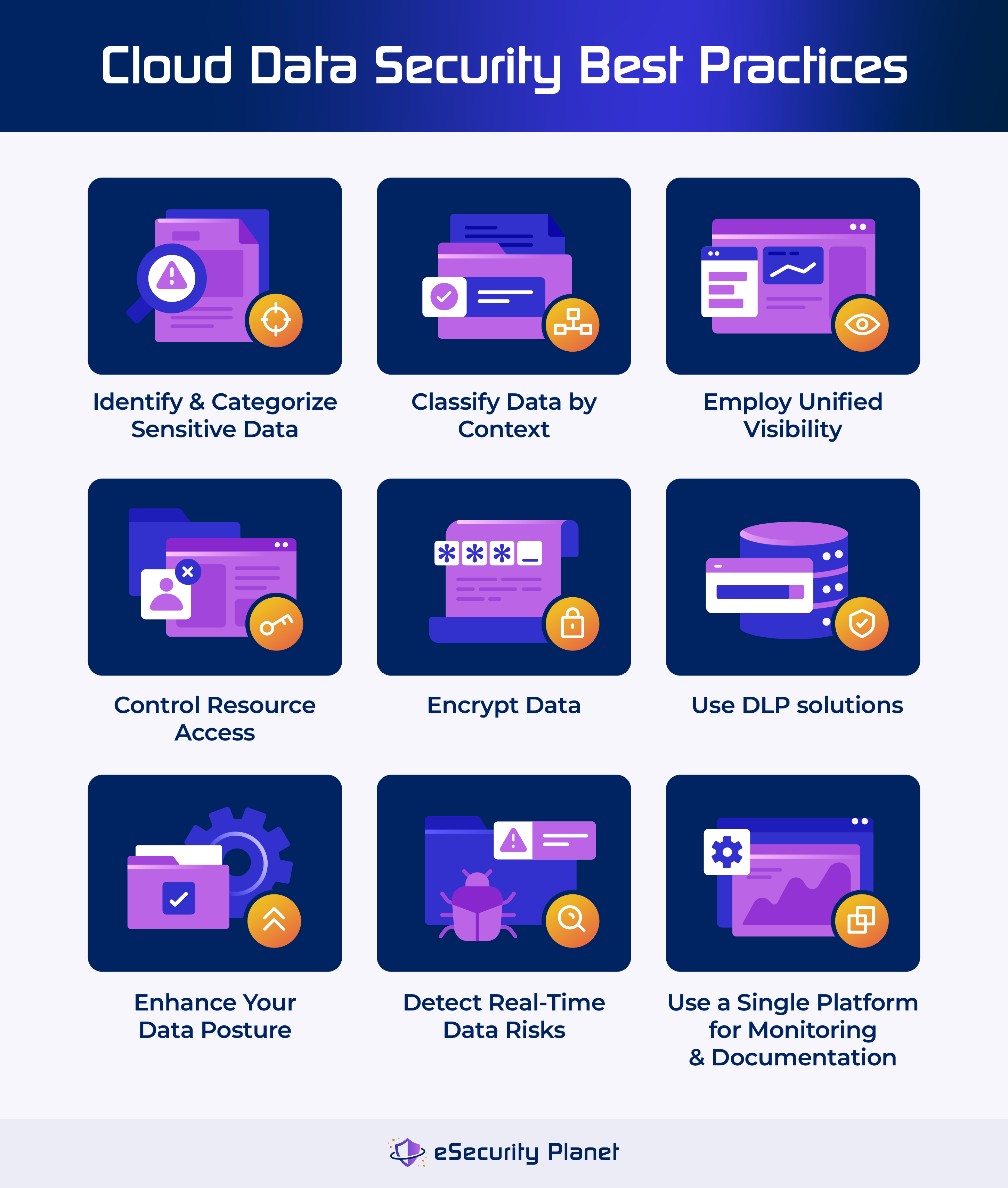
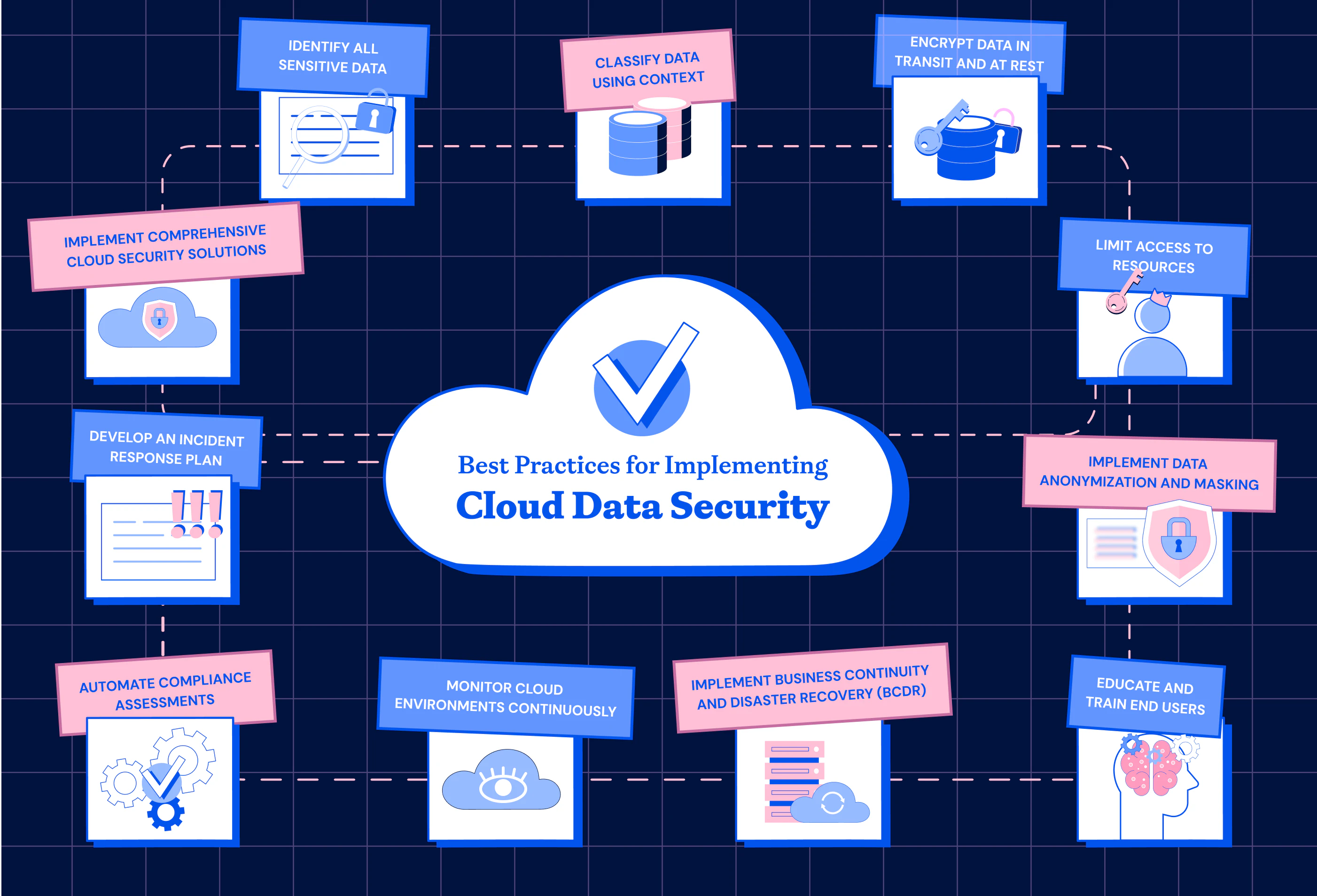
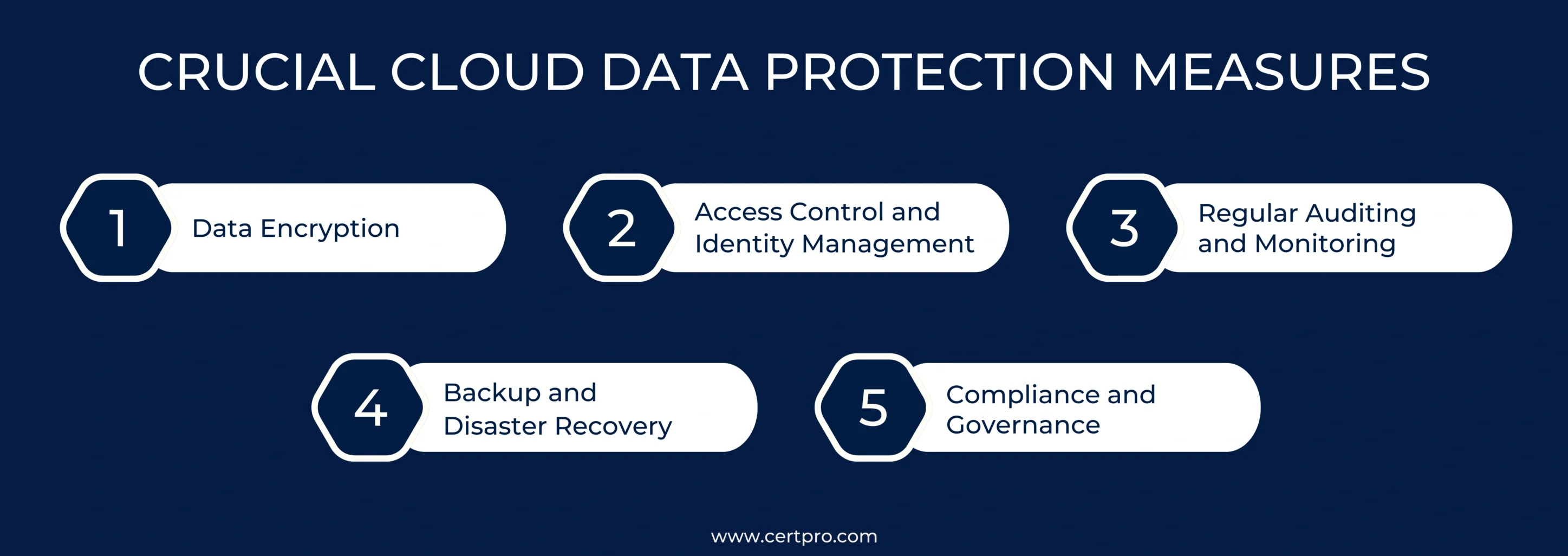
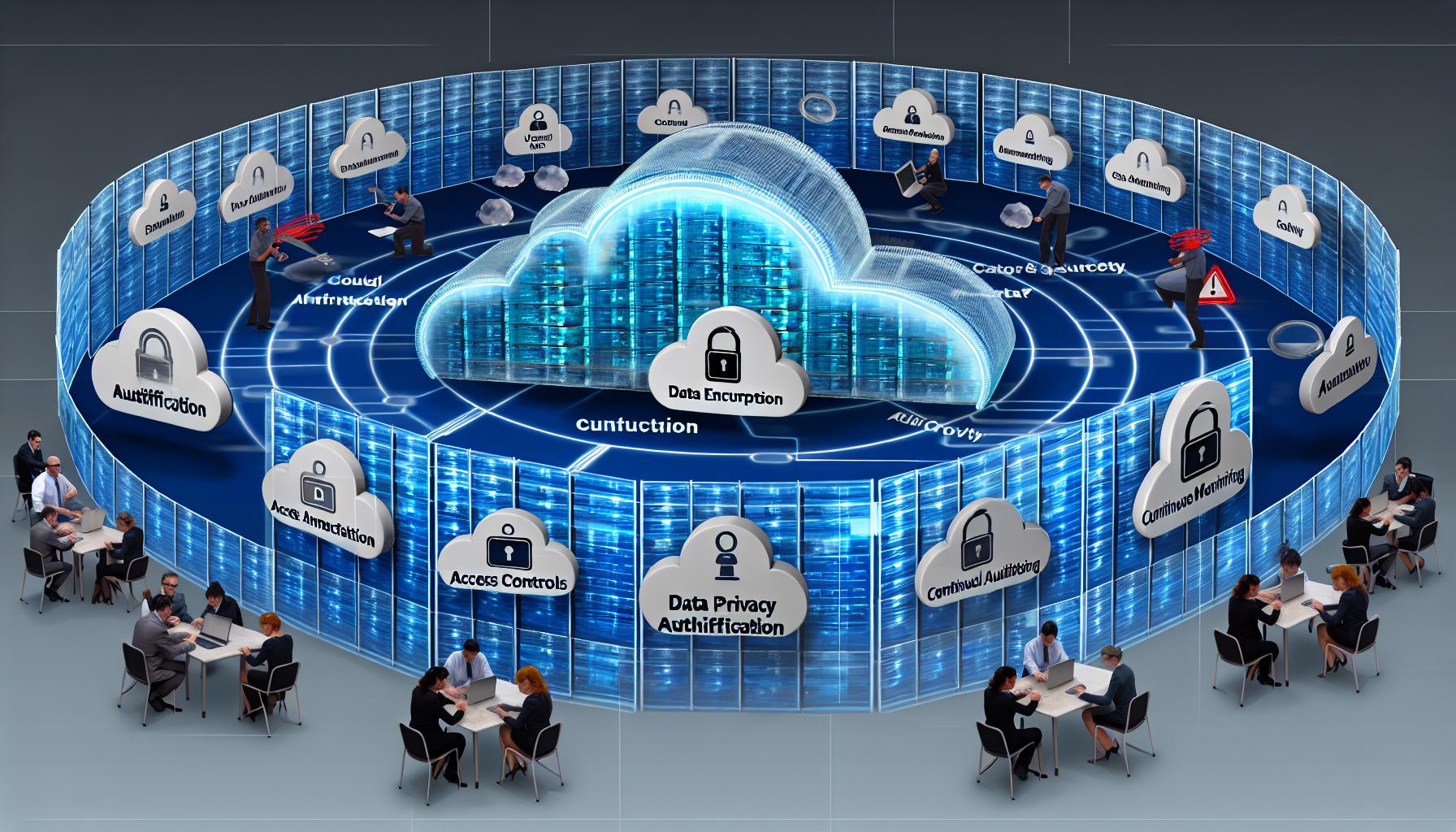
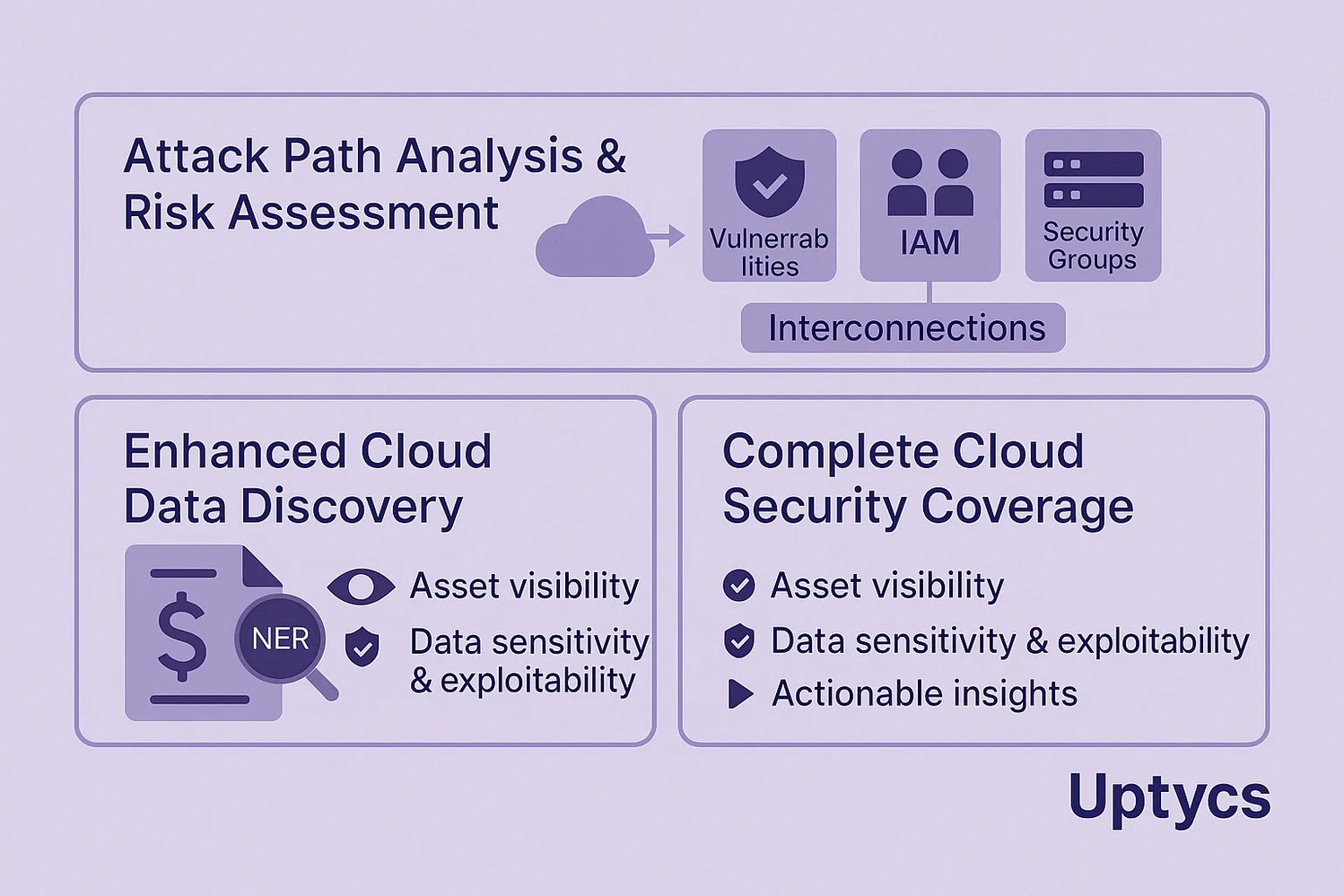
Section 17.5.4, "Check Your Understanding - Cloud Data Security," serves as a critical knowledge checkpoint within technical cybersecurity curricula, specifically focusing on how information is protected as it moves to and resides within cloud environments. It validates a learner's grasp of the Shared Responsibility Model, data encryption states, and the specialized security tools like Cloud Access Security Brokers (CASB) required to maintain integrity and confidentiality in virtualized infrastructures.
In the landscape of 2026, cloud data security has evolved from a secondary concern to the primary perimeter of the modern enterprise. As organizations increasingly adopt multi-cloud and hybrid-cloud architectures, the concepts tested in 17.5.4 remain the foundational pillars for any security professional. This guide provides a deep dive into the subject matter addressed by this module, ensuring a comprehensive understanding of the technical requirements and operational strategies involved in securing cloud data.
The Foundation of Cloud Security: The Shared Responsibility Model
A central theme of any "Check Your Understanding" assessment regarding cloud security is the Shared Responsibility Model. This framework defines which security tasks are handled by the Cloud Service Provider (CSP) and which tasks fall to the customer (the tenant).
Infrastructure as a Service (IaaS)
In an IaaS model, the CSP is responsible for the "security of the cloud"—the physical hardware, power, cooling, and the virtualization layer (hypervisor). The customer is responsible for "security in the cloud." This includes the operating system, middleware, runtime, data, and applications. When you encounter questions about who is responsible for patching a virtual machine (VM) in an IaaS environment, the answer is always the customer.
Platform as a Service (PaaS)
In PaaS, the line moves higher. The CSP manages the underlying infrastructure and the operating system/middleware. The customer remains responsible for the security of the applications they develop and the data those applications process. This model simplifies operations but requires the customer to focus heavily on secure coding practices and data access configurations.
Software as a Service (SaaS)
SaaS offers the highest level of provider management. The CSP handles almost everything, from the hardware to the application itself. However, the data remains the customer’s responsibility. Even in 2026, a common misconception is that SaaS providers like Microsoft 365 or Salesforce are responsible for data backups and user-level security settings. In reality, the customer must still manage identity access, data classification, and protection against accidental deletion or malicious exfiltration.
Protecting Data in Three Essential States
Cloud data security is not a static process; it must account for data as it moves through different phases of its lifecycle. These are categorized into three states, each requiring distinct protective measures.
1. Data at Rest
Data at rest refers to information stored on physical or virtual media, such as hard drives, SSDs, or cloud-based object storage (like Amazon S3 or Azure Blob Storage).
- Protection Mechanism: Encryption is the primary defense here. In 2026, AES-256 remains the industry standard for disk encryption.
- Key Management: The security of data at rest is only as strong as the management of the encryption keys. Organizations must decide between CSP-managed keys (simpler) and Customer-Managed Keys (CMK) or "Bring Your Own Key" (BYOK) for higher regulatory compliance.
2. Data in Transit
Data in transit (or data in motion) is information moving across a network, whether it is traveling between a user and the cloud, or between two different cloud services.
- Protection Mechanism: Transport Layer Security (TLS), specifically version 1.3, is the mandatory standard for protecting data in motion. It ensures that even if data is intercepted during transit, it cannot be read or tampered with.
- VPNs and Direct Connects: For highly sensitive backend traffic, organizations often use IPsec VPNs or dedicated physical connections (like AWS Direct Connect or Azure ExpressRoute) to provide a private path for data movement.
3. Data in Use
Data in use is information currently being processed by a CPU or held in a system's RAM. Historically, this was the hardest state to protect because data usually had to be decrypted to be processed.
- Protection Mechanism: Confidential Computing has become a mainstream solution by 2026. Using Trusted Execution Environments (TEEs) or enclaves, data remains encrypted even while in the processor, preventing even the cloud provider’s hypervisor from "seeing" the raw data.
Specialized Tools for Cloud Data Visibility
Standard on-premises firewalls often lack the granular visibility needed to secure cloud-native traffic. This gap is filled by specialized technologies that are frequently highlighted in section 17.5.4 assessments.
Cloud Access Security Brokers (CASB)
A CASB is a software tool or service that sits between cloud service users and cloud applications. It acts as a gatekeeper, allowing the organization to extend the reach of their security policies beyond their own infrastructure. CASBs generally provide four "pillars" of functionality:
- Visibility: Identifying "Shadow IT"—unauthorized cloud apps used by employees.
- Compliance: Ensuring data residency and regulatory requirements (like GDPR) are met.
- Data Security: Implementing Data Loss Prevention (DLP) to prevent sensitive files from being shared publicly.
- Threat Protection: Monitoring for anomalous behavior that might indicate an account takeover.
Cloud Workload Protection Platforms (CWPP)
While CASBs focus on SaaS and user interactions, CWPPs are designed to protect the "workloads"—the VMs, containers, and serverless functions running in IaaS and PaaS environments. They provide vulnerability scanning, runtime protection, and configuration assessments to ensure that the cloud infrastructure itself is not exposed to exploits.
Data Sanitization and the Challenges of Cloud Deletion
One of the more complex topics in cloud data security involves the disposal of data. In a traditional environment, you can physically destroy a hard drive. In the cloud, the underlying hardware is shared.
Crypto-shredding is the preferred method for data sanitization in the cloud. Instead of trying to overwrite every bit of data on a shared physical disk (which is often impossible due to how cloud storage is abstracted), the organization simply destroys the encryption keys associated with that data. Without the keys, the data becomes computationally impossible to recover, effectively "shredding" it.
Comparative Overview of Cloud Security Responsibilities
To assist in "Check Your Understanding" scenarios, the following table breaks down the division of labor between the provider and the customer across different service models.
| Security Component | On-Premises | IaaS | PaaS | SaaS |
|---|---|---|---|---|
| Physical Security | Customer | Provider | Provider | Provider |
| Network Infrastructure | Customer | Provider | Provider | Provider |
| Virtualization Layer | Customer | Provider | Provider | Provider |
| Operating System | Customer | Customer | Provider | Provider |
| Application Logic | Customer | Customer | Customer | Provider |
| Identity & Access | Customer | Customer | Customer | Customer |
| Data Governance | Customer | Customer | Customer | Customer |
Critical Threats and Common Misconfigurations
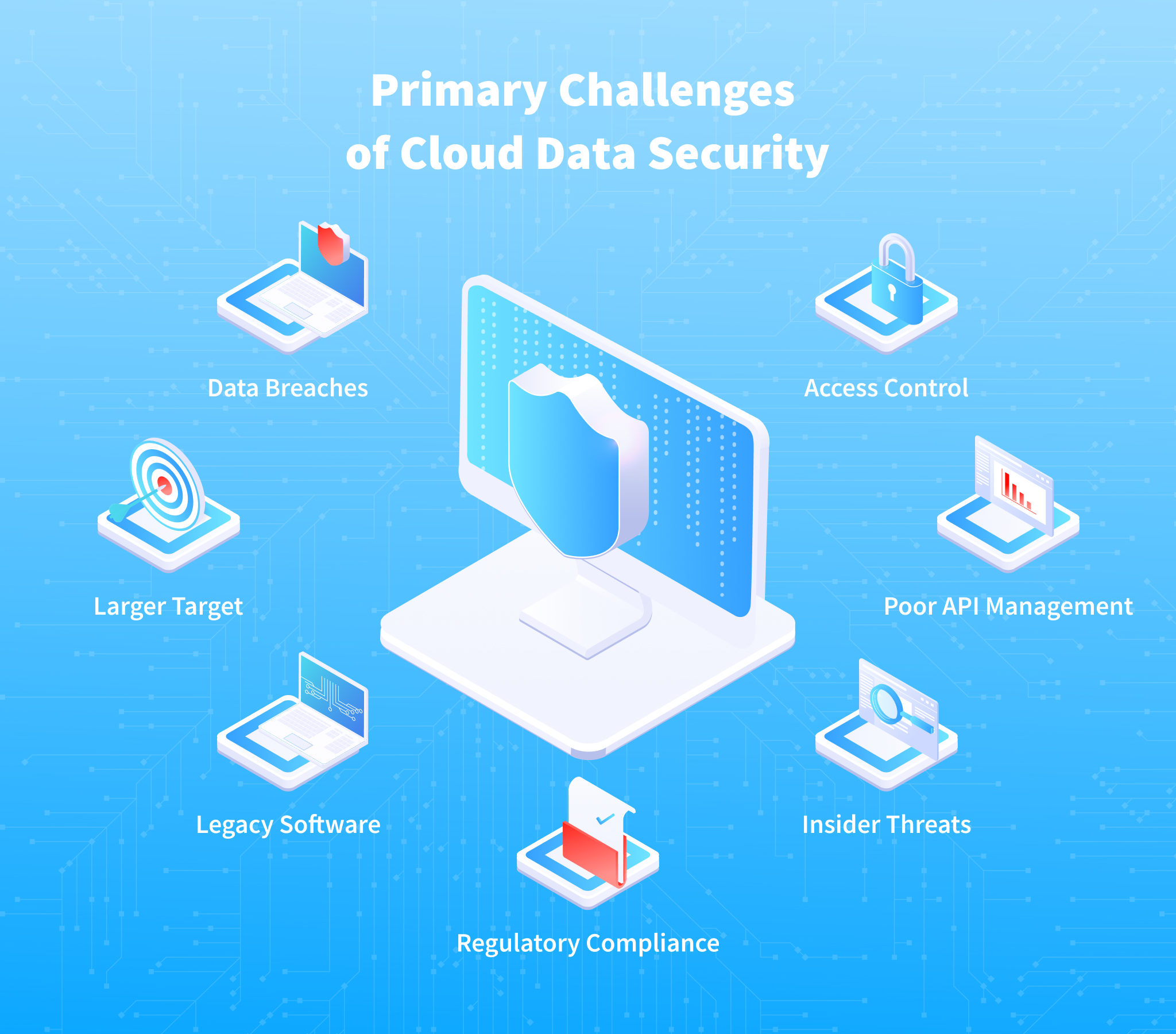
When evaluating your understanding of cloud data security, it is vital to recognize that most data breaches in the cloud are not the result of provider failure, but rather customer misconfiguration.
- Open S3 Buckets/Storage Blobs: One of the most persistent issues in 2026 remains the accidental public exposure of storage containers. Security professionals must use automated tools to ensure that "Block Public Access" settings are strictly enforced.
- Insecure APIs: Cloud services communicate via APIs. If these APIs are not properly authenticated or encrypted, they become an easy entry point for attackers to scrape sensitive data.
- Privilege Escalation: In a cloud environment, Identity and Access Management (IAM) is the new perimeter. Over-privileged accounts (giving "Full Admin" when only "Read Only" is needed) allow attackers to move laterally and compromise the entire cloud tenant.
Frequently Asked Questions
What is the difference between a CASB and a Next-Generation Firewall (NGFW)?
A Next-Generation Firewall (NGFW) typically monitors traffic entering or leaving a physical or virtual network perimeter based on IP addresses and ports. A Cloud Access Security Broker (CASB) is specifically designed for cloud-to-cloud and user-to-cloud interactions. It understands the "language" of SaaS applications, allowing it to see specific actions, such as "User A shared a confidential document with an external email," which a traditional firewall would see only as encrypted HTTPS traffic.
Why is the Shared Responsibility Model so important for 17.5.4?
The Shared Responsibility Model is the framework used to determine liability and operational duties. Without it, organizations might assume the cloud provider is backing up their data or patching their virtual servers. Understanding this model is essential for passing cybersecurity certifications and for preventing gaps in an organization's security posture.
What is "Shadow IT" and why is it a data security risk?
Shadow IT refers to any cloud service or software used by employees without the explicit approval or knowledge of the IT/Security department. The risk lies in data visibility; if employees are uploading proprietary company data to a personal file-sharing site to "get work done faster," that data is no longer protected by corporate security policies, encryption standards, or backup procedures.
How does encryption work differently in the cloud?
While the algorithms (like AES) are the same, the management is different. In the cloud, encryption is often integrated as a checkbox feature. However, this ease of use can lead to a false sense of security if the user does not manage the keys properly. Cloud encryption often relies on a Key Management Service (KMS) that must be configured with strict IAM policies to ensure only authorized services can "wrap" or "unwrap" data keys.
What is the role of MFA in cloud data security?
Multi-Factor Authentication (MFA) is the single most effective control against account hijacking. Since cloud services are reachable from anywhere on the internet, a simple password is never enough. In 2026, passwordless authentication and FIDO2 hardware keys have become the gold standard for securing cloud administrative consoles and user accounts.
Summary and Next Actions
Understanding section 17.5.4 requires more than just memorizing definitions; it requires a shift in mindset from "defending the box" to "defending the data." As you prepare for assessments or practical applications, prioritize the following steps:
- Audit Your IAM: Ensure the principle of least privilege is applied to all cloud users and service accounts.
- Verify Encryption: Check that encryption is enabled at rest for all storage volumes and that TLS 1.3 is enforced for all web-facing services.
- Implement Visibility: Use a CASB or similar cloud-native security tool to identify where your data is flowing and who has access to it.
- Review the Model: Regularly revisit the Shared Responsibility Model for every new cloud service your organization adopts to ensure no security tasks are left unassigned.
By mastering these concepts, you transition from a reactive security posture to a proactive one, capable of navigating the complex and ever-changing landscape of cloud data security.