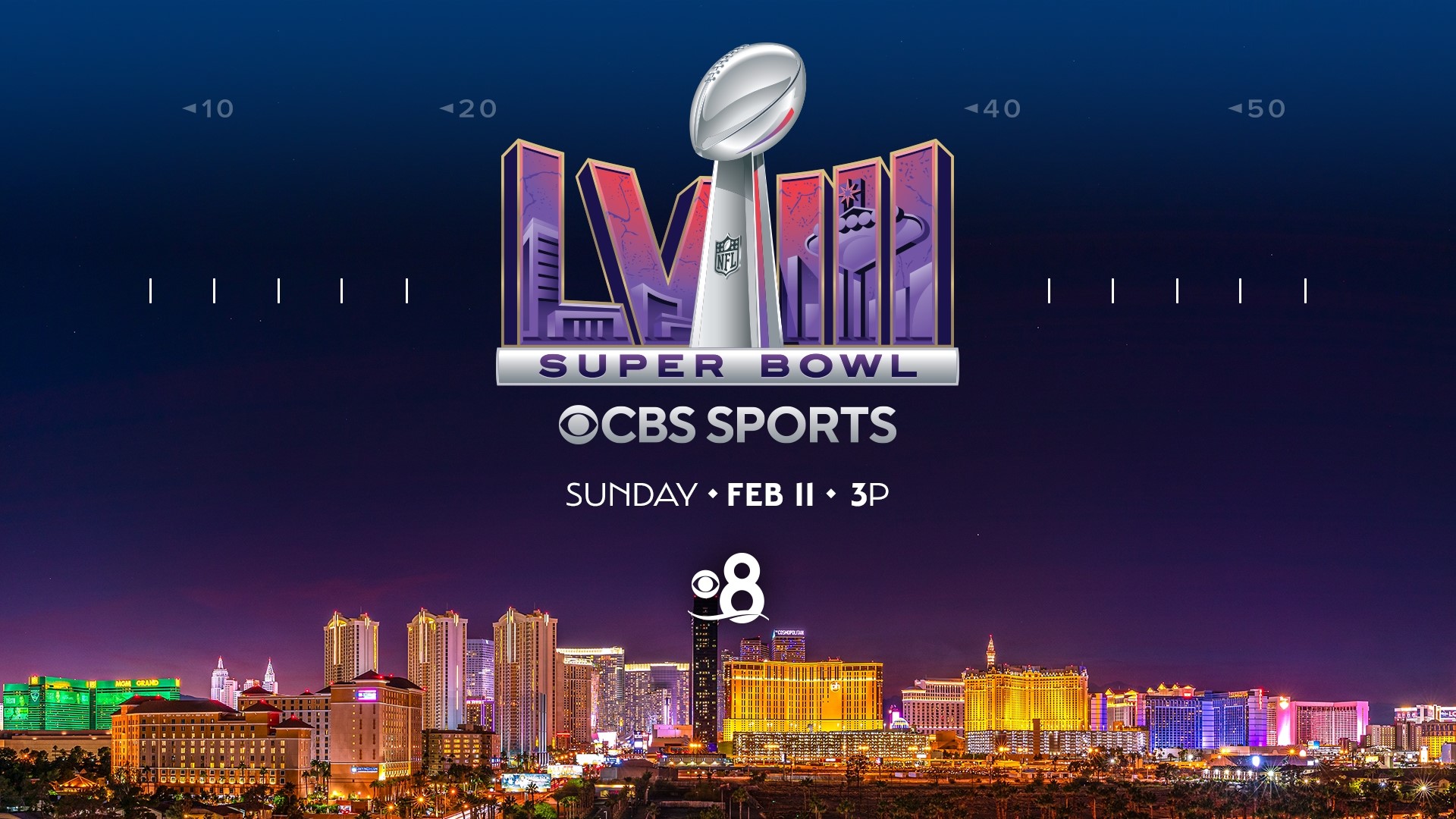
Yes, YouTube TV carries the Super Bowl live. Because YouTube TV includes local broadcast channels—CBS, FOX, NBC, and ABC—in nearly all U.S. television markets, subscribers can watch the game directly on whichever major network holds the NFL broadcast rights for the current season, complete with live coverage, halftime shows, and commercial broadcasts.
How YouTube TV Delivers the Super Bowl Broadcast
To understand how YouTube TV streams the NFL championship game, it helps to look at how national television contracts function. The National Football League (NFL) distributes media rights to the Super Bowl across a multi-year rotation among four major broadcast networks: CBS, FOX, NBC, and ABC/ESPN.
YouTube TV operates as a virtual multichannel video programming distributor (vMVPD). Instead of providing a single national network feed, YouTube TV retransmits the live signal of your regional broadcast network affiliate based on your geographic location. As long as your base subscription includes your local affiliate for the network broadcasting the game, you receive the full live television broadcast—including local advertisements, pre-game reporting, the Halftime Show, and post-game analysis.
| NFL Broadcast Season | Super Bowl Event | Primary Rights Holder | Primary Direct Streaming Partner | Available on YouTube TV Base Plan? |
|---|---|---|---|---|
| 2023–2024 | Super Bowl LVIII | CBS | Paramount+ | Yes (via local CBS affiliate) |
| 2024–2025 | Super Bowl LIX | FOX | Tubi / Fox Sports App | Yes (via local FOX affiliate) |
| 2025–2026 | Super Bowl LX | NBC | Peacock | Yes (via local NBC affiliate) |
| 2026–2027 | Super Bowl LXI | ABC / ESPN | ESPN+ / Hulu | Yes (via local ABC affiliate) |
Because YouTube TV maintains retransmission consent agreements with station groups representing local CBS, FOX, NBC, and ABC affiliates across more than 99% of American households, access is included automatically in the standard Base Plan without requiring additional add-on packages or separate sports pass subscriptions.
YouTube TV Base Plan vs. 4K Plus Add-On: Image Quality and Features
While the standard YouTube TV Base Plan provides access to the Super Bowl in High Definition (typically 720p or 1080p at 60 frames per second, depending on the broadcast network's native output), viewers interested in enhanced visual fidelity have options through YouTube TV’s 4K Plus add-on.
High Definition (HD) Streaming on the Base Plan
Networks like FOX historically broadcast their high-definition sports feeds in 720p at 60fps to prioritize smooth motion during rapid athletic play, whereas networks like CBS and NBC traditionally broadcast in 1080i/1080p. YouTube TV transcodes these incoming signals to deliver stable 60fps video, which is vital for preventing motion blur during fast-moving football plays. Standard HD streaming requires a modest internet connection and is available across all supported smart TVs, streaming media players, and mobile devices.
4K HDR Streaming with 4K Plus
For major sporting events like the Super Bowl, networks frequently produce a High Dynamic Range (HDR) feed. When network production permits, YouTube TV provides access to these enhanced broadcasts via its 4K Plus add-on package. Key aspects of 4K streaming on YouTube TV include:
- Upscaled vs. Native 4K: Most broadcast networks produce live sports using high-end 1080p HDR camera workflows, which are then upscaled to 4K (2160p) for distribution. This upscaling provides superior color depth, higher contrast ratios, and sharper picture detail compared to standard high-definition feeds.
- HDR Format Support: YouTube TV supports High Dynamic Range (specifically HDR10), delivering richer greens on the turf, brighter highlights in stadium lighting, and more vibrant jersey colors.
- Bandwidth Demands: Streaming the Super Bowl in 4K HDR requires significantly more data and bandwidth than standard HD streaming.
- Additional 4K Plus Perks: In addition to ultra-high-definition broadcasts, the 4K Plus add-on unlocks unlimited simultaneous streams on your home Wi-Fi network and allows subscribers to download recorded cloud DVR content to mobile devices for offline viewing.
Technical Requirements for Streaming the Super Bowl
Ensuring a smooth, high-resolution viewing experience on Super Bowl Sunday requires meeting specific hardware, network, and software requirements. Network congestion across local internet service providers (ISPs) often spikes during high-profile live events, making network preparation crucial.
- Internet Connection
- Standard HD
- 13+ Mbps per stream
- Dual-Band Wi-Fi / Ethernet
- 4K HDR
- 25–50+ Mbps per stream
- Direct Ethernet / Wi-Fi 6
- Standard HD
Minimum Recommended Internet Speeds
YouTube TV dynamically scales video resolution based on real-time internet performance. To maintain crisp 60fps video without buffering or sudden resolution drops:
- High Definition (1080p/720p): A minimum persistent download speed of 13 Mbps per stream is recommended by Google's YouTube TV Support. However, maintaining 25 Mbps gives your network headroom for other connected household devices.
- Ultra High Definition (4K HDR): A persistent download speed of at least 25 to 30 Mbps dedicated entirely to the streaming device is required. A total household broadband connection of 50 Mbps or higher is strongly recommended to accommodate concurrent network usage.
Device Compatibility
YouTube TV supports a broad ecosystem of streaming platforms. To watch live broadcasts in HD or 4K, ensure your hardware runs updated system software:
- Smart TVs: Android TV/Google TV devices, Samsung Smart TVs (2016+ models), LG WebOS TVs (2016+ models), VIZIO SmartCast TVs, and Hisense/TCL models running TV platforms.
- Streaming Players: Apple TV 4K (3rd Gen or newer recommended for optimal 4K HDR frame rates), Roku Ultra and Roku Streaming Stick 4K, Amazon Fire TV Stick 4K Max, and Chromecast with Google TV.
- Gaming Consoles: PlayStation 4/5 and Xbox One / Series X|S.
- Mobile & Web: iOS and Android mobile phones and tablets, as well as updated desktop web browsers including Google Chrome, Mozilla Firefox, Microsoft Edge, and Apple Safari.
Managing Broadcast Latency (Stream Delay)
One inherent feature of internet protocol television (IPTV) compared to traditional over-the-air (OTA) antennas or direct coaxial cable is broadcast latency. Streaming signals undergo video encoding, packaging, content delivery network (CDN) routing, and buffer processing before displaying on your screen.
As a result, a YouTube TV stream may lag behind a live antenna feed by approximately 20 to 40 seconds. If you are monitoring live sports betting apps, participating in active group chats, or following live social media updates during the game, you may receive play notifications before they appear on your screen.
To minimize stream delay on YouTube TV:
- Open the player controls while watching the live game.
- Select the Three Dots (More Options) icon.
- Toggle the Decrease Delay (or Low Latency) option if available for your device. This reduces playback buffering to bring your feed closer to real-time, though it requires a highly stable internet connection to prevent micro-stuttering.
Comparison: YouTube TV vs. Alternative Super Bowl Streaming Options
While YouTube TV offers a comprehensive cable-replacement package, several other services provide access to live network sports broadcasts. Evaluating these options helps clarify feature sets, pricing, and viewing capabilities.
| Service Platform | Base Monthly Price | Includes Super Bowl? | Local Channels Included | Maximum Resolution Option | Key Advantage |
|---|---|---|---|---|---|
| YouTube TV | Standard monthly subscription fee | Yes (via local broadcast affiliate) | CBS, FOX, NBC, ABC | Up to 4K HDR (with 4K Plus add-on) | Unlimited Cloud DVR with 9-month retention |
| Hulu + Live TV | Standard monthly subscription fee | Yes | CBS, FOX, NBC, ABC | 1080p / 60fps | Bundled with Disney+ and Hulu library |
| Fubo | Standard monthly subscription fee | Yes | CBS, FOX, NBC, ABC | Up to 4K HDR (on select plans) | Tailored for extensive sports channel packages |
| Peacock | Standard monthly subscription fee | Yes (Only when NBC holds rights) | NBC (Plus regional coverage) | Up to 4K HDR (on select tiers) | Direct low-cost stream during NBC turn |
| Paramount+ | Standard monthly subscription fee | Yes (Only when CBS holds rights) | CBS local live feeds | Up to 4K HDR (Paramount+ with SHOWTIME) | Budget option for CBS-broadcast years |
| Over-the-Air (OTA) Antenna | Free (after one-time antenna purchase) | Yes | CBS, FOX, NBC, ABC (Signal dependent) | Up to 1080i / 1080p (Native broadcast) | Zero internet latency; uncompressed local signal |
How to Set Up YouTube TV to Watch the Game
Setting up YouTube TV prior to kickoff ensures you do not encounter account verification delays or location access issues right as the game begins.
- Step 1: Account Creation & Free Trial Activation
- Step 2: Home Location & Zip Code Verification
- Step 3: Network Check (Confirm CBS/FOX/NBC/ABC local channel access)
- Step 4: Enable DVR ("Add to Library" for full game recording)
Step 1: Subscribe or Activate a Free Trial
New users can sign up via the YouTube TV website using a Google account. YouTube TV frequently offers promotional free trials for first-time subscribers. If you plan to use a trial to watch the Super Bowl, activate it a day or two early to familiarize yourself with the interface and ensure channel availability.
Step 2: Set Your Home Location and Verify Local Networks
YouTube TV uses your internet connection and device location to assign your Home Area and deliver your local broadcast network affiliates.
- Log in to the YouTube TV app on your mobile device or smart TV.
- When prompted, grant the app permission to access your device’s precise location.
- Verify that your local network affiliate (such as your local NBC, FOX, or CBS station) appears in the Live guide.
Step 3: Utilize Cloud DVR and Catch-Up Features
One of YouTube TV’s standout features for sports fans is its unlimited Cloud DVR.
- Search for "Super Bowl" within the app interface.
- Click the + Add to Library button.
- YouTube TV will automatically record the live broadcast, including pre-game coverage and post-game ceremonies. Cloud DVR recordings are saved for up to nine months without taking up local storage space on your device.
If you tune into the broadcast late, YouTube TV offers a Key Plays view (powered by automated computer vision). This feature allows you to catch up quickly by watching short recap clips of touchdowns, field goals, and turnovers before jumping into the live feed.
Game-Day Troubleshooting and Common Issues
High-traffic events can occasionally lead to playback glitches. Below are proven solutions for resolving common technical difficulties during live streaming.
- Troubleshooting Live Stream Issues
- Location Errors
- Check GPS permissions
- Update Home Area in App
- Buffering / Stutter
- Switch to 5GHz / Ethernet
- Restart Router & Streaming Device
- Low Video Quality
- Toggle Auto Quality
- Clear App Cache / Data
- Location Errors
1. Location Misalignment or Missing Local Channel
If YouTube TV displays out-of-market channels or blocks your local broadcast due to location errors:
- Open the YouTube TV app on your mobile phone (connected to the same Wi-Fi network as your TV).
- Tap your profile picture in the top-right corner and select Settings > Area > Home Area.
- Select Update next to Current Playback Area to refresh your location data via your smartphone's GPS.
2. Buffering, Freezing, or Resolution Drops
If the video stream frequently buffers or drops to low resolution:
- Switch Connection Media: If possible, connect your streaming device (smart TV, Apple TV, or Roku) directly to your router using an Ethernet cable rather than relying on Wi-Fi.
- Use 5GHz Wi-Fi: If Ethernet is impractical, ensure your streaming device connects to your Wi-Fi network’s 5GHz band rather than the 2.4GHz band, as 5GHz offers higher throughput and less consumer appliance interference.
- Restart the Streaming Device: Power-cycling your device clears temporary RAM buffers and resolves background application conflicts. Unplug your TV or streaming media player from power for 30 seconds before reconnecting.
3. App Crashes or High Video Delay
If the YouTube TV application becomes unresponsive under heavy network usage:
- Check for system updates in your TV or streaming device's app store to ensure you are running the latest build of YouTube TV.
- Manually adjust the resolution settings inside the video player controls from "Auto" to a fixed setting (e.g., 1080p60) to prevent the application from continually adapting the resolution during sudden bandwidth dips.
Alternative Ways to Stream the Super Bowl
If you do not have an active YouTube TV subscription or experience localized regional service disruptions, several alternative platforms deliver live access to the broadcast.
Broadcaster-Direct Streaming Apps
Each network in the NFL broadcast rotation operates a direct streaming platform:
- NBC Years: Available on Peacock, which streams NBC's full live broadcast.
- CBS Years: Available on Paramount+ (specifically the Paramount+ with SHOWTIME tier or plans including local CBS station feeds).
- FOX Years: Streamed via the Fox Sports App (requires TV provider authentication or promotional access) and occasionally offered free on Tubi.
- ABC/ESPN Years: Accessible via ESPN+ and the Hulu direct streaming portal.
Over-the-Air (OTA) Digital Antenna
For households within proximity to major broadcast towers, a simple HD digital antenna plugged directly into the coaxial port of your television receives uncompressed over-the-air signals for CBS, FOX, NBC, and ABC completely free of charge. Antenna feeds bypass internet network congestion entirely and deliver the absolute lowest latency playback available.
Frequently Asked Questions
Can I watch the Super Bowl on YouTube TV for free?
You can watch the Super Bowl on YouTube TV without paying out-of-pocket if you qualify for a new-user free trial during game week. However, standard subscription fees apply once the trial period ends unless you cancel prior to the renewal date.
Does YouTube TV show the official Super Bowl commercials and Halftime Show?
Yes. Because YouTube TV retransmits the full local network broadcast feed (CBS, FOX, NBC, or ABC), subscribers receive the complete national broadcast, including all official Super Bowl commercials, national sponsor spots, pre-game ceremonies, and the Apple Music Super Bowl Halftime Show.
Do I need the YouTube TV 4K Plus add-on to watch the game?
No. The standard YouTube TV Base Plan includes access to the game in High Definition (1080p or 720p at 60fps). The 4K Plus add-on is entirely optional and is only required if you wish to watch the enhanced 4K HDR broadcast feed on supported 4K displays.
Why is my local network channel missing on YouTube TV?
Local broadcast networks are included in almost all U.S. markets, but availability depends on finalized retransmission agreements between YouTube TV and regional media groups. Additionally, if your billing zip code or mobile location access permissions are misconfigured, the platform may temporarily restrict live access to local channels until location settings are updated.
Will recording the Super Bowl on YouTube TV skip the commercials?
YouTube TV's Cloud DVR records the broadcast exactly as it airs live, preserving all national commercials and the halftime performance. When playing back a recorded game from your DVR library after or during the live airing, you can fast-forward or rewind through commercial breaks using standard playback controls.
Final Recommendation: Prepare Your Setup Before Kickoff
To ensure an uninterrupted viewing experience on Super Bowl Sunday, set up and test your YouTube TV configuration prior to game day. Confirm that your local affiliate network (CBS, FOX, NBC, or ABC) loads properly in the Live guide, verify that your internet download speed consistently exceeds 25 Mbps, and add the event to your Cloud DVR library in advance. For viewers seeking peak visual performance, pairing a supported streaming media device with an Ethernet connection and evaluating YouTube TV's 4K Plus add-on will deliver the crispest imagery and most stable playback available for football's biggest game.