To unlock a 2012 Honda Fit radio, you must enter a unique five-digit anti-theft code using the radio preset buttons. This code is typically found on a sticker inside the glovebox, on an anti-theft card in the owner's manual, or retrieved online using your vehicle’s VIN and radio serial number.
Understanding the Honda Anti-Theft System
The 2012 Honda Fit, part of the celebrated second generation (GE8) of Honda’s subcompact lineup, comes equipped with an integrated anti-theft system designed to protect the audio head unit. This system is triggered whenever power to the radio is interrupted. While this was a cutting-edge security feature during the vehicle's production, it can become a significant inconvenience for owners in 2026, especially as these vehicles age and require more frequent battery maintenance or electronic repairs.
When the battery is disconnected, replaced, or jumps-started, the radio "forgets" its authorized status. Upon regaining power, the screen will display the word "CODE" or "ENTER CODE." Until the correct five-digit sequence is entered, the radio remains non-functional, including the CD player, auxiliary inputs, and AM/FM tuners. This mechanism was originally intended to make stolen Honda radios useless to thieves, but for the secondary market and long-term owners, it necessitates keeping the radio code accessible.
Where to Find the Radio Code Physically
Before utilizing digital retrieval tools, you should investigate the physical locations where the code was often placed by the factory or the original dealership. Because the 2012 Honda Fit is now over a decade old, these stickers or cards may have been moved or lost, but they are the fastest way to resolve the lockout.
The Glovebox Sticker
The most common location for the radio code in a 2012 Honda Fit is the glovebox. Open the glove compartment and look at the interior walls. Often, a small white sticker is placed on the left or right side of the box’s outer shell (visible only when open) or on the inside of the door. This sticker usually contains two sets of numbers: a five-digit code (the radio code) and an eight-digit serial number.
The Owner's Manual and Maintenance Records
If the sticker is not in the glovebox, locate the original black leatherette pouch containing the owner's manual. Inside, there should be a small, plastic-coated card roughly the size of a credit card labeled "Radio Anti-Theft Code." This card contains the code and the serial number of the unit. Additionally, check the "Maintenance Journal" or the first few pages of the manual; many technicians wrote the code in these sections for future reference during the car's initial delivery.
Dealership Service Records
If you have a folder of service history from previous owners, look at the top of the repair orders. Dealership technicians frequently look up the code during battery services and print it on the invoice to assist the customer.
How to Retrieve the Radio Serial Number Digitally
If physical records are missing, you must retrieve the radio's internal serial number to use Honda’s official lookup tools. You do not need to pull the radio out of the dashboard to find this number; Honda programmed a shortcut into the buttons.
- Turn the Ignition to ON: Set your key to the (II) position. You do not need to start the engine, but the dashboard lights should be active.
- Turn the Radio OFF: Ensure the audio unit itself is powered down.
- The Preset Shortcut: Simultaneously press and hold the 1 and 6 preset buttons with one hand.
- Power On: While holding 1 and 6, press the Power button on the radio with your other hand.
- Read the Screen: The display will toggle between two sets of numbers. For example, it might show "U1234" followed by "L5678."
- Combine the Digits: Ignore the letters "U" and "L." In this example, your serial number is 12345678. This eight-digit string is the unique identifier for your specific head unit.
Using the Official Honda Radio Code Retrieval Tool
With the serial number and your Vehicle Identification Number (VIN) in hand, you can use the official Honda Radio-Navigation Code website. The VIN is a 17-character alphanumeric string found on the driver’s side dashboard (visible through the windshield) or on the driver’s side door jamb sticker.
Requirements for Online Retrieval
To protect vehicle security, the online portal requires specific information to verify ownership and the vehicle's identity. As of 2026, the requirements remain consistent:
| Data Required | Description | Typical Location |
|---|---|---|
| VIN | 17-character unique ID | Dash, Door Jamb, Registration |
| Serial Number | 8-digit radio ID | Preset 1+6 Method |
| Phone Number | Associated with owner | Provided during input |
| Zip Code | Owner's primary residence | Provided during input |
| Email Address | To receive the code | Provided during input |
Once you input this data into the Honda portal, the system matches the serial number to the VIN and provides the five-digit code. If the website indicates that the information does not match, it is possible the radio was replaced with a unit from a different Honda vehicle at some point in its life. In this scenario, the serial number is still valid, but you may need to contact a dealership directly to bypass the VIN-match requirement.
Step-by-Step: Entering the Code into the 2012 Fit
Entering the code is straightforward, but precision is necessary to avoid a temporary lockout.
- Preparation: Ensure your car is in a well-ventilated area and the battery has a stable charge.
- Turn the Radio ON: The screen should display "CODE."
- Use Presets 1-6: Use the radio preset buttons (the numbered buttons used to save stations) to enter the five digits. For example, if your code is 52413, press preset 5, then 2, then 4, then 1, and finally 3.
- Confirmation: You will not see the numbers appear on the screen as you type them; instead, the word "CODE" may blink or disappear. After the fifth digit is entered correctly, the radio will beep and immediately return to the last tuned frequency or the clock display.
Note for Navigation Models: If your 2012 Honda Fit is the Sport trim equipped with the factory Navigation system, the process is slightly different. These units require a four-digit code for the navigation system and a five-digit code for the audio system. The entry is performed via the touchscreen interface rather than physical preset buttons.
Troubleshooting Common Issues
The "ERR" Message and Lockout Timer
If you enter the wrong code ten times in a row, the radio will display an "ERR" (Error) message and refuse further inputs. This is a security measure to prevent "brute-force" guessing of the code. To reset this:
- Disconnect the negative battery terminal for 30 seconds and reconnect it.
- Alternatively, leave the car's ignition in the ON position with the radio on for one full hour. This allows the internal timer to reset, at which point "CODE" will reappear.
Blown Fuses
If the radio screen does not light up at all after a battery change, the problem may not be the code, but a blown fuse. The 2012 Honda Fit has two primary fuses related to the audio system:
- Interior Fuse Box: Located under the driver's side dashboard. Check the fuse labeled "Audio" or "Radio."
- Under-Hood Fuse Box: Check the 10-amp fuse labeled "Back Up." This fuse provides the constant power needed to maintain the radio's memory. If this fuse is blown, the radio will ask for the code every single time you start the car.
Aftermarket Radio Alternatives
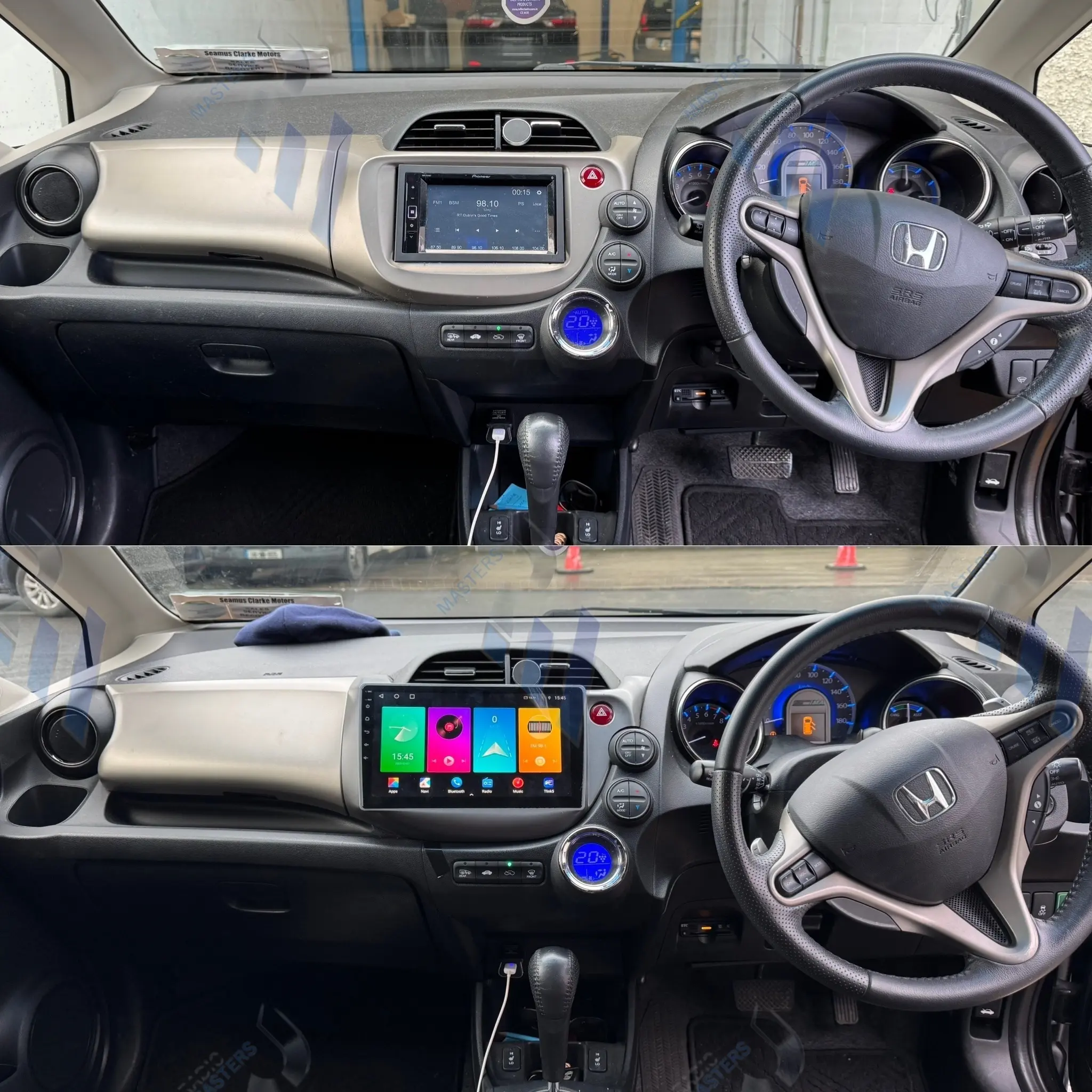
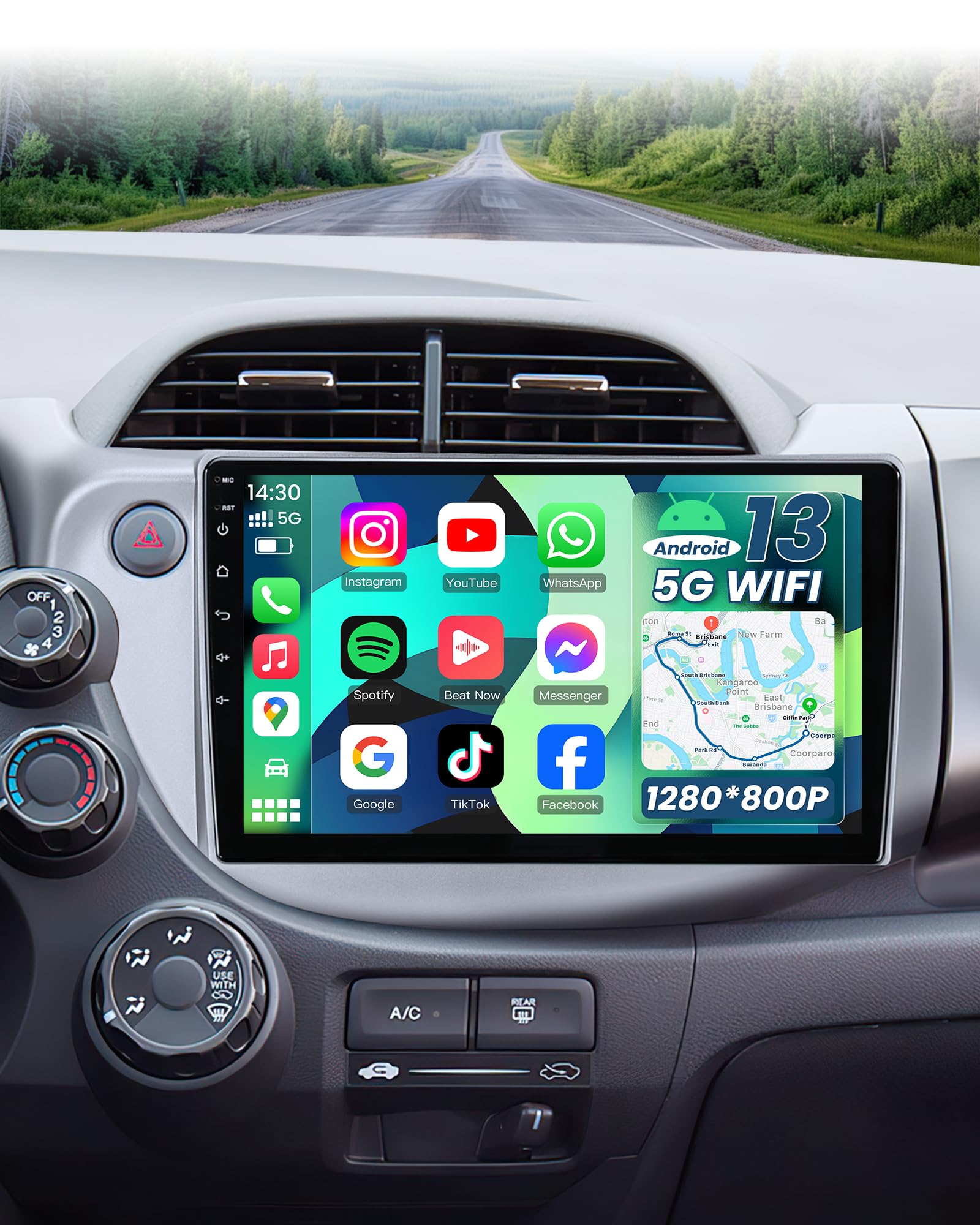
In 2026, many 2012 Honda Fit owners choose to bypass the factory radio entirely if it fails or if the code is irrecoverable. Replacing the factory head unit with a modern double-DIN receiver that supports wireless Apple CarPlay or Android Auto is a popular upgrade. These aftermarket units do not require a Honda anti-theft code, though they do require a wiring harness adapter and a dash kit to maintain the Fit's interior aesthetics.
Expert Maintenance Tips for 2012 Honda Fit Electronics
As the 2012 Honda Fit enters its 14th year of service, electrical "ghosts" can become more common. To prevent the radio from locking unexpectedly, ensure your battery terminals are clean and tight. Corrosion on the terminals can cause momentary drops in voltage—especially during engine cranking—which is enough to trigger the anti-theft system even if the battery isn't dead.
If you are replacing your battery, you can use a "Memory Saver" device. This is a small tool that plugs into the OBD-II port or cigarette lighter and uses a 9V battery or an external power pack to provide just enough voltage to the car's computers to keep the radio code and engine idle settings saved while the main battery is disconnected.
Frequently Asked Questions
Can I get my radio code for free?
Yes, the official Honda online retrieval tool is a free service provided by Honda. You should never pay a third-party website for a Honda radio code. If you cannot get the code online, most Honda dealerships will provide it for free if you bring the vehicle in person with proof of ownership, though some may charge a small "diagnostic" fee for the labor of pulling the unit if the serial number shortcut fails.
My code contains a '7', but my presets only go to '6'. What do I do?
The radio codes for the 2012 Honda Fit are generated based on the available buttons. For standard (non-navigation) models, the codes will only contain the digits 1 through 6. If you have a code with a 7, 8, 9, or 0, it is likely a navigation code or a code for a different Honda model. Re-verify your serial number and ensure you are using the correct retrieval portal.
Why does my radio keep asking for the code every time I turn the car off?
This usually indicates a failure of the "constant power" circuit. The radio needs a small amount of electricity even when the car is off to remember that the code was already entered. Check the 10A "Back Up" fuse in the engine compartment fuse box. If the fuse is intact, there may be a wiring issue or an internal fault in the radio itself.
Does the radio code change over time?
No, the radio code is hardcoded into the unit's firmware at the factory. It is tied to the radio's serial number and will remain the same for the life of the unit, regardless of how many times the car changes owners or how many times the battery is disconnected.
Is the radio code the same as the key code?
No. The radio code is a five-digit number for the audio system. The key code is a separate alphanumeric string used by locksmiths to cut new physical keys for the ignition and doors. They are not interchangeable.
Recommended Next Steps
If you have successfully retrieved your code, write it down immediately. The best practice is to write it on a piece of masking tape and stick it to the underside of the fuse box cover under the hood, or save it as a "Contact" in your smartphone labeled "Honda Fit Radio Code." This ensures that the next time you need a battery replacement, a simple five-second entry is all that stands between you and your music. If the radio continues to malfunction despite having the correct code, consider visiting a certified automotive electrician to check for ground-wire degradation, a common issue in older subcompact vehicles.