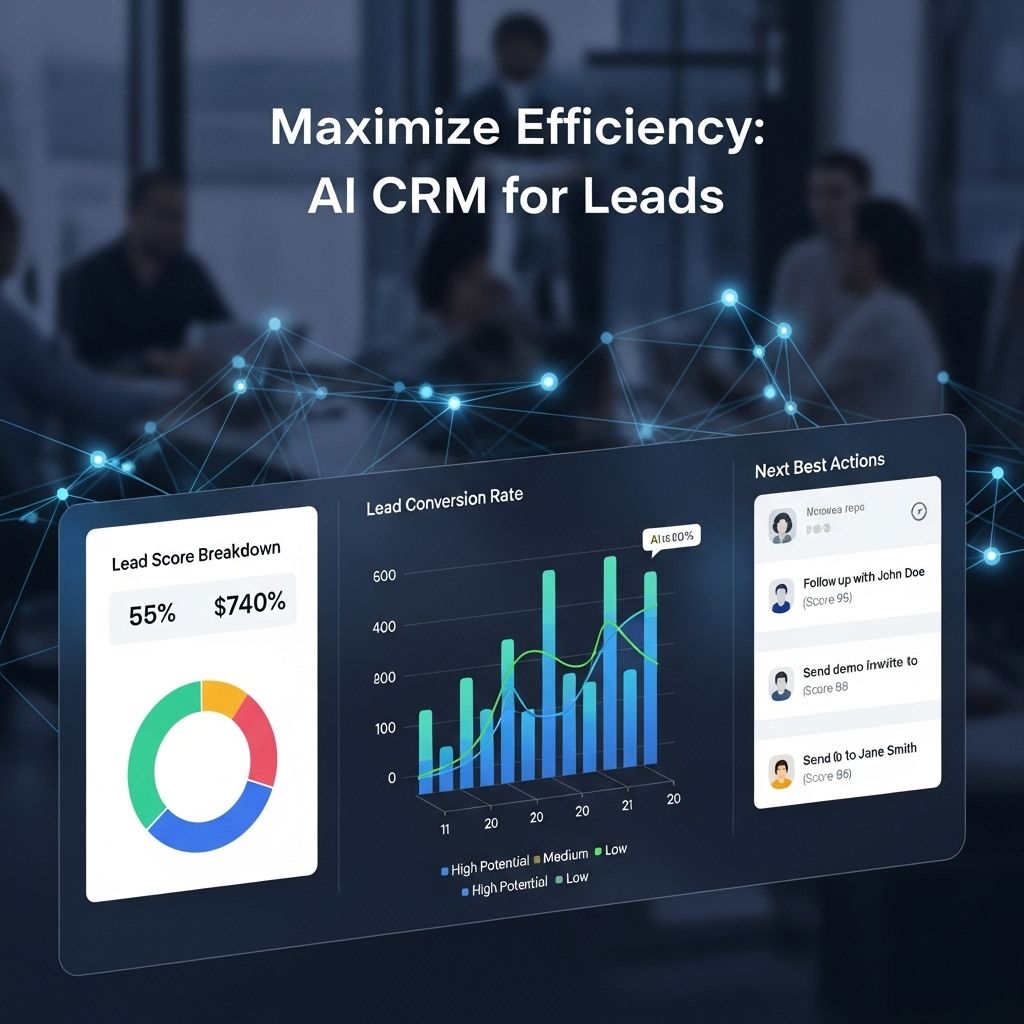
AI lead qualification software with CRM integration automates the process of identifying, scoring, and routing potential customers by analyzing behavioral data, firmographics, and interaction patterns before syncing these insights directly into your Customer Relationship Management system. This process ensures sales teams prioritize high-intent prospects, significantly reducing manual data entry and preventing high-value leads from falling through the cracks.
The Role of AI in Modern Lead Qualification
Lead qualification is the practice of evaluating a prospect's fit and intent to purchase based on specific criteria. Historically, this task was performed manually by Sales Development Representatives (SDRs) who would sift through marketing-generated lists, call prospects, or review web activity to determine who was "sales-ready."
AI-powered qualification shifts this paradigm by utilizing machine learning models to analyze thousands of data points in real time. These models can distinguish between a user who is merely browsing for educational content and one demonstrating high-intent signals, such as pricing page visits, whitepaper downloads, or repeated interaction with technical documentation. By integrating this intelligence directly into a CRM, organizations ensure that the data is not siloed but instead serves as a trigger for automated workflows, task assignment, and lead enrichment.
Core Mechanisms of CRM-Integrated AI Tools
To function effectively, AI lead qualification software relies on deep integration with your primary CRM—such as Salesforce, HubSpot, or Microsoft Dynamics 365. This integration is rarely a one-way street; it involves a sophisticated bidirectional flow of information.
- Data Ingestion: The AI platform consumes data from the CRM, including historical win/loss data, current pipeline status, and past communication logs. This is combined with external data sources like company size, industry, revenue, and recent funding rounds (firmographics).
- Predictive Scoring: Using the ingested data, the software applies a predictive model to assign a dynamic score to every lead. Unlike static scoring, which relies on fixed rules, predictive scoring evolves as new data arrives.
- Real-Time Synchronization: Once a lead crosses a defined score threshold, the AI tool triggers a record update in the CRM. This could include updating a "Lead Score" field, changing the "Lead Status," or automatically assigning the record to a specific sales rep based on territory or load-balancing logic.
- Feedback Loops: As sales teams interact with leads, the outcomes (e.g., booked meetings, closed-won, or disqualified) are pushed back into the AI system. This retrains the model, increasing the accuracy of future qualification assessments.
Prerequisites for Successful Implementation
Before deploying AI-driven qualification, organizations must ensure their technical foundation is robust. AI models are only as effective as the data provided to them; this concept is often referred to as "garbage in, garbage out."
- CRM Data Hygiene: If your CRM contains duplicate records, incomplete contact fields, or outdated account information, an AI tool will propagate these inaccuracies. A thorough data audit is mandatory before integration.
- Defined ICP (Ideal Customer Profile): You must be able to articulate what a "good" lead looks like. While the AI can help identify patterns, it works best when guided by clear parameters regarding industry verticals, job titles, and company revenue brackets.
- API Capabilities: Ensure your CRM and the AI qualification tool offer stable, well-documented APIs or native connectors. Custom-built bridges often require ongoing maintenance that can fail during platform updates.
Comparing Traditional vs. AI-Augmented Qualification
| Feature | Traditional Manual Qualification | AI-Augmented Qualification |
|---|---|---|
| Response Time | Minutes to hours | Milliseconds |
| Scalability | Limited by headcount | Virtually infinite |
| Scoring Logic | Static (Rules-based) | Dynamic (Pattern-based) |
| Data Utilization | Primarily internal logs | Internal + External/Firmographic |
| CRM Integration | Manual/Spreadsheet-based | Automated Bidirectional Sync |
Strategic Benefits for Sales Operations
The primary value proposition of integrating AI qualification with your CRM is the radical improvement in speed-to-lead. Research consistently shows that the likelihood of qualifying a lead decreases dramatically if the initial follow-up is delayed. By automating the transition from marketing-qualified lead (MQL) to sales-accepted lead (SAL), you ensure that human intervention occurs at the most opportune moment.
Furthermore, these tools provide a structured way to handle "lead leakage." In many organizations, a significant percentage of incoming leads are never contacted due to human error or capacity constraints. AI-integrated systems can flag these neglected leads, re-score them, or place them into automated nurture sequences, effectively reclaiming lost revenue potential.
Navigating Common Pitfalls and Troubleshooting
The most common failure point in deploying these systems is "integration fatigue" among the sales force. If an AI tool creates excessive notifications, constantly shifts lead ownership, or populates the CRM with redundant data, sales reps may ignore the insights altogether.
- Avoid Over-automation: Do not allow the AI to move leads through the entire funnel without human validation. Use AI to surface intent, but maintain human oversight at the point of initial outreach.
- Monitor Model Drift: Over time, market conditions change. A lead qualification model trained in 2024 may prove inaccurate in 2026 due to shifts in buyer behavior or industry trends. Schedule quarterly reviews to calibrate your scoring models against recent win/loss data.
- Standardize Data Fields: Ensure that the AI software maps to custom fields within your CRM consistently. If the AI updates a field that the sales team does not use, the integration provides no value.
Legal and Privacy Considerations
In 2026, compliance with data privacy regulations like GDPR, CCPA, and evolving AI-specific frameworks is paramount. When using AI to process lead data, ensure that the third-party providers you select maintain robust security certifications, such as SOC2 Type II.
Be transparent about how data is used to qualify leads. If your CRM integration involves sharing data with external AI providers for processing, confirm that your privacy policy covers these subprocessors. Never ingest sensitive personally identifiable information (PII) into an AI model if it is not necessary for the qualification process.
Selecting the Right Software for Your Stack
When evaluating vendors, prioritize tools that offer a "sandbox" or pilot environment. The goal is to verify that the tool can ingest your specific CRM data without creating conflicts. Look for documentation regarding:
- Native Integrations: Does the vendor have a pre-built application in the AppExchange (Salesforce), HubSpot App Marketplace, or similar ecosystem? Native apps are significantly easier to configure and maintain.
- Explainability: Can the AI explain why a lead was given a specific score? "Black box" AI is difficult to trust; models that provide a clear rationale for their scoring allow sales managers to verify that the AI is learning correctly.
- Support for Custom Objects: If your CRM uses complex custom objects or unique lead-routing logic, confirm that the AI platform supports these structures rather than just standard Lead and Contact objects.
Frequently Asked Questions
How does AI lead qualification differ from standard lead scoring? Standard lead scoring uses manual, rules-based logic (e.g., +10 points for visiting a pricing page). AI lead qualification uses predictive modeling to analyze patterns across your CRM data, identifying high-intent behaviors that rules-based systems often miss, such as changes in firmographics or specific content consumption journeys.
Does this software replace my SDR team? No, it empowers them. AI qualification filters out the noise so that SDRs spend their time on high-potential leads instead of unqualified ones. It is designed to maximize the productivity of existing headcount, not to eliminate the human element of sales.
What happens if the integration breaks during a CRM update? Most enterprise-grade AI qualification platforms use webhooks or scheduled API polls that are resilient to minor UI changes. However, if the CRM changes its API structure, you may need to re-authenticate or adjust mapping settings. Always test integrations in a sandbox environment before applying major CRM updates.
Can these tools predict churn? Many AI lead qualification platforms have expanded their capabilities to include account-based marketing (ABM) and customer health monitoring. While the primary focus is on acquisition, the same underlying CRM integration can often be leveraged to monitor existing customer behavior for signs of potential churn.
Is AI qualification cost-effective for small businesses? Costs vary based on lead volume and feature requirements. While enterprise solutions are expensive, there are many mid-market tools that offer tiered pricing based on the number of records processed. Calculate the potential increase in conversion rates to determine the return on investment (ROI) before purchasing.
Implementation Next Steps
- Audit Your CRM: Before evaluating tools, ensure your current lead management processes are clean and documented.
- Define Success Metrics: Establish a baseline for current conversion rates, lead response times, and sales productivity.
- Evaluate Vendors: Select 2-3 providers that offer native integration with your specific CRM, prioritizing those that offer clear, explainable scoring.
- Pilot: Run a 30-to-60-day pilot focusing on a specific segment or region to measure impact before a full-scale organization-wide deployment.
- Refine: Use the results of the pilot to adjust model parameters and integrate the AI’s output into your established sales workflows.