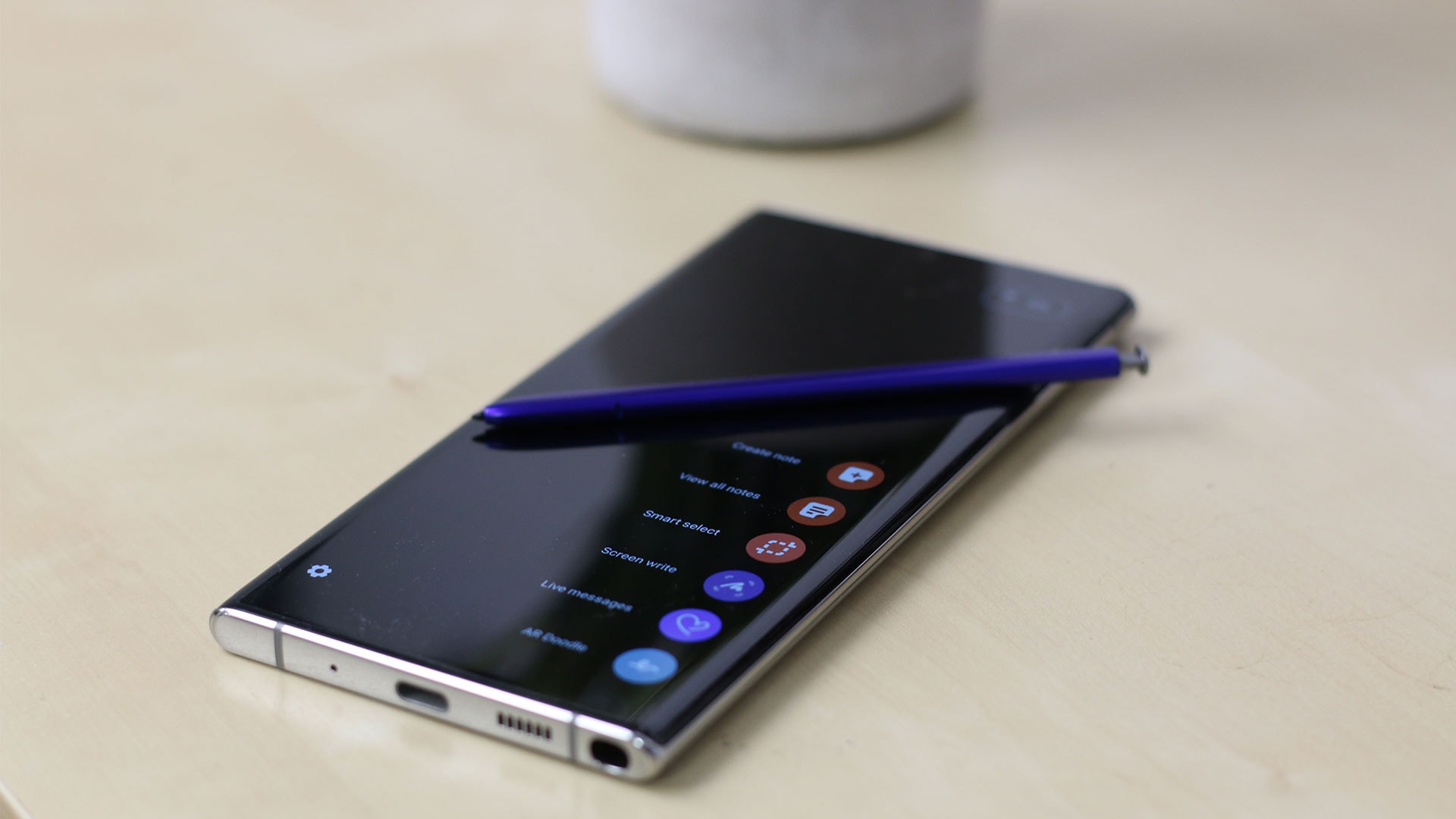
The Samsung Galaxy Note 10 Plus, released in 2019, remains a landmark device in mobile history, defined by its expansive 6.8-inch Dynamic AMOLED display, integrated S Pen functionality, and sophisticated productivity-focused feature set. While it has reached its end-of-life status for official software support, the device continues to serve users who prioritize screen real estate, refined multitasking capabilities, and a distinct aesthetic design that has influenced modern smartphone standards.
The Architectural Foundation and Design Philosophy
The Samsung Galaxy Note 10 Plus arrived as a pinnacle of glass-and-metal sandwich construction, setting a aesthetic trend that would define Samsung’s design language for years. Measuring 162.3 x 77.2 x 7.9 mm, the device managed to feel remarkably thin for its footprint. The "Aura Glow" finish, a hallmark of the 2019 design refresh, utilized a complex optical layer to reflect a spectrum of colors, distinguishing it from the monochromatic standard of its peers.
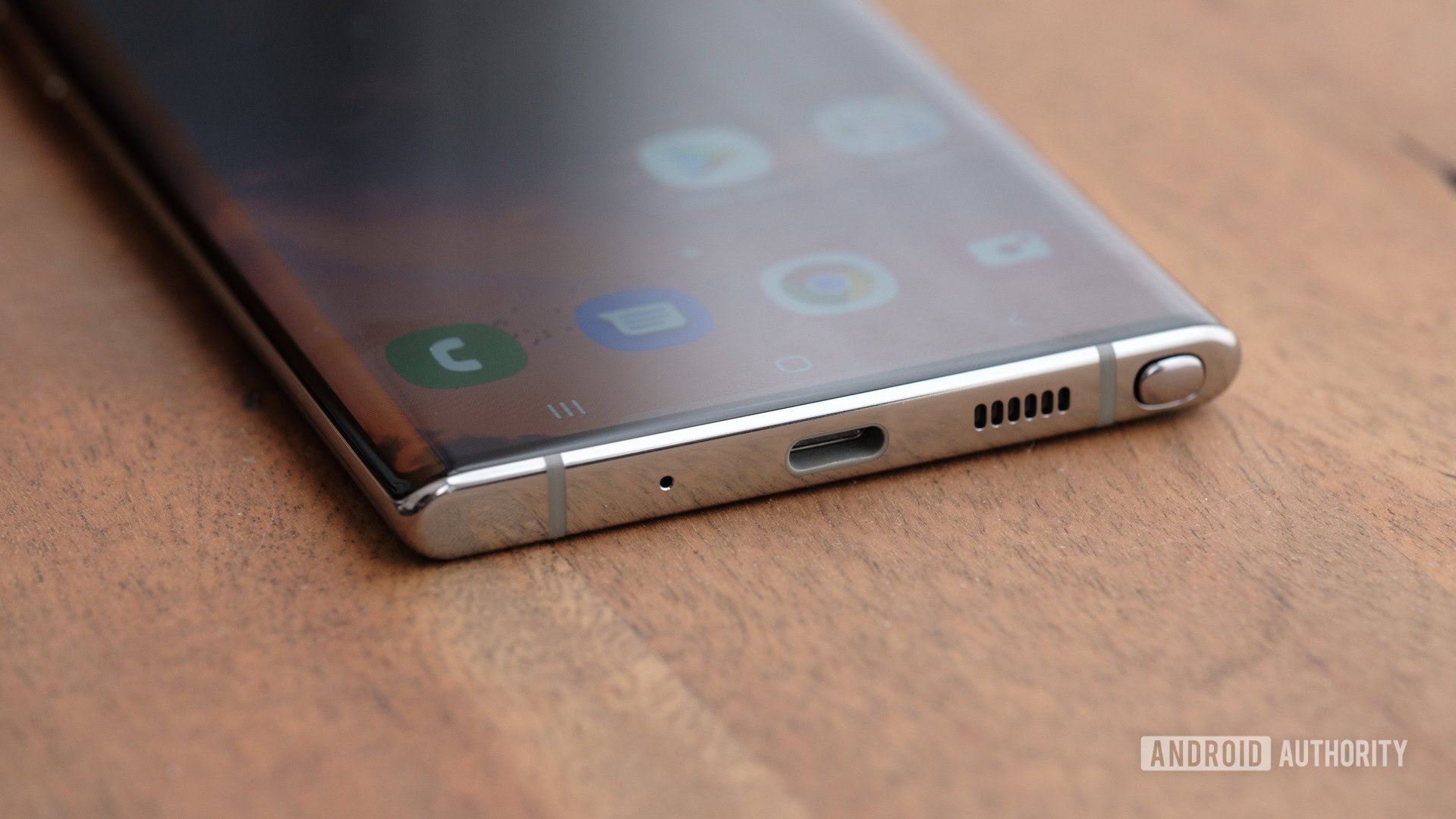
In 2026, the device’s physical design still commands respect. The front is dominated by a near-bezel-less screen, utilizing a center-aligned punch-hole camera that remains less intrusive than many modern implementations. The weight balance is exceptional, providing a premium haptic experience that some users argue was lost in subsequent, boxier generations of the S-series and Ultra lines. The build quality, while undeniably durable for its era, remains a glass-dependent design; using a protective case is strongly advised for longevity, as replacement parts for the original chassis and screen are increasingly limited in official repair channels.
Display Performance: The 6.8-inch Dynamic AMOLED Advantage
The primary justification for choosing a Note 10 Plus even today is the screen. The 6.8-inch Quad HD+ (3040 x 1440) Dynamic AMOLED display provides a pixel density of 498 ppi, which, while exceeding the requirements for a standard viewing distance, produces an exceptionally sharp image.
Technically, the panel supports HDR10+ and was one of the first to utilize an ultrasonic under-display fingerprint sensor. While modern 2026 handsets have improved the speed and surface area of these sensors, the Note 10 Plus implementation remains functional. For content consumption, the display continues to hold up remarkably well against modern mid-range devices due to its color accuracy and deep black levels. However, it is essential to note that the screen is capped at a 60Hz refresh rate. In a market where 120Hz or higher is the current standard, users transitioning from a modern flagship may notice a distinct difference in motion smoothness during scrolling and gaming.
S Pen Functionality: A Productivity Niche
The S Pen is the defining feature that differentiates the Note series from the standard S-series. In the Note 10 Plus, the S Pen serves as more than a stylus; it functions as a remote control through Bluetooth Low Energy (BLE) integration.
Users can control presentations, trigger the camera shutter, or navigate media playback remotely. The "Air Actions" suite, which allows for gesture-based control, provides a layer of utility for professional environments, such as during board meetings or clinical rotations. The integration with Samsung Notes allows for handwriting-to-text conversion—a feature that has seen consistent improvement through the years—making the device a legitimate digital notepad. For students or professionals who rely on annotation, the 4,096 levels of pressure sensitivity remain highly accurate, ensuring that the input delay is nearly imperceptible even by 2026 standards.
Hardware Specifications and Technical Longevity
The device was marketed with two different chipset architectures depending on the region: the Qualcomm Snapdragon 855 in North America and Samsung’s own Exynos 9825 internationally.
| Feature | Specification |
|---|---|
| Processor | Snapdragon 855 (7nm) / Exynos 9825 (7nm) |
| RAM | 12GB (Standard) |
| Internal Storage | 256GB / 512GB (UFS 3.0) |
| Expandable Storage | microSDXC (up to 1TB via SIM slot) |
| Battery | 4,300 mAh (45W wired charging support) |
| Connectivity | Wi-Fi 6, Bluetooth 5.0, NFC |
The inclusion of 12GB of RAM is a significant factor in the device's sustained usability. While the processor is dated by 2026 metrics—meaning it will struggle with high-end, demanding 3D games or complex AI-driven processing—the abundant RAM allows the device to handle multitasking and common productivity applications with relative ease. One critical advantage the Note 10 Plus holds over modern flagships is the dedicated microSD slot, allowing for affordable storage expansion, a feature that has largely vanished from high-end mobile hardware.
Camera System: Practical Utility vs. Modern Standards
The camera module on the back consists of a triple-lens array plus a Time-of-Flight (ToF) sensor. The 12MP primary lens features a dual-aperture mechanism (f/1.5-2.4), which was highly touted for its low-light performance in 2019.
In 2026, the image processing is the main differentiator. While the Note 10 Plus produces clean, vibrant photos suitable for social media and general documentation, it lacks the advanced computational photography stacks found in newer phones. Specifically, you will notice:
- Zoom Limitations: The 2x optical zoom is far surpassed by modern periscope lenses that offer 5x or 10x optical zoom with superior clarity.
- HDR Processing: Modern devices handle backlighting and high-contrast scenes with more sophisticated multi-frame blending, whereas the Note 10 Plus may occasionally blow out highlights or over-sharpen textures.
- Video Stabilization: While capable of 4K recording, the electronic image stabilization (EIS) is not as effective as current-generation optical solutions.
Software Status and Security Considerations
A critical aspect of using the Note 10 Plus in 2026 is the software lifecycle. Samsung concluded major OS updates for this device several years ago. It effectively stopped at Android 12 with One UI 4.1.
This creates a significant security risk. Because the device no longer receives monthly security patches from the manufacturer, it is vulnerable to exploits discovered in the years since its final update. Users who store sensitive financial information, private health records, or workplace data on their devices should carefully consider the risks of using an out-of-support operating system. For those who insist on continuing to use the hardware, it is recommended to avoid banking apps or to use a secure, isolated container for sensitive activities. Additionally, third-party custom ROMs exist for the Snapdragon and Exynos variants, which may allow users to run newer versions of Android, though this process is technical and involves significant risks of bricking the device or losing access to specific Samsung-verified features like Samsung Pay or Secure Folder.
Battery Health and Power Management
By 2026, almost every Note 10 Plus unit will be experiencing battery degradation. Lithium-ion batteries typically have an effective lifespan of 300 to 500 charge cycles before significant capacity loss occurs. If you are purchasing a "used" or "refurbished" model, verifying the battery health is the most important step in the pre-purchase phase.
The original 4,300 mAh battery was adequate for a full day in 2019, but given the increased energy demands of modern apps and web scripts, you may find the device requires a mid-day charge. If the battery health is reported below 80%, replacement is highly recommended. Because the back panel is adhered to the frame with strong industrial adhesive, professional replacement is suggested to ensure the structural integrity—and any remaining water resistance—is not further compromised.
Troubleshooting Common Issues
- Slow Charging: Ensure you are using a Power Delivery (PD) compliant charger with a PPS (Programmable Power Supply) cable. The Note 10 Plus requires specific protocols to reach its maximum 45W charging speed; generic high-wattage chargers often default to slower speeds.
- Ghost Touches: If the screen registers input without contact, this is often caused by a failing digitizer or a damaged screen protector. Remove the protector first before assuming hardware failure.
- Microphone Muffled: The Note 10 Plus has several microphones for noise cancellation. Accumulated debris in these small apertures is common. Clean them gently with a soft-bristle brush; do not insert sharp objects into the holes.
Frequently Asked Questions
Can the Note 10 Plus connect to 5G networks in 2026? No. The standard Note 10 Plus was a 4G LTE device. While a 5G-enabled variant existed in specific markets, the mass-market version lacks the hardware antennas to connect to modern 5G sub-6 or mmWave spectrums. It remains fully functional on 4G LTE networks, which remain the backbone of mobile connectivity globally.
Is it worth buying a Note 10 Plus in 2026? It depends on your goal. If you need a secondary device for media consumption, note-taking with the S Pen, or offline tasks, it offers excellent value. However, as a primary daily driver, the lack of security updates and modern camera processing makes it difficult to recommend when compared to mid-range phones that offer better performance and official support.
Will I be able to run modern apps on the Note 10 Plus? Yes, most current applications maintain backward compatibility with Android 12. You will not find many apps that refuse to install, but as developers move toward requiring newer Android APIs, you may eventually find that critical apps stop receiving updates within the next 12 to 24 months.
Is the S Pen from newer Samsung phones compatible? Basic touch functionality may work, but the Bluetooth features and button shortcuts are not cross-compatible between different generations of S Pens and devices. Stick to the S Pen model designed for the Note 10/10 Plus to ensure full functionality.
Recommendation
The Samsung Galaxy Note 10 Plus remains a beautifully engineered piece of technology that offers a premium experience at a budget-friendly price point in the secondary market. However, its age is most apparent in its lack of security patches and the declining availability of original replacement parts. If you choose to acquire this device, prioritize a unit with a verified healthy battery and a pristine screen, and prepare to operate it as a legacy device rather than a primary tool for sensitive, high-security tasks.