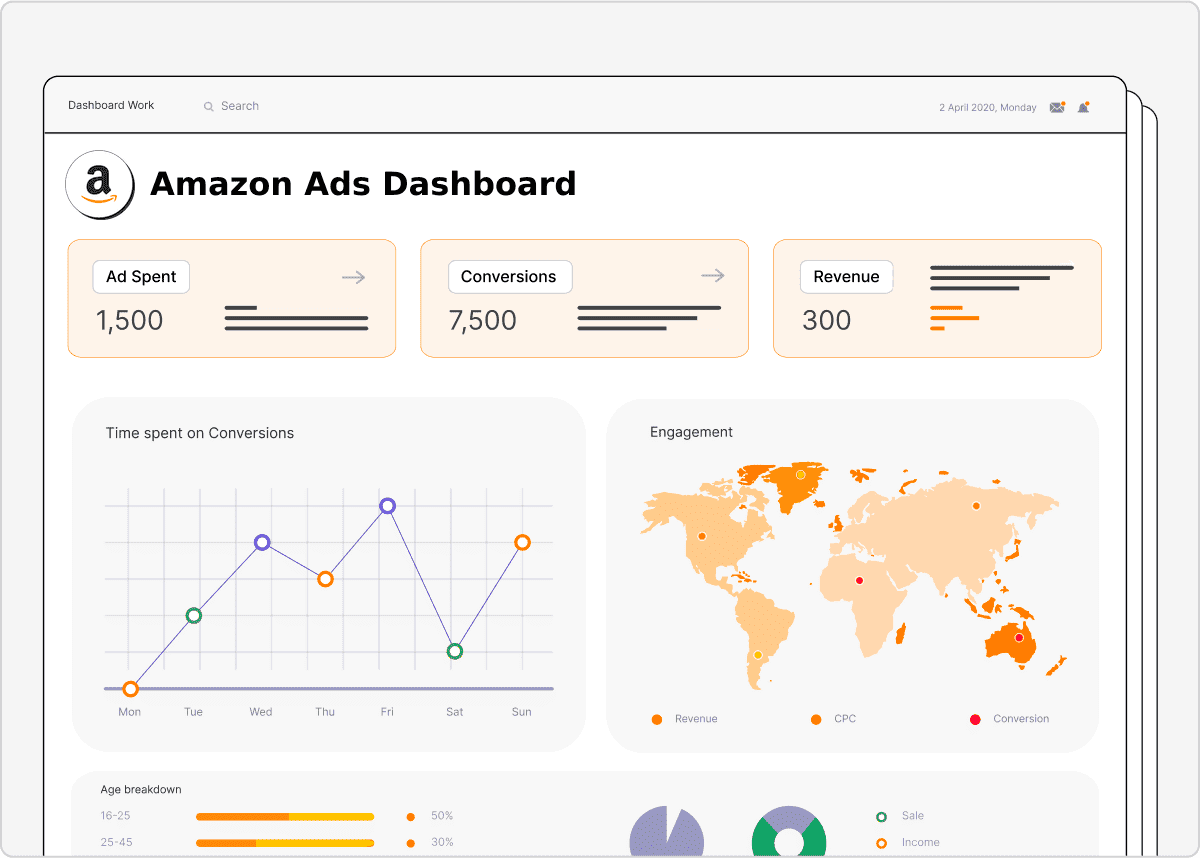
Integrating Amazon’s ecosystem with the Blueshift Customer Engagement Platform allows marketers to unify fragmented commerce data with sophisticated AI-driven orchestration. This integration enables real-time synchronization of customer behavior, purchase history, and advertising signals, facilitating hyper-personalized campaigns across email, SMS, and paid media. By connecting Amazon Web Services (AWS) and Amazon Advertising to Blueshift’s Smart Hub, brands can bridge the gap between marketplace transactions and direct-to-consumer engagement.
Understanding the Amazon-Blueshift Ecosystem in 2026
The integration between Amazon and Blueshift is not a single "on-off" switch but a multi-layered connection involving data ingestion, audience synchronization, and cloud storage. As of 2026, marketers utilize this synergy to overcome the limitations of walled gardens. Blueshift acts as the central intelligence layer, while Amazon provides both the infrastructure (via AWS) and the commercial reach (via Amazon Advertising and the Selling Partner API).
For a modern marketing team, this integration serves three primary functions:
- Data Centralization: Moving bulk customer data from Amazon S3 or Redshift into Blueshift to build a 360-degree customer view.
- Audience Activation: Sending segments curated in Blueshift directly to Amazon DSP (Demand Side Platform) for retargeting or lookalike modeling.
- Real-Time Triggering: Using AWS Kinesis or EventBridge to push real-time event data into Blueshift, triggering immediate cross-channel responses.
Technical Prerequisites for Integration
Before attempting to link these platforms, technical teams and marketers must ensure specific administrative and infrastructure requirements are met. Failure to configure these correctly often results in data latency or synchronization errors.
AWS Infrastructure Requirements
Blueshift typically connects to the Amazon ecosystem through Amazon S3 (Simple Storage Service) for batch processing or Amazon Redshift for relational data queries. Marketers must ensure they have:
- An active AWS Account with permissions to create IAM (Identity and Access Management) roles.
- Dedicated S3 buckets for both "Inbound" (data coming to Blueshift) and "Outbound" (data exported from Blueshift) traffic.
- Properly formatted data files (usually JSON or CSV) that adhere to Blueshift’s schema requirements.
Amazon Advertising and SP-API Access
To leverage commerce data, marketers need access to the Amazon Selling Partner API (SP-API) or the Amazon Advertising API. This requires:
- A registered Developer Profile within the Amazon Seller Central or Vendor Central console.
- OAuth 2.0 credentials to authorize Blueshift to pull or push audience data.
- Verified Amazon Advertising accounts linked to the respective brand entities.
Step-by-Step Data Ingestion: Connecting Amazon S3 to Blueshift
The most common integration point is the Amazon S3 bucket. This serves as the "handshake" area where large volumes of customer attributes and transaction histories are exchanged.
1. Configuring the IAM Role
Security is paramount in 2026. Rather than using static Access Keys, it is recommended to use IAM Roles with cross-account access. You must create a policy in your AWS console that grants Blueshift "List" and "Read" permissions for your specific S3 bucket. This policy is then attached to a role that trusts Blueshift’s AWS Account ID.
2. Setting up the App Hub in Blueshift
Within the Blueshift interface, navigate to the App Hub. Select the Amazon S3 integration and input your Role ARN (Amazon Resource Name). Once the connection is validated, you can define the "Source Path" where your data resides.
3. Mapping Attributes and Events
Once the connection is established, you must map the columns in your Amazon data files to Blueshift’s internal attributes. For example, customer_id in Amazon must map to external_id in Blueshift. Crucially, ensure that timestamps are in ISO 8601 format to prevent synchronization delays in your journey flows.
Optimizing Amazon Advertising with Blueshift Segments
One of the highest-value use cases for marketers is the ability to use Blueshift’s predictive modeling to power Amazon Advertising campaigns. By exporting high-value segments to the Amazon DSP, brands can reduce ad waste and increase ROAS (Return on Ad Spend).
Synchronizing Audiences
Blueshift’s Audience Sync feature allows you to select a dynamic segment—such as "Users likely to churn" or "Frequent electronics buyers"—and push it directly to Amazon Advertising. This is handled via the Amazon Advertising API. In 2026, this process is near-instantaneous, allowing marketers to suppress recent purchasers from seeing ads for products they have already bought on Amazon, thereby saving significant budget.
Leveraging Predictive Scores
Blueshift’s AI engine calculates scores like "Likelihood to Purchase" or "Expected Lifetime Value." By injecting these scores into Amazon’s bidding environment via the DSP integration, marketers can bid more aggressively for users that Blueshift identifies as high-intent, even if those users haven't visited the brand's direct website in several days.
Strategic Comparison: Integration Methods
Marketers have several ways to facilitate the movement of data between Amazon and Blueshift. The choice depends on technical resources and the required speed of data delivery.
| Integration Method | Primary Use Case | Latency | Complexity |
|---|---|---|---|
| Amazon S3 (Batch) | Daily uploads of transaction history and user attributes. | High (Hourly/Daily) | Low |
| AWS Redshift | Querying complex relational data for deep segmentation. | Medium | Moderate |
| AWS Kinesis / EventBridge | Real-time triggers for behavioral emails or push notifications. | Low (Millisecond) | High |
| Amazon DSP API | Direct synchronization of segments for targeted advertising. | Low (Near Real-Time) | Moderate |
| Selling Partner API | Pulling Amazon-native sales data into the CDP for a total view. | Medium | High |
Advanced Use Cases for Marketers
1. Amazon Marketplace Recovery Journeys
When a customer browses a product on a brand's direct site but completes the purchase on Amazon, data silos often lead to "ghosting" the customer with irrelevant "abandoned cart" emails. By integrating Amazon SP-API data back into Blueshift, the system recognizes the purchase occurred on the marketplace and immediately exits the customer from the recovery journey, instead moving them into a "Product Onboarding" or "Cross-Sell" flow.
2. Hyper-Local Amazon Delivery Notifications
Using the real-time event capabilities of AWS, marketers can trigger custom SMS or App Push notifications through Blueshift when an Amazon order reaches a specific delivery milestone. This creates a branded experience even when the logistics are handled by a third party.
3. Lookalike Modeling for New Customer Acquisition
Marketers can export their most profitable "Loyalist" segment from Blueshift to Amazon Advertising to create Lookalike Audiences. Amazon’s algorithms then find new prospects with similar shopping patterns, significantly lowering the Cost Per Acquisition (CPA) compared to generic interest-based targeting.
Troubleshooting Common Integration Hurdles
Even with robust APIs, integration issues can arise. Understanding where the breakdown occurs is vital for maintaining data integrity.
- Permission Mismatches: If Blueshift cannot "see" your S3 files, verify the Bucket Policy. Ensure the "Principal" in the JSON policy correctly identifies Blueshift’s staging environment.
- Schema Drift: If you add new columns to your Amazon data export without updating the mapping in Blueshift, those attributes will be ignored. Periodically audit your App Hub mappings to ensure all relevant data points are being captured.
- File Naming Conventions: Blueshift often relies on regex (regular expressions) to identify which files to pick up. If your automated export process changes the file naming format (e.g., from
sales_data_2026_01.csvto2026_01_sales.csv), the integration will fail to ingest new data. - API Rate Limits: Amazon Advertising and SP-API have strict throttling limits. If you are attempting to sync massive audiences (over 10 million records) simultaneously, ensure your integration is configured to use "Batch" endpoints rather than individual record calls.
Verified Best Practices for 2026
To ensure a high-performing integration, marketers should adhere to the following standards:
- Use a Data Warehouse as a Buffer: Instead of connecting every individual Amazon tool to Blueshift, centralize Amazon data in AWS Redshift or Snowflake on AWS first. This provides a "single source of truth" and makes the Blueshift ingestion cleaner.
- Prioritize Identity Resolution: Ensure that the
amazon_customer_idand theemail_addressused in your DTC store are linked within Blueshift’s Identity Graph. Without this, you will end up with duplicate profiles for the same customer. - Monitor Sync Health: Set up automated alerts in AWS CloudWatch to notify your team if the S3 export fails. Similarly, check the Integration Logs in Blueshift weekly to catch any mapping errors.
- Privacy First: In the 2026 regulatory environment, ensure that any data pushed from Blueshift to Amazon Advertising is hashed (SHA-256) and that user consent flags are strictly respected during the sync process.
Frequently Asked Questions
How long does it take for a segment in Blueshift to appear in Amazon Advertising?
Usually, audience synchronization occurs within 1 to 4 hours. While the API call is fast, Amazon’s internal processing for DSP audiences requires time to match users across their identity graph. For real-time triggers, it is better to use AWS EventBridge directly for immediate actions.
Can I integrate Amazon data if I don't use AWS?
Yes. While native AWS tools like S3 make it easier, you can use middleware or SFTP to move data from other cloud providers into an Amazon-compatible format for Blueshift. However, using the native Amazon-Blueshift connectors via the App Hub is significantly more efficient and secure.
Does this integration support Amazon International marketplaces?
Yes. The integration supports all major Amazon locales (NA, EU, JP, etc.). However, you must ensure your IAM roles and API credentials have the appropriate regional permissions. You may need to set up separate "Apps" in the Blueshift App Hub for different geographical regions to comply with local data residency laws.
What is the cost associated with this integration?
Blueshift typically includes standard Amazon connectors in its platform pricing, but you will incur AWS costs. These include S3 storage fees, data egress charges (when moving data out of AWS), and Redshift compute costs if you are running complex queries for the integration.
Can Blueshift trigger Amazon "Buy with Prime" events?
Yes. By capturing "Buy with Prime" webhooks and routing them through an AWS Lambda function into Blueshift, you can trigger specific post-purchase journeys. This allows you to treat "Buy with Prime" customers with the same level of personalization as your direct site customers.
Moving Forward with Your Integration
To begin, start with a limited scope: connect a single Amazon S3 bucket containing your last 30 days of transaction data. Once you have successfully mapped these attributes and verified the data quality within the Blueshift user profiles, proceed to set up the Amazon Advertising audience sync. This incremental approach allows you to validate the ROI of the integration before committing to more complex real-time event architectures.
For marketers looking to lead in 2026, the goal is to make the transition between the Amazon marketplace and your owned brand channels invisible to the customer. A properly configured Blueshift-Amazon integration is the foundational step in achieving that seamless experience.