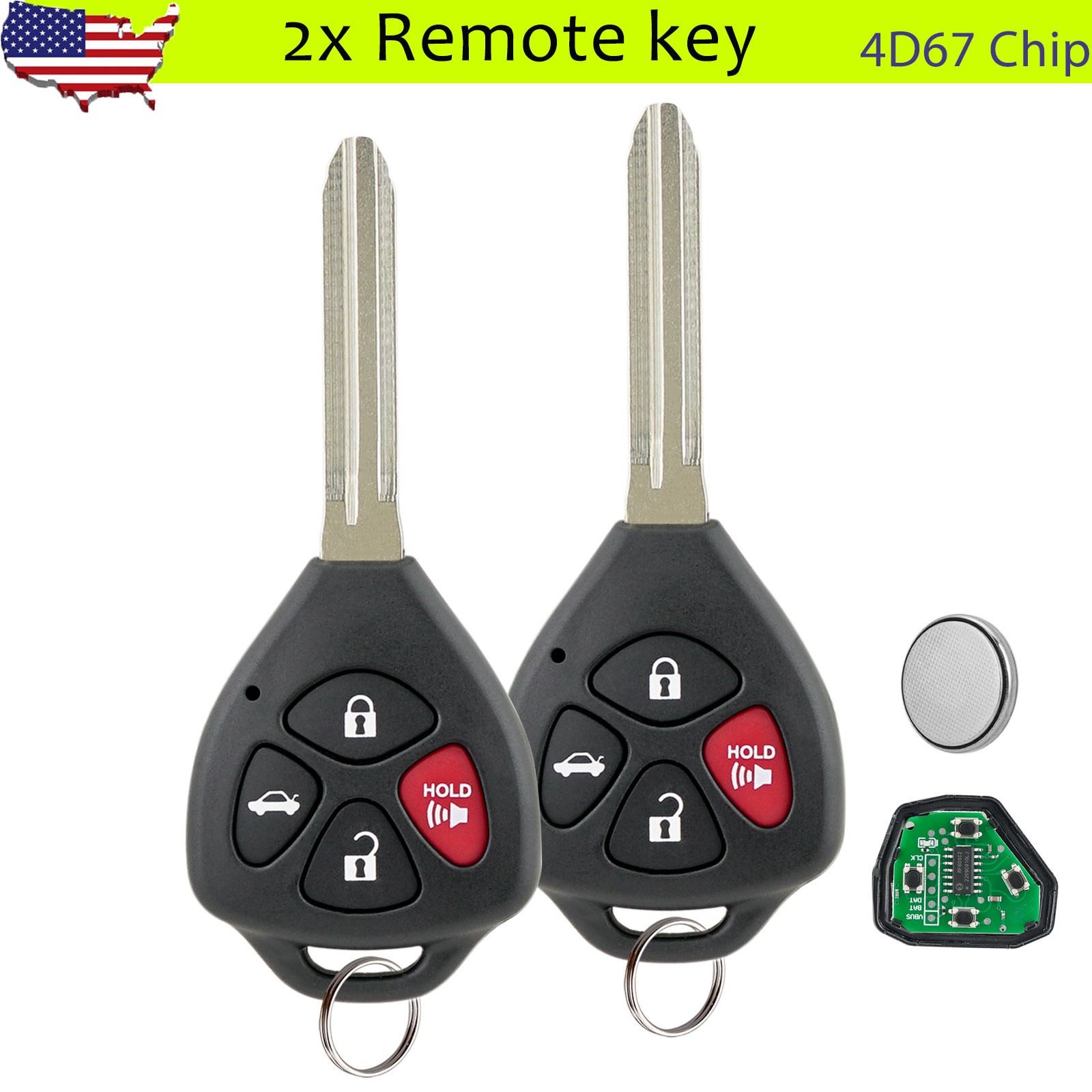
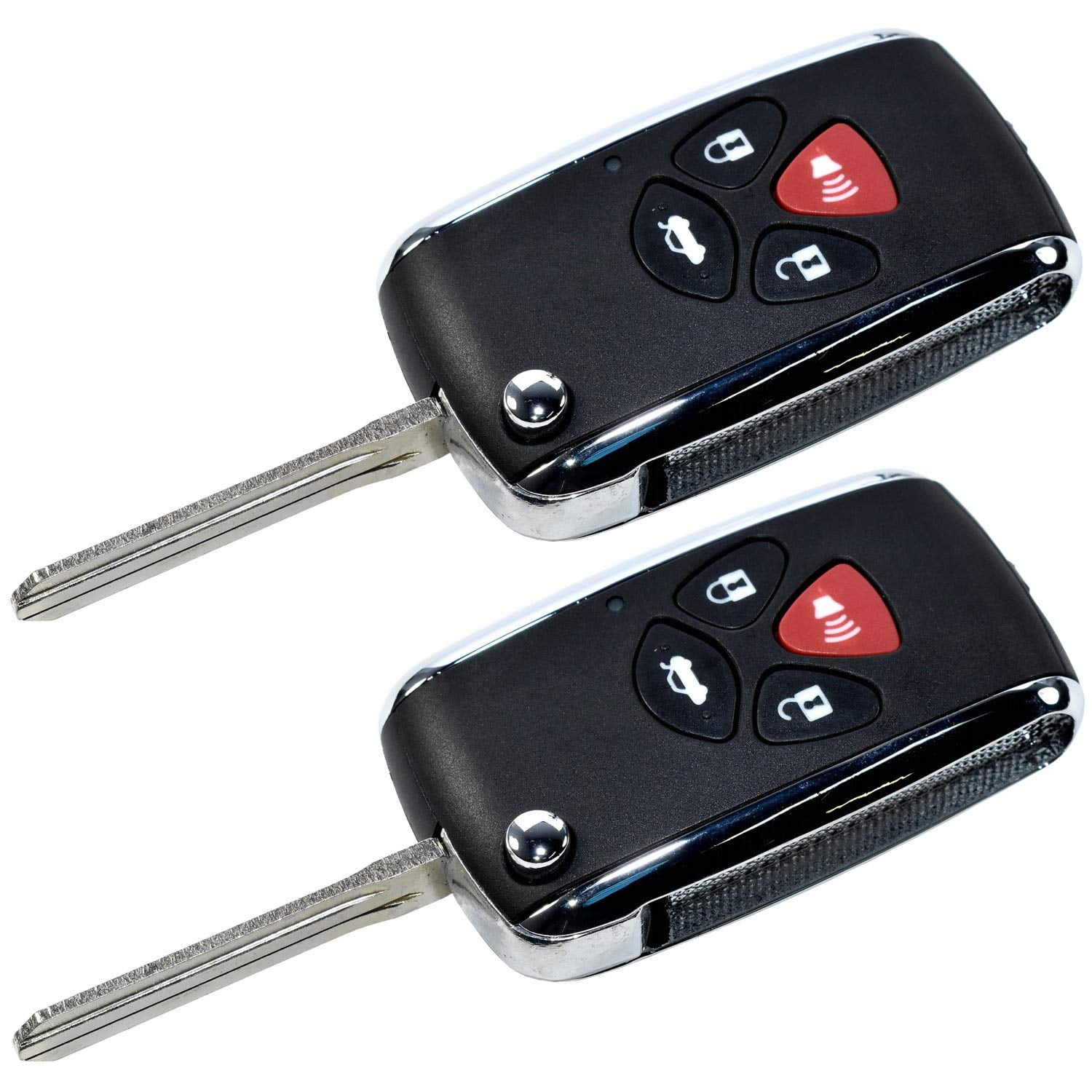
Replacing the battery in your 2007 Toyota Camry key fob is a straightforward maintenance task that requires only a small flat-head screwdriver and a new CR1616 3-volt lithium coin battery. By performing this replacement yourself, you can restore full remote entry functionality and eliminate the frustration of intermittent signal loss without needing a trip to the dealership.
Understanding the 2007 Toyota Camry Remote System
The 2007 Toyota Camry represents a significant generation for the model, featuring a design shift that included standardized remote entry systems. The key fob used for this vehicle is a plastic-encased remote that communicates via radio frequency with the car’s immobilizer and entry control module. Over time, the internal lithium battery—a CR1616—naturally loses its charge.
Typical symptoms of a failing battery include a reduced operating range, where you must stand closer to the vehicle for the unlock command to register, or sporadic responsiveness where the car fails to unlock even when the button is pressed firmly. If the light on the fob fails to illuminate when buttons are pressed, the battery has likely reached the end of its cycle. Because these remotes are paired to the vehicle’s security system, a dead battery does not cause the fob to lose its programming; you will not need to reprogram the remote after swapping the power source.
Preparing for the Replacement
Before you begin, ensure you have the correct replacement battery. The 2007 Toyota Camry key fob specifically requires a CR1616 battery. While some users might find that other thin 3-volt batteries fit the physical compartment, using the manufacturer-specified CR1616 ensures the proper voltage and amperage flow required to maintain the signal strength necessary for the vehicle's receiver.
You will also need a small, thin flat-head screwdriver. A precision screwdriver set, often used for eyeglasses or electronics, is ideal. Avoid using thick knives or household screwdrivers that could mar the plastic casing or damage the delicate internal contact points. Perform this task on a clean, well-lit table to ensure you do not lose the small internal components or the tiny screws if your specific fob variant utilizes them.
Step-by-Step Replacement Procedure
The 2007 Toyota Camry key fob design generally relies on a snap-together housing. Follow these steps to complete the battery swap safely:
- Remove the Mechanical Key: Locate the small release button or switch on the fob and slide out the physical metal key. This reveals the seam where the two halves of the plastic housing meet.
- Open the Housing: Insert the tip of your flat-head screwdriver into the notch or seam at the base of the key slot. Gently twist the screwdriver to pry the two halves of the fob apart. Do this slowly to avoid snapping the plastic clips that hold the shell together.
- Expose the Circuit Board: Once the casing is open, you will see the rubber button pad and the circuit board. Carefully lift the circuit board out. Be cautious not to touch the gold-colored contact points on the board, as oils from your skin can interfere with the connection over time.
- Extract the Old Battery: The battery is held in place by a small metal clip or a snug circular housing. Use your screwdriver or a fingernail to gently push the battery out of its holder.
- Insert the New Battery: Slide the new CR1616 battery into the holder. Ensure the positive (+) side faces upward (or matches the orientation of the battery you removed).
- Reassemble the Fob: Align the circuit board back into the front half of the casing, ensuring the button pads are seated correctly. Press the two halves of the plastic shell together until you hear them snap securely into place.
- Test the Functionality: Slide the mechanical key back into the slot and test the remote by locking and unlocking your doors while standing a few feet from the vehicle.
Technical Comparison of Battery Types
It is common for owners to confuse the CR1616 with other common coin-cell batteries like the CR2032 or CR2025. While these batteries look similar, their physical dimensions differ.
| Battery Type | Diameter (mm) | Thickness (mm) | Suitability for 2007 Camry Fob |
|---|---|---|---|
| CR1616 | 16.0 | 1.6 | Recommended (OEM) |
| CR2016 | 20.0 | 1.6 | Incorrect size; will not fit |
| CR2025 | 20.0 | 2.5 | Incorrect size; too thick |
| CR2032 | 20.0 | 3.2 | Incorrect size; too thick |
Using the incorrect size can lead to a deformed casing, broken clips, or a failure to create the necessary electrical circuit, resulting in a fob that refuses to work even with a fresh battery.
Troubleshooting Common Issues
If the key fob does not function after replacing the battery, consider these troubleshooting steps before assuming the remote is broken:
- Contact Point Oxidation: If the battery contacts have a white or green powdery residue, the previous battery may have leaked. Gently clean the metal contacts with a cotton swab lightly dampened with isopropyl alcohol. Let it dry completely before inserting the new battery.
- Misaligned Buttons: Sometimes the rubber membrane shifts during reassembly, preventing the buttons from making full contact with the circuit board. If the buttons feel "mushy" or unresponsive, reopen the case and ensure everything is seated flush.
- Static Discharge: In rare cases, a buildup of static electricity can cause the chip to become unresponsive. Removing the battery and pressing the buttons for 10 seconds can help drain residual charge, resetting the internal microcontroller before the new battery is installed.
- Low Battery Quality: If you purchased a low-cost or "bulk" battery, it may be near the end of its shelf life. Always use fresh, name-brand lithium batteries to ensure reliable voltage output.
When to Consider a Professional
If you have replaced the battery and verified that the internal contacts are clean, but the remote still fails to operate, the issue may lie with the fob’s internal transmitter or the vehicle's receiver.
In some cases, the microscopic solder joints on the circuit board can crack due to years of being dropped or pressed with excessive force. If the transmitter is damaged, you will need to purchase a replacement fob. If you purchase a new fob, it will require "programming" to your specific 2007 Camry. This process usually involves a specific sequence of inserting and removing the key from the ignition and toggling the door locks; this is a separate procedure from simply changing the battery and should be followed precisely according to the official Toyota service manual instructions.
Frequently Asked Questions
1. Does my car need to be reprogrammed after changing the battery? No. The programming data is stored on a non-volatile memory chip within the fob. Replacing the battery only provides power to the transmitter; it does not erase the security code that links the fob to your 2007 Camry.
2. Can I use a different brand of CR1616 battery? Yes, any reputable brand of CR1616 3-volt lithium coin battery is suitable. Brands such as Duracell, Energizer, or Panasonic are reliable choices. The chemistry and voltage remain standard across these manufacturers.
3. What if I broke the plastic tabs when opening the fob? If the casing no longer snaps together tightly, you can use a very small amount of clear adhesive or wrap the seam with a piece of high-quality electrical tape. Alternatively, you can purchase a replacement "fob shell" online, which allows you to move your existing circuit board into a new, intact plastic housing.
4. How long should a CR1616 battery last in a 2007 Camry? Under normal conditions, a high-quality CR1616 battery should last between two to three years. This duration can vary based on frequency of use and the environmental temperature in which the vehicle is stored, as extreme cold can temporarily reduce battery performance.
5. Why is my range still short even with a new battery? If the range does not improve with a fresh battery, the issue might be the antenna in the vehicle itself or external signal interference. Ensure your fob is not being shielded by heavy metal objects in your pocket or that there are no aftermarket electronic devices (like dash cams or radar detectors) installed near the vehicle’s receiver module.
Final Recommendation
The best course of action is to perform a battery swap using a high-quality CR1616 battery as soon as you notice a decline in remote responsiveness. Proactive replacement prevents the inconvenience of being locked out of your vehicle. Keep a spare battery in your glovebox, as the physical size of the CR1616 allows for easy storage without occupying significant space. Should you find that the fob requires more than just a battery, consult a local locksmith or an automotive electrical specialist who can test the signal output of the transmitter using a radio frequency diagnostic tool to determine if the internal electronics remain viable.