Choosing the right free survey platform depends on your specific needs, such as response caps, question limits, data export options, and ease of use. This comprehensive comparison analyzes five leading options—Google Forms, Typeform, SurveyMonkey, Jotform, and Tio—to help you select the best tool for your data collection goals.
Introduction to Free Survey Platforms
Gathering feedback, conducting academic research, or measuring customer satisfaction requires a reliable data collection tool. While enterprise platforms command steep subscription fees, many providers offer robust free tiers. However, these free versions often come with hidden trade-offs, including strict caps on monthly responses, limitations on question types, restricted design customization, and barriers to exporting data into spreadsheet formats.
Navigating these differences requires looking beyond marketing claims to evaluate what each platform actually delivers at zero cost. Whether you need a simple tool for quick academic polling or an advanced interface for client intake, understanding the technical specifications, user experience, and data ownership policies of each tool ensures you choose wisely without unexpected roadblocks.
Understanding Free Survey Tiers: What to Look For
When evaluating free survey platforms, separating core functionality from paid upsells is essential. Most free plans operate on a freemium business model, meaning companies provide basic access in hopes that users will eventually upgrade as their data needs scale. However, understanding the specific limitations of these tiers prevents costly workflow disruptions halfway through a project.
Response Limits and Data Caps
The most critical constraint of any free survey tool is the response limit. Some platforms restrict the number of total responses you can collect across the lifetime of an account, while others enforce a monthly cap that resets at regular intervals.
If you are running a high-traffic market research campaign or distributing a survey to a large internal company mailing list, a platform that limits you to 100 responses per month will fill up within hours. Always verify whether the stated limit applies to total submissions or active submissions per survey.
Question and Field Constraints
Beyond how many people can answer your questions, look closely at how many questions you can ask per survey. Certain platforms impose a strict cap of 10 questions per form on their free tiers, forcing users to consolidate inquiries or split topics across multiple forms.
Furthermore, check which question types are locked behind paywalls. Standard multiple-choice and text fields are universally free, but advanced elements such as file uploads, matrix tables, ranking scales, and conditional logic are frequently restricted to premium plans.
Exporting and Data Ownership
Collecting data is only half the battle; analyzing and sharing those insights requires robust export capabilities. Many free survey tools allow you to view summary charts inside their dashboards, but downloading that data as an Excel file, CSV, or SPSS format often requires a paid upgrade.
Before committing to a platform, confirm whether you can export your raw data without hitting a paywall. Ensuring data portability prevents you from being trapped inside a proprietary dashboard when it is time to generate final reports.
Detailed Comparison of the 5 Best Free Survey Platforms
To determine which tool fits your workflow, examine the distinct strengths, limitations, and optimal use cases of the top five free survey platforms available on the market.
| Platform | Free Response Limit | Max Questions | Data Export Options | Best For |
|---|---|---|---|---|
| Google Forms | Unlimited | Unlimited | Google Sheets, CSV | Budget-conscious users, unlimited volume |
| Typeform | 10 responses/month | 10 questions/form | CSV, Excel (paid) | High-engagement, conversational design |
| SurveyMonkey | 100 responses/survey | 10 questions/survey | Limited summary views | Quick, low-volume customer feedback |
| Jotform | 100 responses/month | 500 questions/total | CSV, Excel | Detailed forms, file uploads, templates |
| Tio | Varies by configuration | Varies | Standard formats | Specialized regional or niche needs |
1. Google Forms: The Unlimited Standard for Budget Users
Google Forms remains a dominant force in digital data collection due to its straightforward interface and complete absence of artificial response caps.
Core Features and Capabilities
Google Forms imposes no limits on the number of surveys you can create, the questions you can add to each survey, or the total number of responses you can collect. Every submission links directly to a Google Sheets spreadsheet in real time, making data aggregation and sharing effortless. The platform supports standard question formats, including multiple choice, checkboxes, dropdowns, linear scales, and file uploads directly to your Google Drive storage.
Limitations of the Free Tier
While Google Forms excels in volume and accessibility, it lags behind competitors in visual design and advanced survey logic. Customization is largely limited to choosing a header image and a basic color palette from a preset list.
You cannot easily apply complex CSS styling or deep conditional routing without relying on external Google Workspace add-ons. Additionally, because everything ties into Google infrastructure, respondents with strict organizational email security settings may occasionally experience authentication prompts.
2. Typeform: Conversational Design and High Engagement
Typeform approaches data collection differently by displaying one question at a time, creating an interactive, conversational experience that mimics a human interview rather than a static questionnaire.
Core Features and Capabilities
The platform's standout feature is its aesthetic appeal and smooth transitions. Research consistently shows that engaging design can improve completion rates for longer surveys. Typeform offers robust logic jumps, custom branding elements, and multimedia integration that allow you to embed images and videos directly into the survey flow.
Limitations of the Free Tier
Typeform's free tier is notoriously restrictive. It caps you at just 10 responses per month and 10 questions per form. This makes the free plan essentially a trial version suitable only for testing form layouts before a campaign launch. If you need to collect production-grade data at scale, you will quickly outgrow the free tier and face a mandatory subscription fee.
3. SurveyMonkey: Brand Recognition and Quick Feedback
SurveyMonkey is one of the oldest and most widely recognized names in the online survey industry, offering a structured environment trusted by corporate researchers and academic institutions alike.
Core Features and Capabilities
The platform provides access to a vast library of professionally designed survey templates covering employee engagement, customer satisfaction, and event feedback. The user interface guides you through question phrasing best practices, helping you avoid leading questions and methodological errors.
Limitations of the Free Tier
The free version of SurveyMonkey is severely limited for practical data collection. It restricts you to viewing only the first 100 responses per survey, and your forms can contain no more than 10 questions. Furthermore, downloading your data into an external format like Excel or CSV is blocked on the free plan, restricting your analysis to SurveyMonkey's native reporting dashboard unless you upgrade.
4. Jotform: Versatility, Templates, and Document Generation
Jotform bridges the gap between simple surveys and complex data intake forms, offering deep functionality that extends far beyond standard multiple-choice questionnaires.
Core Features and Capabilities
Jotform stands out for its massive library of over 10,000 free templates, drag-and-drop customization, and advanced field types such as e-signatures, payment integrations, and file uploads. The free tier allows you to collect up to 100 responses per month across up to 5 active forms, giving small businesses and independent creators enough breathing room for moderate projects.
Limitations of the Free Tier
While Jotform is flexible, its interface can feel overwhelming due to the sheer number of configuration settings and customization menus available. Additionally, Jotform branding appears at the bottom of all free forms, and exceeding your monthly storage or response limits will temporarily pause your form until the next billing cycle unless you upgrade.
5. Tio: Specialized Surveys and Niche Deployments
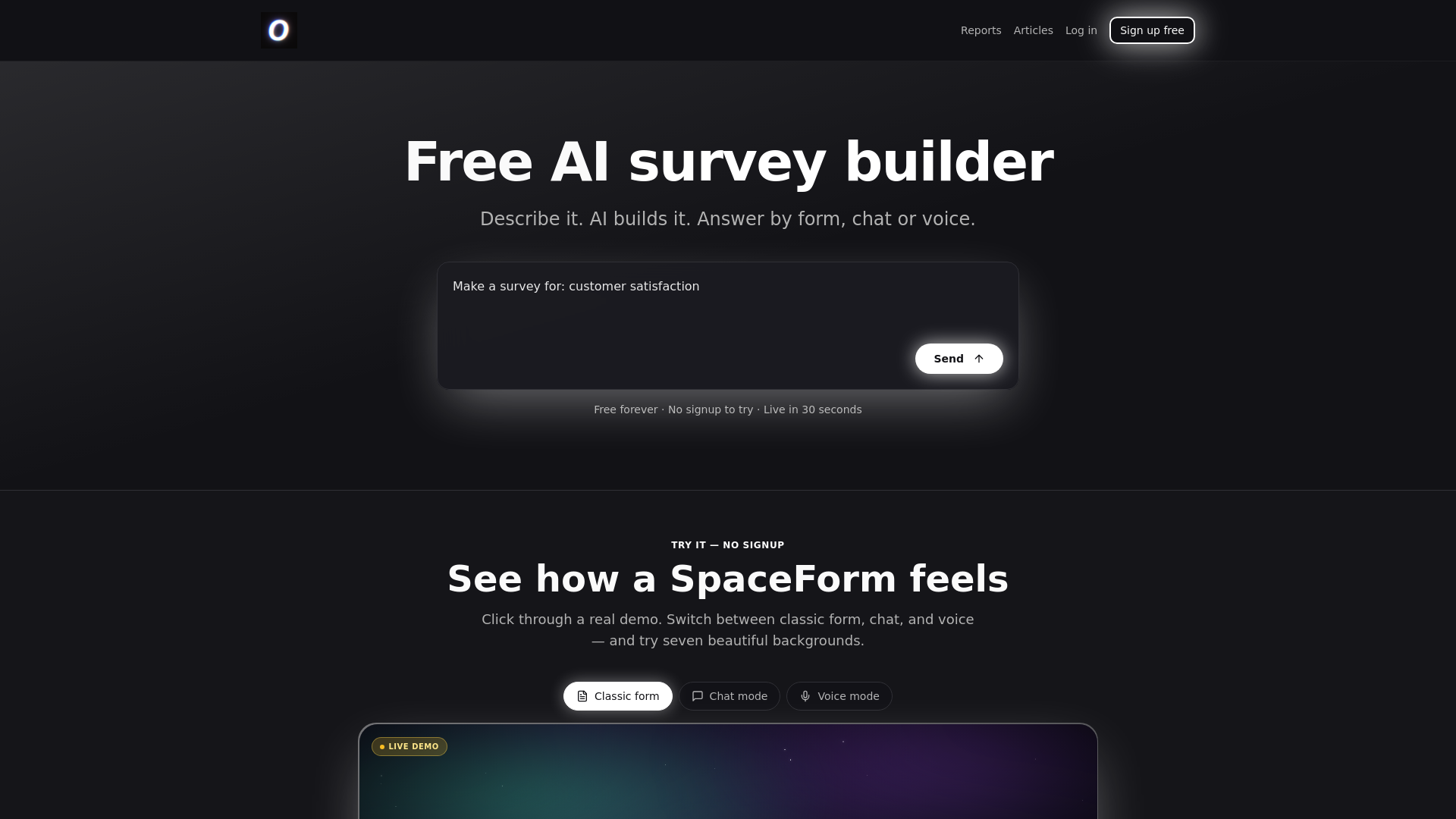
Tio caters to users looking for streamlined, specialized survey solutions that prioritize specific regional or workflow requirements without the bloat of enterprise suites.
Core Features and Capabilities
Tio focuses on clean, distraction-free deployments, making it easy to embed surveys into web pages or share them via direct links. Its lightweight architecture ensures rapid loading times for respondents on mobile devices or slower network connections.
Limitations of the Free Tier
Compared to industry giants like Google Forms or Jotform, Tio lacks deep ecosystem integrations and an extensive template library. Users seeking advanced automation, multi-language translation, or complex piping logic will find the free feature set relatively bare-bones.
How to Choose the Right Platform for Your Project
Selecting the best survey platform requires aligning your technical requirements with the constraints of available free tiers. Use this step-by-step evaluation framework to make your decision.
1. Estimate Your Volume Requirements
Calculate your expected response rate before building anything. If you anticipate hundreds or thousands of submissions, Google Forms or Jotform are the only viable free contenders. Selecting Typeform or SurveyMonkey for high-volume projects will instantly trigger strict response caps.
2. Assess Question Complexity and Logic Needs
Determine whether a simple linear questionnaire suffices or if you need advanced logic. If you require branching logic—where respondents see different questions based on their previous answers—test platforms carefully, as many free tiers lock conditional routing behind paywalls.
3. Verify Data Export and Compliance Standards
Check how you intend to analyze the data. If you require raw CSV or Excel downloads for statistical software processing, platforms that restrict data exports to paid plans should be avoided. Additionally, if you collect sensitive personal information, verify whether the platform complies with regional privacy regulations such as GDPR or HIPAA.
Common Mistakes to Avoid When Using Free Survey Tools
Many creators run into avoidable pitfalls when deploying free surveys. Being aware of these common missteps saves time and preserves data integrity.
- Failing to test mobile responsiveness: Over half of all survey respondents answer via smartphones. Always preview your survey on mobile viewports to ensure buttons do not overlap and text remains readable.
- Ignoring response caps until it is too late: Forgetting that a platform limits total lifetime responses can result in lost data once a campaign gains traction. Monitor your submission counts closely.
- Asking too many questions: Completion rates drop sharply when surveys exceed five minutes in length. Keep questions concise and focused exclusively on actionable data.
- Neglecting data backup: Relying solely on a platform's cloud storage without downloading local backups risks losing access if account terms change or unexpected technical glitches occur.
Frequently Asked Questions
Can I remove third-party branding on free survey plans?
Most free survey tiers display the platform's logo or branding at the bottom of the form. To remove this branding, you generally need to upgrade to a paid subscription plan. Google Forms is a notable exception, as it does not display intrusive commercial branding on standard forms.
Are free survey platforms compliant with data privacy laws?
Compliance varies significantly by provider. While major platforms like Google and Jotform offer robust security measures and options for GDPR compliance, free tiers may not include Business Associate Agreements (BAAs) required for medical data under HIPAA regulations. Always review the provider's privacy policy regarding data handling.
What happens to my data if I exceed the free response limit?
Different platforms handle limit breaches in different ways. Some temporarily pause your form and stop accepting new submissions until the next billing cycle, while others allow responses to accumulate but restrict your ability to view or export data past the threshold.
Can I collaborate with team members on a free survey account?
Collaboration features such as multi-user editing and shared workspaces are frequently limited on free tiers. While Google Forms allows seamless collaboration through Google Drive sharing, platforms like SurveyMonkey and Typeform generally restrict team access to paid enterprise plans.
Is it possible to embed free surveys directly into a website?
Yes. Most modern survey platforms provide HTML iframe snippets or dedicated plugins that allow you to embed forms directly into WordPress, Shopify, or custom-coded websites without requiring a paid account.
Conclusion and Next Actions
Selecting the best free survey platform comes down to balancing volume, design, and data export needs. For high-volume data collection with zero financial overhead, Google Forms remains unmatched. If design aesthetics and engagement take priority over volume limitations, Typeform or Jotform provide compelling visual alternatives, provided you can manage their strict response caps.
Begin by outlining your maximum expected response count and required question types. Test-drive two contrasting platforms by building a short draft survey to evaluate their user interfaces firsthand before launching your full data collection campaign.