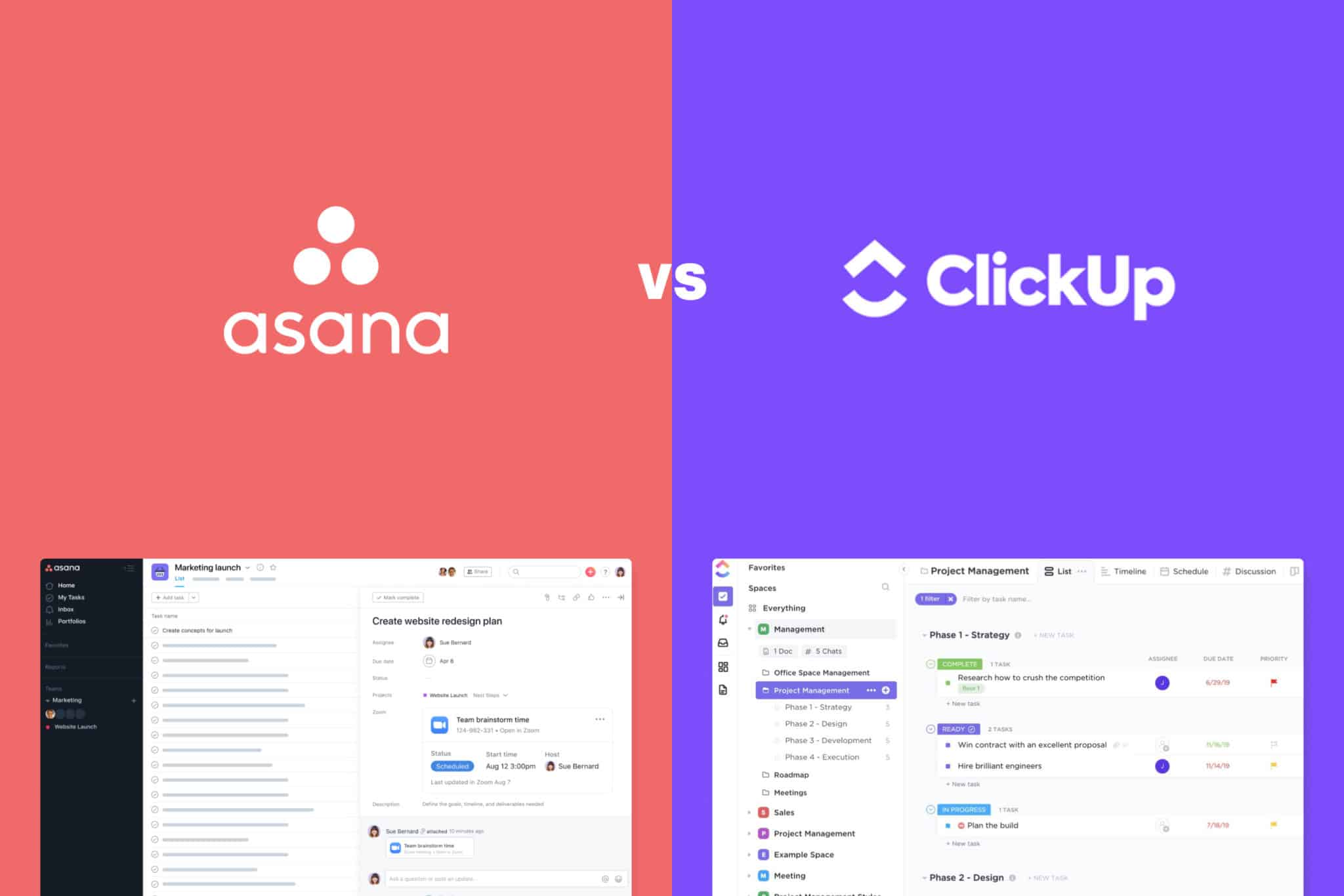
Choosing between Asana and Harvestr requires distinguishing between a robust general-purpose project management platform and a specialized product management feedback and roadmapping tool. While Asana offers comprehensive organizational features for cross-departmental task tracking, Harvestr provides targeted infrastructure for centralizing customer feedback and aligning product development with user needs.
Defining the Scope: Project Management vs. Product Discovery
To understand the difference between Asana and Harvestr, one must first categorize their primary domains. Asana is a multifaceted work management platform designed to help teams orchestrate projects, manage workflows, and track cross-functional collaboration. It operates on the logic of tasks, subtasks, milestones, and timeline visualizations. Its flexibility allows it to serve marketing agencies, human resources departments, and engineering teams alike, provided the workflow is task-oriented.
Harvestr, conversely, is built specifically for product teams. It functions as a product discovery and roadmap alignment engine. Its core value proposition is not just tracking whether a task is complete, but determining why a task should exist in the first place based on structured customer data. If your primary challenge is managing the delivery of known projects, Asana is likely the intended tool. If your primary challenge is prioritizing what to build based on user pain points and feature requests, Harvestr addresses that specific bottleneck.
Core Functionality and Workflow Integration
Asana’s architecture is built around the "Project" entity. Users create lists, boards, or Gantt-style timelines to track progress. Automation rules allow for moving tasks between columns or assigning them to users based on status changes. Its strength lies in its ability to manage the "who, what, and when" of organizational operations. By 2026, Asana has refined its "Goals" integration, allowing leadership to map individual task completion to high-level organizational objectives, creating a top-down visibility structure.
Harvestr operates with a focus on "Inputs" and "Roadmap Alignment." It integrates with communication channels (like Slack, email, or CRMs) to ingest customer feedback. This feedback is then linked to specific product features. The platform is designed to answer the product manager’s question: "Which feature has the highest number of customer requests, and how does this align with our strategic goals?" Unlike Asana, which assumes the project definition is already established, Harvestr acts as a filter that helps you define the project before it ever reaches a development queue.
Comparative Feature Analysis
To evaluate which tool fits your organization’s 2026 operational stack, consider the following comparison table highlighting key functional differences:
| Feature | Asana | Harvestr |
|---|---|---|
| Primary Focus | General Task & Project Management | Product Discovery & Feedback Loop |
| Feedback Management | Manual (via Custom Fields/Tasks) | Native (Automated Ingestion & Tagging) |
| Roadmapping | Timeline and Calendar Views | Strategic Prioritization & Scoring |
| Target Audience | Cross-functional Teams (HR, Sales, Ops) | Product Managers & Product Teams |
| Integration Logic | Broad (Slack, Jira, Salesforce) | Deep (Zendesk, Intercom, Jira, GitHub) |
| Goal Tracking | High-level Org/Company Objectives | Feature Impact on Customer Segments |
The "Asana vs Harvestr" Use Case Evaluation
When to Choose Asana
Asana is the superior choice for organizations that need a "source of truth" for execution. If your organization struggles with missed deadlines, lack of accountability, or unclear ownership of projects, Asana provides the structure to hold team members accountable. It shines in environments where multiple stakeholders—not just product teams—need to see the status of complex workflows. Because it is highly configurable, it can be adapted to manage everything from content calendars to complex software releases, provided you are willing to spend the time to set up your board logic.
When to Choose Harvestr
Harvestr is essential for organizations that suffer from "feature factory" syndrome—where developers ship code that does not necessarily solve the most urgent user problems. If your team is overwhelmed by fragmented feedback coming from support tickets, sales calls, and social media, Harvestr acts as a central repository to organize this chaos. It bridges the gap between customer-facing teams and the product roadmap. It is not designed to track the daily tasks of a designer or an office manager; it is designed to ensure that the time spent by engineers is invested in the features that drive the most customer value.
Operational Limitations and Trade-offs
Neither tool is a silver bullet. Asana often suffers from "configuration fatigue." Because the tool is so flexible, teams often over-engineer their project structures, leading to boards that are too complex to maintain. This requires a dedicated "champion" or administrator to keep workflows clean. Asana’s reporting is powerful, but extracting deep insights about strategic value requires significant manual upkeep of custom fields and data points.
Harvestr, while highly specialized, is limited by its narrow focus. It will not manage your company's holiday calendar, track HR onboarding tasks, or serve as a general task-management portal for non-product departments. If your organization tries to use Harvestr to manage non-product work, the tool will fail because it lacks the necessary granularity for general work management. Therefore, many mature organizations maintain both: they use Harvestr to define the "What" and "Why" of the product, and they push those validated items into Asana (or a similar tool like Jira) for execution.
Integration Strategies for 2026
By 2026, the maturity of APIs has made it common for teams to use both tools in tandem. A typical workflow involves:
- Feedback Ingestion: Harvestr collects feedback from support and sales channels.
- Prioritization: Product managers use Harvestr’s scoring metrics to decide which features reach the roadmap.
- Execution Handoff: Once a feature is "approved," it is pushed via API integration into Asana.
- Execution: Project managers within Asana track the development, design, and release tasks.
- Feedback Loop: Once the task is marked "Complete" in Asana, it triggers a notification back to the customer-facing teams in Harvestr to inform the users who originally requested the feature.
This bi-directional workflow ensures that the product roadmap remains grounded in reality while the execution remains transparent and organized.
FAQ: Frequently Asked Questions
Is Harvestr a replacement for Asana?
No. Harvestr is a specialized product discovery tool. While it can track tasks related to features, it lacks the broad-spectrum project management capabilities, such as resource management, team workload balancing, and non-product-related workflow automation, that Asana provides.
Can I use Asana for product feedback?
You can, but it requires significant manual setup. You would need to create a dedicated project for feedback, use custom fields for categorization, and manually tag inputs. This is often inefficient at scale compared to Harvestr’s automated ingestion and sentiment analysis features.
Does Harvestr integrate with Asana directly?
Yes, most product-centric organizations utilize the integrations between product discovery platforms and project management tools. Check the official Harvestr integration directory for the most current configuration steps, as API capabilities for status syncing often see minor updates throughout the year.
How do I measure the ROI of these tools?
The ROI for Asana is typically measured by "time saved on status meetings" and "reduction in missed deadlines." The ROI for Harvestr is measured by "increased product-market fit" and "reduction in time spent debating which features to prioritize."
Are these tools suitable for small startups?
Startups often find Asana’s free tier sufficient for early-stage coordination. Harvestr is usually a higher-tier investment meant for teams that have reached a volume of feedback that can no longer be managed in a simple spreadsheet.
Final Recommendation
If your organization is looking for a comprehensive, organization-wide tool to track daily operations, start with Asana. It provides the foundational structure that growing teams need to stay aligned. If you are already established and notice that your product development cycle is disconnected from actual customer pain points, integrate Harvestr as a specialized layer specifically for your product managers. Do not attempt to force one into the role of the other; the most efficient teams in 2026 recognize that the best results come from using the right tool for the specific stage of the product lifecycle.