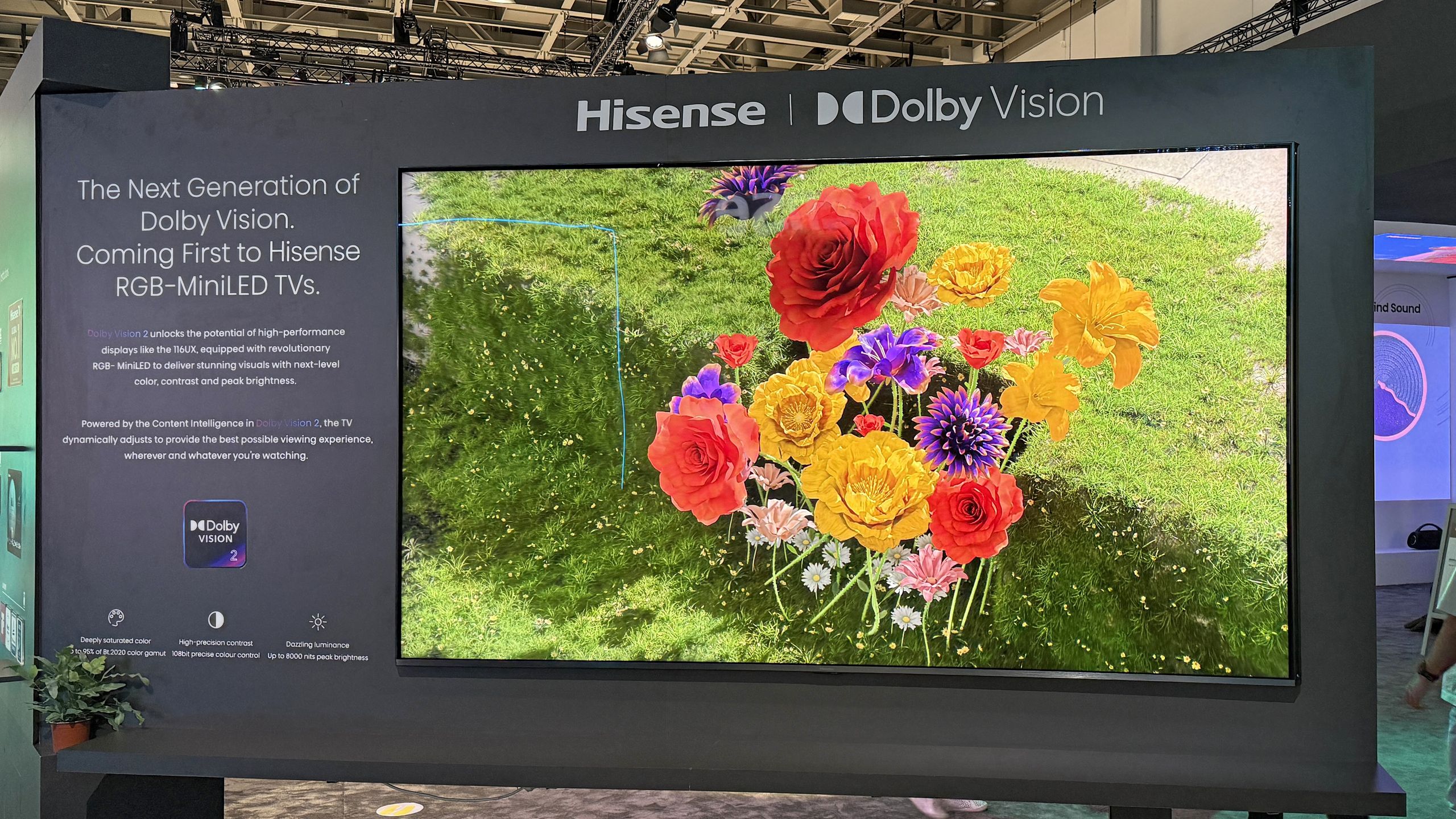
Apple TV 4K supports Dolby Vision across all hardware generations released to date, including the 1st Gen (2017), 2nd Gen (2021), and 3rd Gen (2022) models. This high-dynamic-range (HDR) format utilizes dynamic metadata to optimize picture quality scene-by-scene or even frame-by-frame, ensuring superior contrast, color accuracy, and brightness on compatible 4K televisions.
Understanding Dolby Vision Support on Apple TV
As of 2026, the Apple TV 4K remains one of the premier streaming devices for enthusiasts seeking the highest possible visual fidelity. While the standard Apple TV HD (released in 2015) is limited to 1080p SDR (Standard Dynamic Range), the 4K lineup was built specifically to leverage the power of Dolby Vision.
Dolby Vision is a proprietary HDR format developed by Dolby Laboratories. Unlike standard HDR10, which uses "static" metadata—meaning it sets a single brightness and color instruction for the entire duration of a movie—Dolby Vision is "dynamic." This allows the content creator to dictate exactly how bright or dark specific scenes should be, tailored to the capabilities of the display. When an Apple TV supports Dolby Vision, it acts as the "source" or "player," processing this metadata and sending it to your television.
The primary benefit for the viewer is the preservation of detail in both the darkest shadows and the brightest highlights. On a high-quality OLED or Mini-LED display, this results in an image that looks remarkably lifelike, with nuanced gradations of color that SDR simply cannot replicate.
Hardware Requirements for Dolby Vision
Simply owning an Apple TV 4K does not guarantee a Dolby Vision experience. The entire signal chain—the streaming device, the cable, and the display—must be compatible with the format. If any single link in this chain fails to support the protocol, the system will typically "handshake" down to a lower format, such as HDR10 or standard SDR.
1. Compatible Apple TV Models
The following models are hardware-certified for Dolby Vision:
- Apple TV 4K (3rd Generation, 2022): Supports Dolby Vision, HDR10+, and HDR10. Available in Wi-Fi and Wi-Fi + Ethernet configurations.
- Apple TV 4K (2nd Generation, 2021): Supports Dolby Vision and HDR10 at high frame rates.
- Apple TV 4K (1st Generation, 2017): The original 4K model that introduced Dolby Vision support to the Apple ecosystem.
2. Television Compatibility
Your television must be licensed for Dolby Vision. While most major manufacturers like LG, Sony, TCL, and Hisense support Dolby Vision on their mid-to-high-end sets, there is one notable exception: Samsung. As of 2026, Samsung continues to favor HDR10+, a competing dynamic metadata format. If you connect an Apple TV 4K to a Samsung TV, you will generally receive HDR10 or HDR10+ (on supported newer Apple TV models), but not Dolby Vision.
3. HDMI Cable Specifications
Dolby Vision requires significant bandwidth, especially when combined with high frame rates (60Hz) and 4:2:2 chroma subsampling. To ensure a stable signal, you must use a Certified Premium High Speed HDMI cable (supporting 18Gbps) or, ideally, an Ultra High Speed HDMI cable (supporting 48Gbps). Cables that are old or poorly shielded will often cause "sparkles," periodic black screens, or a total failure to trigger the Dolby Vision logo on your TV.
Technical Comparison of Apple TV 4K Generations
The following table outlines how different Apple TV 4K models handle high-dynamic-range content and the specific technical standards they support.
| Feature | Apple TV 4K (1st Gen) | Apple TV 4K (2nd Gen) | Apple TV 4K (3rd Gen) |
|---|---|---|---|
| Release Year | 2017 | 2021 | 2022 |
| Dolby Vision Support | Yes (up to 30fps) | Yes (up to 60fps) | Yes (up to 60fps) |
| HDR10+ Support | No | No | Yes |
| HDMI Version | HDMI 2.0a | HDMI 2.1 | HDMI 2.1 |
| Processor | A10X Fusion | A12 Bionic | A15 Bionic |
| Maximum Resolution | 2160p (4K) | 2160p (4K) | 2160p (4K) |
How to Enable and Optimize Dolby Vision in tvOS
Once the hardware is connected, you must configure the Apple TV software (tvOS) to deliver the best possible image. Apple provides several settings that dictate how the device handles dynamic range.
The "Match Content" Setting
This is arguably the most important setting for any home theater enthusiast. By default, the Apple TV may try to force your entire interface (menus and icons) into Dolby Vision. This can make the home screen look artificially bright or "off."
To fix this, navigate to Settings > Video and Audio > Match Content. You will see two options:
- Match Dynamic Range: When turned on, the Apple TV will switch its output to match the original format of the content. If you watch a SDR documentary, the TV stays in SDR. If you start a Dolby Vision movie on Apple TV+, the device will automatically trigger the TV's Dolby Vision mode.
- Match Frame Rate: This ensures the Apple TV outputs at the native frame rate of the content (e.g., 24fps for film), preventing "judder" during panning shots.
Calibrating with Color Balance
Apple offers a unique feature that uses your iPhone’s FaceID camera to calibrate the color output of the Apple TV. While this does not change the Dolby Vision metadata itself, it helps ensure that the colors being sent to your TV are as accurate as possible based on your specific display's performance. You can find this under Settings > Video and Audio > Calibration. Note that this feature is typically disabled when the TV is already in Dolby Vision mode, as Dolby Vision uses its own internal mapping logic.
Where to Find Dolby Vision Content
As of 2026, the library of Dolby Vision content has expanded significantly. Almost every major streaming service now utilizes this format for their flagship titles.
- Apple TV+: Nearly 100% of the original content on Apple’s own service, including "Ted Lasso," "Foundation," and "Severance," is mastered in 4K Dolby Vision.
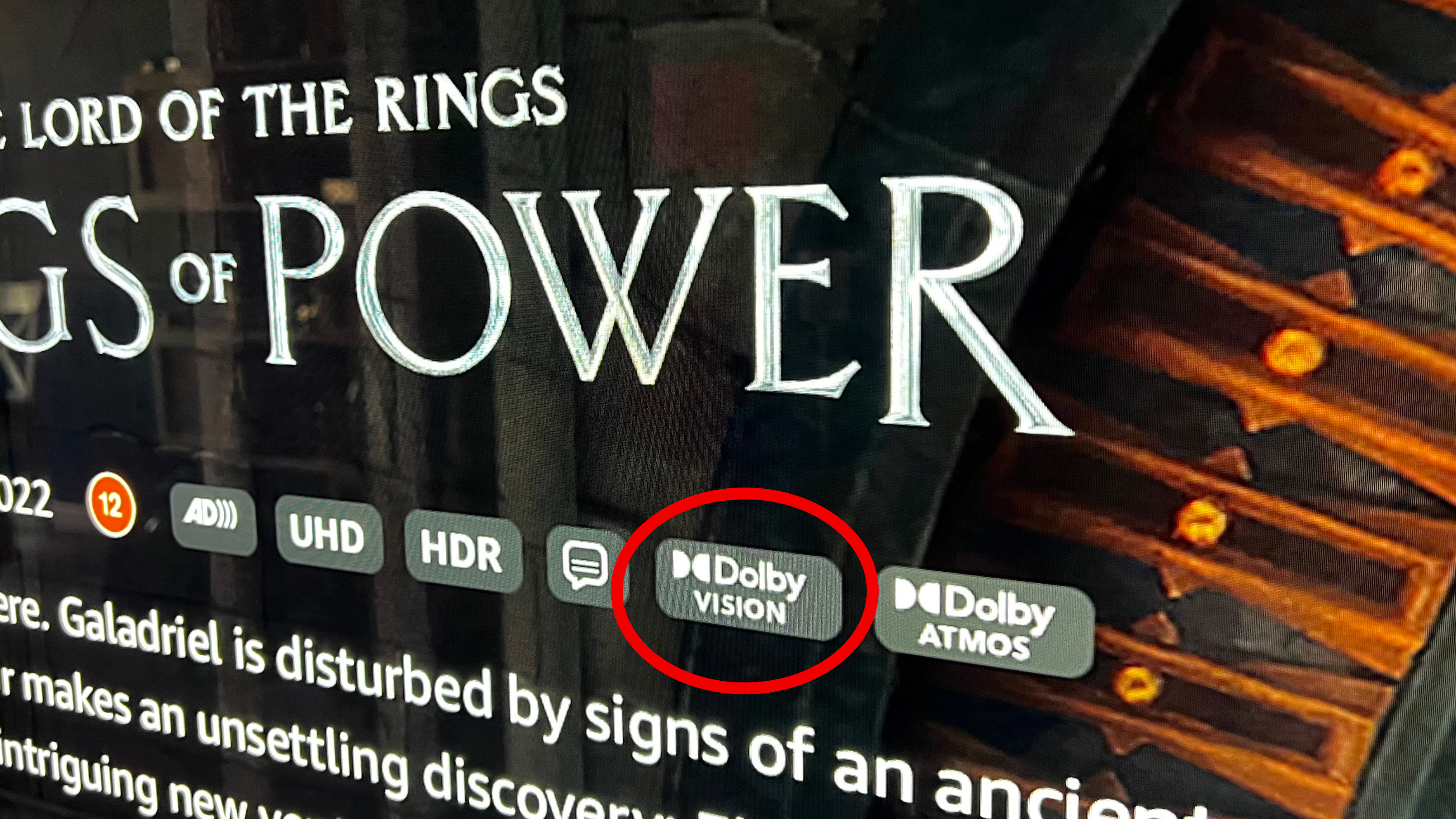
- Netflix: Requires the "Premium" Ultra HD plan. Look for the Dolby Vision icon next to the title description.
- Disney+: Almost the entire Marvel Cinematic Universe (MCU) and Star Wars catalog is available in Dolby Vision.
- Max (formerly HBO Max): High-budget series like "House of the Dragon" and theatrical releases are presented in the format.
- Physical Media & Digital Purchases: Movies purchased through the Apple TV app (iTunes) often include Dolby Vision at no extra cost, making it one of the most cost-effective ways to build a high-quality library.
Common Troubleshooting Steps
If your Apple TV supports Dolby Vision but you aren't seeing the results you expect, consider these common pitfalls:
The "Black Screen" or Flickering
This is almost always a result of HDMI cable bandwidth limitations. Dolby Vision at 60Hz pushes the limits of standard cables. If you experience flickering, go to Settings and try lowering the resolution to 4K Dolby Vision 30Hz or 24Hz. If the flickering stops, your cable is the culprit and needs to be replaced with a certified 18Gbps or 48Gbps version.
TV Settings (HDMI Deep Color)
Many TVs require you to manually enable "Enhanced Format" or "HDMI Ultra HD Deep Color" for the specific HDMI port you are using. If this is turned off, the TV will tell the Apple TV that it only supports standard SDR, and the Dolby Vision option will not appear in the Apple TV menu.
Receiver/Soundbar Pass-through
If your Apple TV is plugged into a Soundbar or AV Receiver, which then connects to the TV, the intermediary device must support Dolby Vision pass-through. If you have an older receiver from before 2018, it may strip the Dolby Vision metadata, leaving you with standard HDR10 or SDR. To test this, plug the Apple TV directly into the television and use eARC (Enhanced Audio Return Channel) to send the audio back to your sound system.
Comparison: Dolby Vision vs. HDR10+
While Apple TV supports Dolby Vision, the 3rd Generation 4K model also added support for HDR10+. This is important for users with Samsung televisions.
- Dolby Vision: Uses 12-bit color depth (downsampled to 10-bit for current consumer panels) and dynamic metadata. It is widely considered the industry "gold standard."
- HDR10+: An open-standard alternative to Dolby Vision. It also uses dynamic metadata but is less common in streaming services, though it is used extensively by Amazon Prime Video.
By supporting both, the latest Apple TV ensures that regardless of which high-end TV brand you own, you are likely to get a dynamic HDR experience.
Frequently Asked Questions
Does every 4K TV support Dolby Vision?
No. While many brands like LG, Sony, and Vizio support it, others do not. Most notably, Samsung TVs do not support Dolby Vision; they use HDR10+ instead. Always check the technical specifications of your television to confirm "Dolby Vision" is explicitly listed.
Can I get Dolby Vision on the Apple TV HD?
No. The Apple TV HD (the 1080p model) does not have the processing power or the HDMI 2.0/2.1 port required to output 4K or any form of High Dynamic Range, including Dolby Vision.
Why does the picture look darker in Dolby Vision?
Dolby Vision is designed to reflect the director's intent. In many cases, this means the overall average picture level (APL) is lower to allow for significant "headroom" for bright highlights (like a sunset or a flashlight). If it looks too dark, ensure your TV is not in a "Power Saving" mode and that the "Dolby Vision Bright" or "Dolby Vision Cinema Home" preset is selected on your television settings.
Do I need a special HDMI port for Dolby Vision?
Generally, any HDMI 2.0 port or newer will work. However, on some older 4K TVs, only HDMI ports 1 and 2 support the full bandwidth required for HDR. Consult your TV manual to see if specific ports are designated as "Best" or "Enhanced."
Does Dolby Vision work with projectors?
Dolby Vision support in the projector market is limited but growing. Because projectors have lower peak brightness than OLED or LED TVs, the implementation of Dolby Vision is more complex. High-end models from brands like Formovie or AWOL support it, but many traditional home theater projectors still rely on HDR10 with custom tone mapping.
Final Recommendation for Users
To maximize the visual potential of your Apple TV, we recommend using an Apple TV 4K (3rd Gen) paired with a high-quality OLED or Mini-LED TV that supports Dolby Vision. Ensure you are using an Ultra High Speed 48Gbps HDMI cable to prevent signal dropouts. Finally, always enable the "Match Dynamic Range" setting in tvOS to ensure that your TV only switches into Dolby Vision when the content actually demands it, preserving the intended look of standard definition content and the longevity of your display.