Locating your Allstate auto insurance policy number is a straightforward process, as the number typically consists of a 9-to-10-digit numeric string found on your insurance identification card, declarations page, or billing statements. These documents serve as the formal record of your coverage, and Allstate utilizes this unique identifier to maintain account security, process claims, and verify valid insurance status across all digital and physical platforms.
The Role of the Policy Number in Insurance Administration
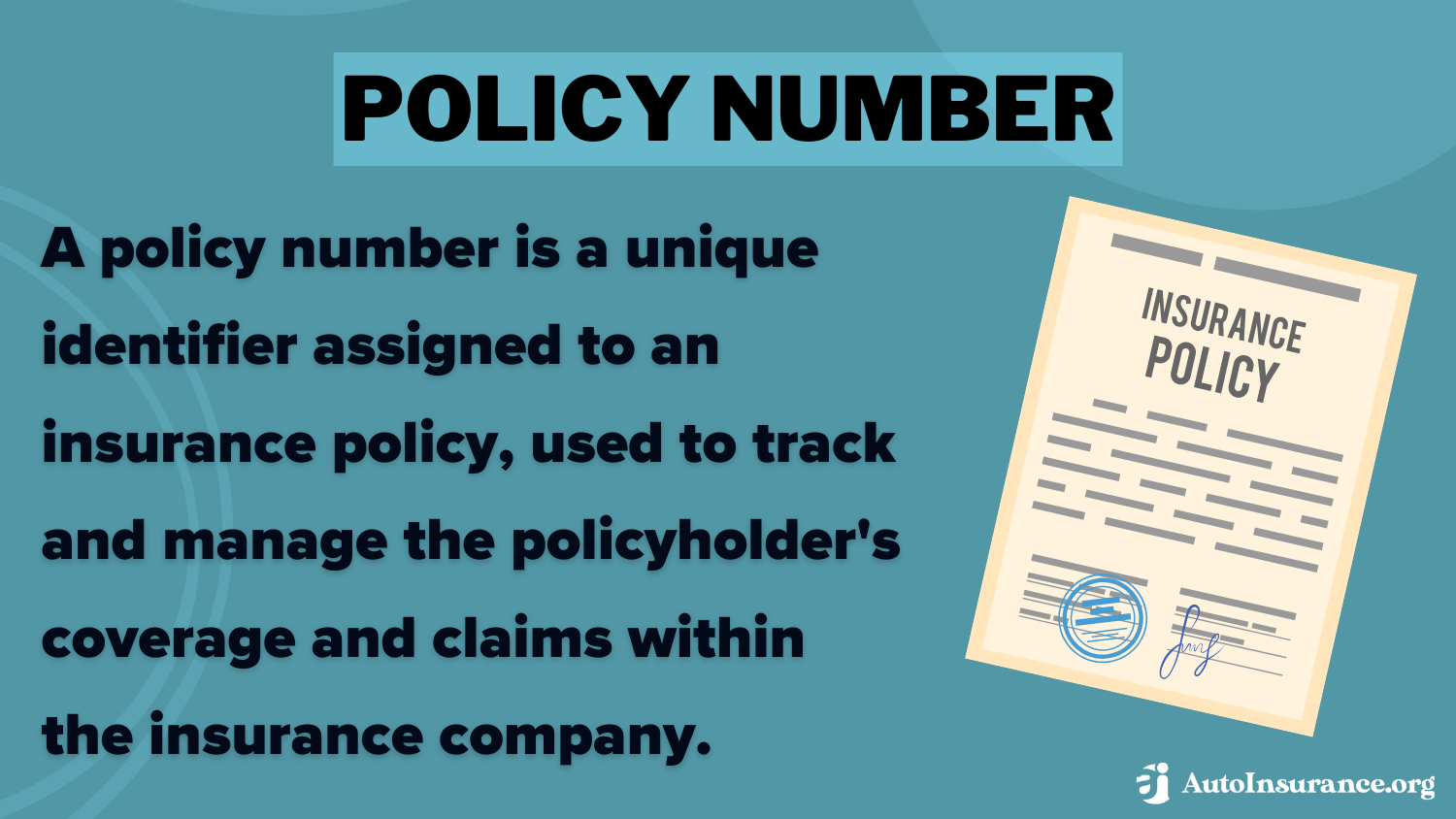
A policy number serves as the foundational key for any insurance relationship. For Allstate policyholders, this unique identifier acts as the primary index for the company's internal databases. When you interact with customer support, submit a claim, or update your coverage, your policy number allows representatives to pull your specific risk profile, premium history, and the precise declarations of your policy immediately.
From a technical standpoint, the policy number is distinct from other identifiers such as your Social Security number or your vehicle identification number (VIN). While those identifiers provide context about the insured or the covered object, the policy number bridges the two. It is designed to be persistent; although your premiums may fluctuate or your vehicle fleet may change, your policy number often remains consistent over the duration of your contract, provided you maintain continuous coverage.
Locating Your Policy Number on Physical Documentation
If you are looking for your policy number, the most reliable source is your insurance identification card. Allstate issues this card upon the initiation or renewal of every policy term. The policy number is usually printed clearly on the front of the card, often labeled simply as "Policy Number" or "Policy #."
If the ID card is unavailable, the "Declarations Page" (often referred to as the "Dec Page") is the definitive document for your policy. This document is provided to you at the start of your policy term and again upon every renewal. It contains a comprehensive summary of your coverage, including:
- Policyholder information and names of covered drivers.
- The specific vehicles covered under the policy.
- The limits of liability and deductible amounts.
- The unique policy number assigned to your account.
Billing statements also contain this information. If you receive paper bills from Allstate, check the header or the account summary section. The policy number is generally positioned prominently at the top to ensure that your payments are credited to the correct account without manual intervention.
Digital Retrieval and Online Account Access
In 2026, the majority of Allstate policy management occurs through the Allstate Mobile app or the company’s official web portal. If you have previously registered for an online account, retrieving your policy number is highly efficient.
- Log in: Access your account via the Allstate website or the mobile application using your established credentials.
- Dashboard View: Once authenticated, your policy number is typically displayed on the primary dashboard or the "My Policy" tab.
- Digital Wallet: The mobile app features a digital wallet or "ID Card" section. By navigating to this area, you can view a virtual representation of your insurance ID card, which includes your policy number in a clear, readable format.
If you have never registered for an online account, you will need your policy number to complete the initial setup. In this scenario, you must rely on the physical documentation mentioned in the previous section or contact a local Allstate agent. Agents can verify your identity through alternative means, such as your driver’s license number or full legal name and date of birth, and then provide your policy number securely.
Troubleshooting Missing or Unclear Policy Numbers
It is not uncommon for policyholders to encounter issues when attempting to locate a policy number, particularly during emergency situations like a roadside accident. If your documents are lost or damaged, consider these steps:
- Contact Your Agent: Every Allstate policy is associated with a specific agent or office. Calling this office is often faster than contacting the general corporate customer service line. Your agent can print a new copy of your declarations page or email you a digital copy.
- Verify the Term: Ensure the documentation you are looking at is for the current policy period. Old, expired documents may contain different policy numbers if a significant policy change or a move to a new state necessitated a complete account restructuring.
- Check Automated Emails: If you signed up for paperless billing, check your email inbox for correspondence from Allstate. Search terms like "Allstate Renewal" or "Allstate Statement" often yield the necessary policy details.
Security and Data Privacy Considerations
Your insurance policy number is sensitive information. It provides access to details regarding your financial status, driving history, and physical address. Consequently, Allstate requires stringent verification processes before disclosing this number over the phone.
Be wary of third-party websites that claim to help you "find" your policy number. Official communication will only come through the official Allstate domain or directly from your assigned agent’s office. If you are asked to provide your policy number on an external or unverified website, do not proceed. Always ensure you are on the secure, encrypted site when entering your credentials to retrieve policy documents.
Comparison of Policy Documentation Access Methods
| Method | Access Speed | Security Level | Requirement |
|---|---|---|---|
| Mobile App | Instant | High | Established Online Account |
| Agent Call | Moderate | Very High | Identity Verification |
| Paper Dec Page | Varies | Physical Control | Physical Document Access |
| Web Portal | Instant | High | Established Online Account |
Frequently Asked Questions (FAQ)
Can I use my Social Security number instead of my policy number? No. While an Allstate representative can use your Social Security number to locate your account, it cannot be used as a substitute for your policy number in any automated system or as proof of insurance.
Does my policy number change if I add a new car? Generally, no. Adding a vehicle to an existing policy typically results in a revision of your declarations page rather than a change to your policy number. The policy number is tied to the contract itself, not the individual vehicles covered.
Why is my policy number length different from someone else's? Allstate policy numbers are generated based on internal administrative structures. While most personal auto policies follow a standard digit format, variations in regional offices, commercial policies, or legacy system accounts can result in different numbering conventions.
What should I do if I find an error in my policy number on an official document? If you suspect there is a typo or an error on your declarations page or ID card, contact your agent immediately. They can request a correction from the underwriting department to ensure that your records are accurate for future claims or regulatory reporting.
Can I get my policy number from the DMV? The Department of Motor Vehicles (DMV) typically requires you to provide them with your policy number to verify insurance coverage. They do not maintain a service to provide you with your policy number if you have lost it. You must obtain this information directly from your insurer.
Practical Next Actions
If you are currently unable to find your Allstate auto insurance policy number, your immediate action should be to access your online account portal. If you do not have an online account, use the "Register" function on the official Allstate website; you will likely need your driver’s license number to verify your identity. If this is not an option, contact your local agent during business hours. Once you have the number, save it in a secure location, such as a password-protected document or a physical file that is easily accessible in case of an emergency. Maintaining a digital copy of your declarations page in a cloud-based folder can also provide a reliable fail-safe for when physical copies are unavailable.